Features
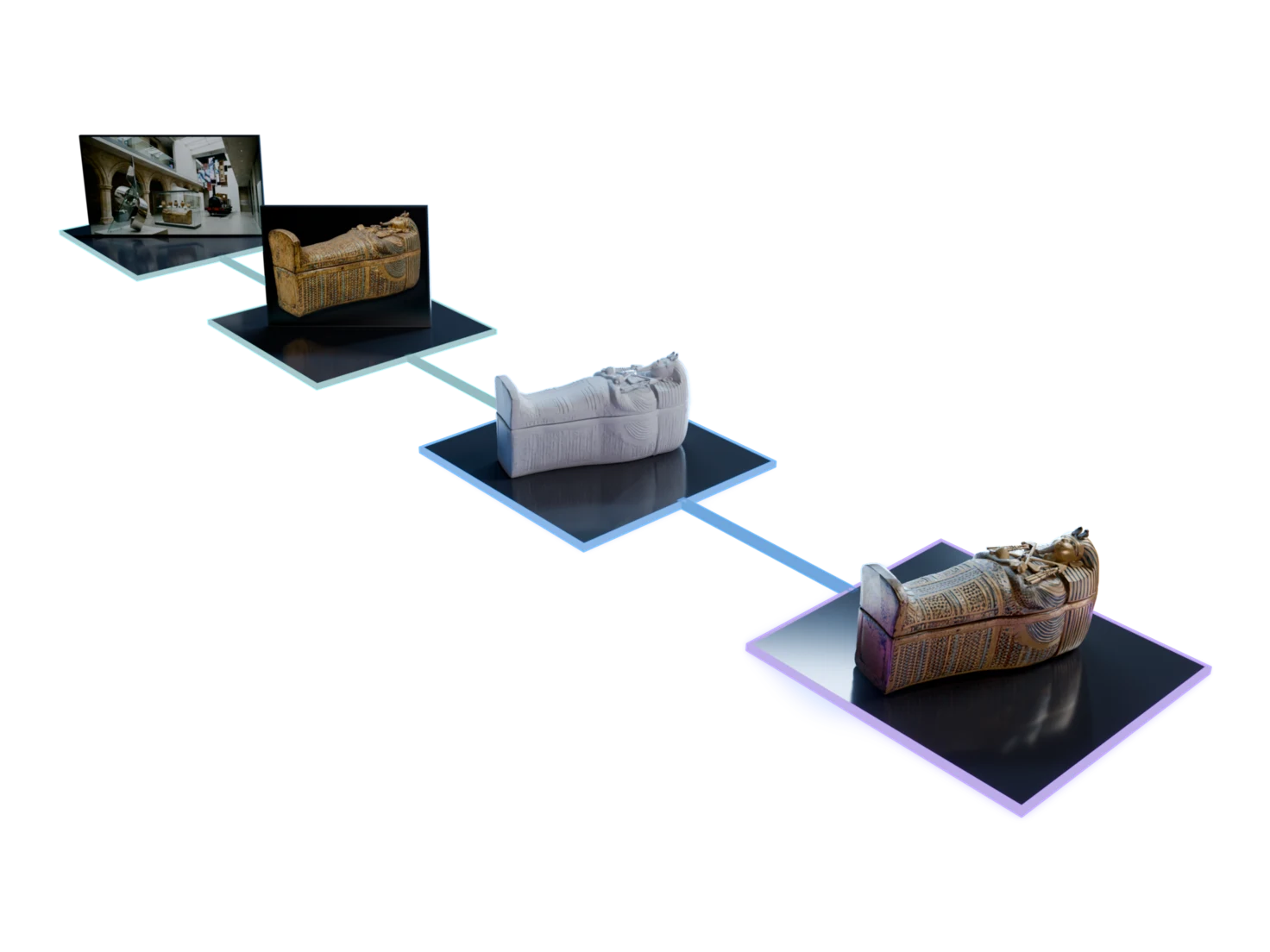
Every step from one image to a finished 3D asset
01
Start from an image
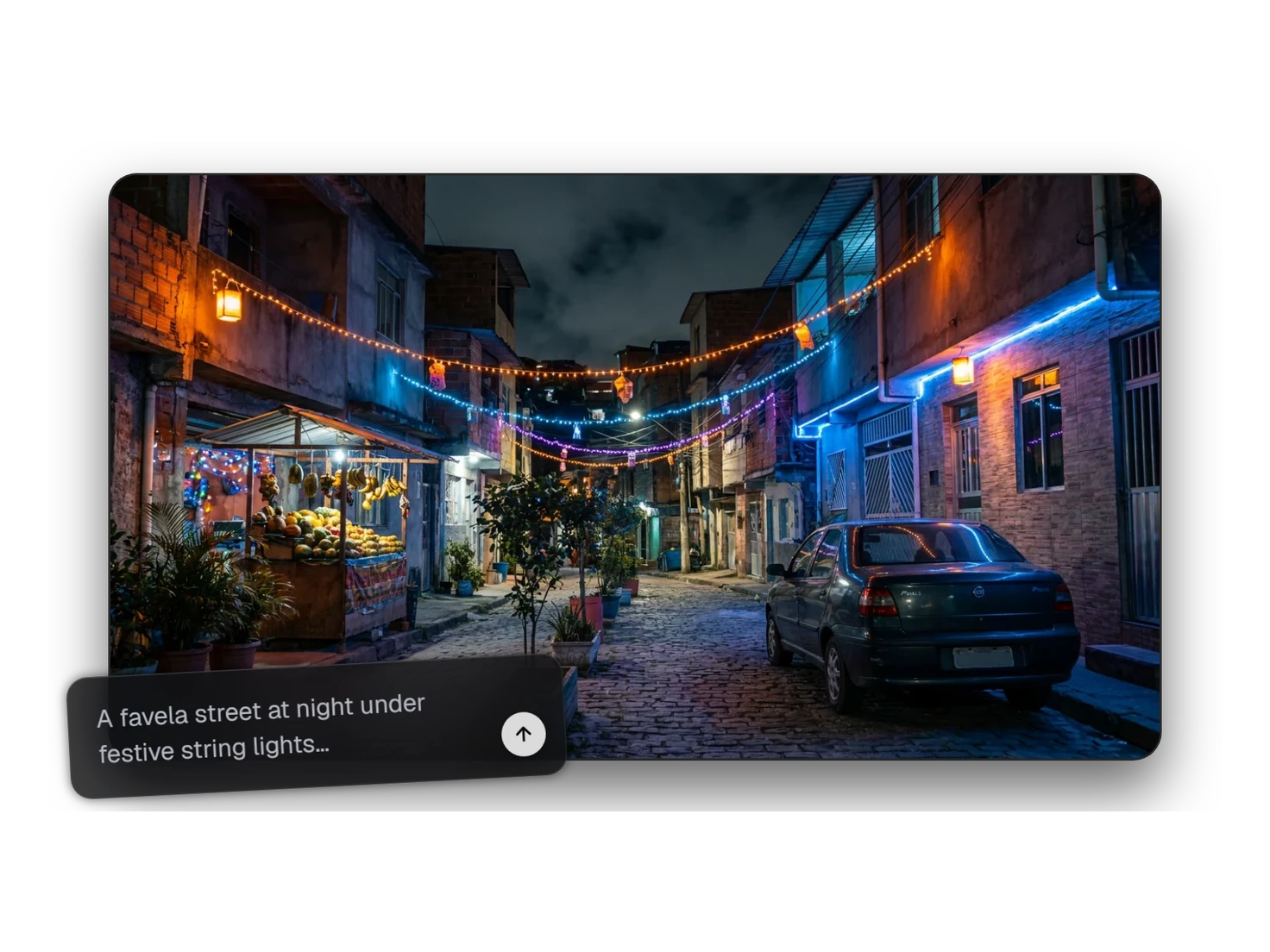
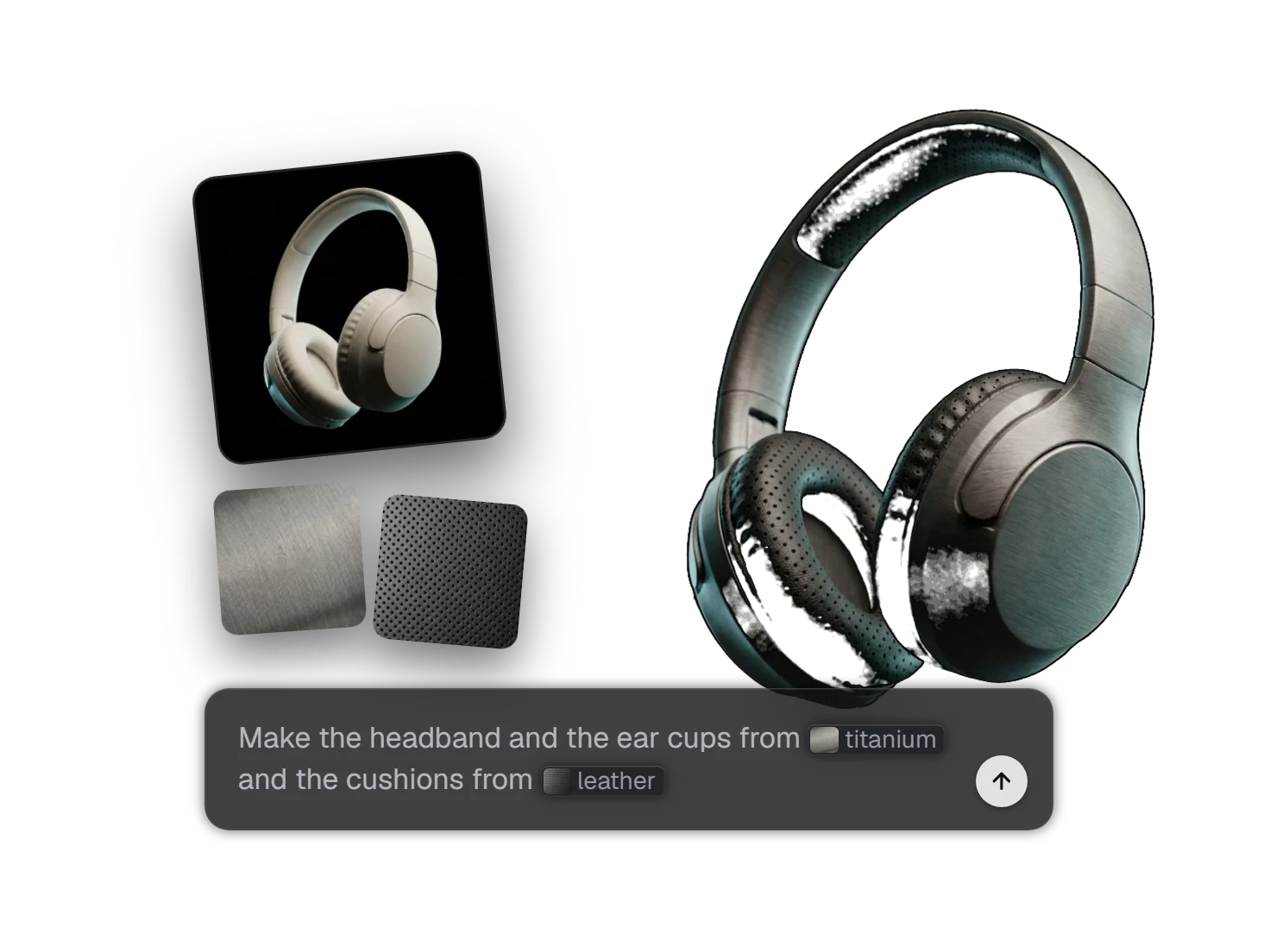
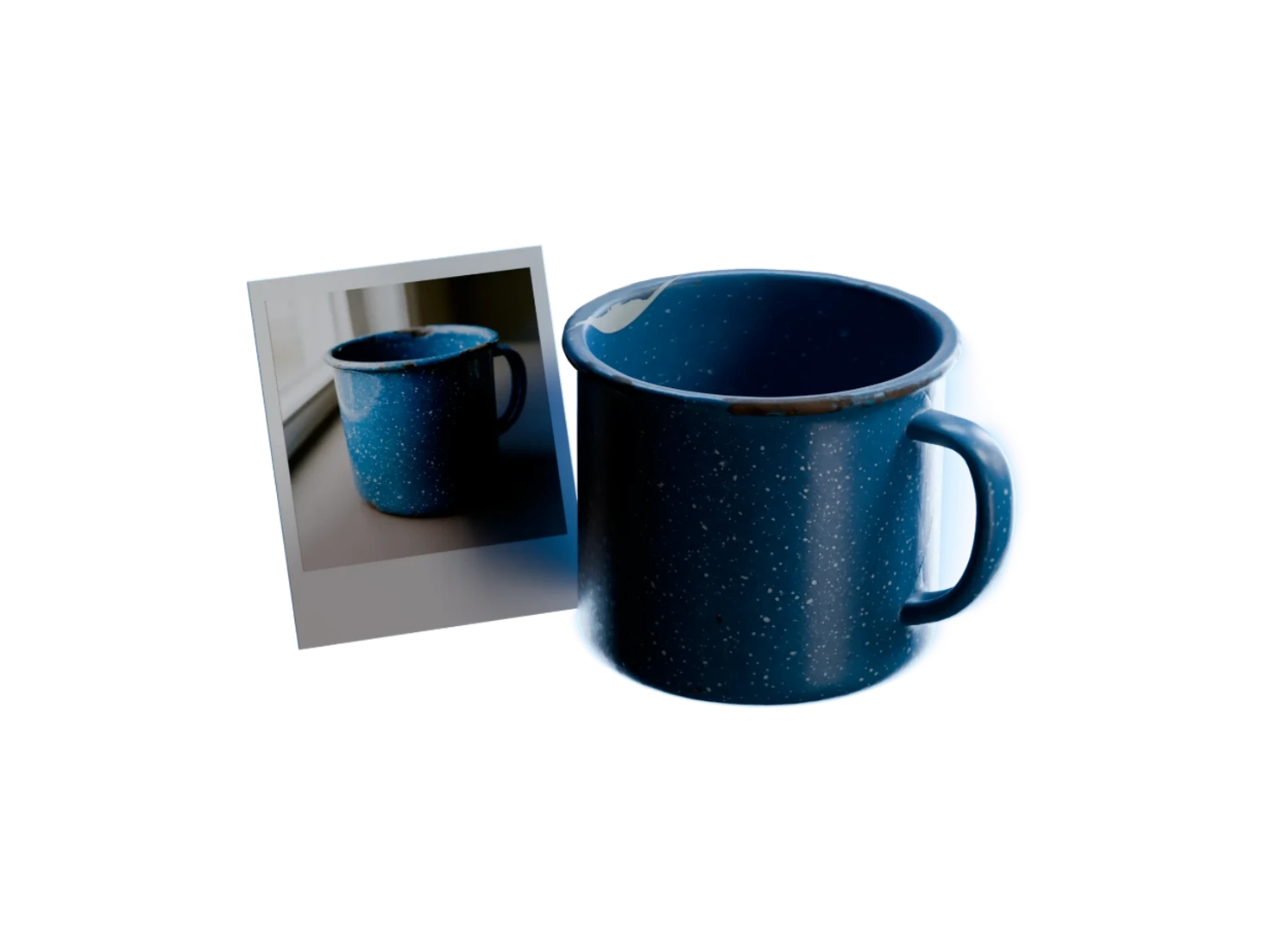
Every asset in Marso Studio starts as one image. Bring your own photo, generate one from a prompt, or edit one until the look is right.
02
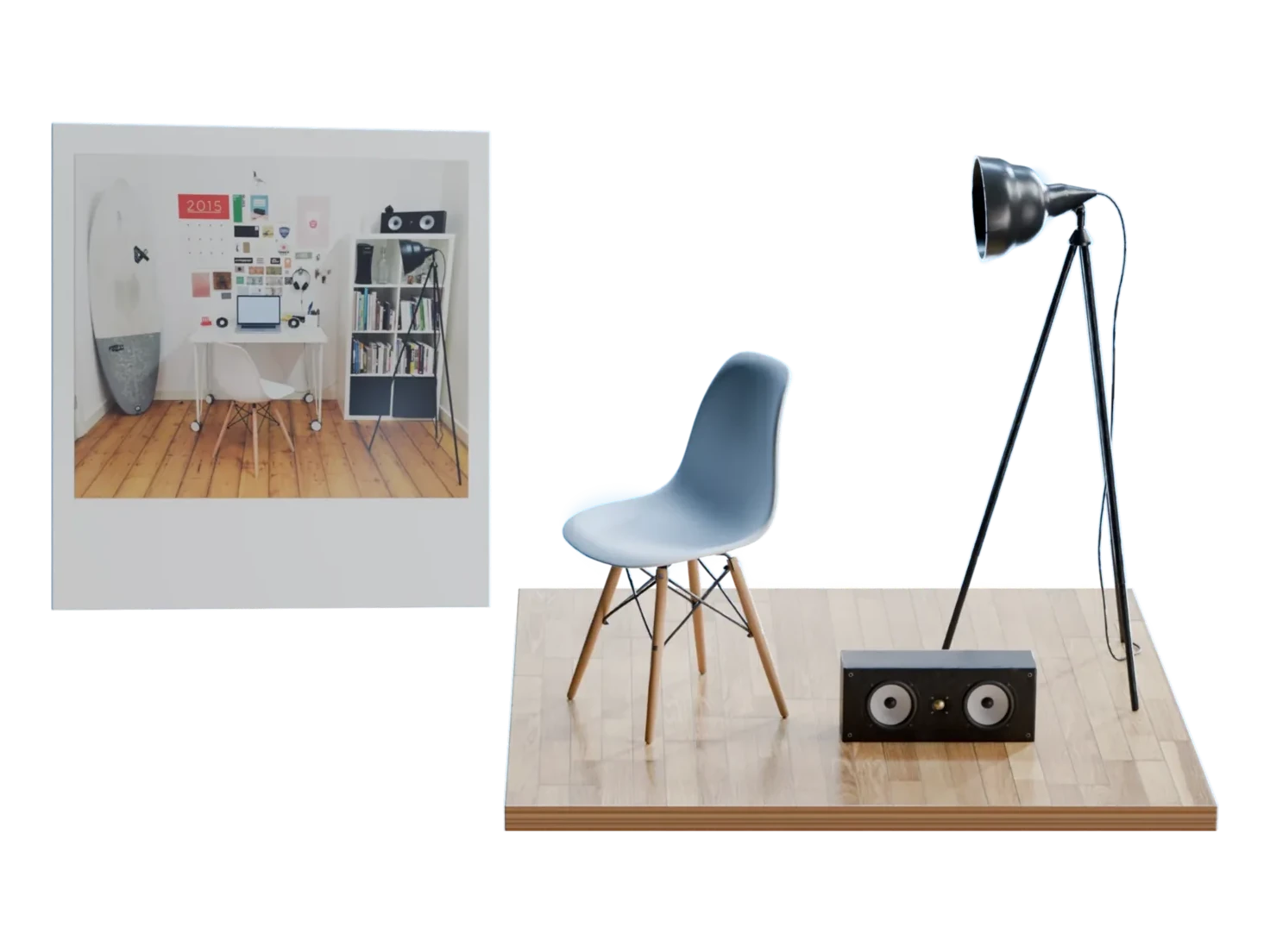
Turn the image into 3D
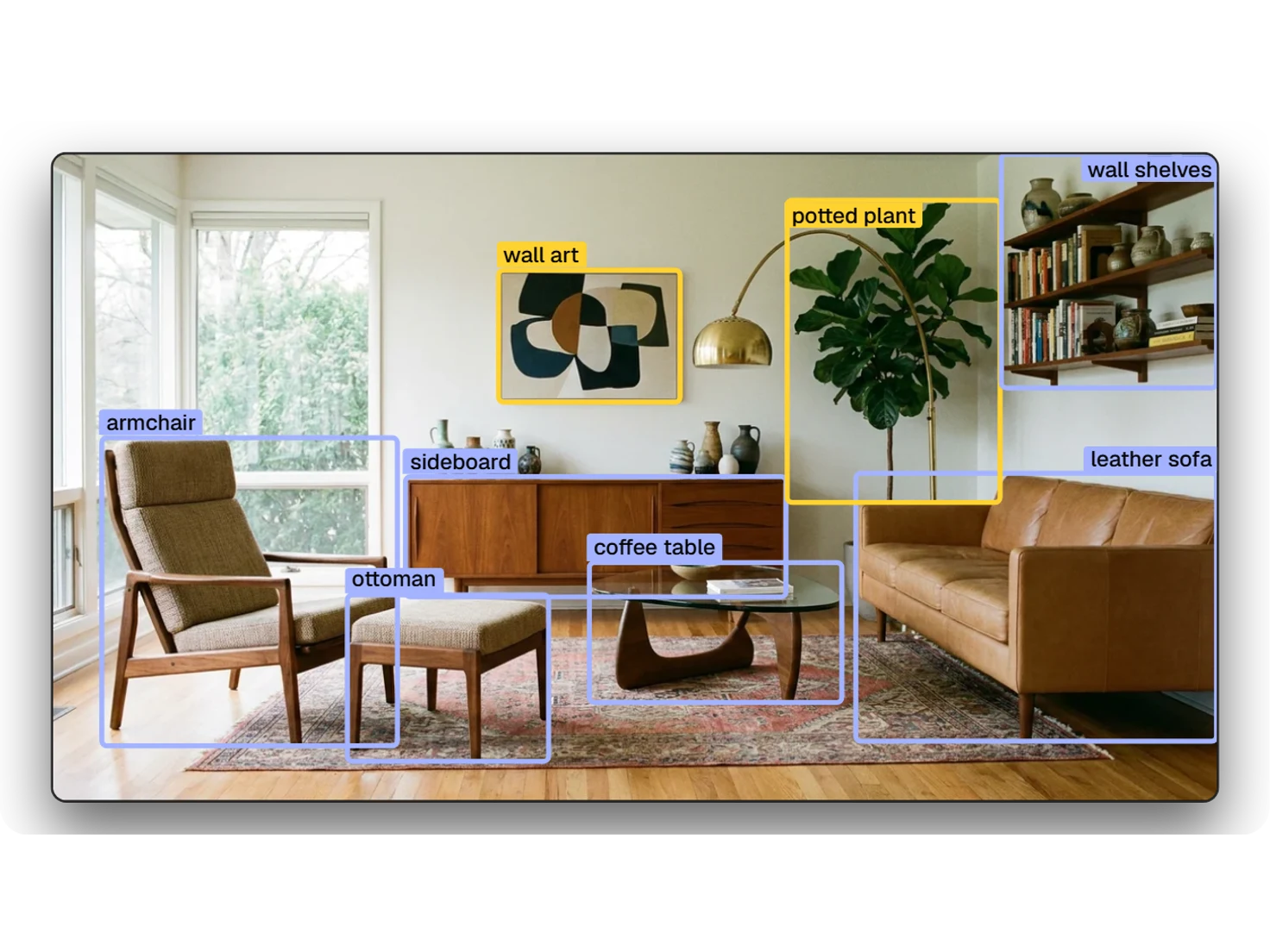
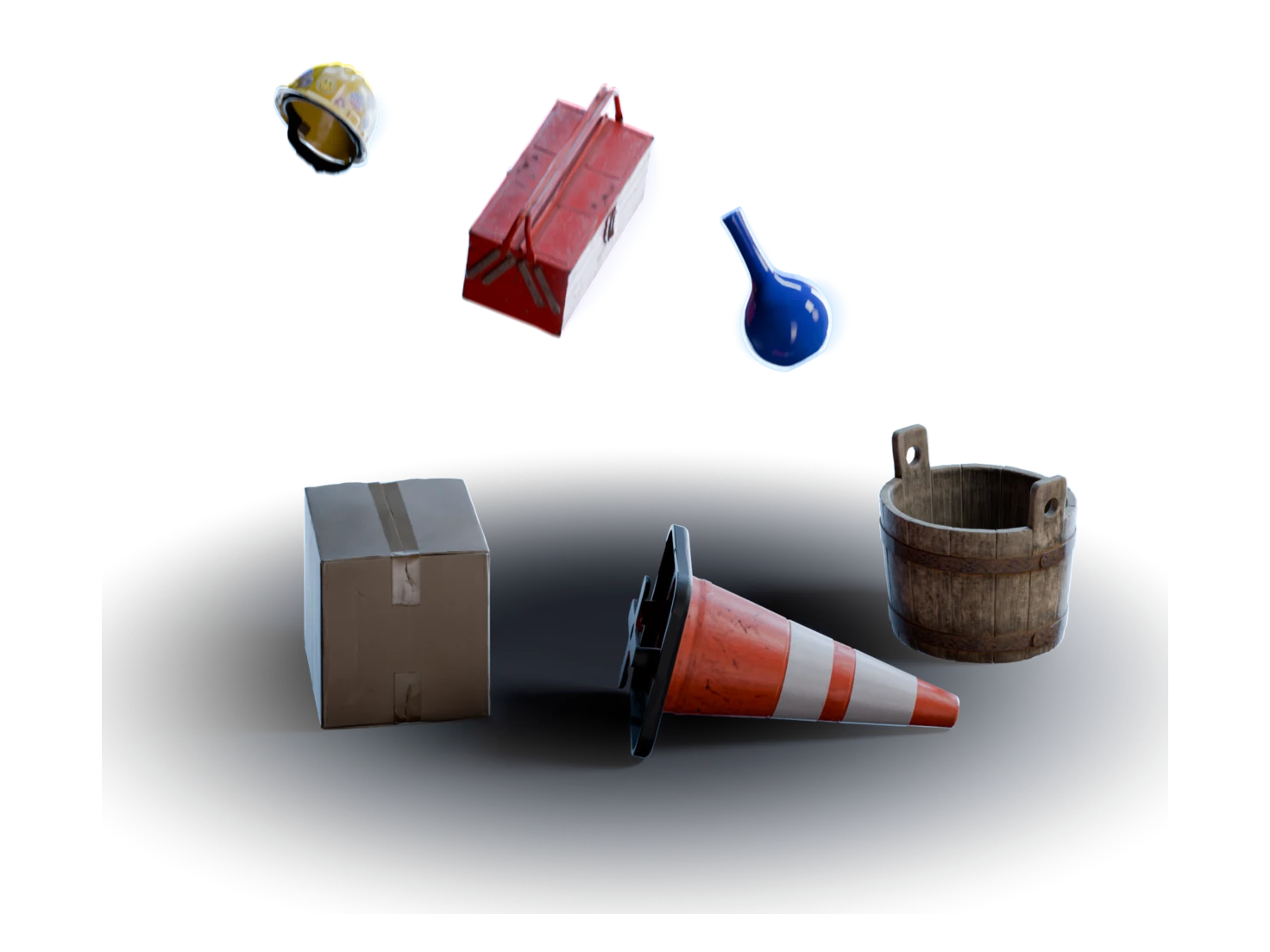
Make one 3D model from one object, or find every object in a scene image and model them all in one pass.
03
Add materials and physics
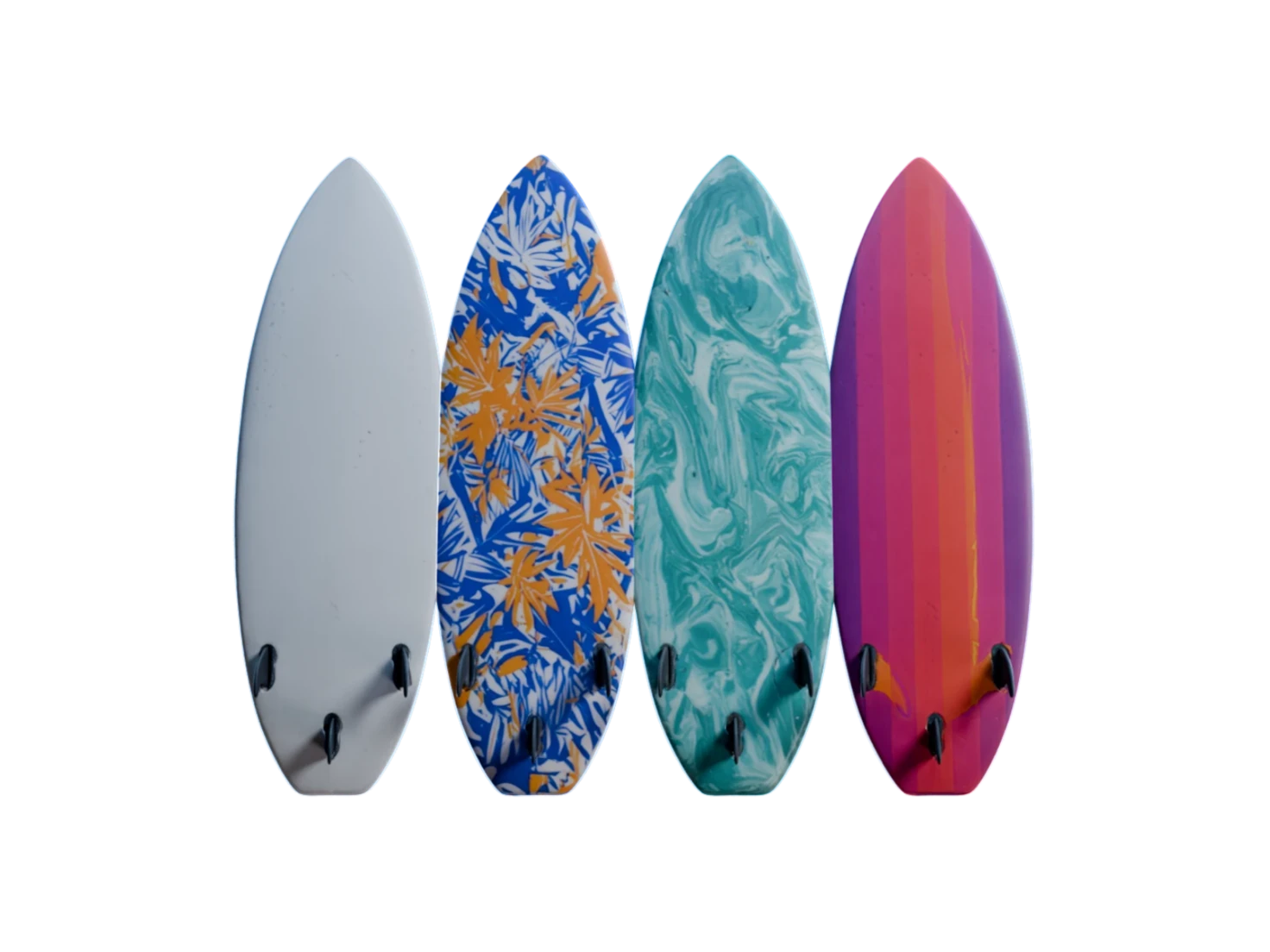
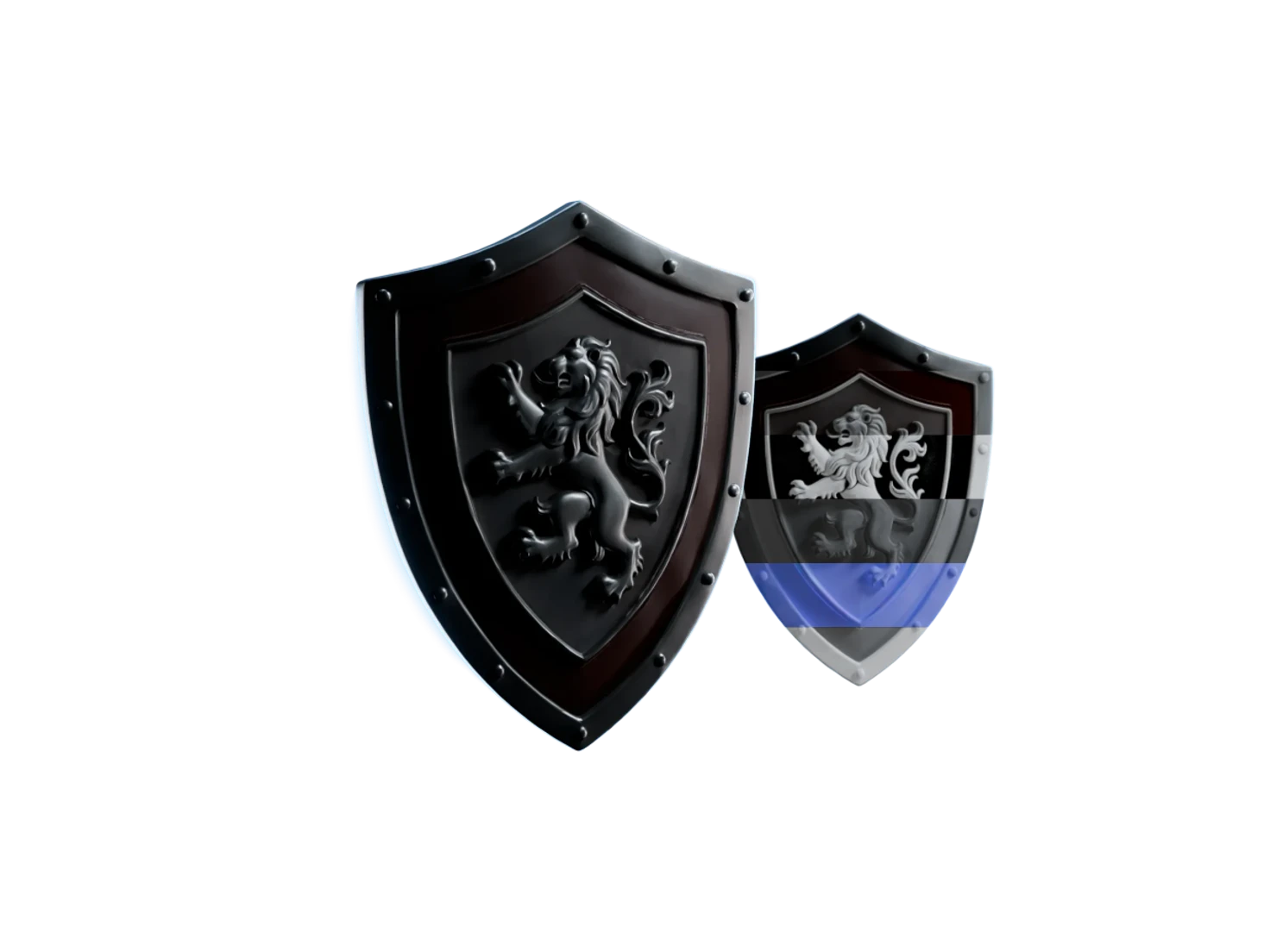
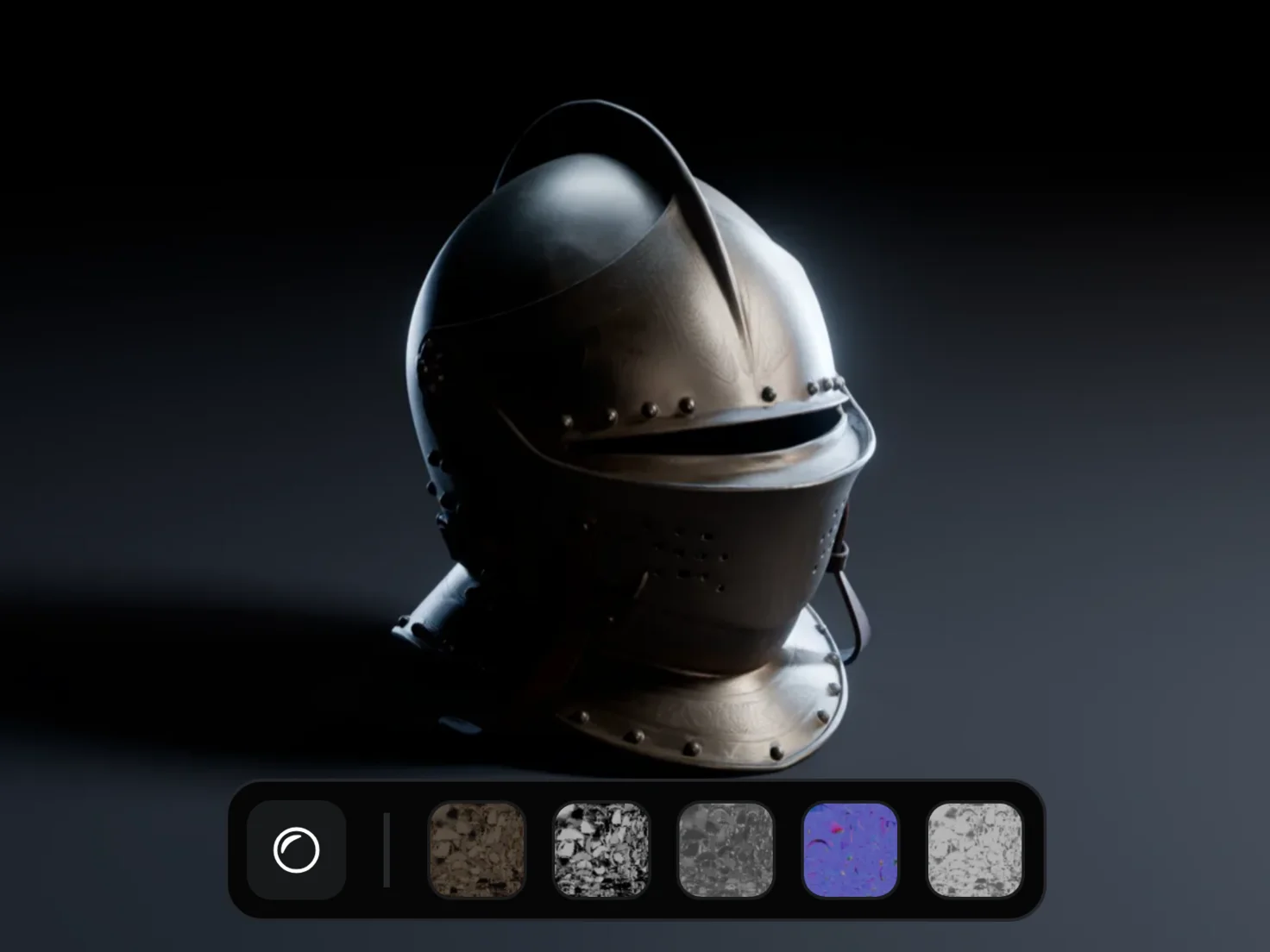
Give each model PBR maps from a material model trained on measured real-world data, then the scale, mass and friction that a simulator needs.
04
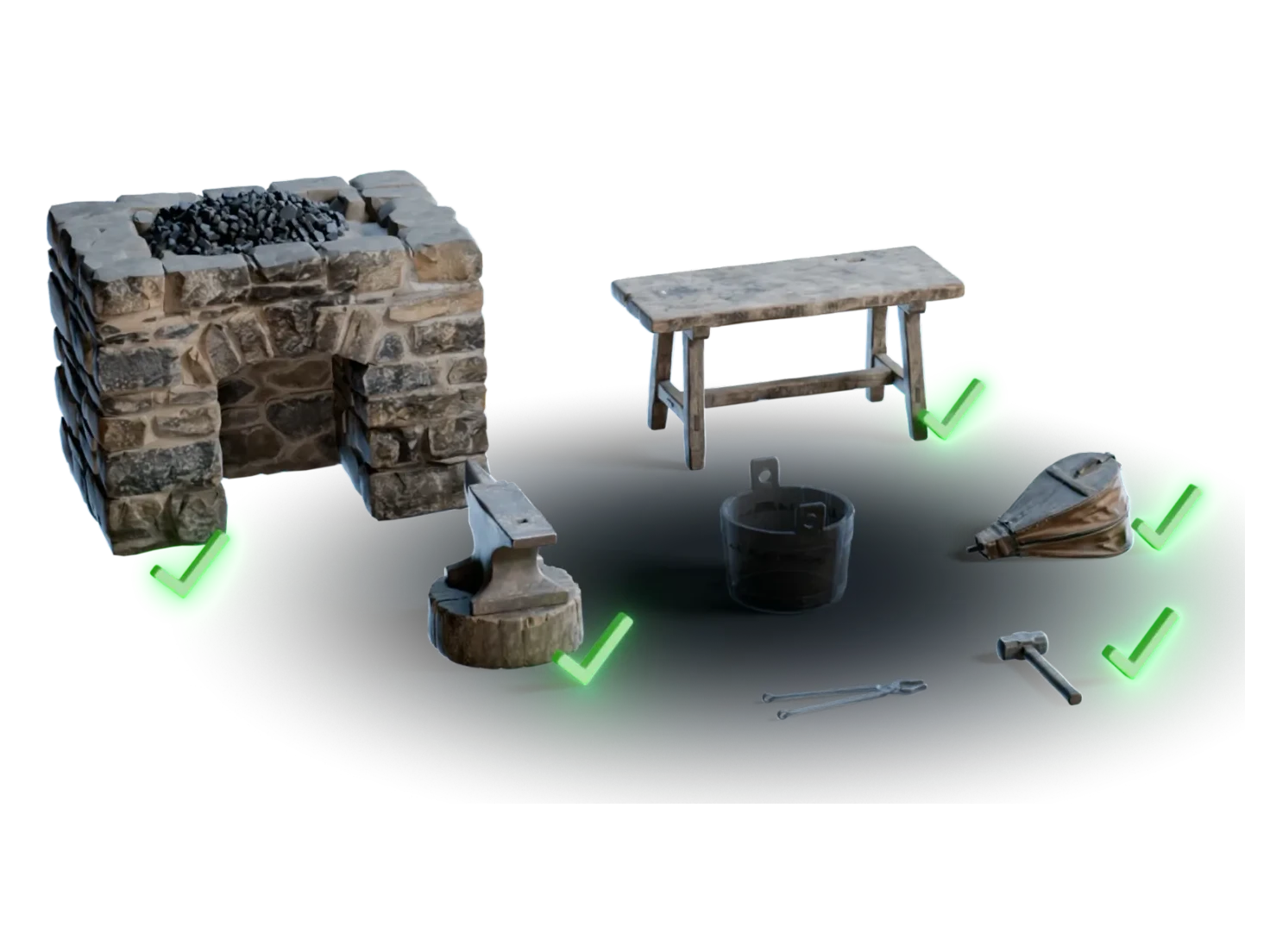
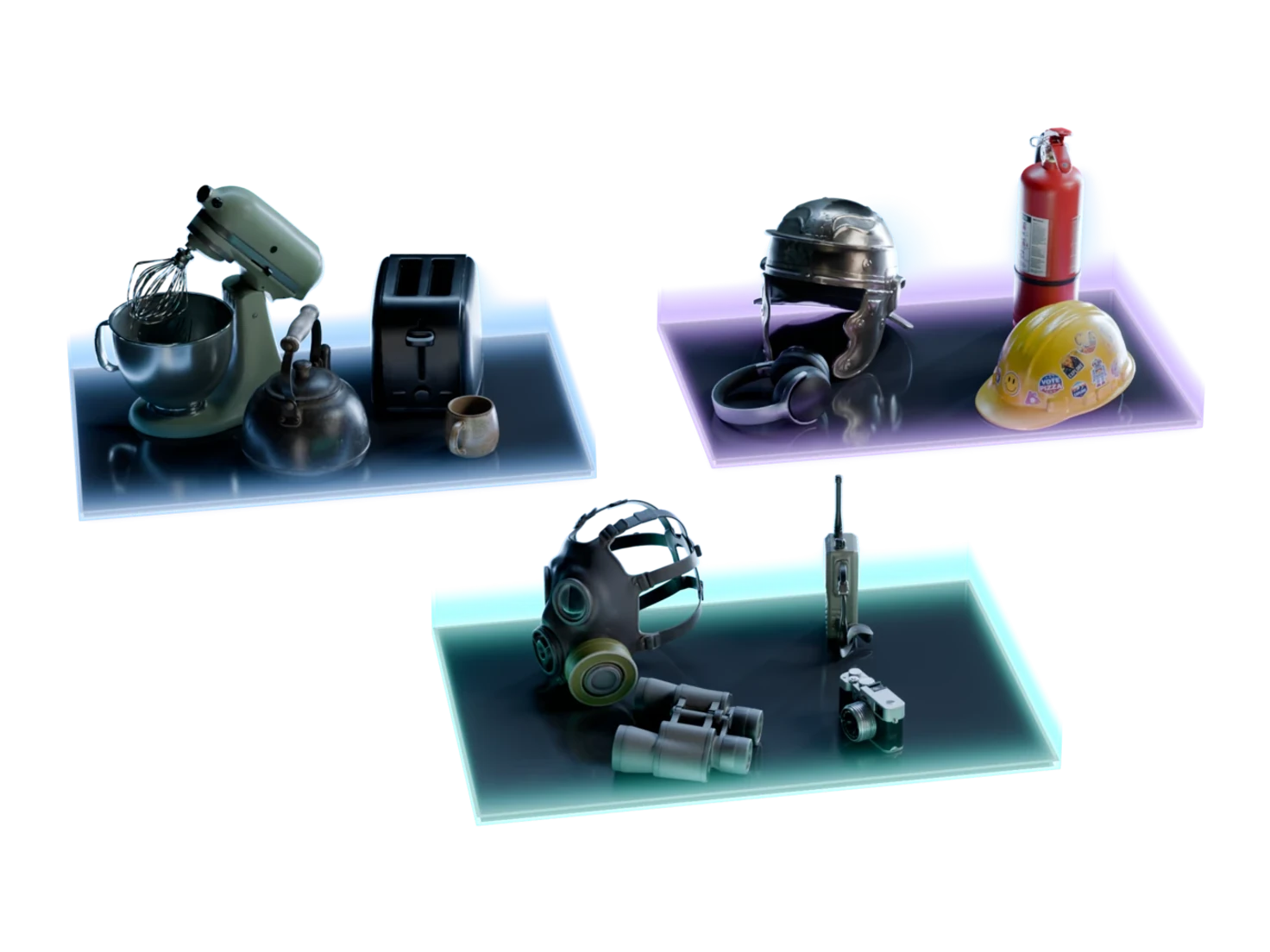
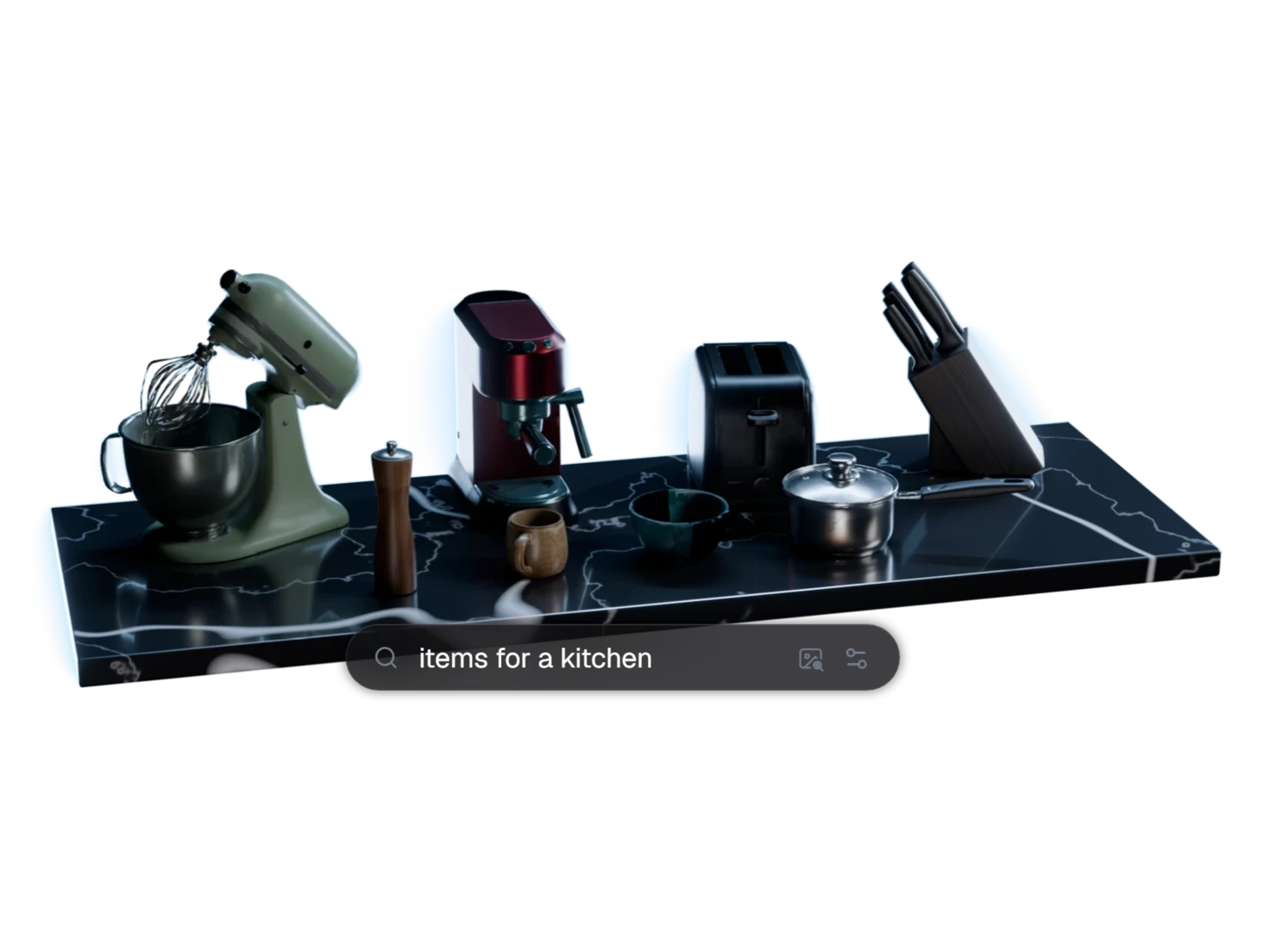
Find, check and use each asset
Marso MCP
Let your AI agent run these features
Marso MCP connects Claude, ChatGPT, Codex or Claude Code to Marso Studio. Ask for one asset or a scene of assets, and your agent saves each one to a project that you open on marso.app. It needs a paid plan or the trial.
- Claude
- ChatGPT
- Codex
- Claude Code
- VS Code
- Gemini CLI
Questions about Marso Studio features
What teams ask before they choose where to start.
Marso Studio turns images into textured 3D assets. It generates or loads an image, makes a 3D model from it, predicts PBR maps for the model and adds physics for simulation. You can make one asset, or split a scene image into separate assets, then use them in Blender, Isaac Sim or your own tools.
Start with 3D Generation if you have an image of one object, or with Generate PBR Textures if you already have a 3D model. For a whole room, start a project from the Scene Generation template of Templates and examples: it places Image Generation, Detect Objects and the group nodes for you.
Marso Studio exports PBR maps as PNG files, a USDZ with the textures embedded, and 3D models as GLB. A simulation-ready USDZ also holds real-world scale in metres, a rigid body with an estimated mass, a collider, physics material values and semantic labels. It imports 3D models as GLB, USDZ or FBX, and images.
Yes. The Blender add-on and the Isaac Sim add-on bring your Marso Studio assets into the open scene, and the REST API and the Marso MCP server run the same models from your own tools or an AI agent. Each of these needs a paid plan or the 14-day free trial of the Artist plan.
The Marso Studio Free plan gives you 400 credits a month, with no card required, for single-asset workflows such as Image Generation, 3D Generation and Generate PBR Textures. Scene workflows, Detect Objects, Image Edit, 3D Asset Edit, the API and the add-ons need a paid plan, from the Artist plan at $29 a month, or its 14-day free trial.
From one image to a finished 3D asset
Start on the Free plan: 400 credits a month, no card required.