Find it by describing it, or by showing it
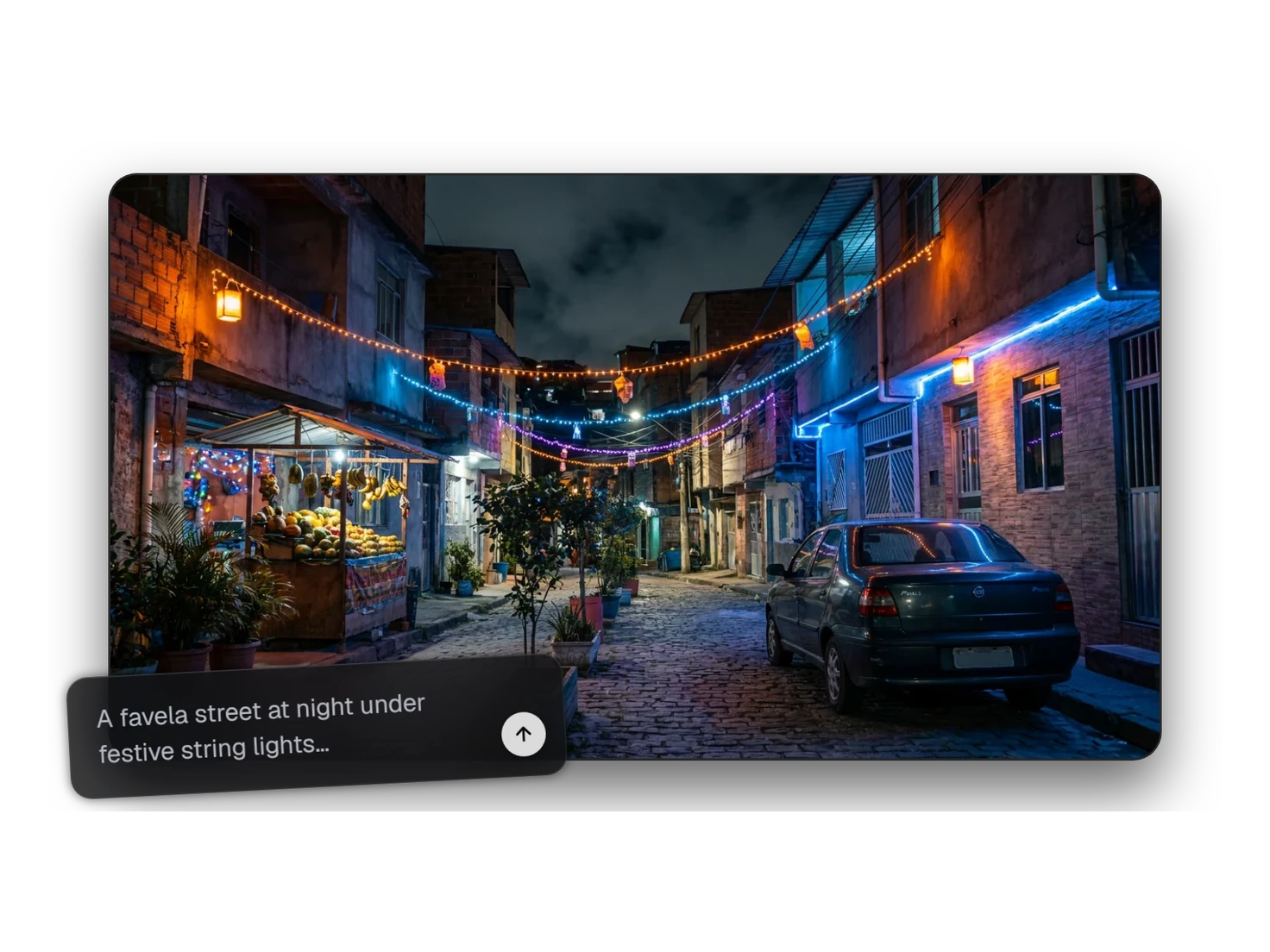
Image Search finds any 3D model or image in your Library from a description or a reference picture. Semantic search matches on meaning, not on file names or exact words.
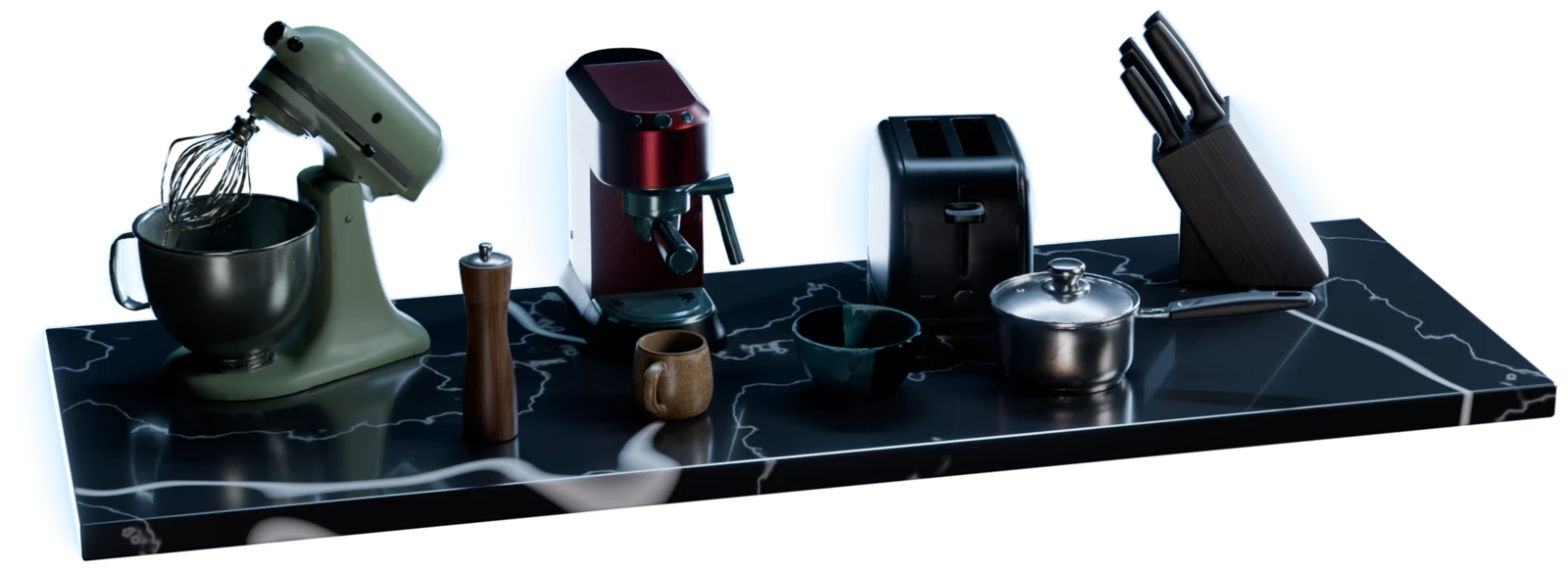
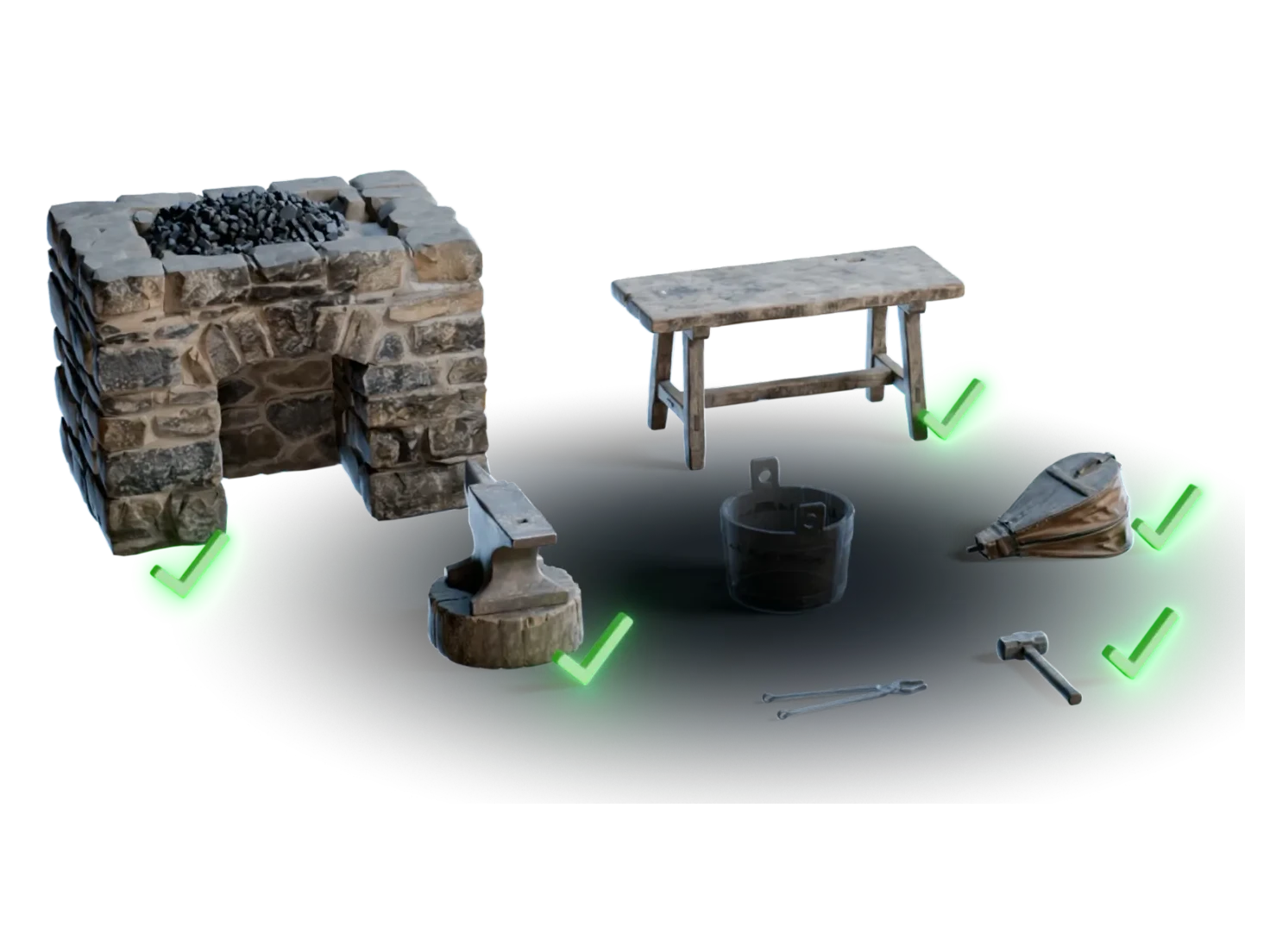
items for a kitchen
How to search your 3D asset library
- 1
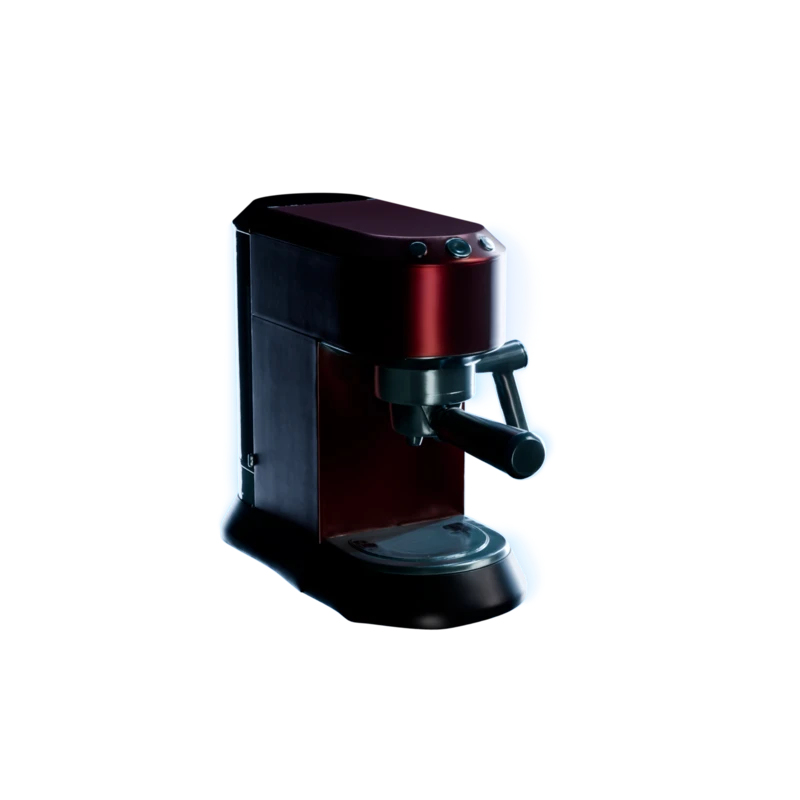
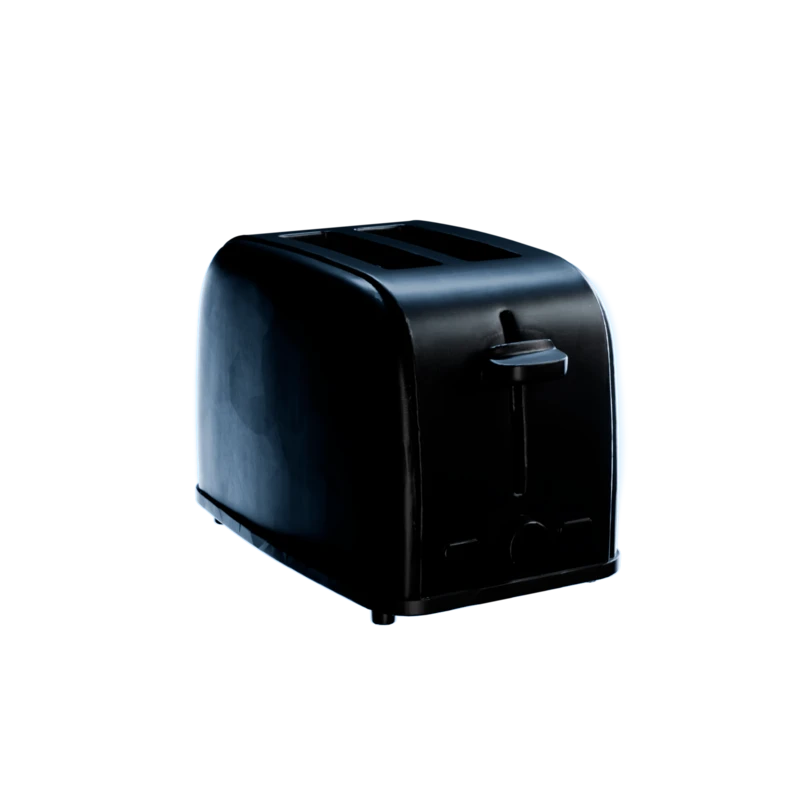
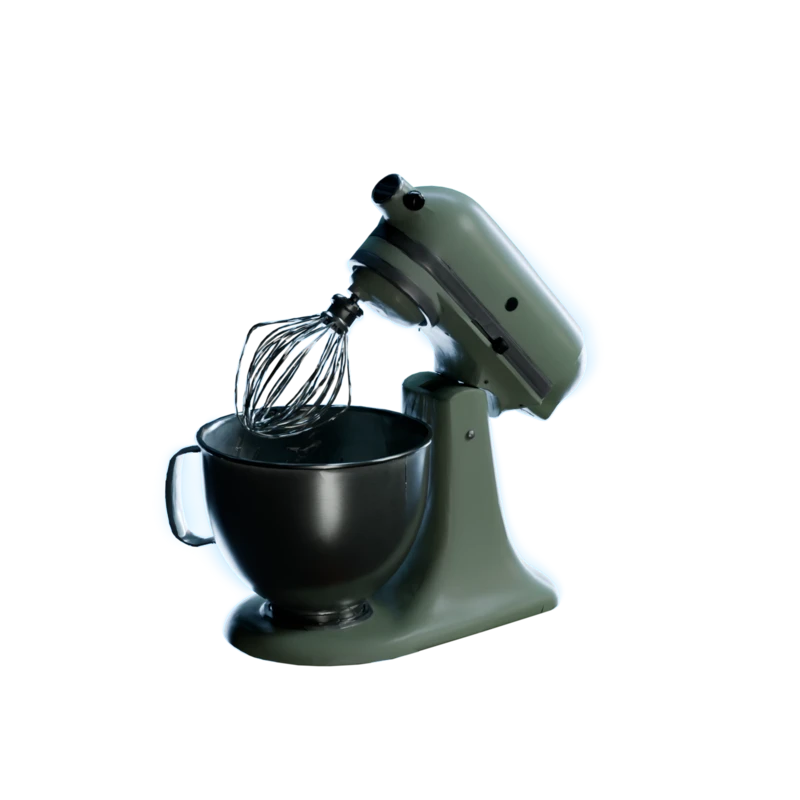
Open your Library.
Every asset you've made or uploaded, from every project, in one place.
- 2
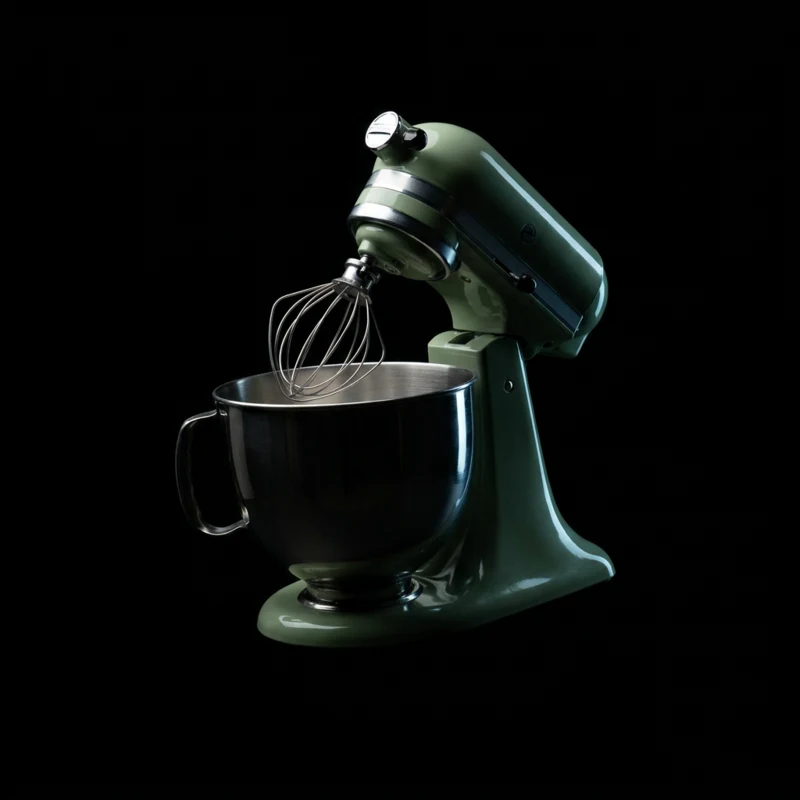
Search.
Type what you're after, or bring in a reference image.
- 30.800.910.74
Tune it if you need to.
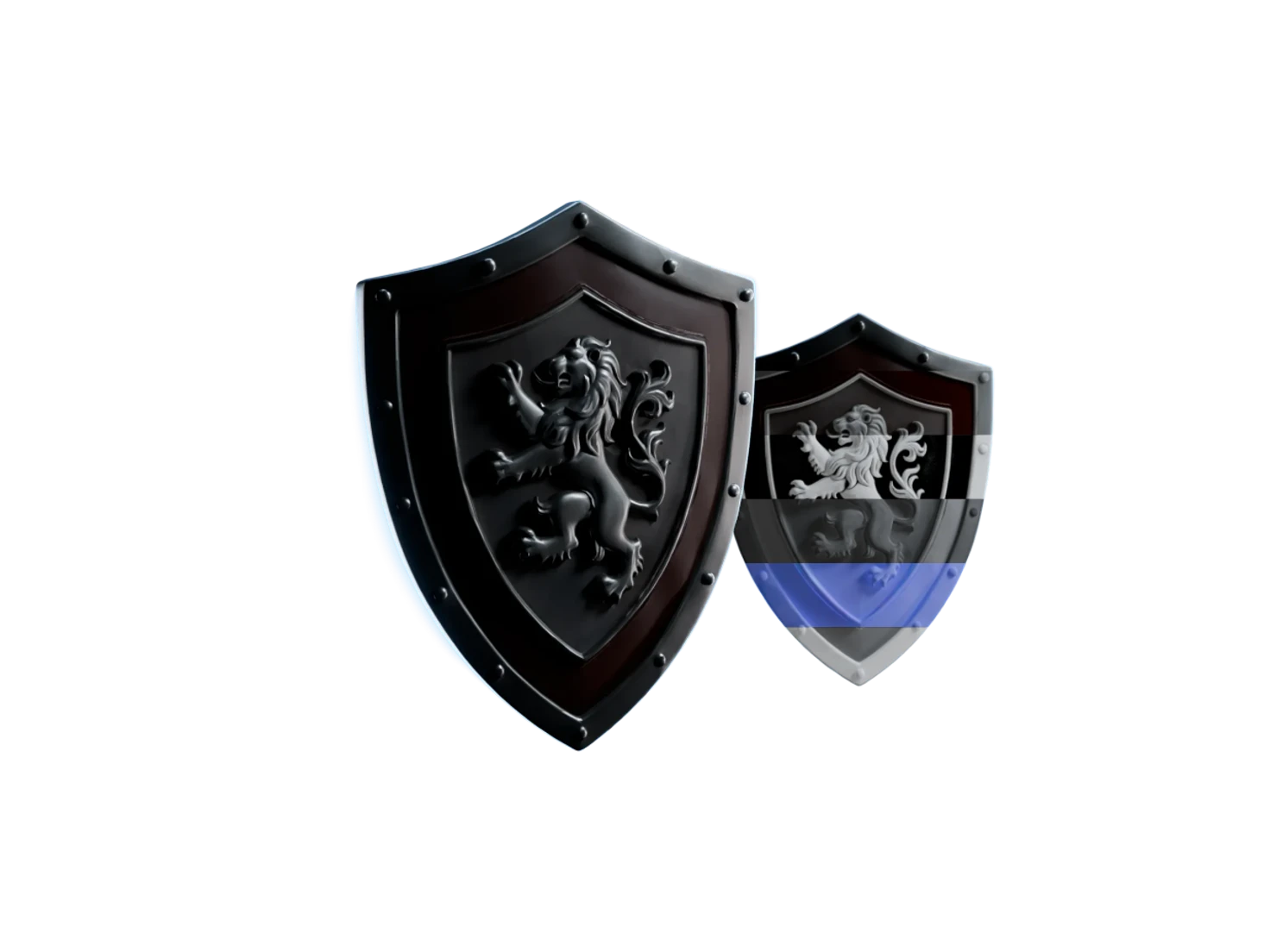
Adjust the thresholds for tighter or looser matches. While the settings are open, red marks each result that a threshold cuts.
Find it however you remember it
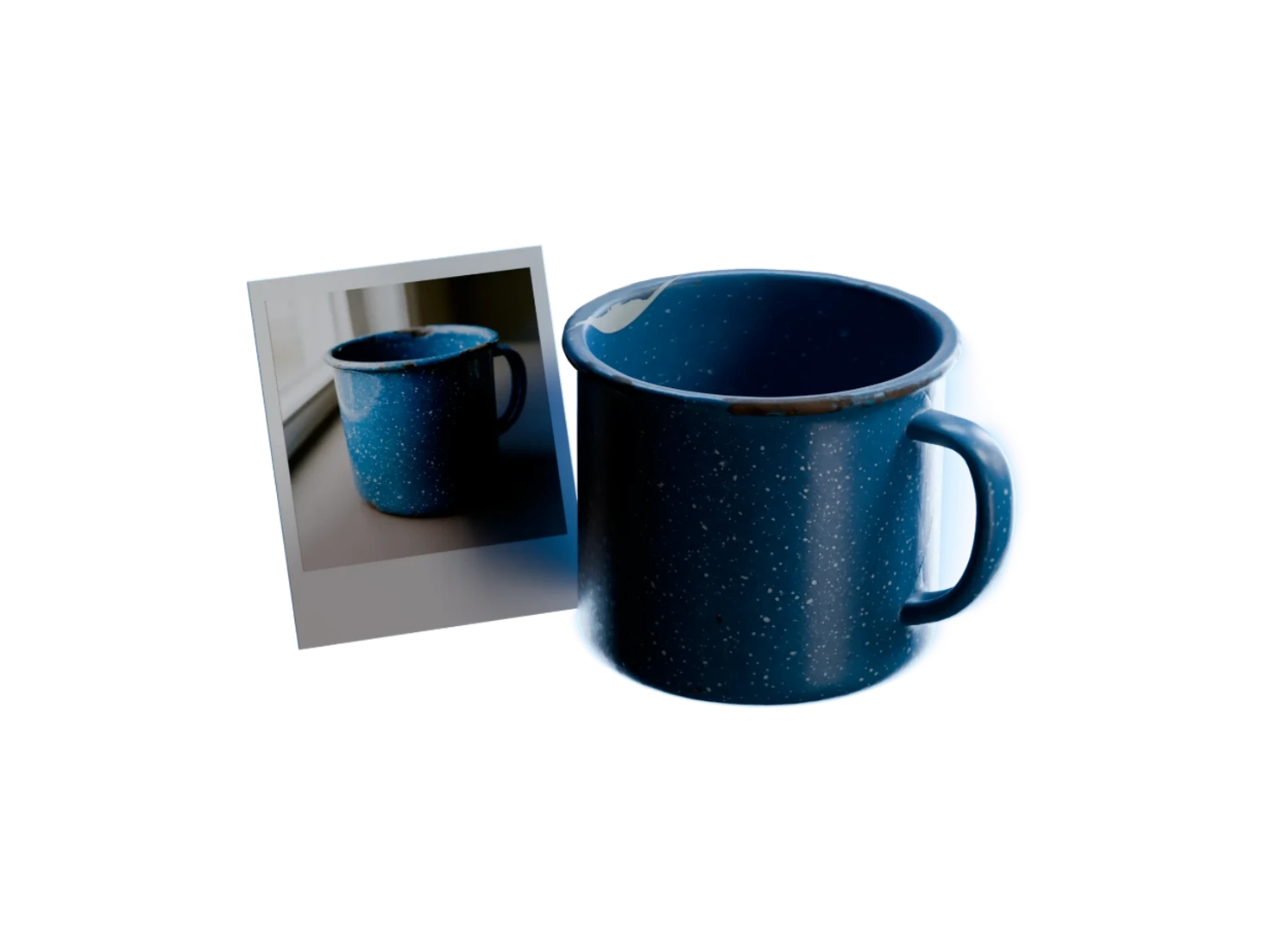
Search by picture
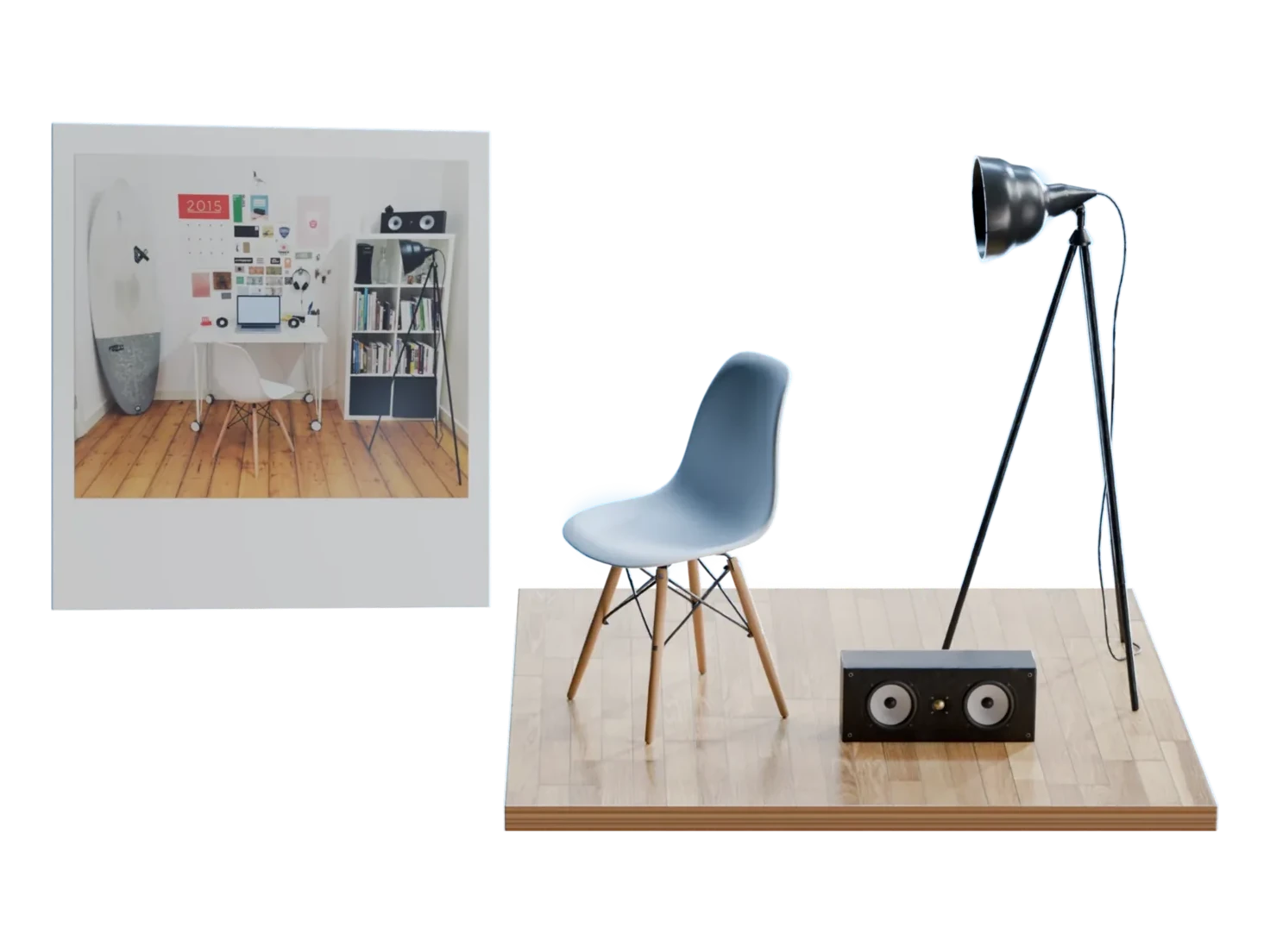
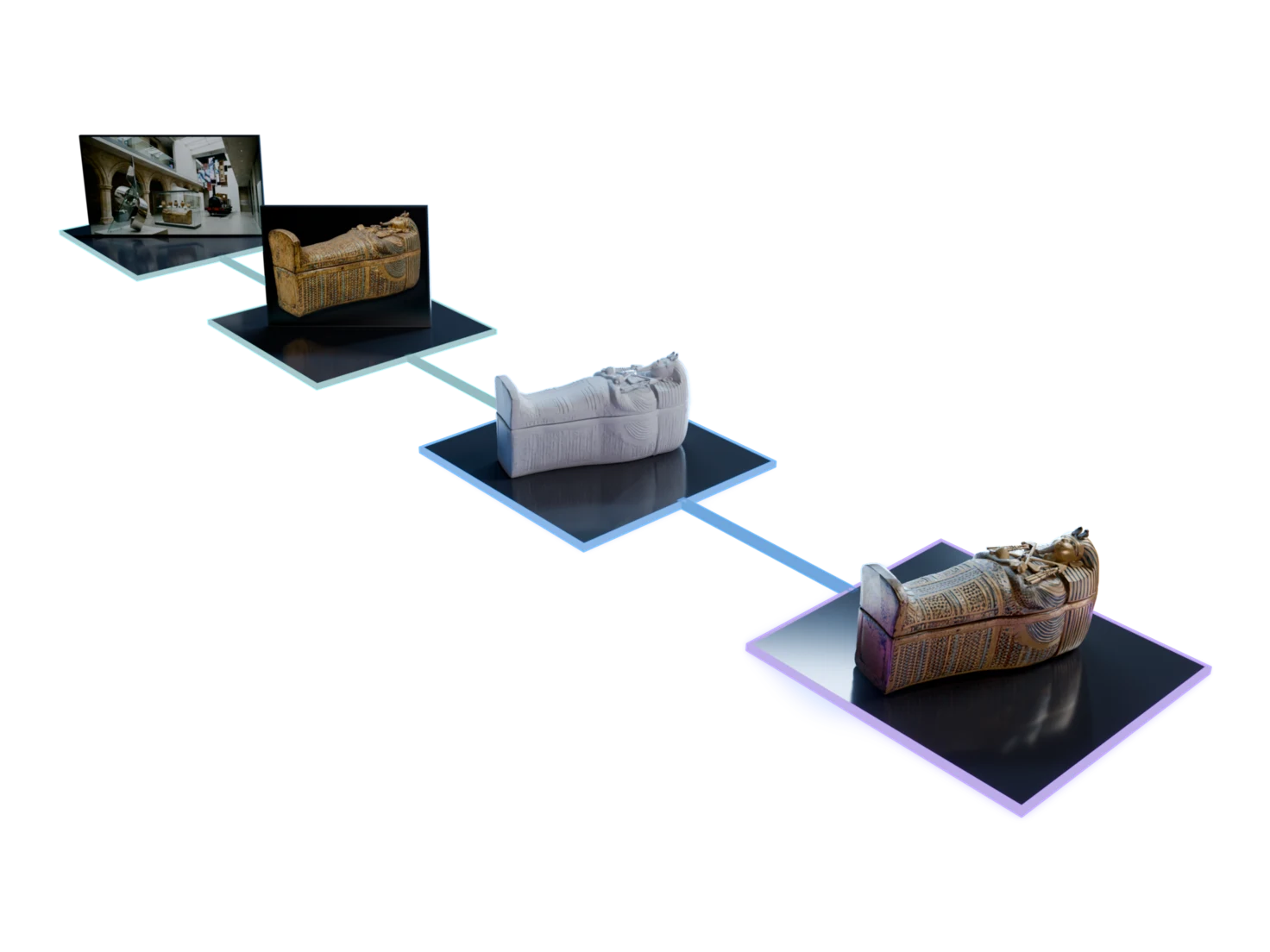
Drop a photo or a render onto the search bar, and Image Search finds the 3D models and images in your Library that look like it.
Find more like this
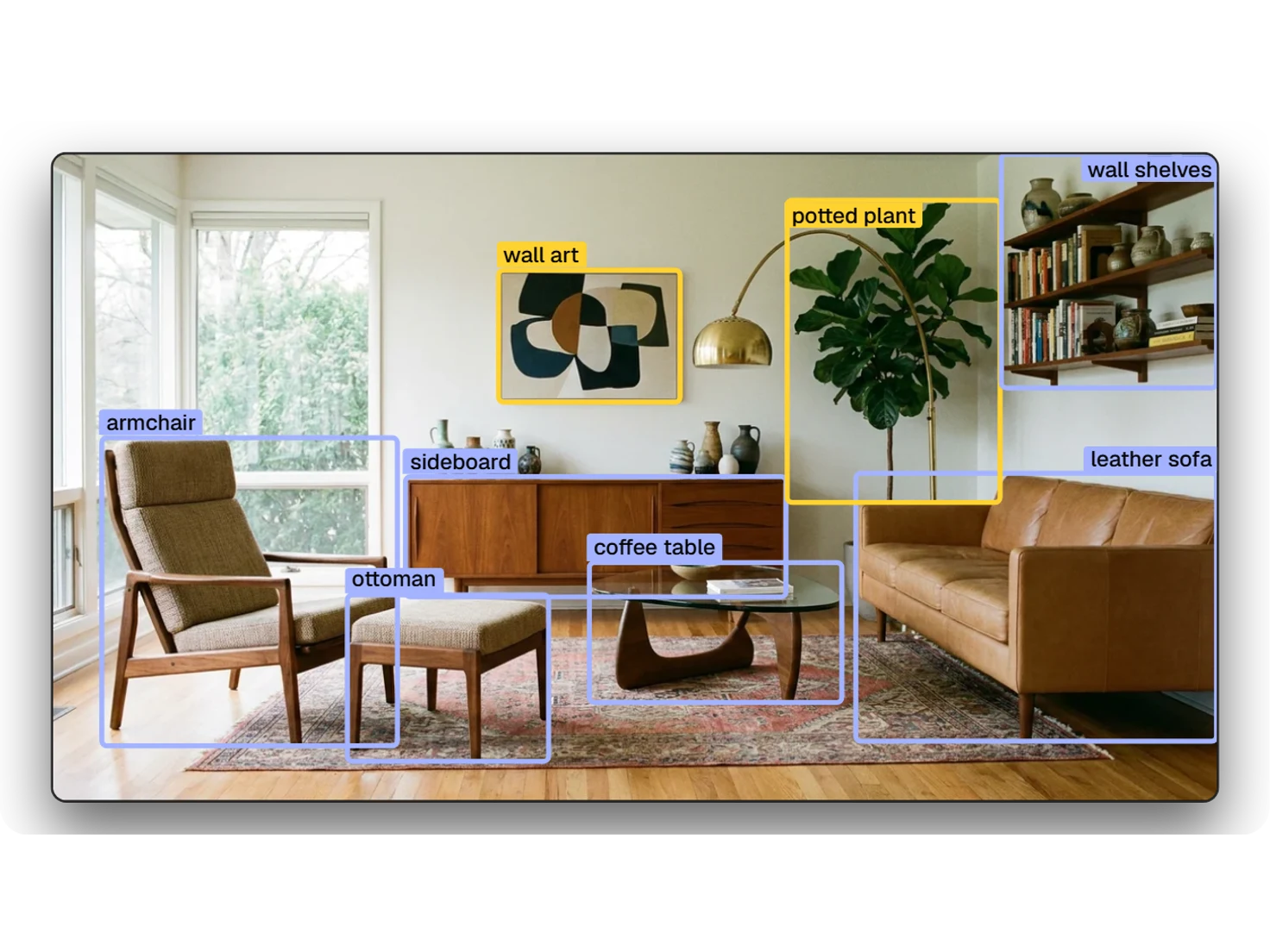
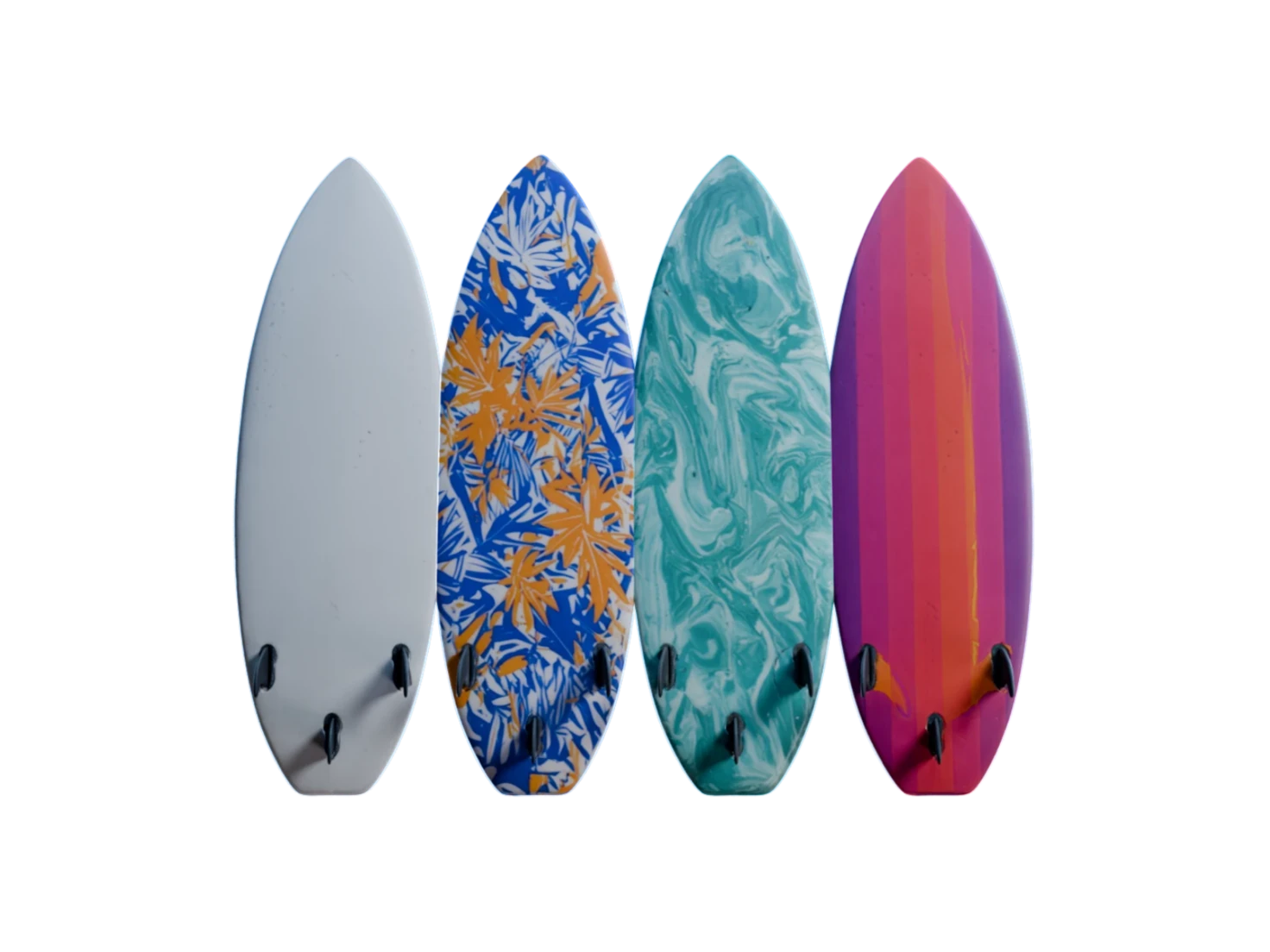
Pick any asset in your Library and find the ones closest to it, to gather a matching set for a scene.
Set how strict it is
Three thresholds, for text, for image and asset, and for recommendations, set how close a match has to be. Relevance runs from -1 to 1, and higher is closer.
Questions about Image Search
What teams ask before they search their Library by text or by picture.
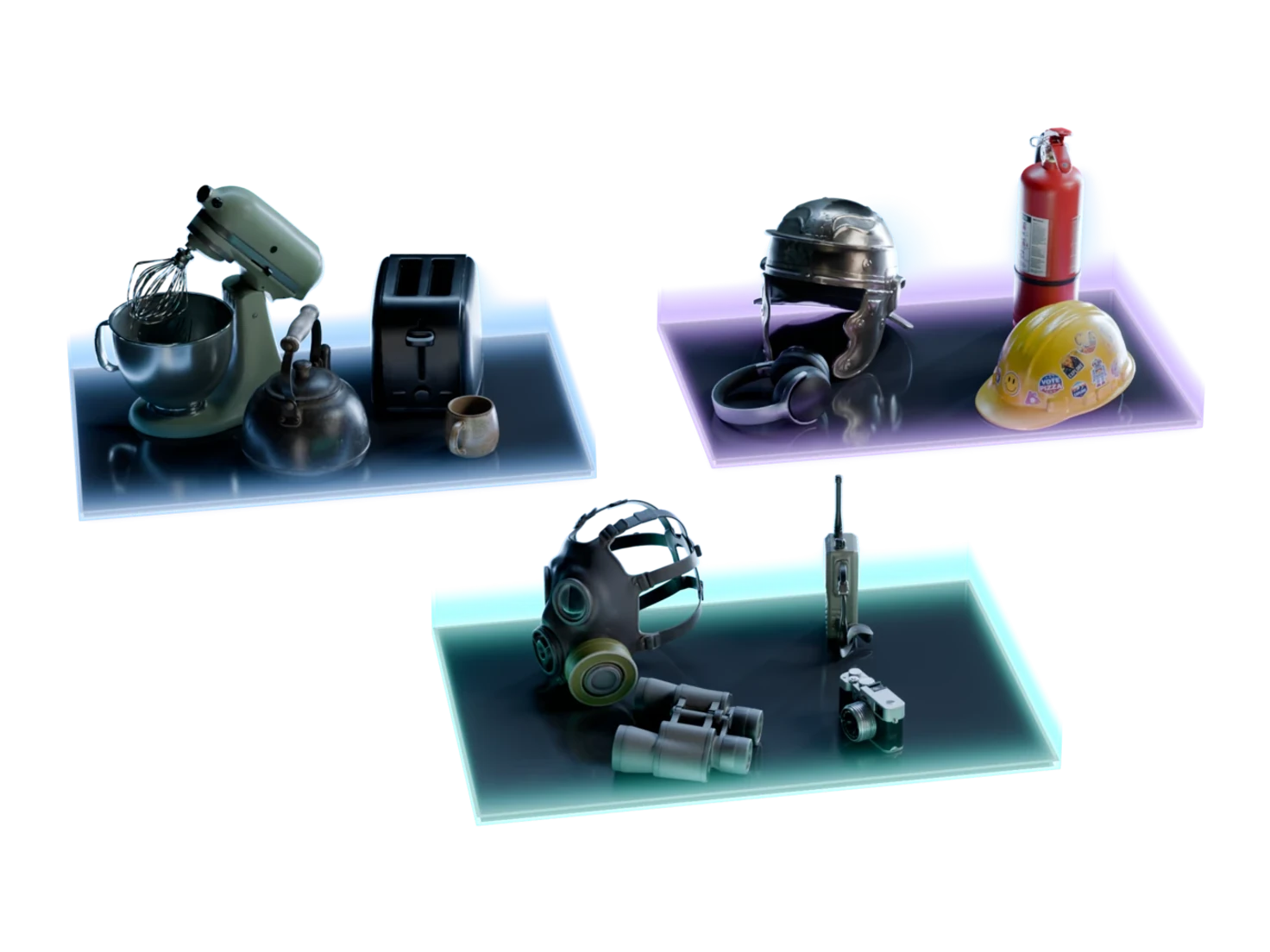
Semantic search matches on meaning, not on exact words. Search your Library for "items for a kitchen", and Image Search finds a stand mixer, a toaster and a knife block, though none of them has the word "kitchen" in its name.
Yes. Drop a photo or a render onto the search bar, or pick one with the image button, and Image Search finds the assets that look like it. A picture of a green stand mixer found the matching 3D model with a relevance of 0.91.
Yes. Image Search covers your whole Asset Library, which holds every asset from every project, so you don't need to remember where something was made.
Relevance runs from -1 to 1, and higher is closer. Three thresholds, for text search, for image and asset search, and for recommendations, leave out the results under them. Raise a threshold for tighter matches, or lower it for looser ones.
While the search settings are open, every result shows, and red marks the ones that a threshold cuts. Close the settings, and those results leave the list.
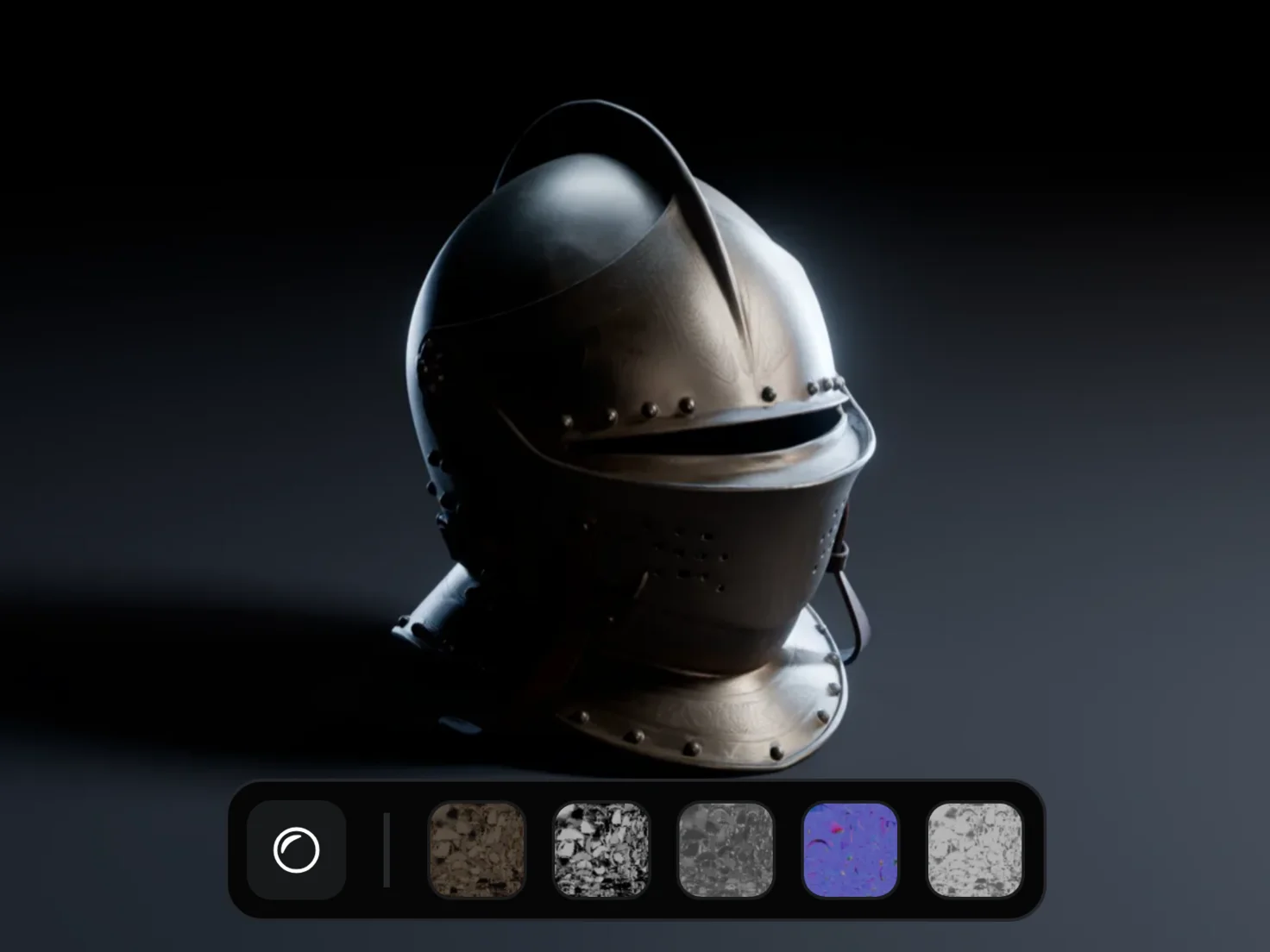
Pull it into any project with Add to project, then edit it, give it PBR textures or download it, as you would any other asset.
Find it, then use it
Pull what you find into any project with Add to project.