New look, same mesh
3D Asset Edit repaints a 3D model you already have from a prompt and a reference image: a new print, a new paint colour, a new material or years of wear. Only the colour texture changes, so the shape stays exactly as it was.
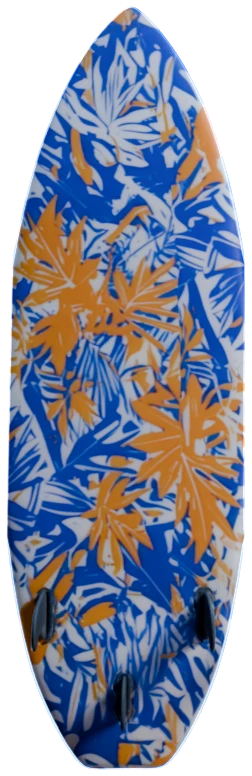
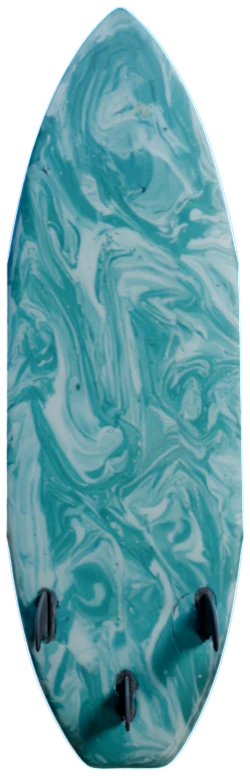
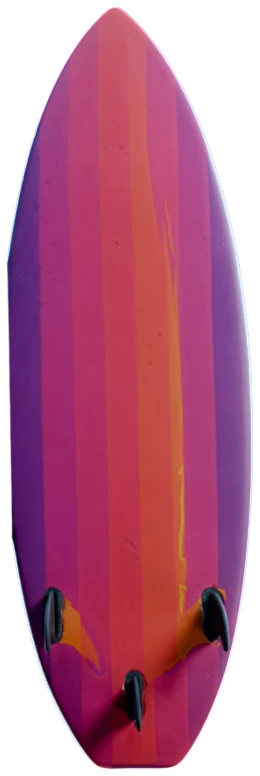
How to retexture a 3D model with AI
- 1
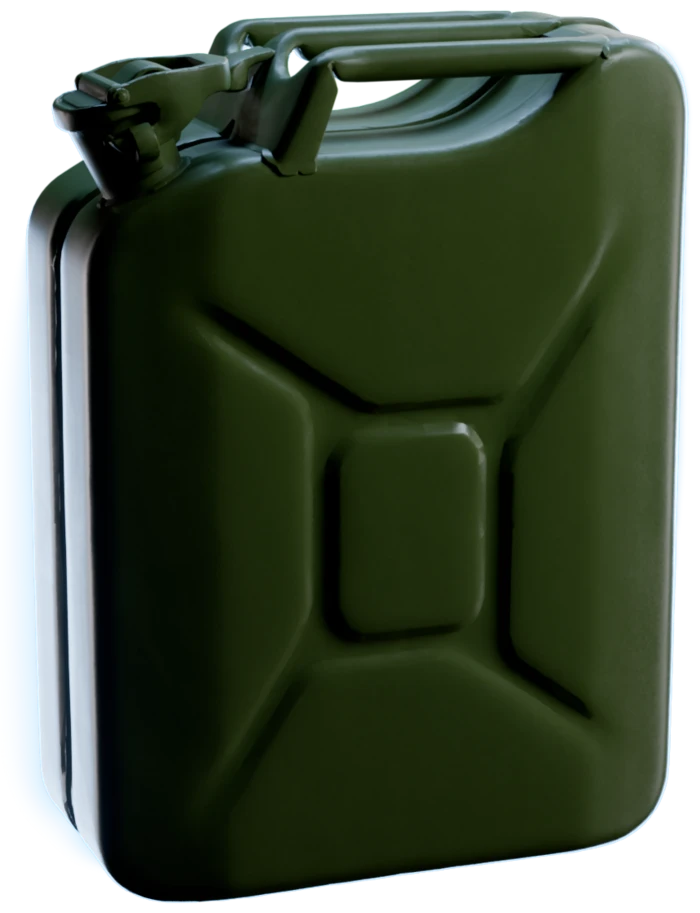
Connect a 3D model.
A result of 3D Generation, or a model from your Asset Library, goes into the 3D model input of an Edit 3D Model node.
- 2
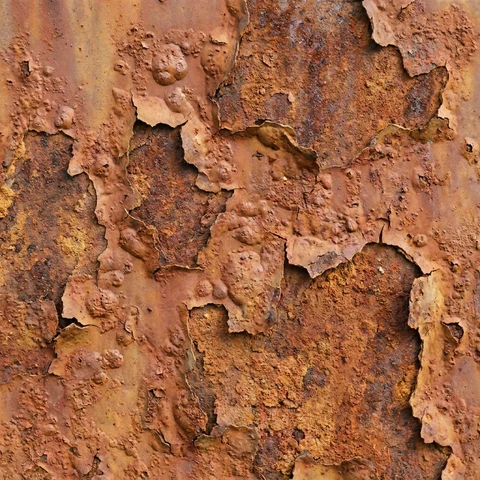
Make this jerrycan old and weathered, with
Sign in to try itrust on the edgesDescribe the new finish.
Write the change, for example "make this jerrycan old and weathered". Optional: connect one reference image, such as a photo of rust, and name it with @.
- 3
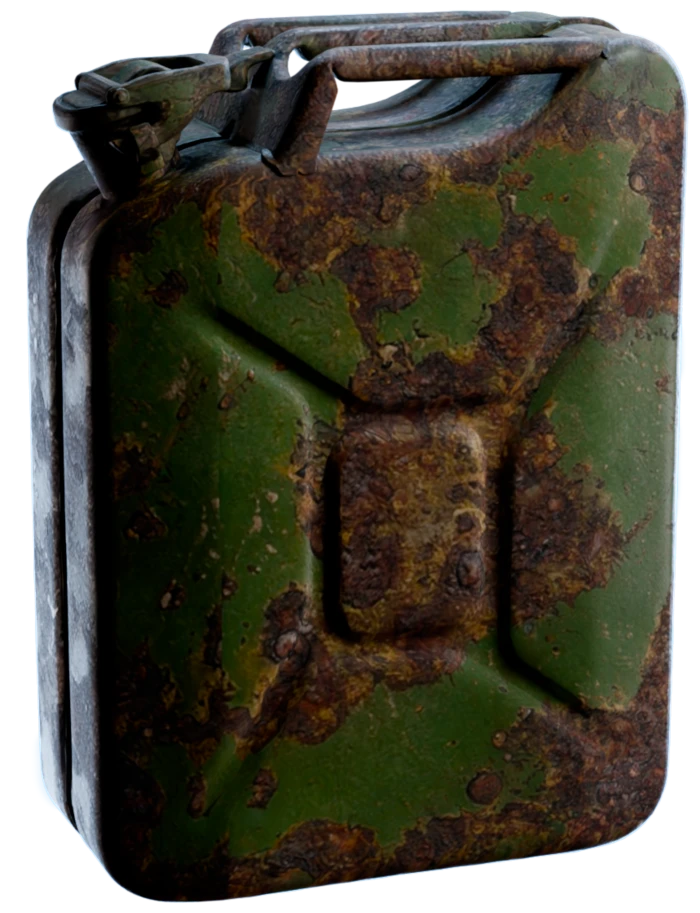
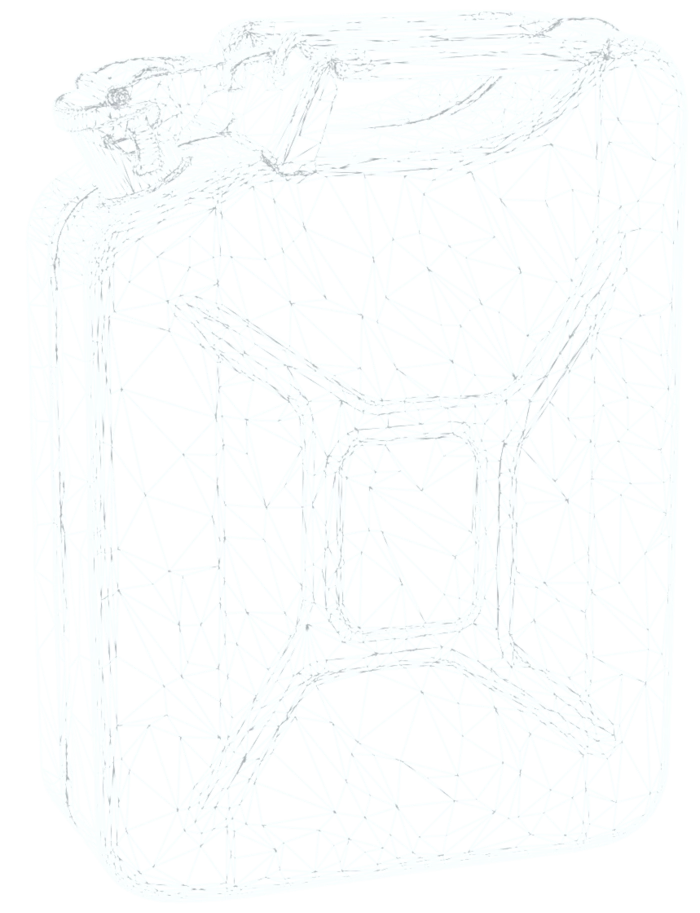
Run it, then add PBR.
3D Asset Edit repaints the colour texture. Send the result to Generate PBR Textures for the full set of maps.
One café racer, a new tank
3D Asset Edit painted the tank of a silver café racer in racing green, from one prompt and a swatch of the paint. The two motorcycles share one mesh, so the frame, the engine and the wheels match to the last spoke.
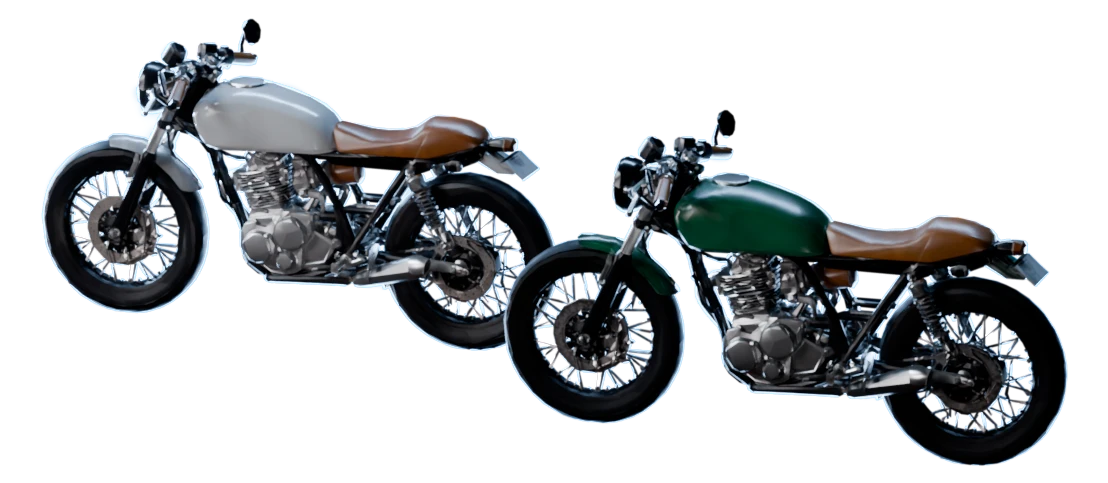
A new variant, not a new model
The shape is locked
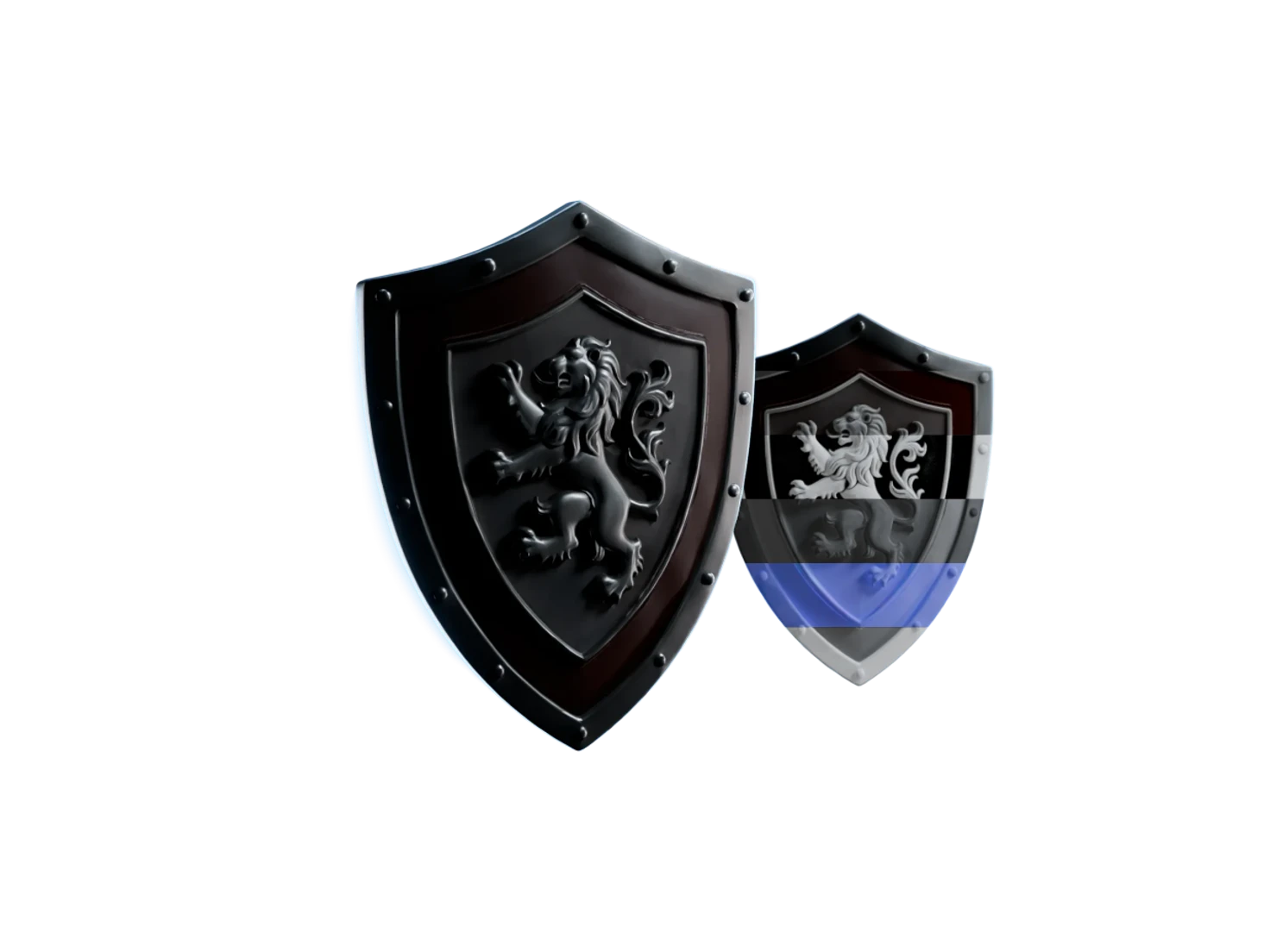
3D Asset Edit changes only the colour texture of a model. The mesh, the UVs and the size stay as they were, so every variant lines up with the original.
Years of wear in one prompt
Ask for rust, chipped paint, scratches or burn marks, and 3D Asset Edit paints them onto the model. A worn prop for the back of a scene keeps the mesh of the clean one.
Match a material from a photo
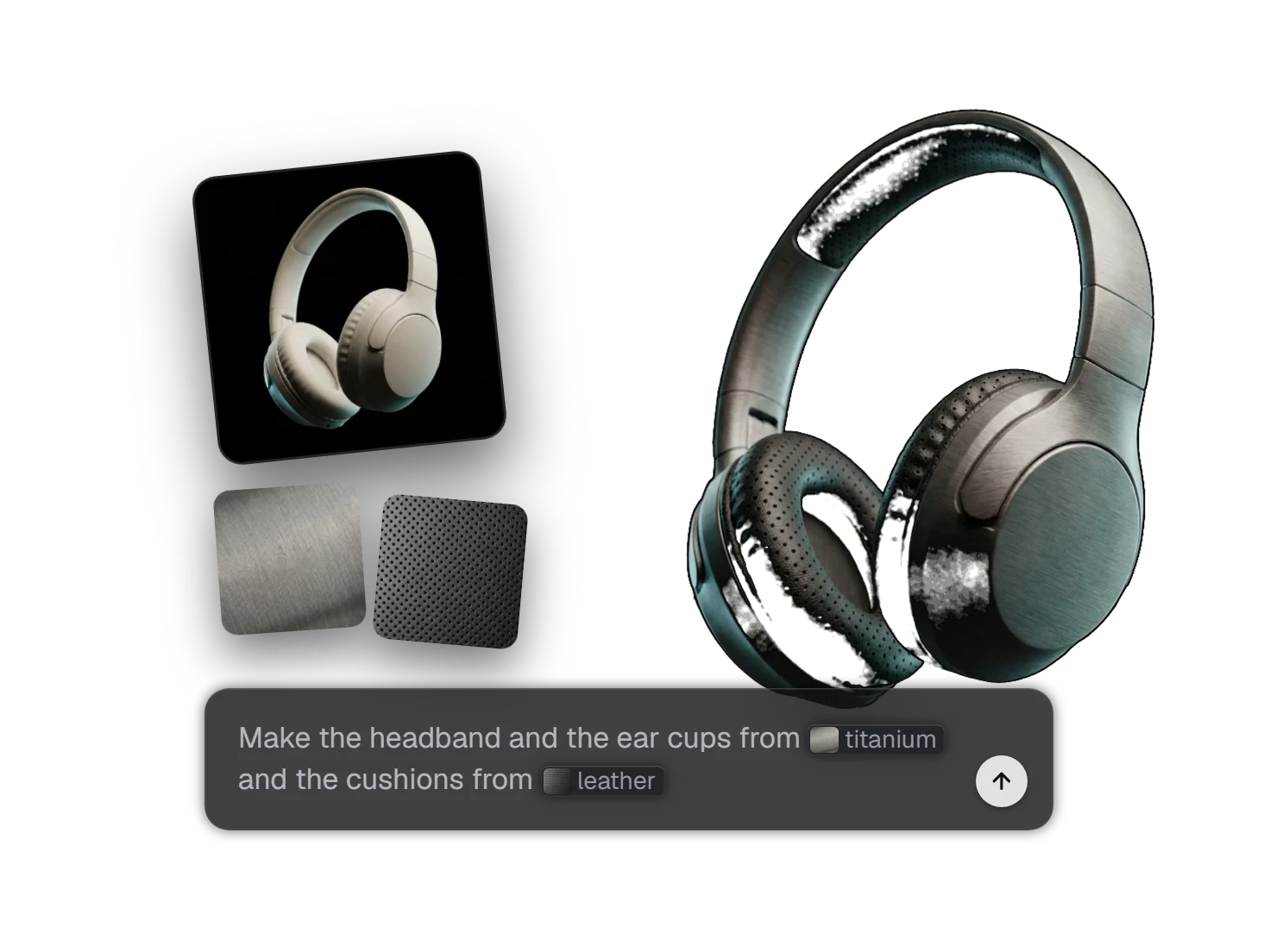
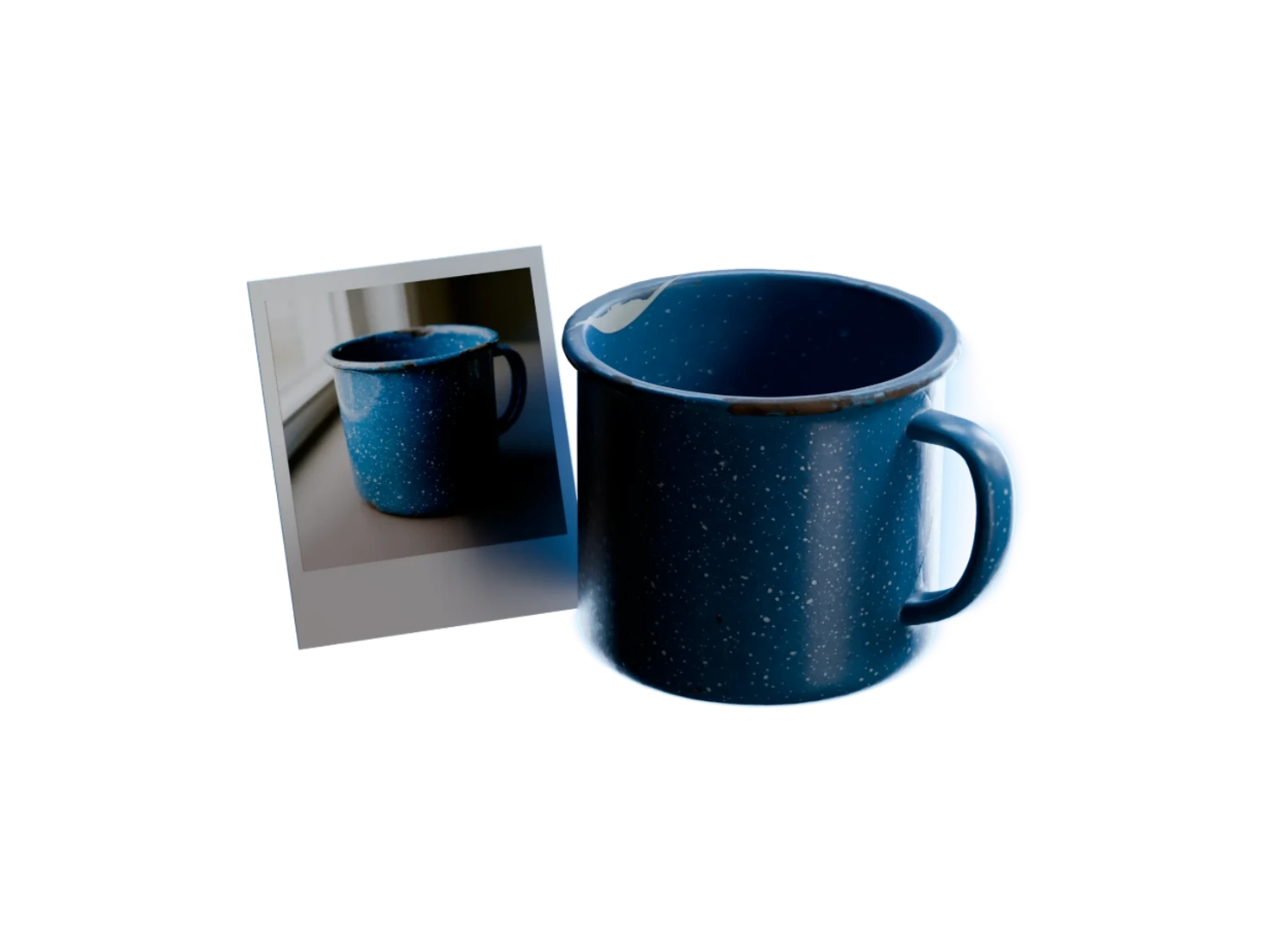
Connect one reference image, such as a suede swatch or a photo of rust, and name it with @. 3D Asset Edit paints the surface to match, as Image Edit does for an image.
Your original stays as it is
3D Asset Edit never changes its source. Each run saves a new model in your Asset Library, linked to the model it came from, so you can try another finish at any time.
Use cases
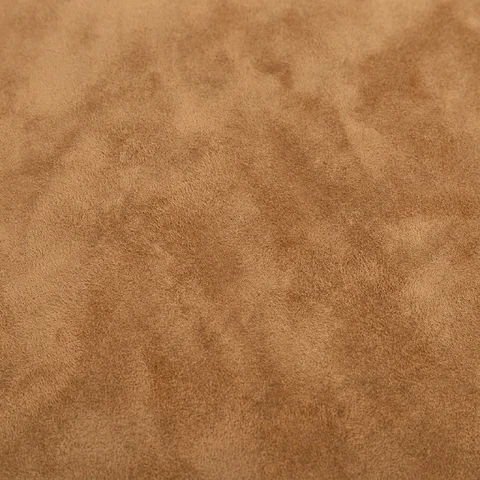
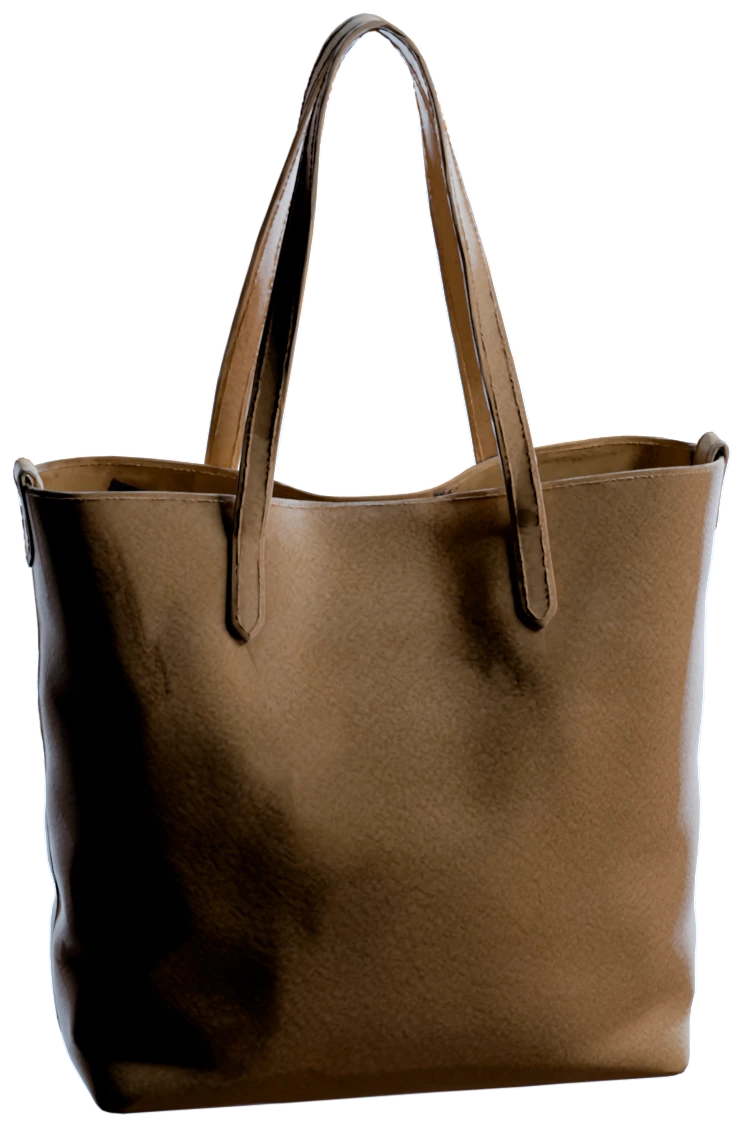
A new material from a photo
"Make this bag from @suede", with a photo of camel suede as the reference: the same tote, in a new material.
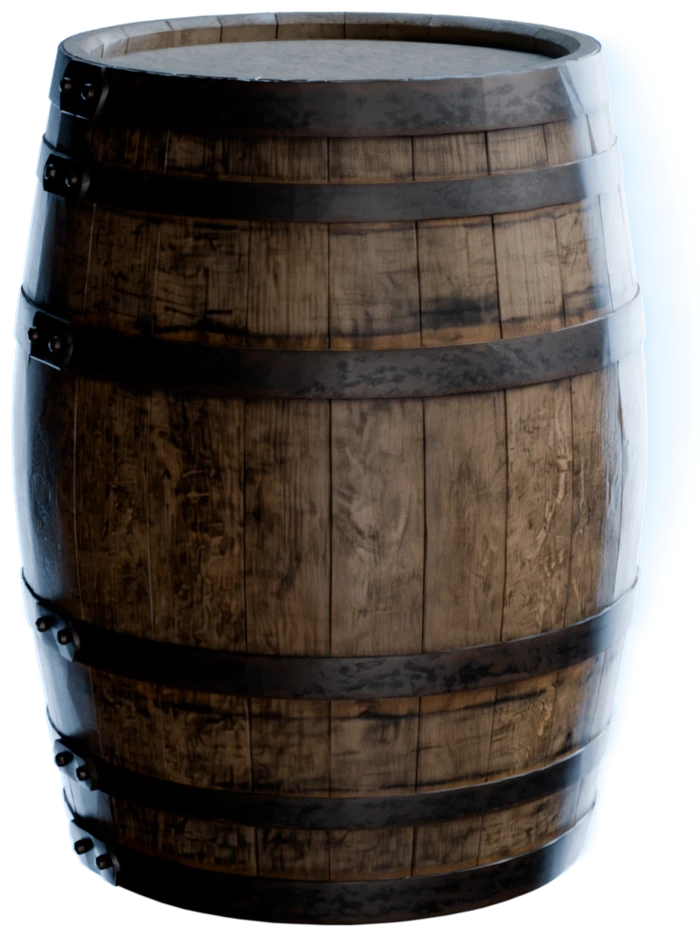
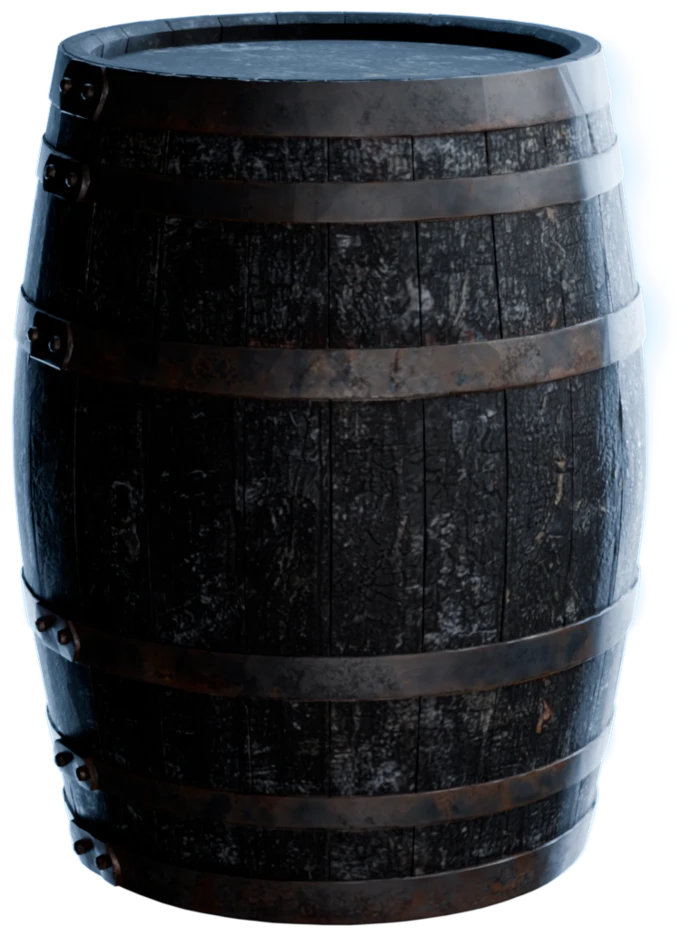
Damage for a game level
"Make this barrel charred and burnt, as after a fire": a burnt prop with the mesh of the clean one.
A range of glazes
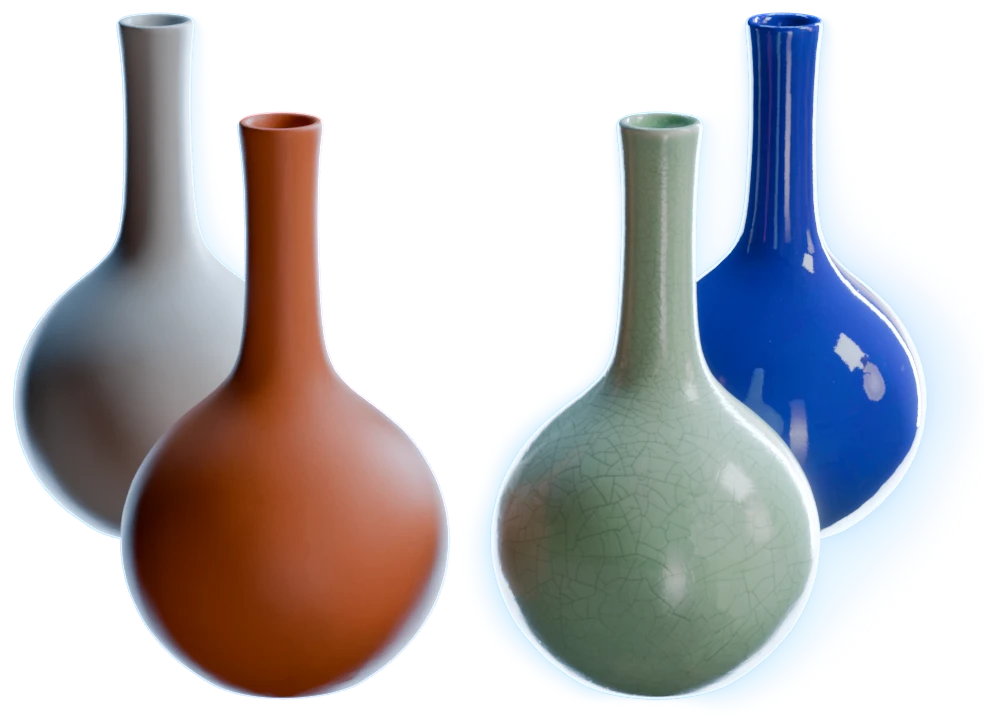
"Glaze this vase in glossy cobalt blue", then matte terracotta, then celadon with a fine crackle: three glazes of one white vase.
Questions about 3D Asset Edit
What 3D artists ask before they make their first variant. 3D Asset Edit comes with the 14-day free trial of the Artist plan.
Connect the model to the 3D model input of an Edit 3D Model node, write the change in the prompt and run it. 3D Asset Edit renders the model from several angles, edits each view and paints the change back into its colour texture. "Make this jerrycan old and weathered" gives the same jerrycan, rusted and chipped.
No. 3D Asset Edit changes only the colour texture, so each variant keeps the mesh, the UVs and the size of the original. To change the shape, change the image that goes into 3D Generation, for example with Image Edit, and generate the model again.
3D Asset Edit is in preview, and it takes a GLB model whose parts all use one colour texture. A model from 3D Generation, an earlier edit or a GLB from your Asset Library works when it meets that rule. The node tells you when a model is in another format.
Yes, one image. Connect it to the Reference image input of the Edit 3D Model node, and name it with @ in the prompt, for example "make this bag from @suede". 3D Asset Edit takes the colour, the pattern or the material from the reference and keeps the shape of your model.
No. 3D Asset Edit changes the base colour only. Connect its result to Generate PBR Textures, which predicts albedo, roughness, metallic, IOR and normal maps on the same UVs, and wires them into a USD for Blender, Unreal Engine, Unity and Isaac Sim.
3D Asset Edit is on every paid plan, from the Artist plan at $29 a month, and on the 14-day free trial of the Artist plan, which needs a card. The Free plan gives you 400 credits a month for single-asset workflows, but it does not include 3D Asset Edit.
New look, same mesh
Make every variant from the model you already have.