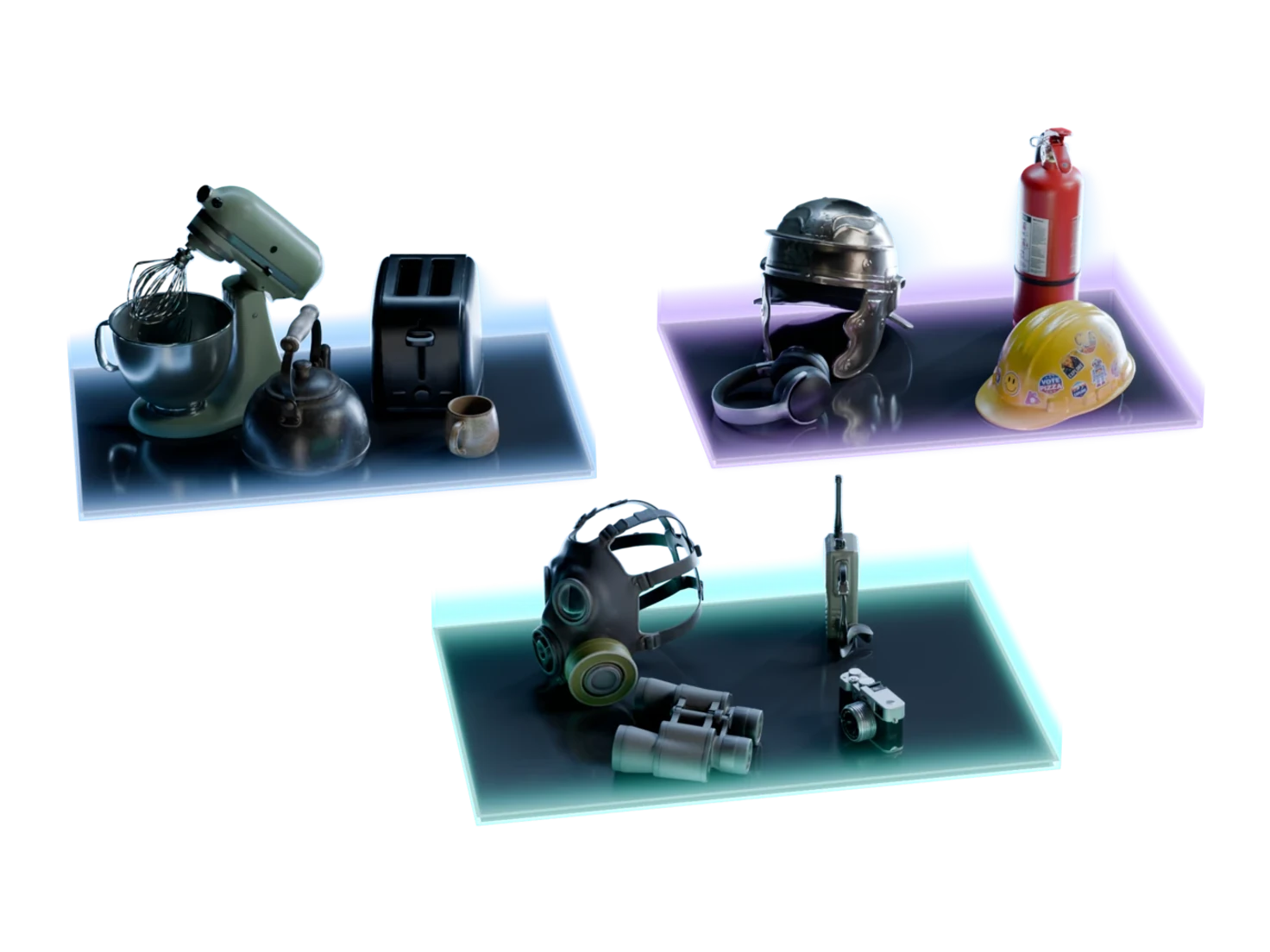
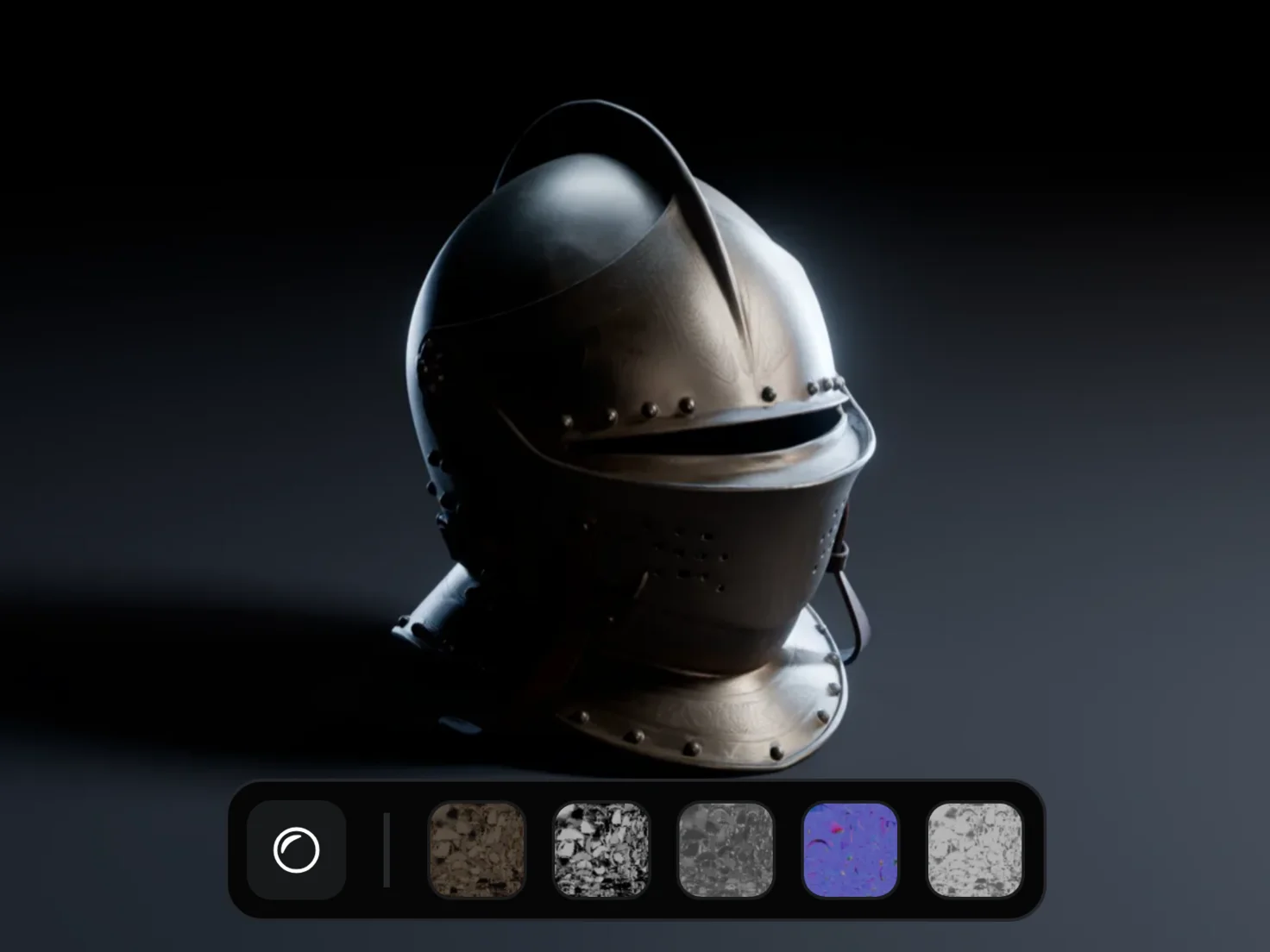
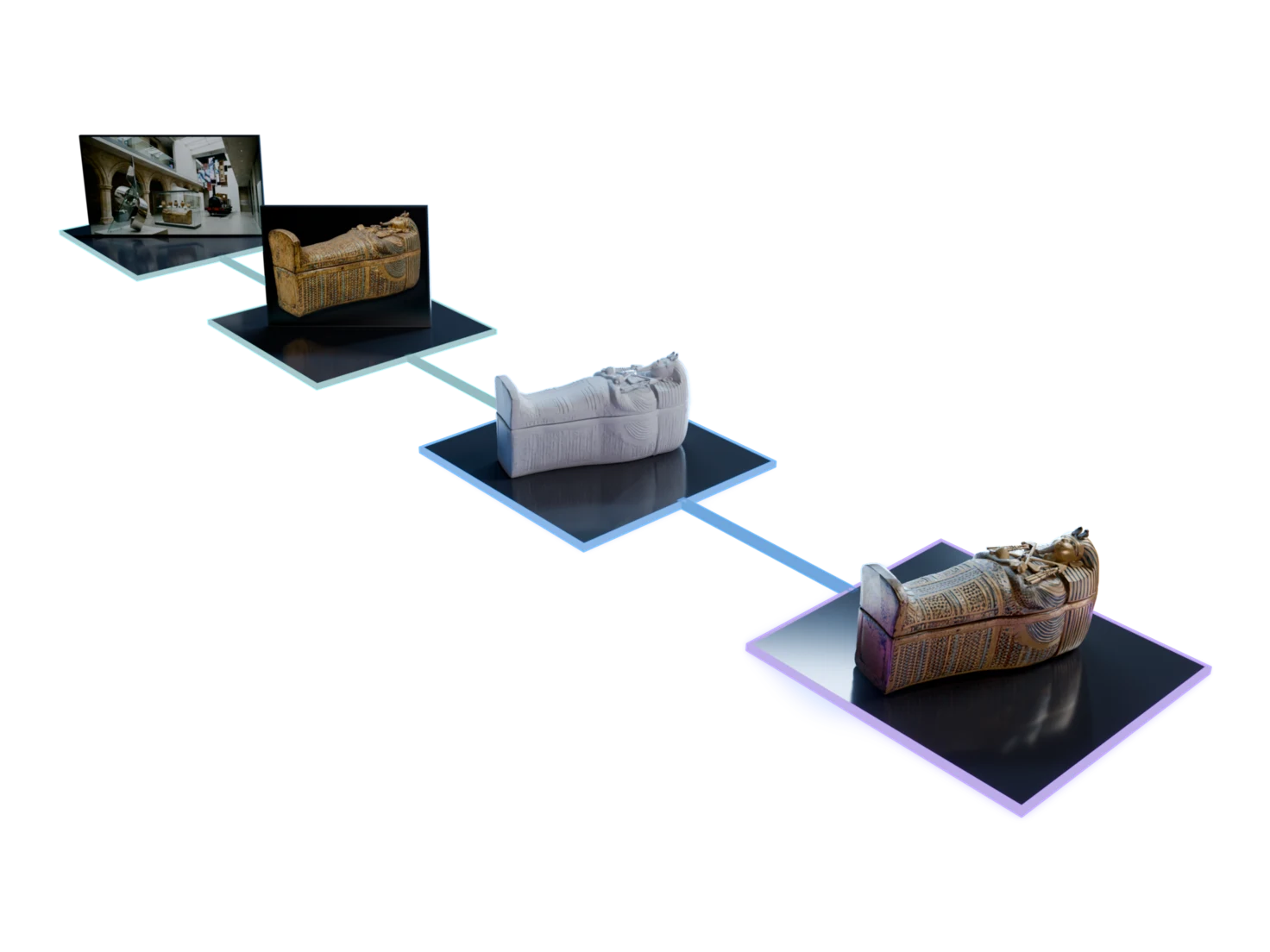
Settle the look before you build anything in 3D
Image Generation makes an image of an object, a scene or a texture from your prompt. Steer it with your own reference images, keep the version you like, then send it on to 3D.
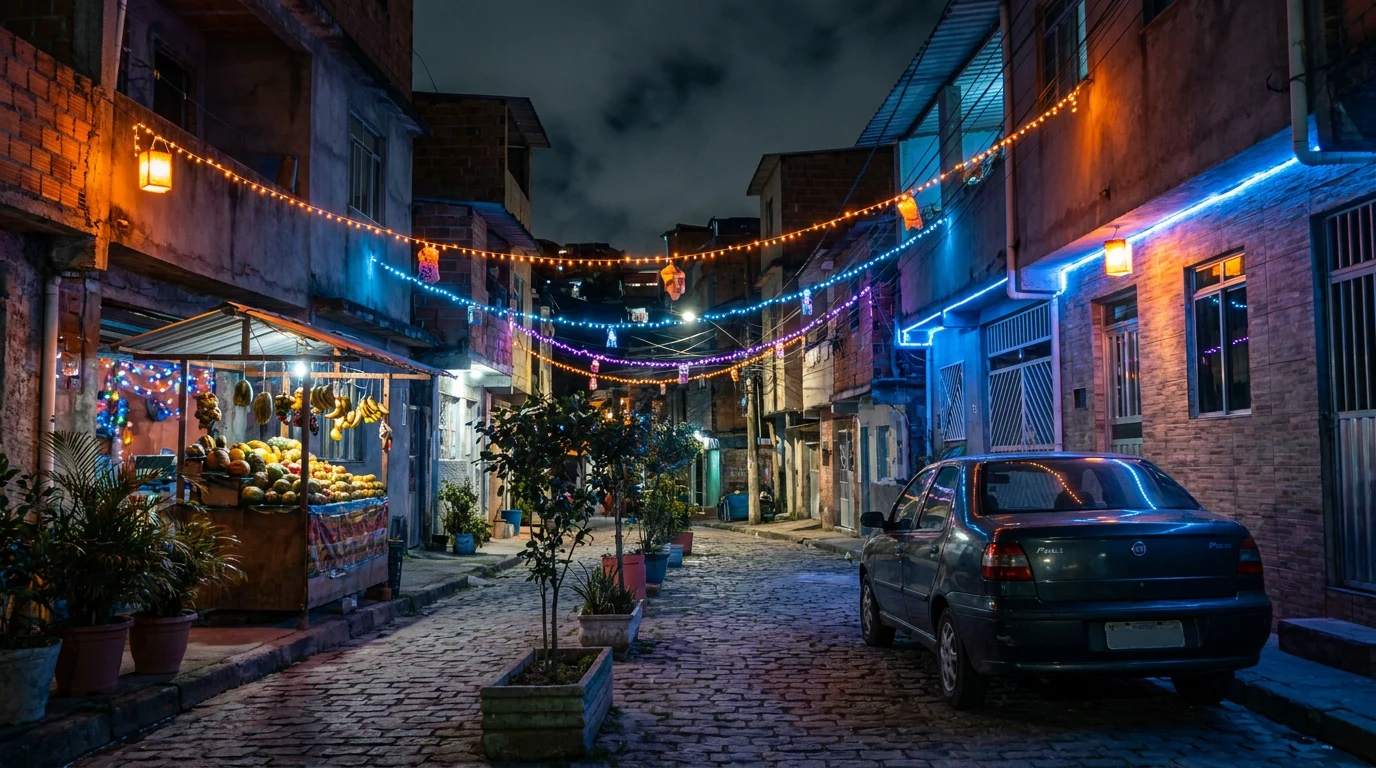
A favela street at night under festive string lights…
Sign in to try itHow to generate an image you can build in 3D
- 1
Pick a mode.
Object for a single item, Scene for a room or location, Blank for textures, close-ups and anything else.
- 2
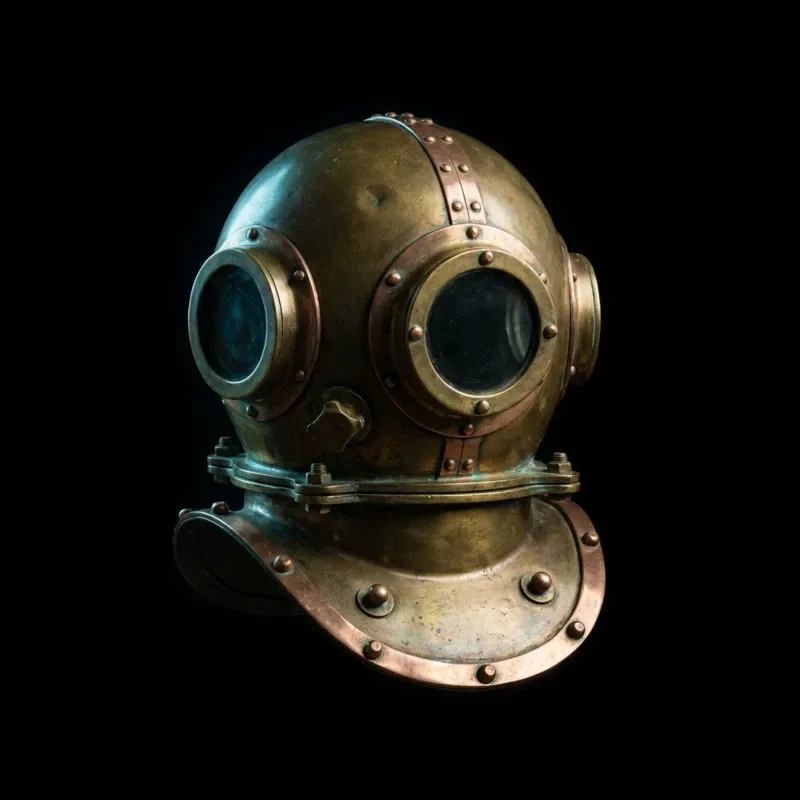
A vintage brass diving helmet with @
Sign in to try it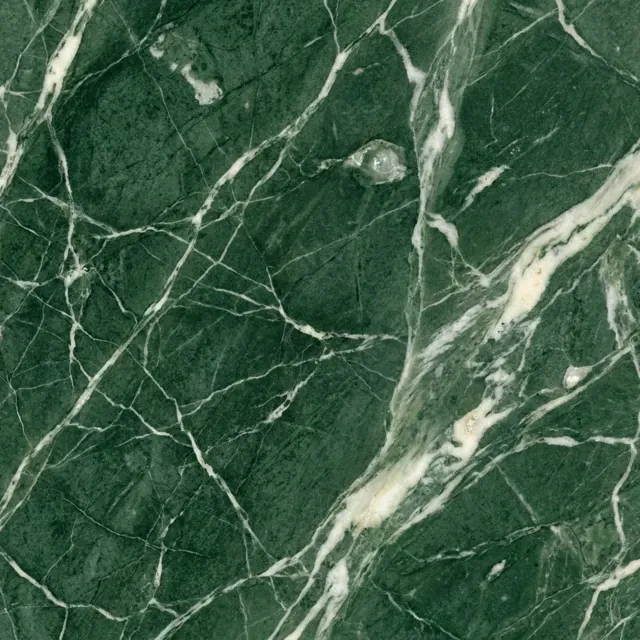
Describe it.
The more detail you give, the closer the image. Type @ to bring in a reference.
- 3
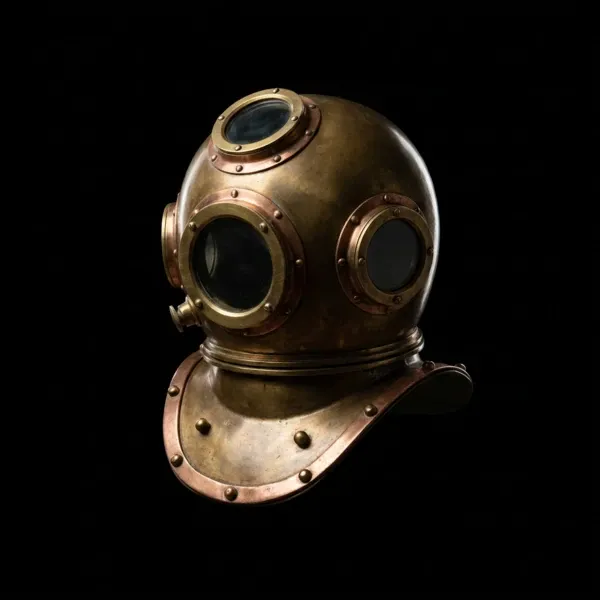
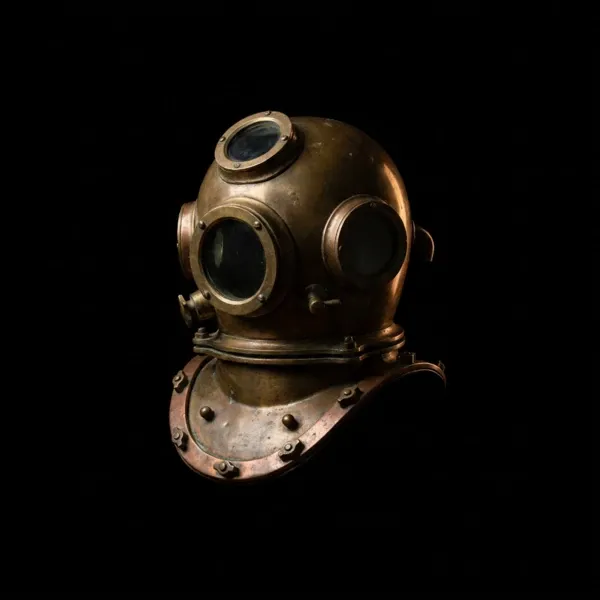
Run and compare.
Every version stays on the node, so you can switch back and keep the best.
- 4
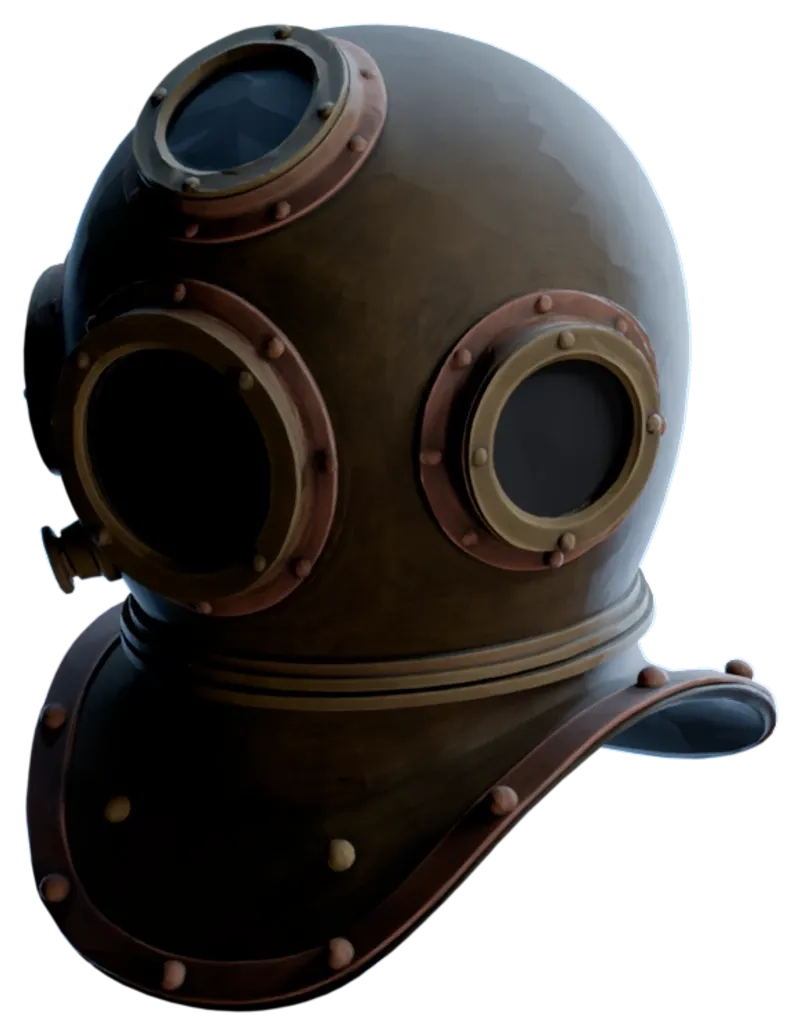
An image you can build on
A mode for what comes next
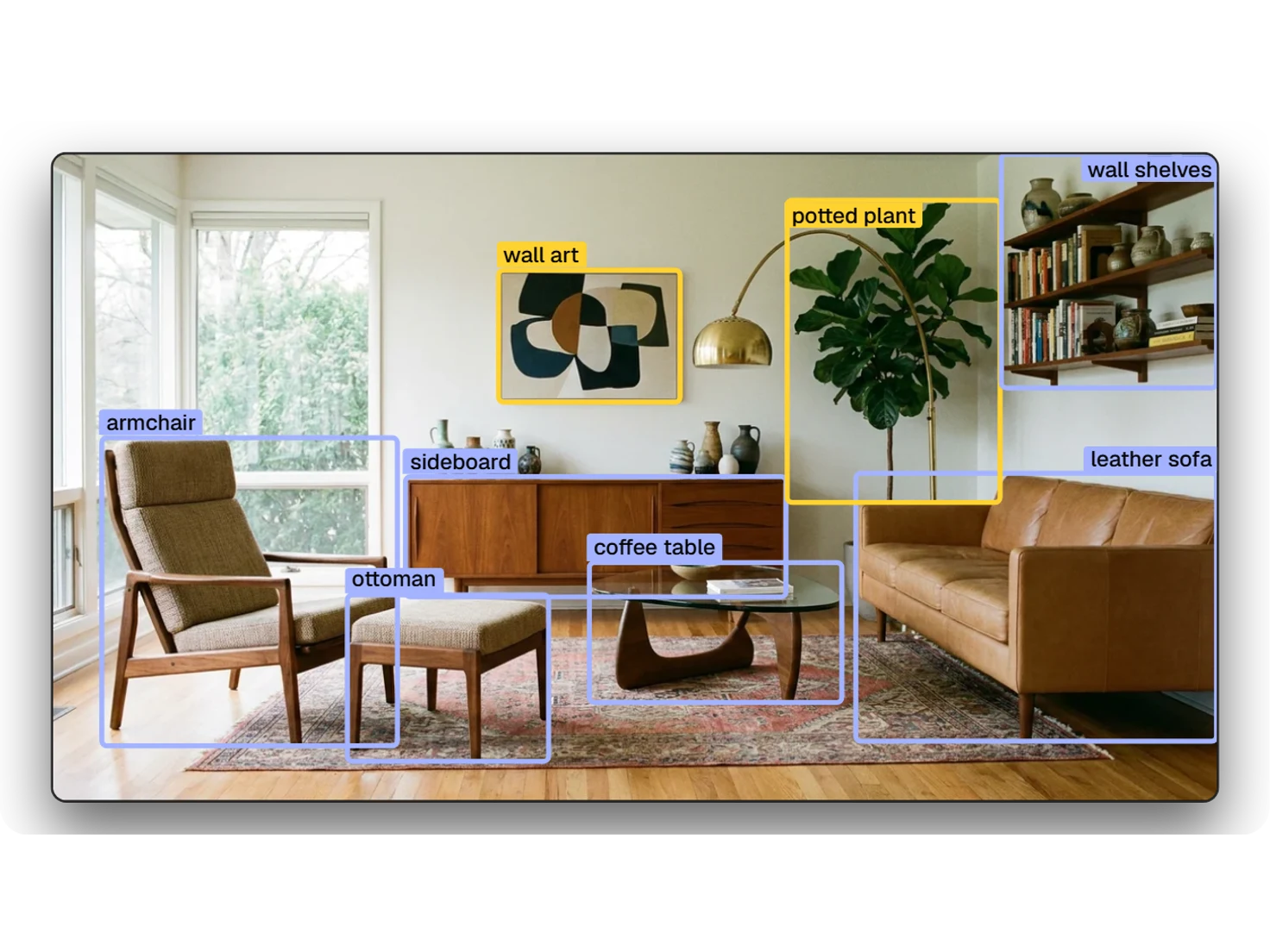
Object mode frames one item on a black background at 1:1, which is what 3D generation reads best. Scene mode frames a widescreen 16:9 view for Detect Objects to pick apart. Blank leaves the prompt entirely to you.
Your references, by name
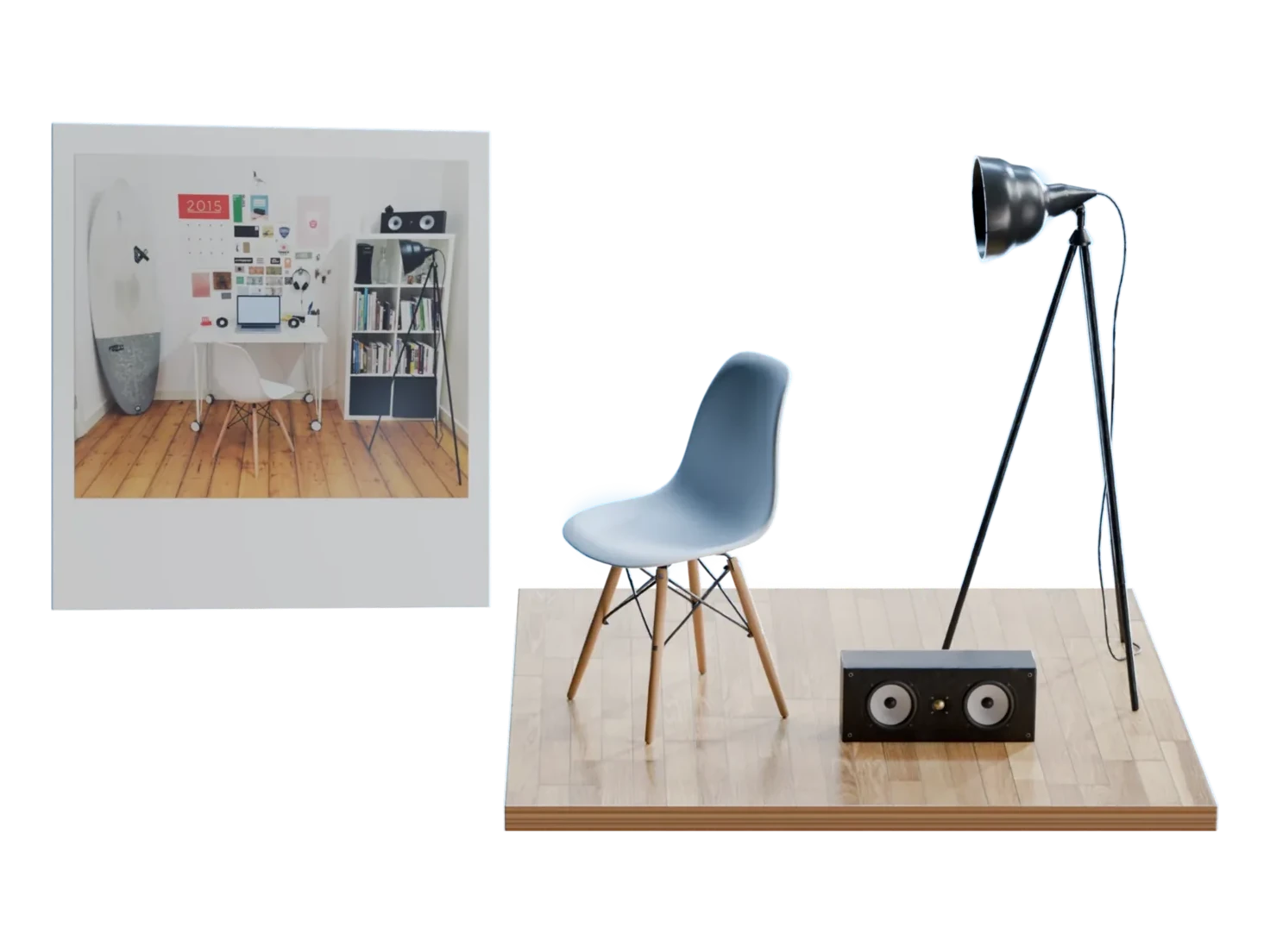
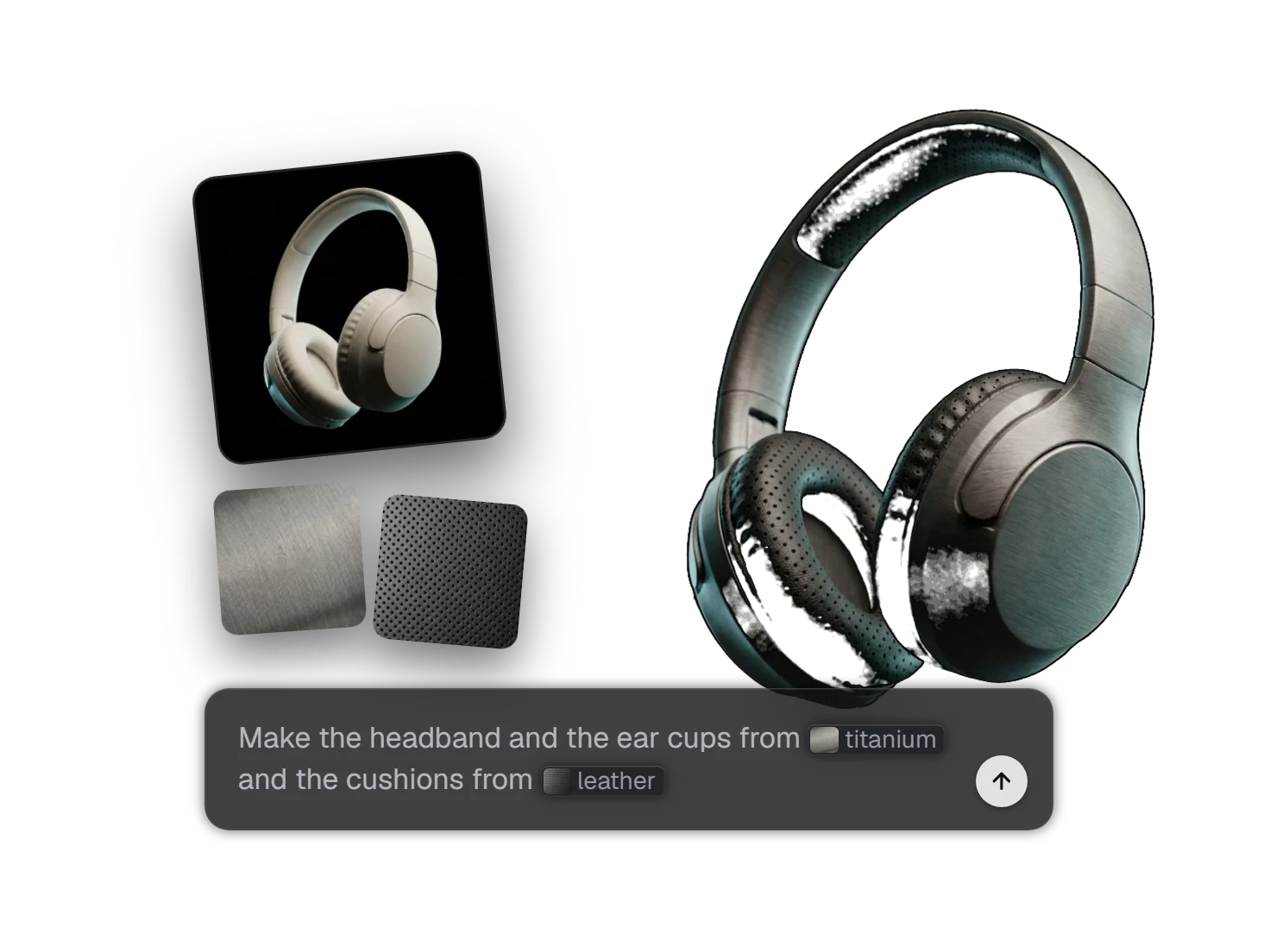
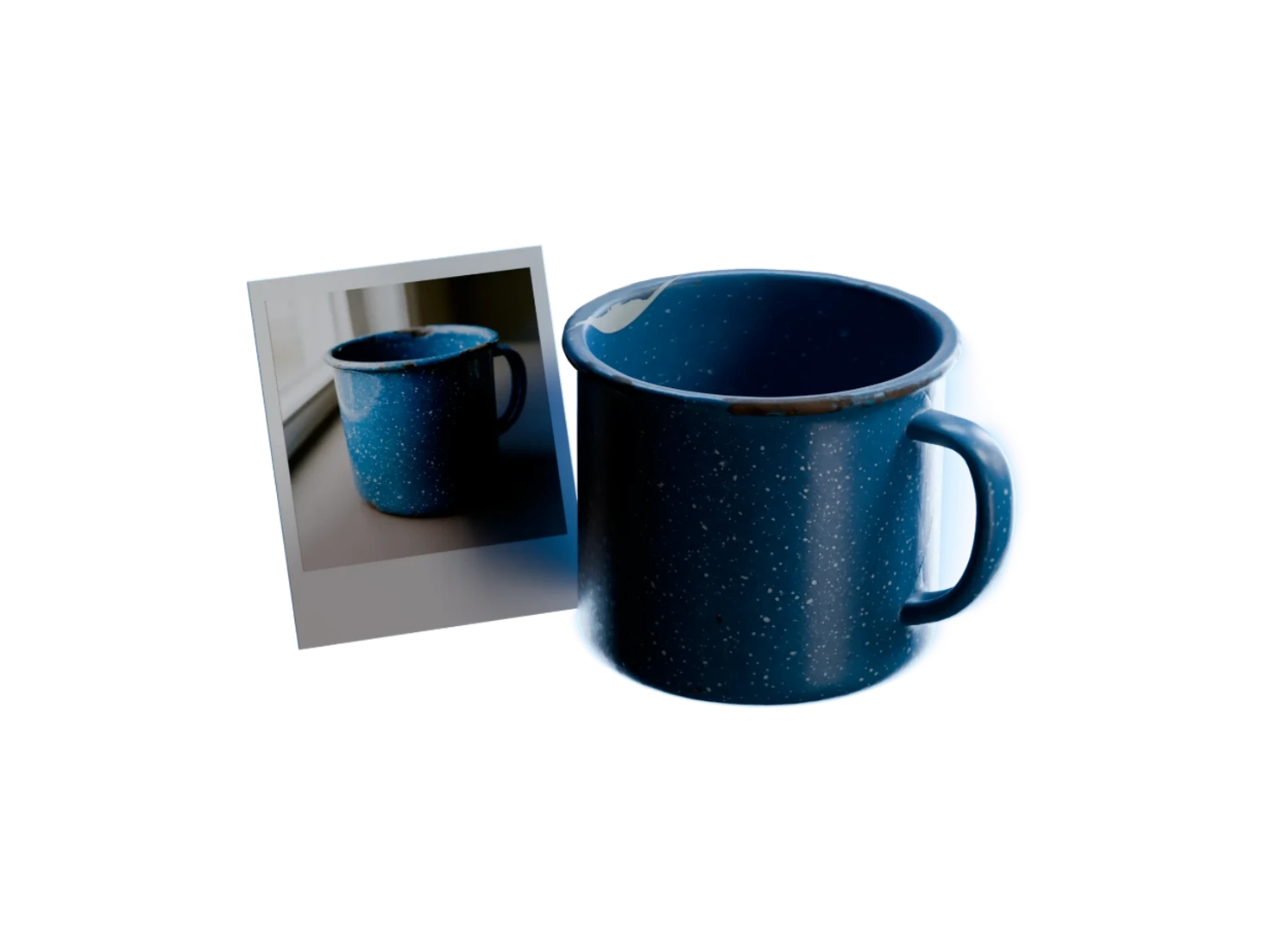
Connect several reference images and mention each one in your prompt with @, so the prompt says exactly which reference does what: this sofa's shape, that leather.
Nothing gets thrown away
Run again and the last version stays in the carousel at the bottom of the node. Switch between them and keep the one you want.
Use cases
An asset from an idea
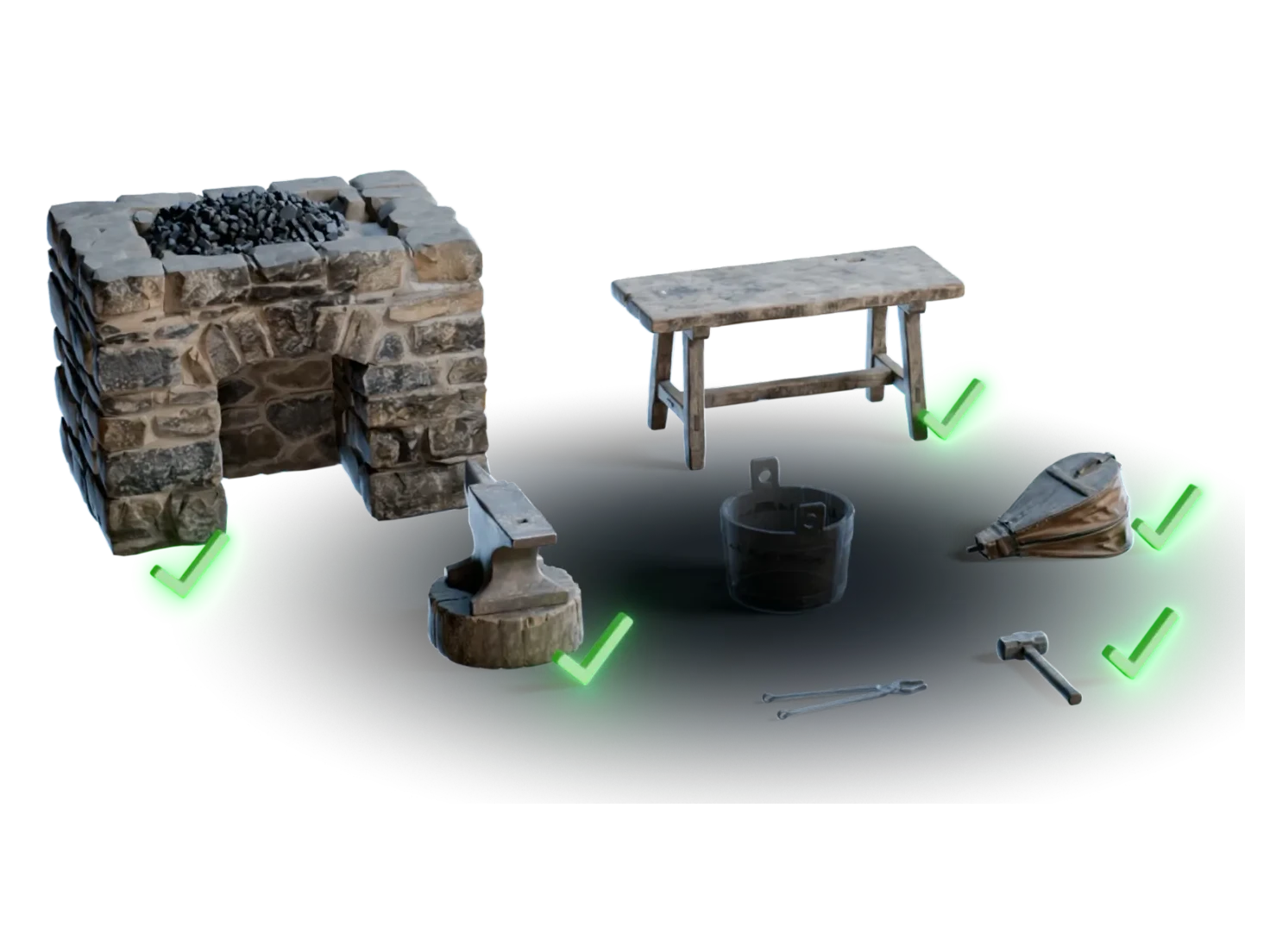
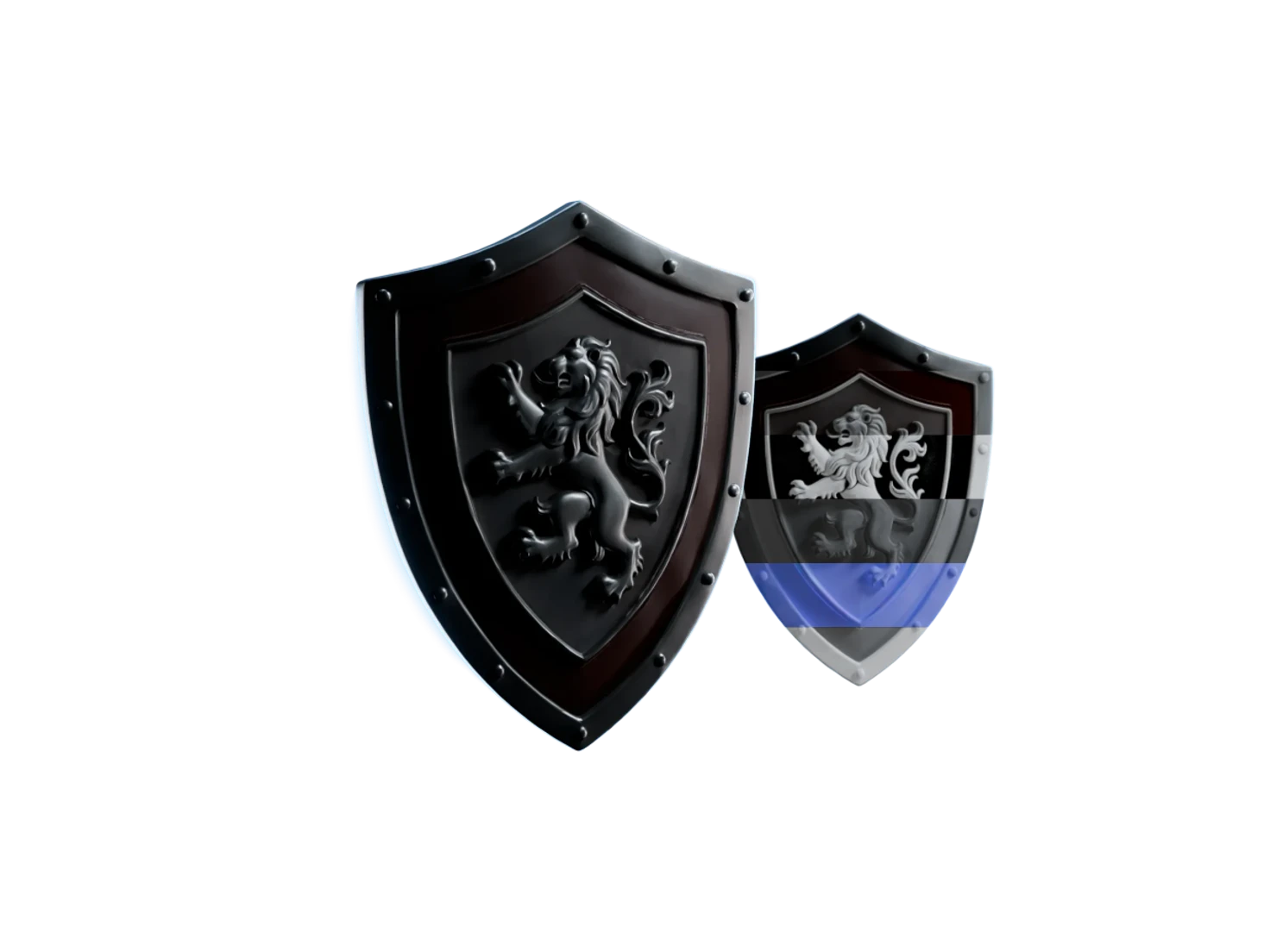
"A vintage brass diving helmet with three round portholes" in Object mode, then 3D Generation.
An asset from a reference
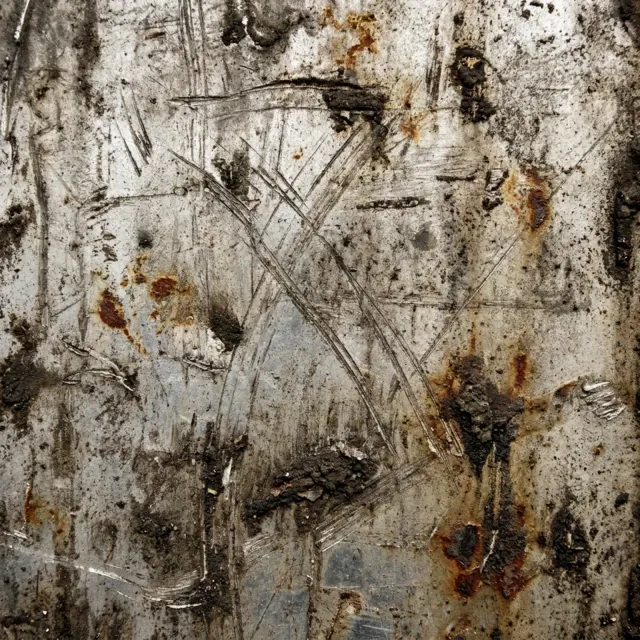
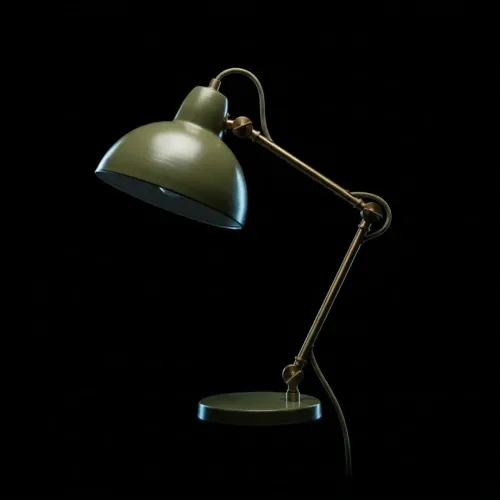
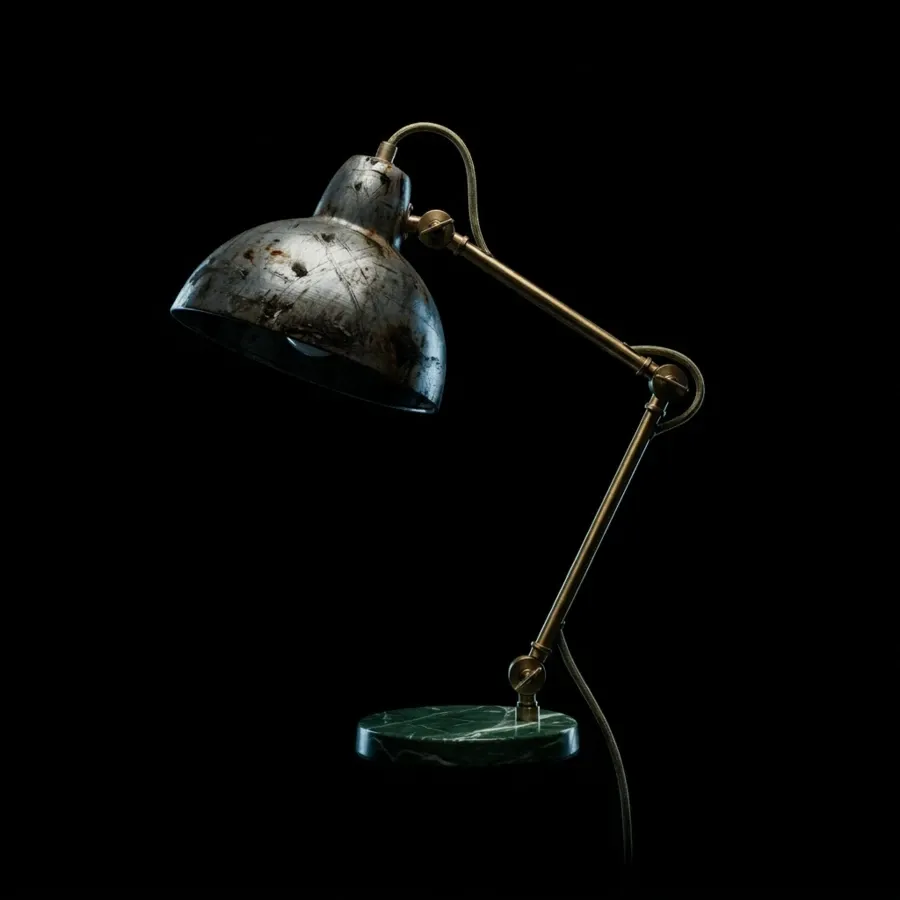
"The desk lamp of" one reference, "in the scratched metal of" another: mention each with @, then 3D Generation.
A whole scene
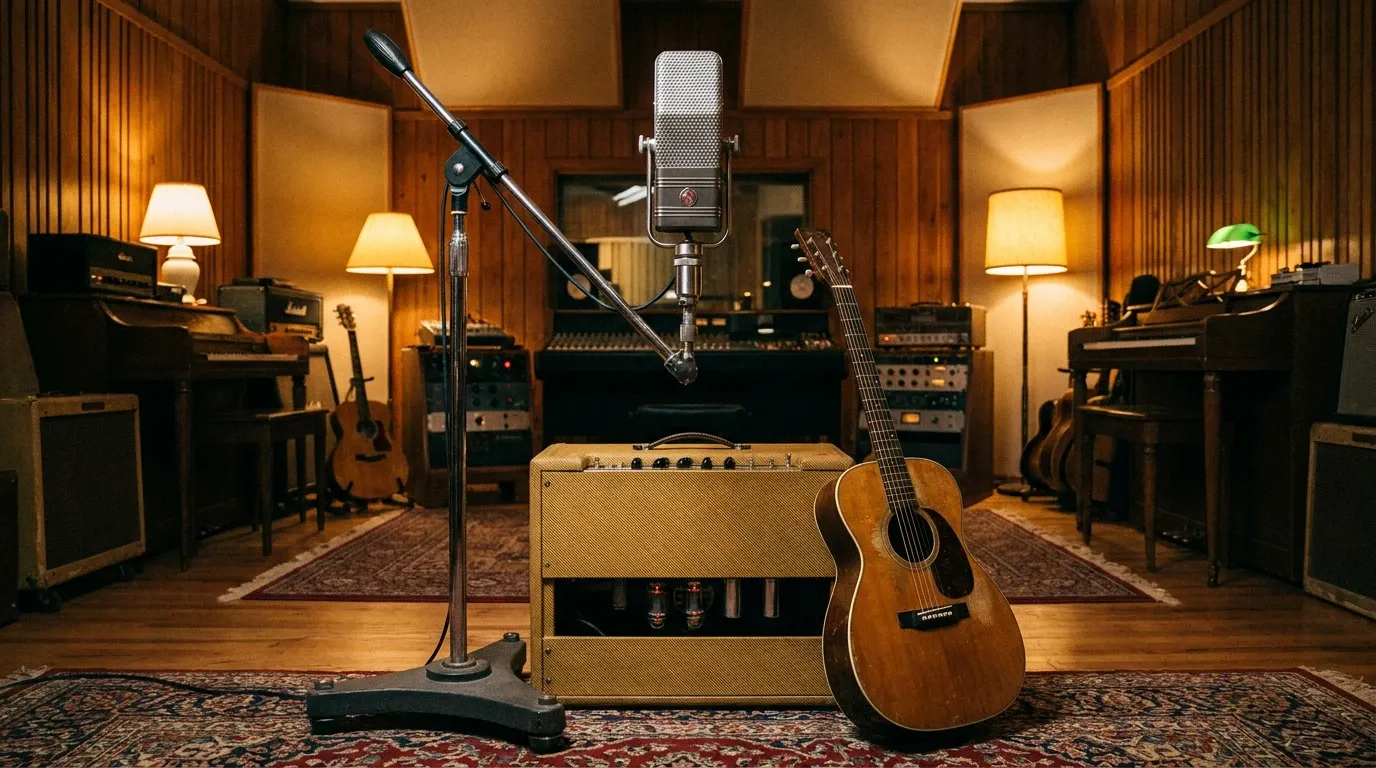
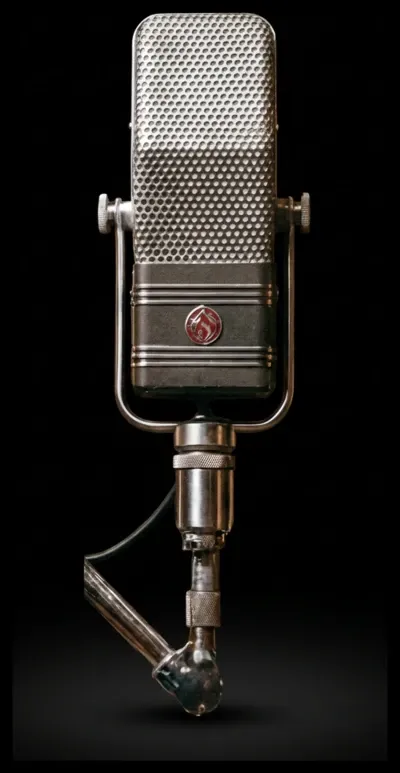
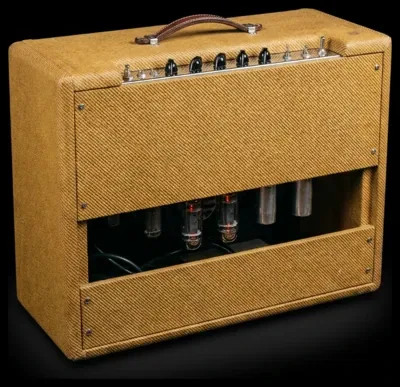
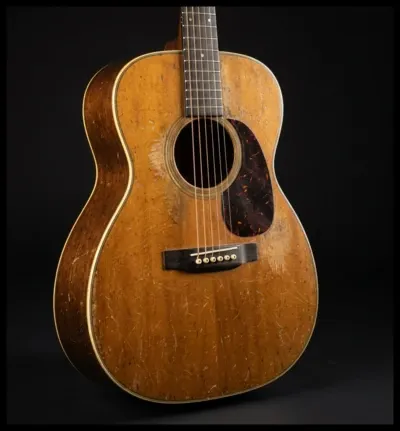
"A vintage recording studio with a ribbon microphone, a tube amplifier and an acoustic guitar" in Scene mode, then Detect Objects for the objects in it.
A texture or a style
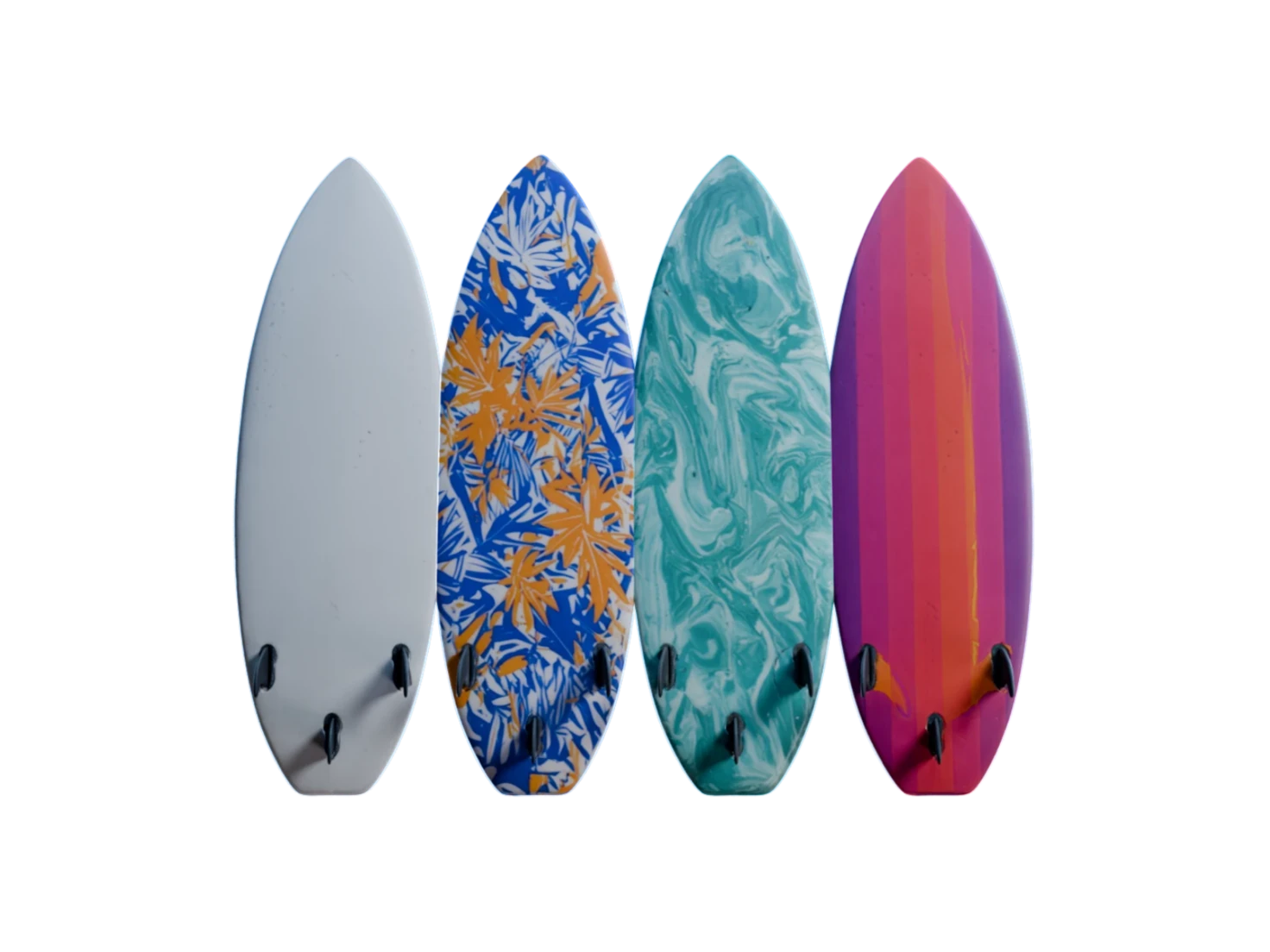
Blank mode for a surface, a close-up or a look you want to reuse as a reference.
Questions about Image Generation
What teams ask before they generate their first image for 3D. Still unsure? The Free plan gives you 400 credits a month, with no card required.
An image is the fastest place to settle the look: a new version takes seconds, and you spend credits on 3D only once the image is right. Object mode also frames one item on a black background at 1:1, the input that 3D Generation reads best.
Object for one item you'll turn into a 3D model, Scene for a room or an environment that Detect Objects splits into objects, and Blank for textures, close-ups and anything else. Each mode frames the image for the step that comes next.
Yes. Connect several reference images to the node and mention each one in your prompt with @, for example the shape of one sofa and the leather of another. The prompt then says exactly which reference does what.
No. Every run uses the model we found gives the best results for realistic objects, scenes and textures, so there's no model to pick and no setting to tune.
Refine the prompt or run it again. Every version stays in the carousel at the bottom of the node, so you can switch back and keep the best one. To change one part of an image you nearly like, such as its material or its camera angle, use Image Edit on it.
Settle the look first. Then build it.
Start from an image you're sure of and take it to 3D when it's right.