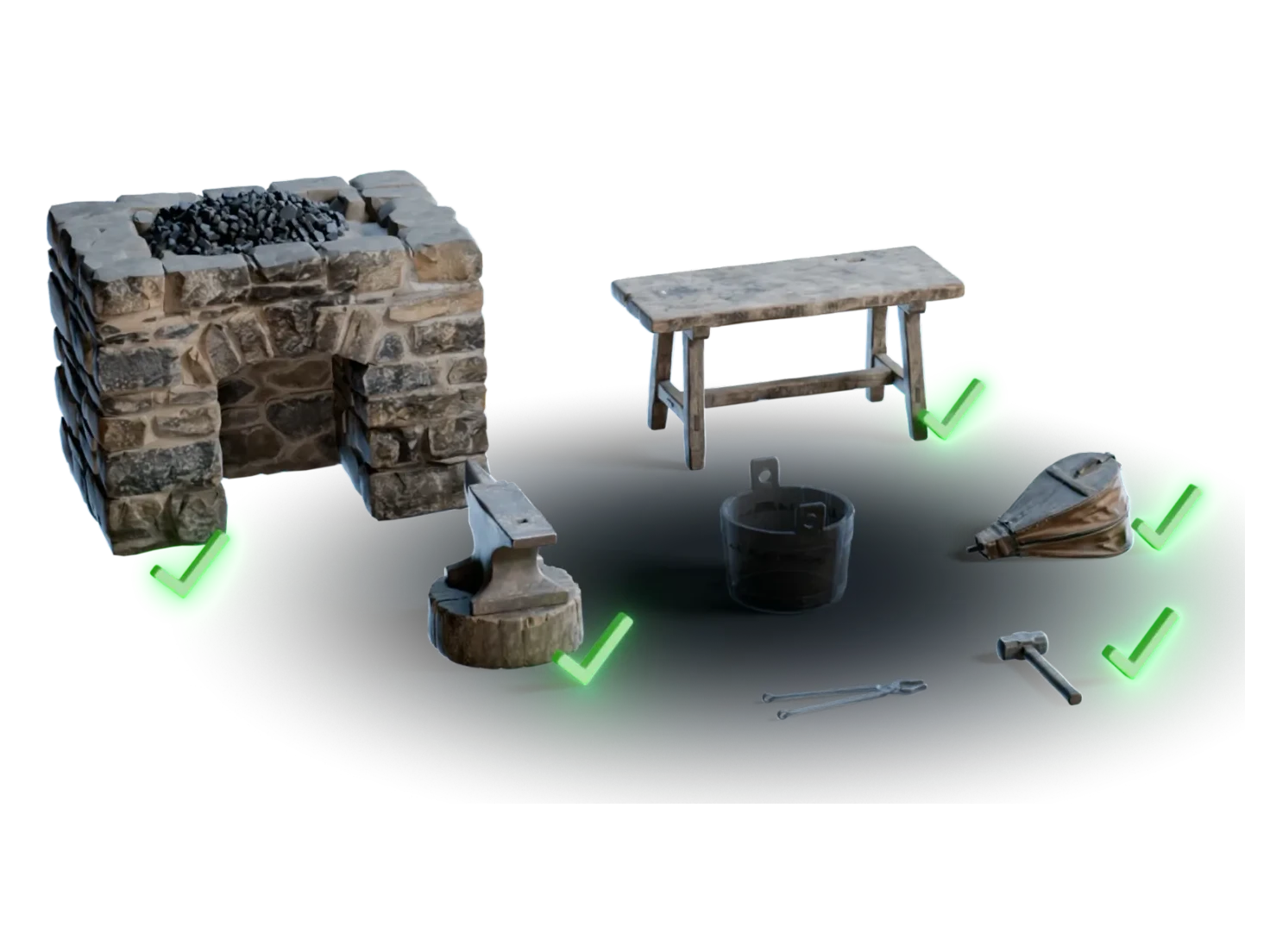
Drop them in. They're ready to simulate.
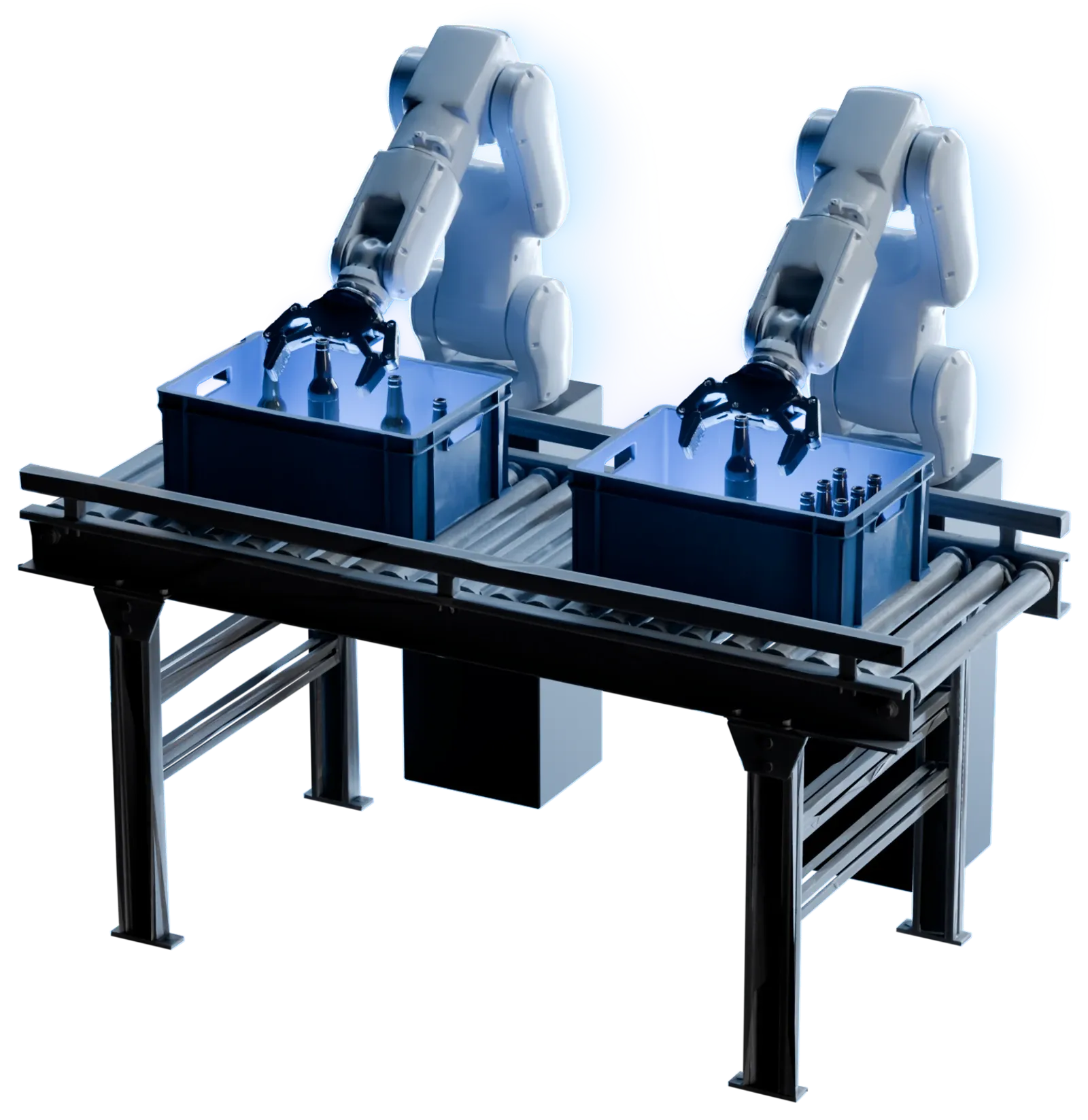
Every asset out of Marso Studio carries correct scale, physics properties and semantic tags in its USD. Open it in Isaac Sim or NVIDIA Omniverse and it's ready to use.
How to get simulation-ready assets into Isaac Sim
- 1
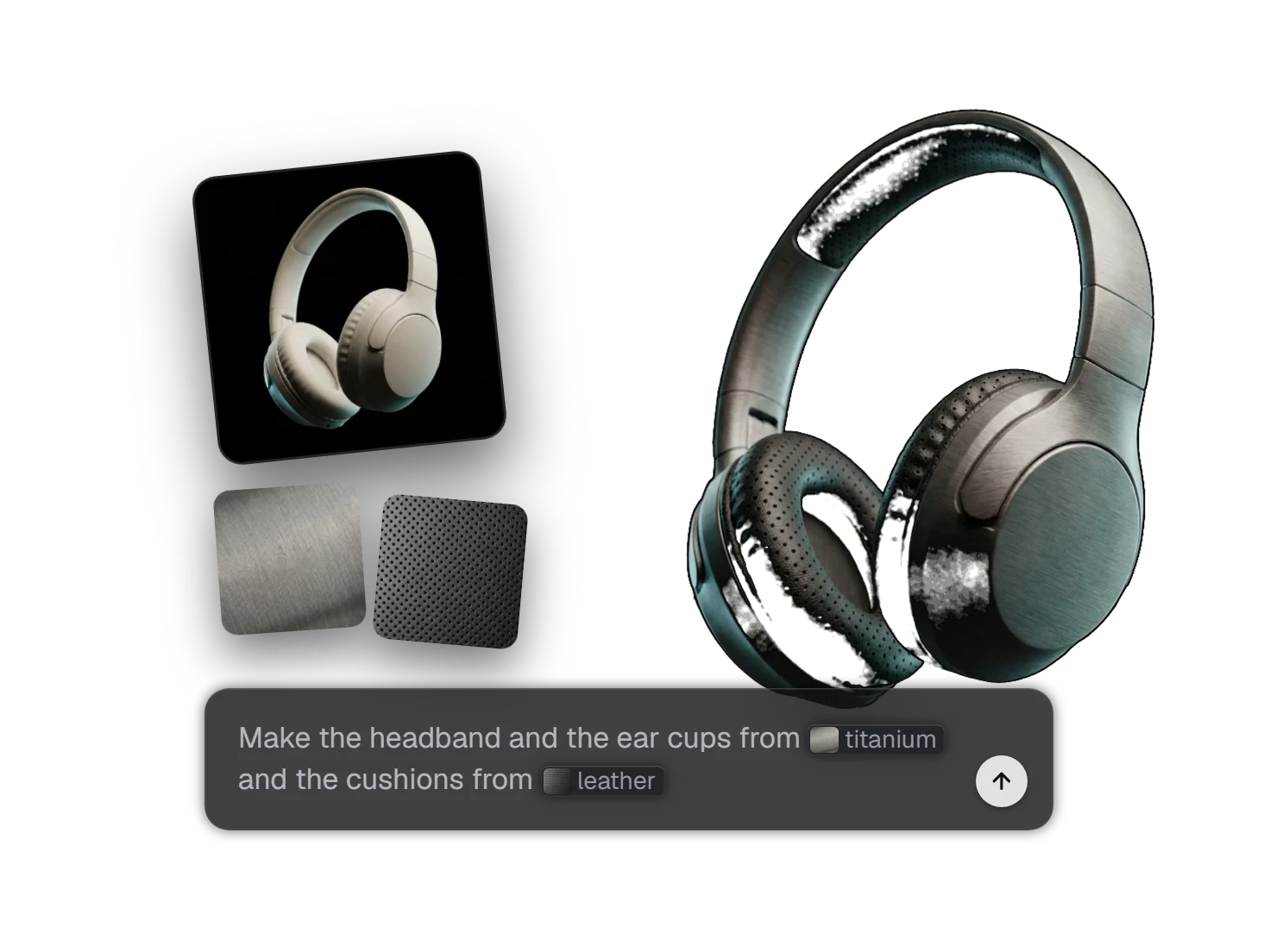
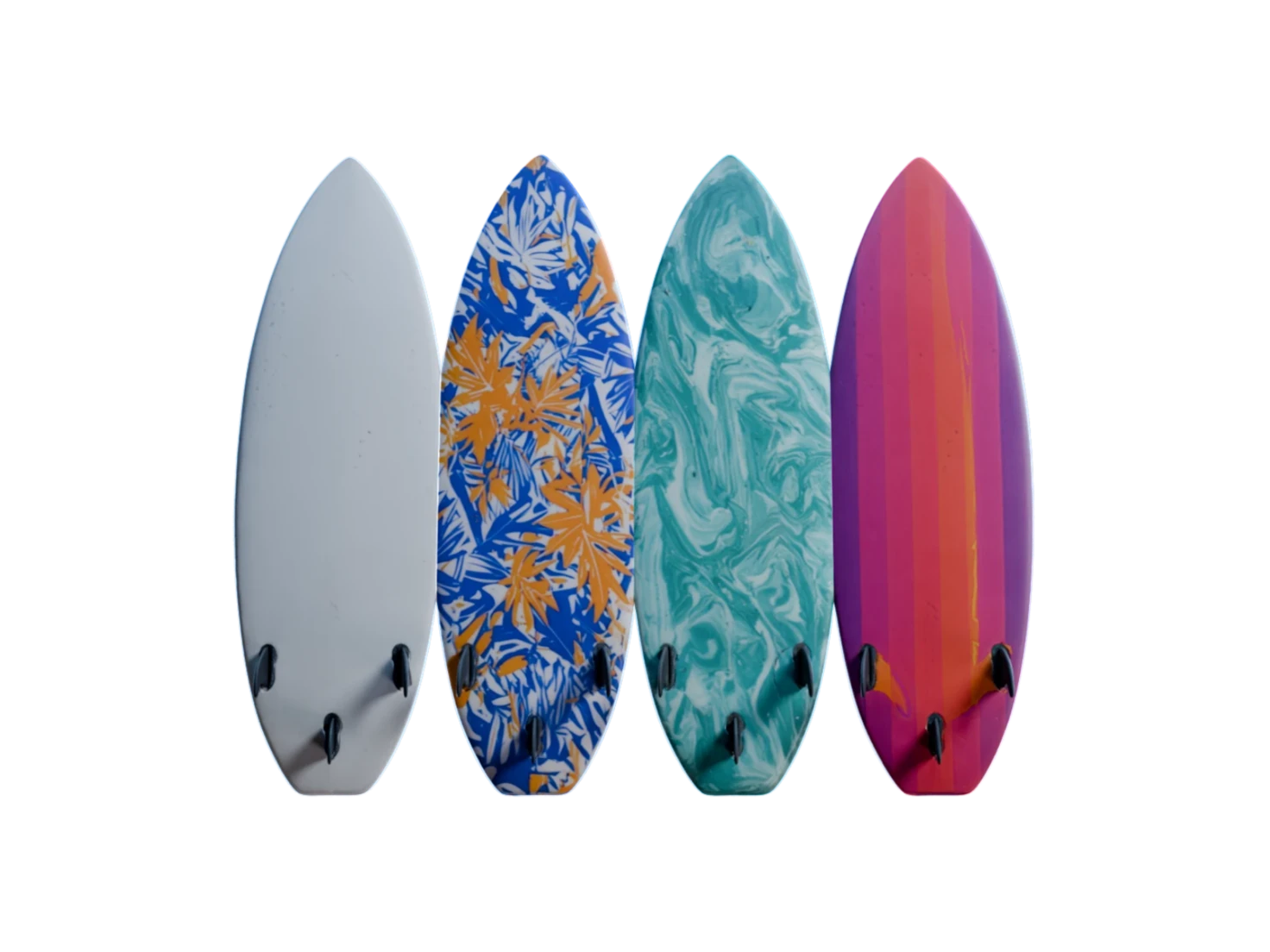
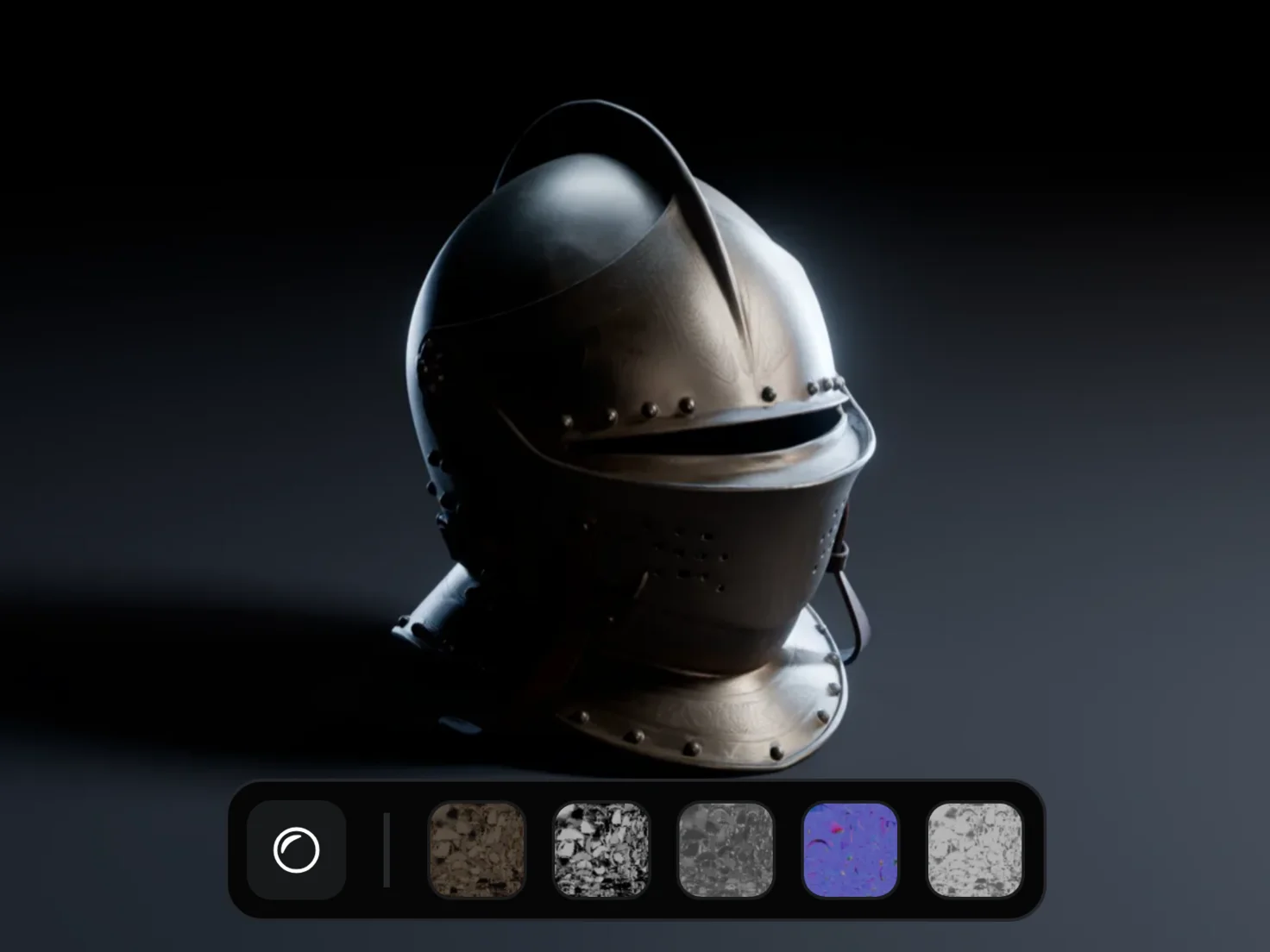
Generate PBR Textures.
One asset or a whole scene.
- 2Sim-ready
- Size
- 16 × 28 × 33 cm
- Density
- 1150 kg/m³
- Friction
- 0.5 / 0.4
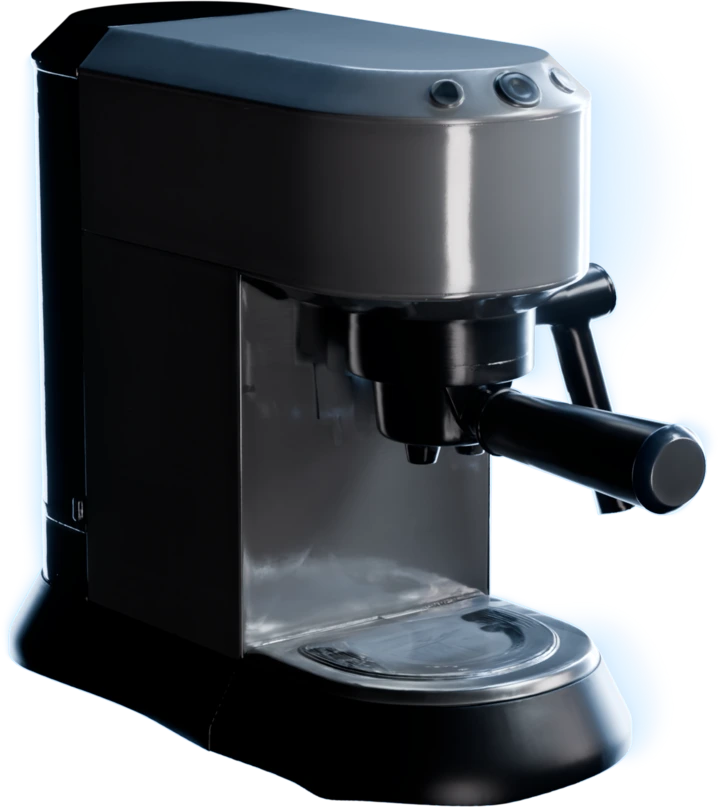
ApplianceMetalLook for the Sim-ready label.
Every finished asset carries it in your Asset Library.
- 3
Ready for the physics engine
Physics on every asset
Every asset gets Physics in its USD: static and dynamic friction, mass, density and restitution, applied automatically, so a physics engine can simulate it from the first frame.
True to scale
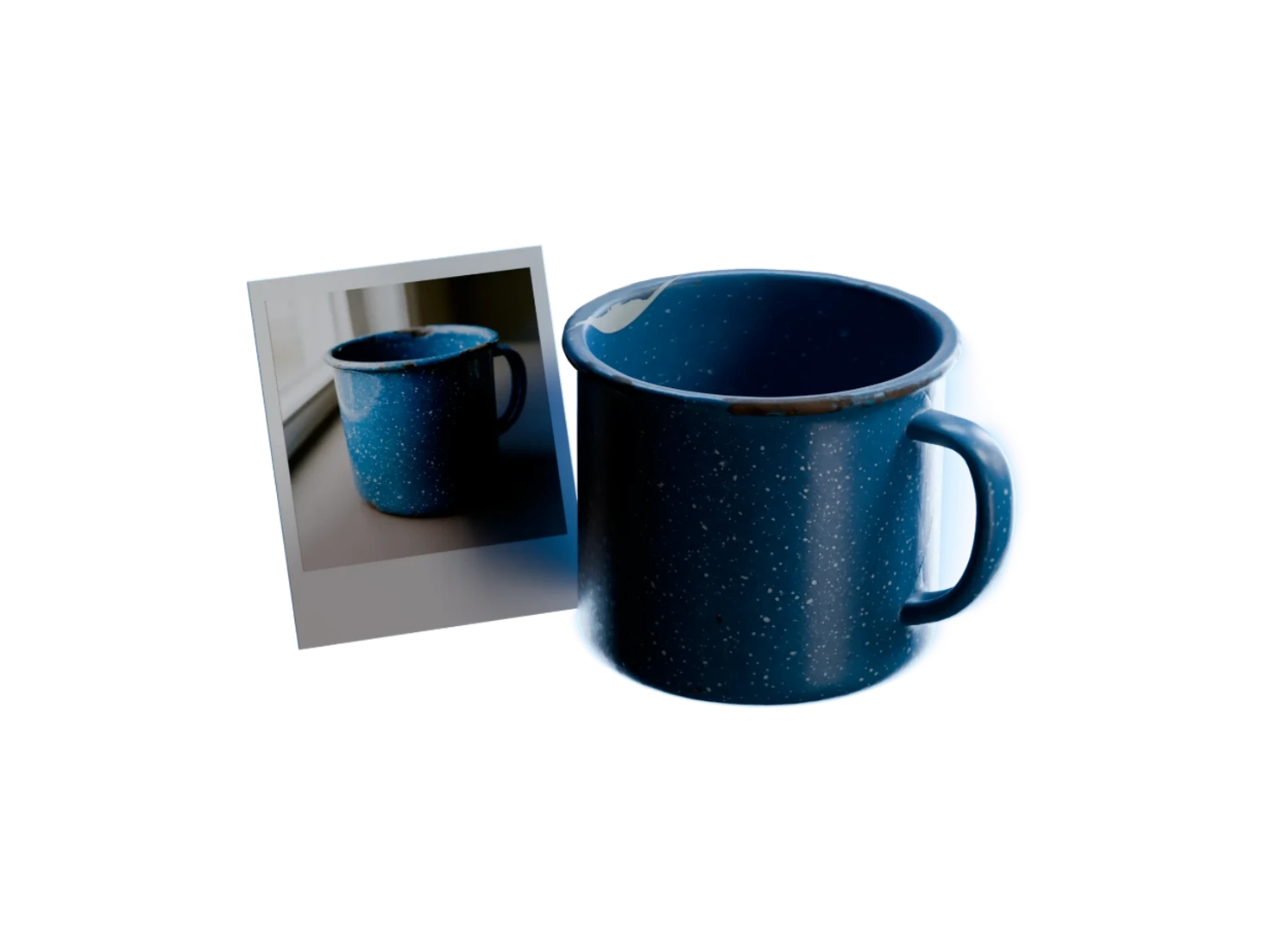
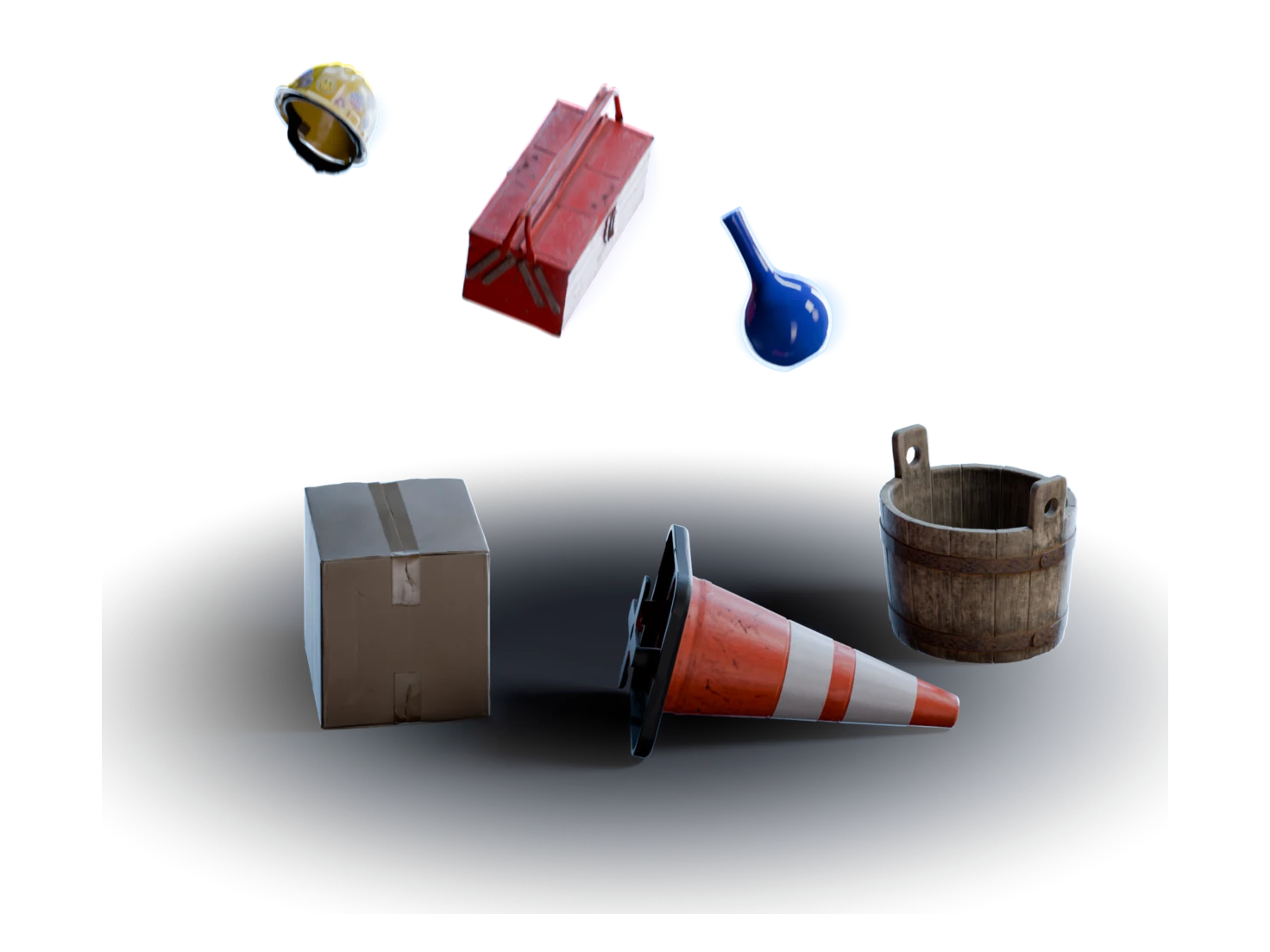
Assets come out at real-world size, in metres, so a mug and an espresso machine sit together in the scene at the right proportions.
Labelled for your pipeline
Category, material type, scale and provenance are written into each USD as semantic tags, so your pipeline can sort, filter and search the assets.
A scene's worth from one image
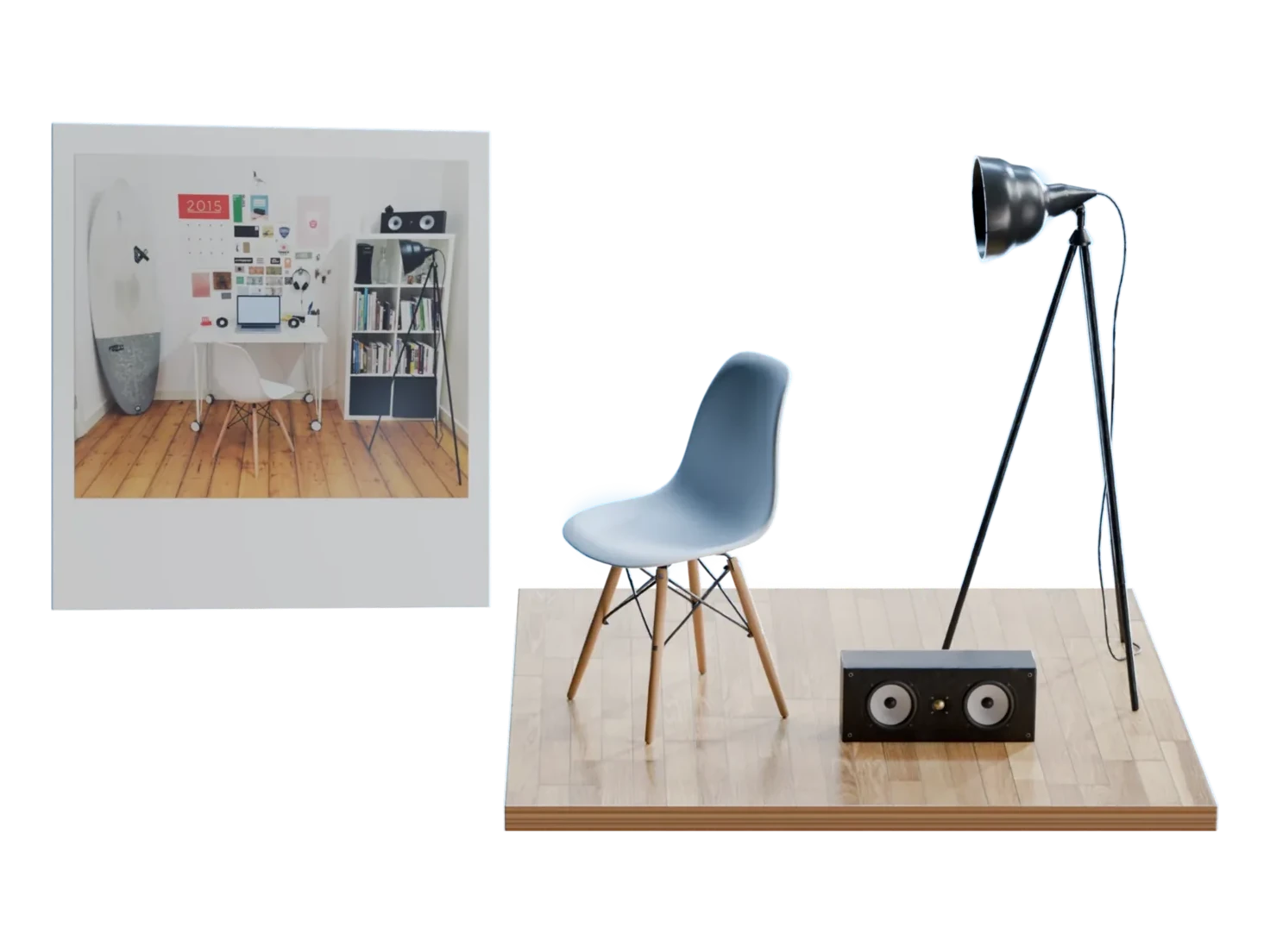
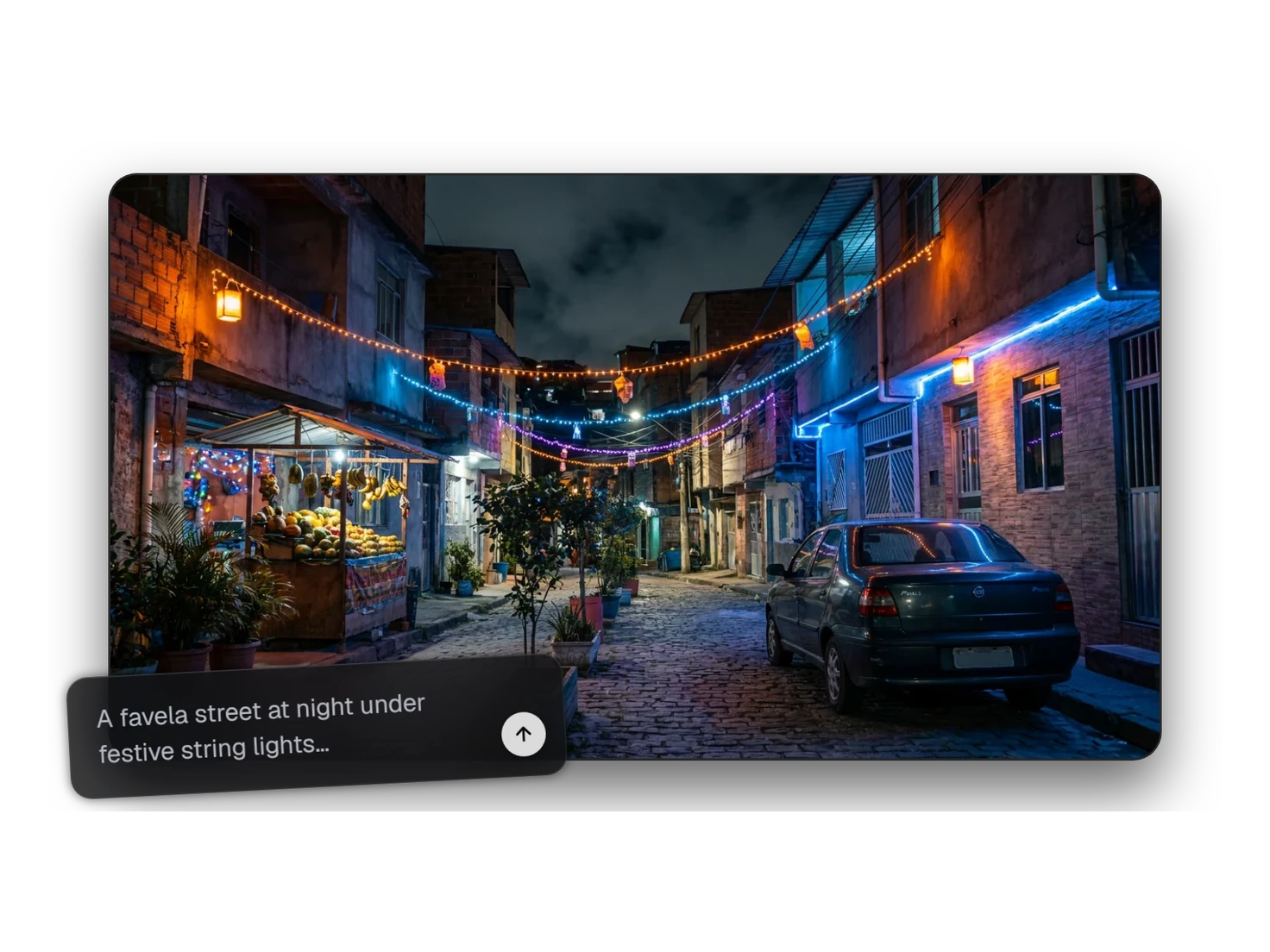
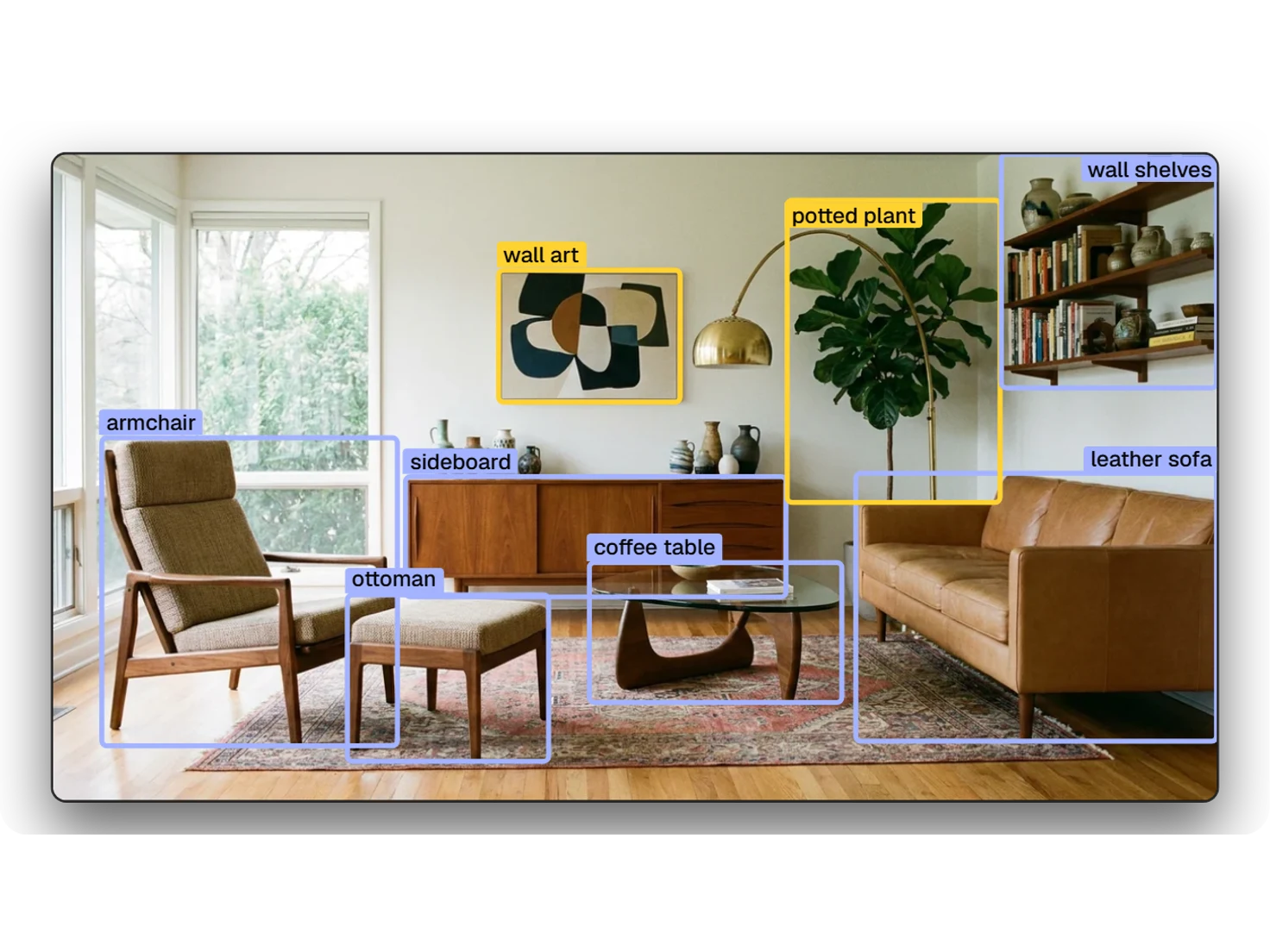
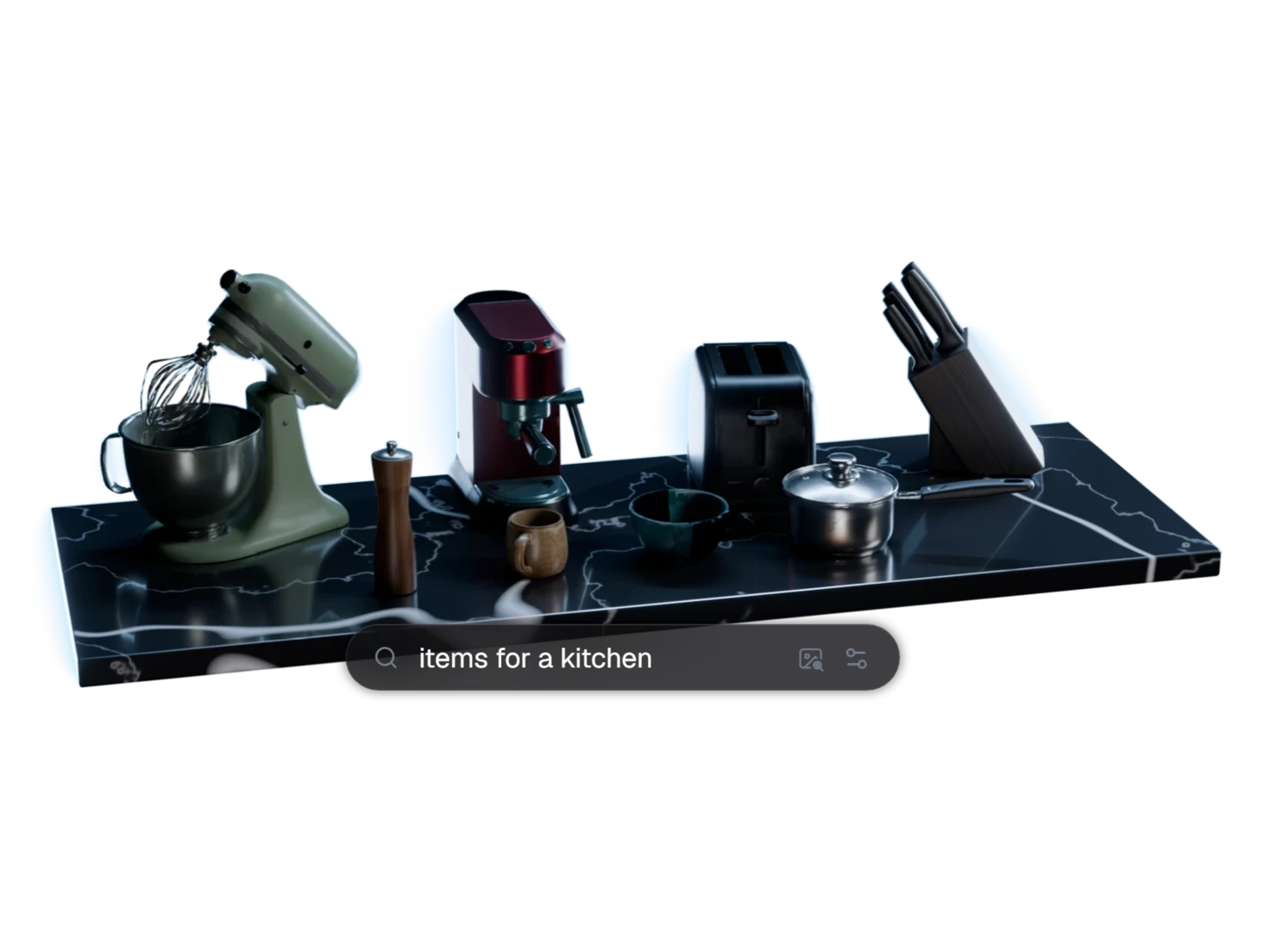
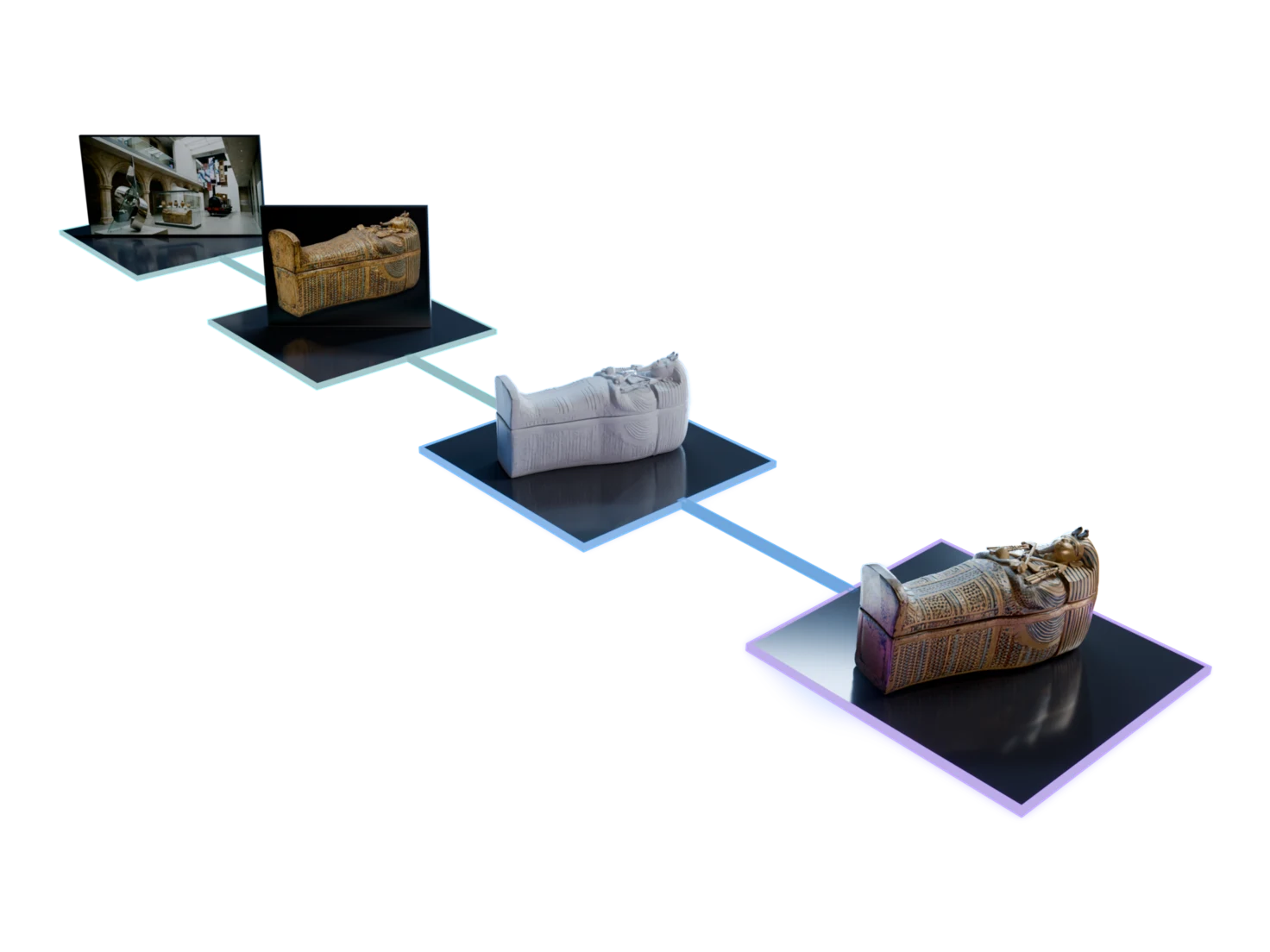
Start from one image of a room, a photo or one from Image Generation. Pick the objects with Detect Objects, and each one comes out as its own simulation-ready USD.
Questions about simulation-ready assets
What robotics and simulation teams ask before they bring their first asset into a sim. Still unsure? The Free plan gives you 400 credits a month, with no card required.
A simulation-ready asset carries what a physics engine needs, not just a mesh and textures: real-world scale, physics properties such as mass, density, friction and restitution, and semantic tags such as its category and material. Every Marso Studio asset gets all three in its USD.
No. It happens automatically after you run Generate PBR Textures, on one asset or a whole scene. When it's done, the asset shows the Sim-ready label in your Library.
The assets are built for NVIDIA Isaac Sim and Omniverse. Each one is a standard USD file, so any other tool that reads USD can open it too.
Yes. Download the USD and open it in Isaac Sim, or import assets straight from your Library with the Marso add-on for Isaac Sim.
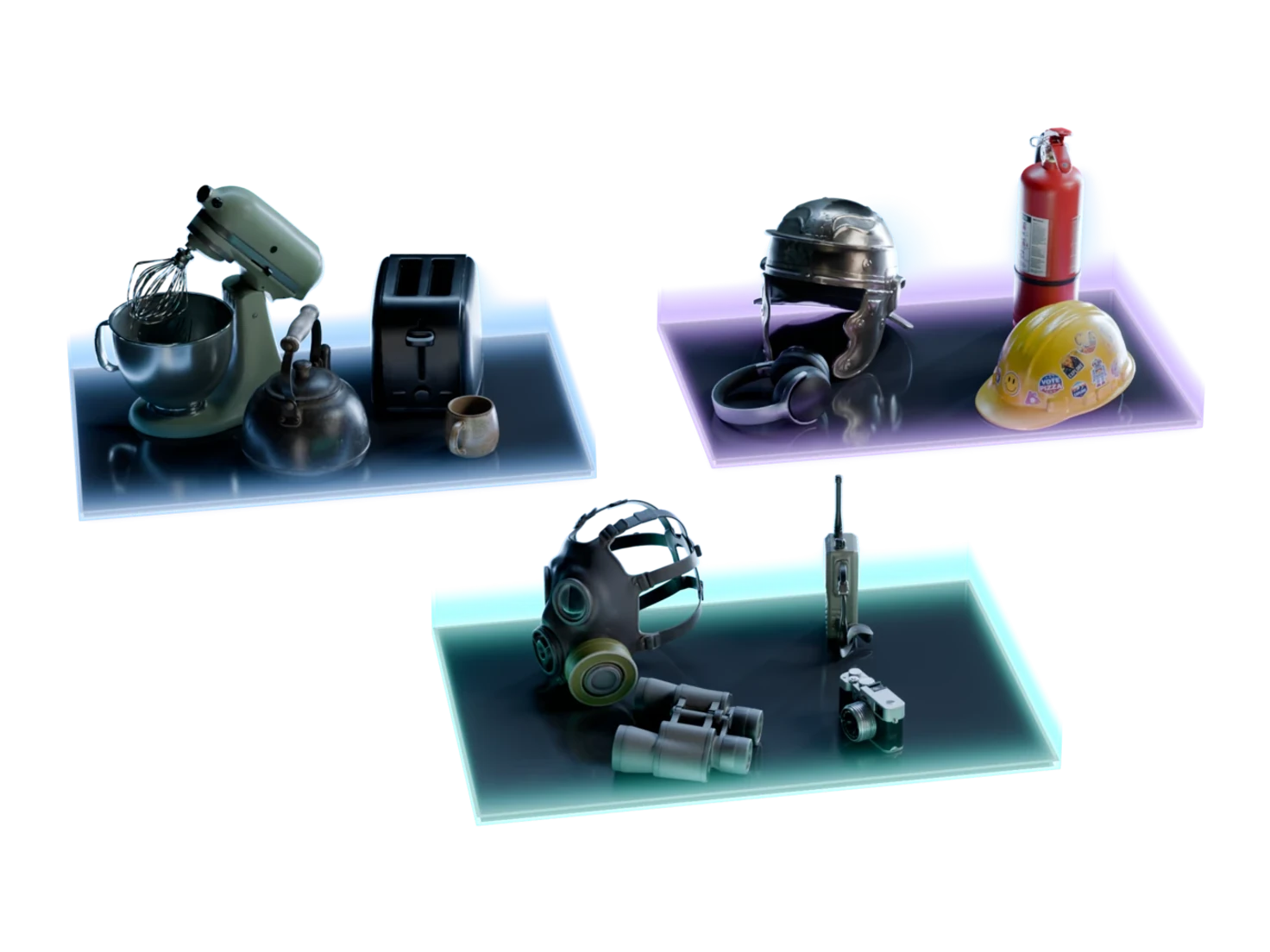
Yes. Start from one image of a room, let Detect Objects find the objects in it, and generate them as a group. Each object comes out as its own simulation-ready USD, at its real size next to the others.
Drop them in. They're ready to simulate.
Scale, physics and semantics on every asset, from the first one.