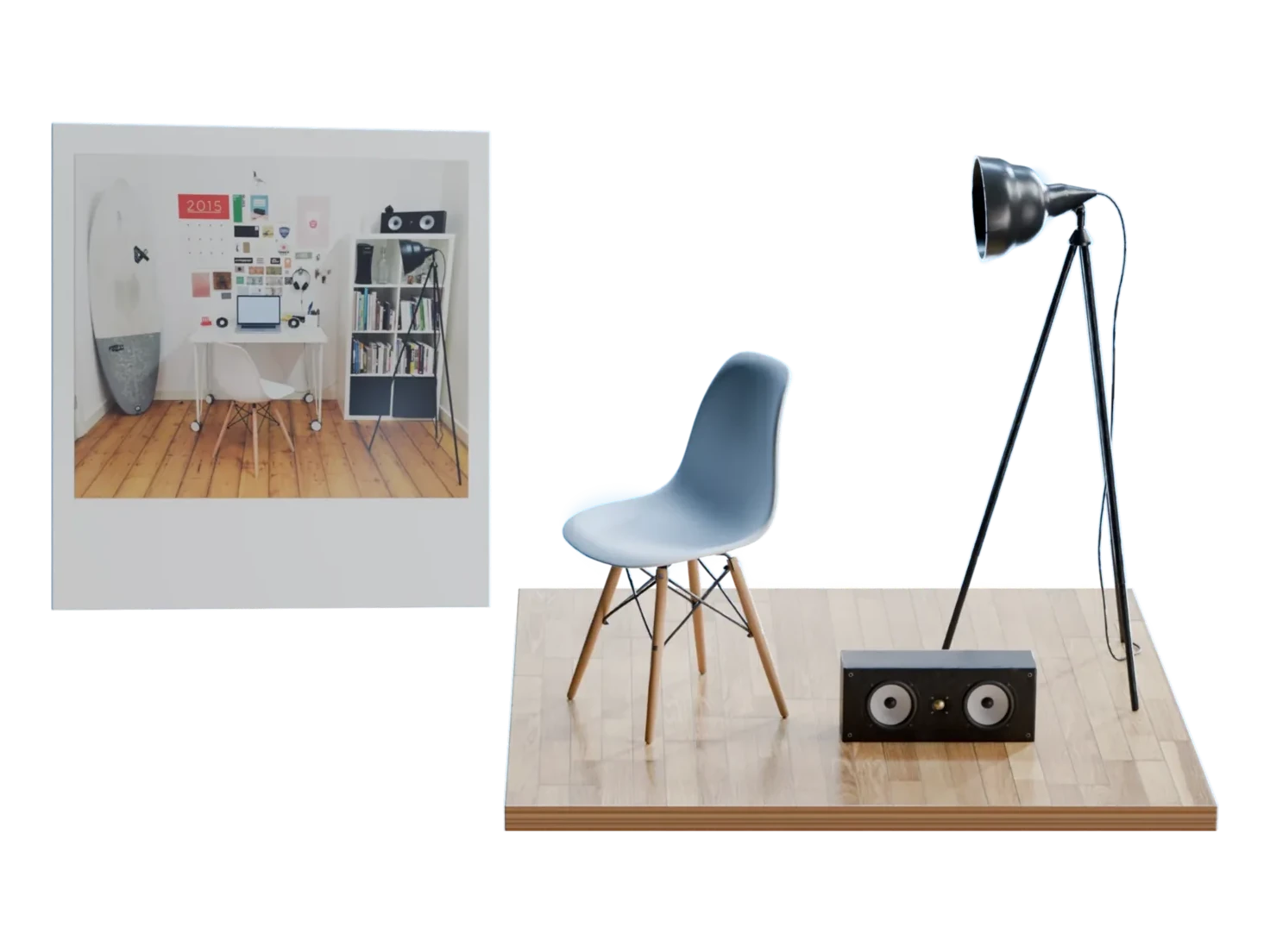
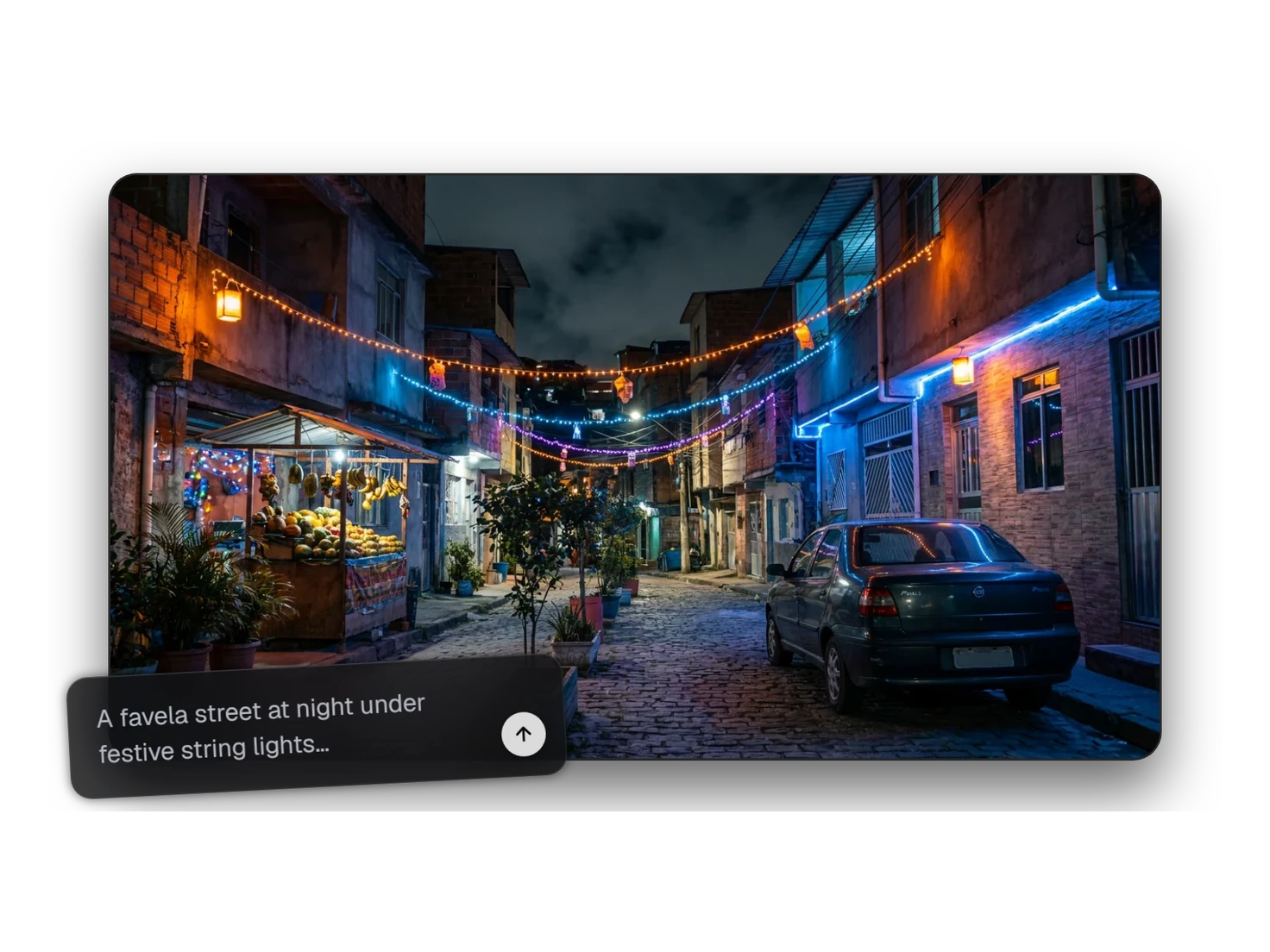
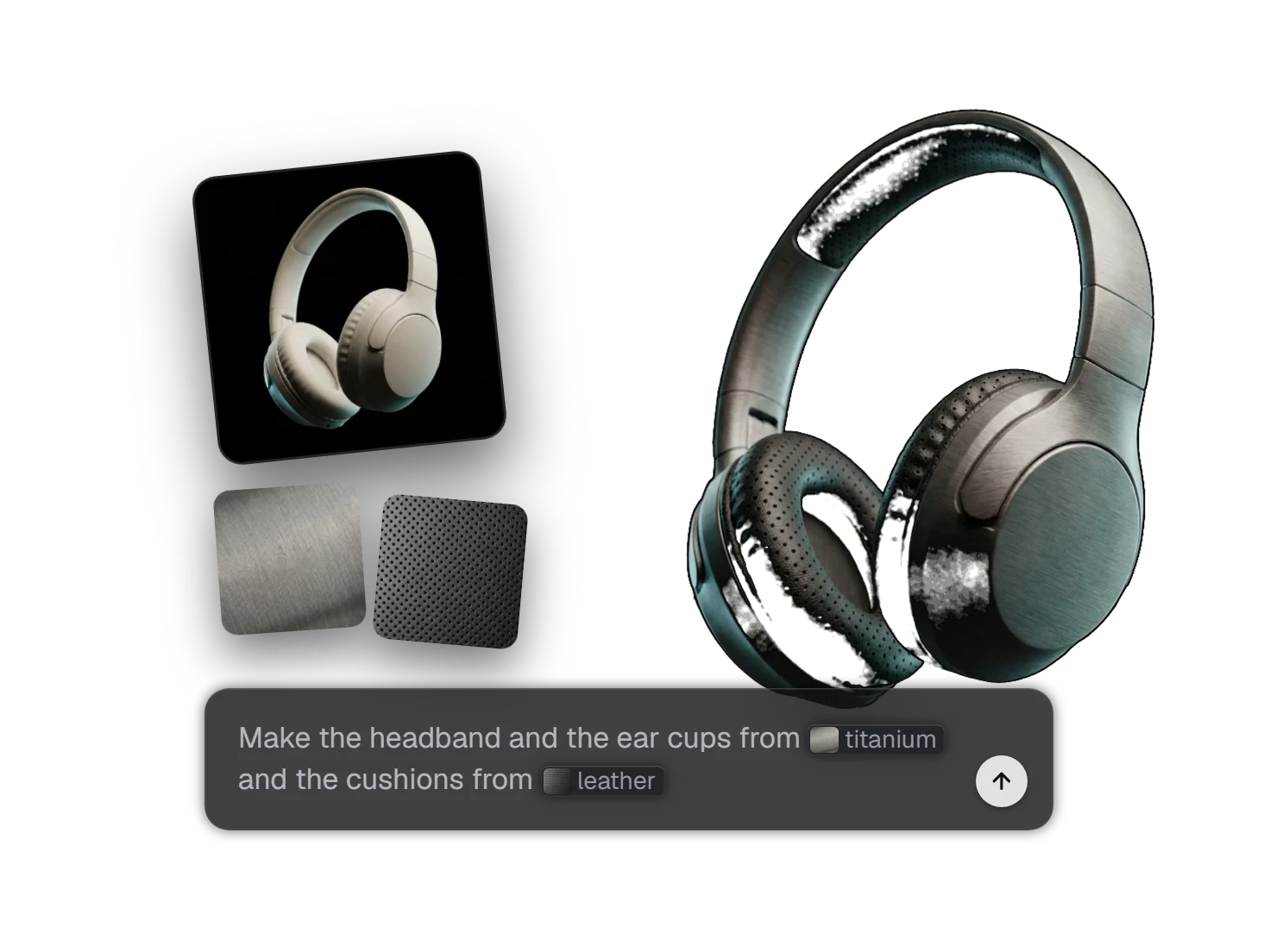
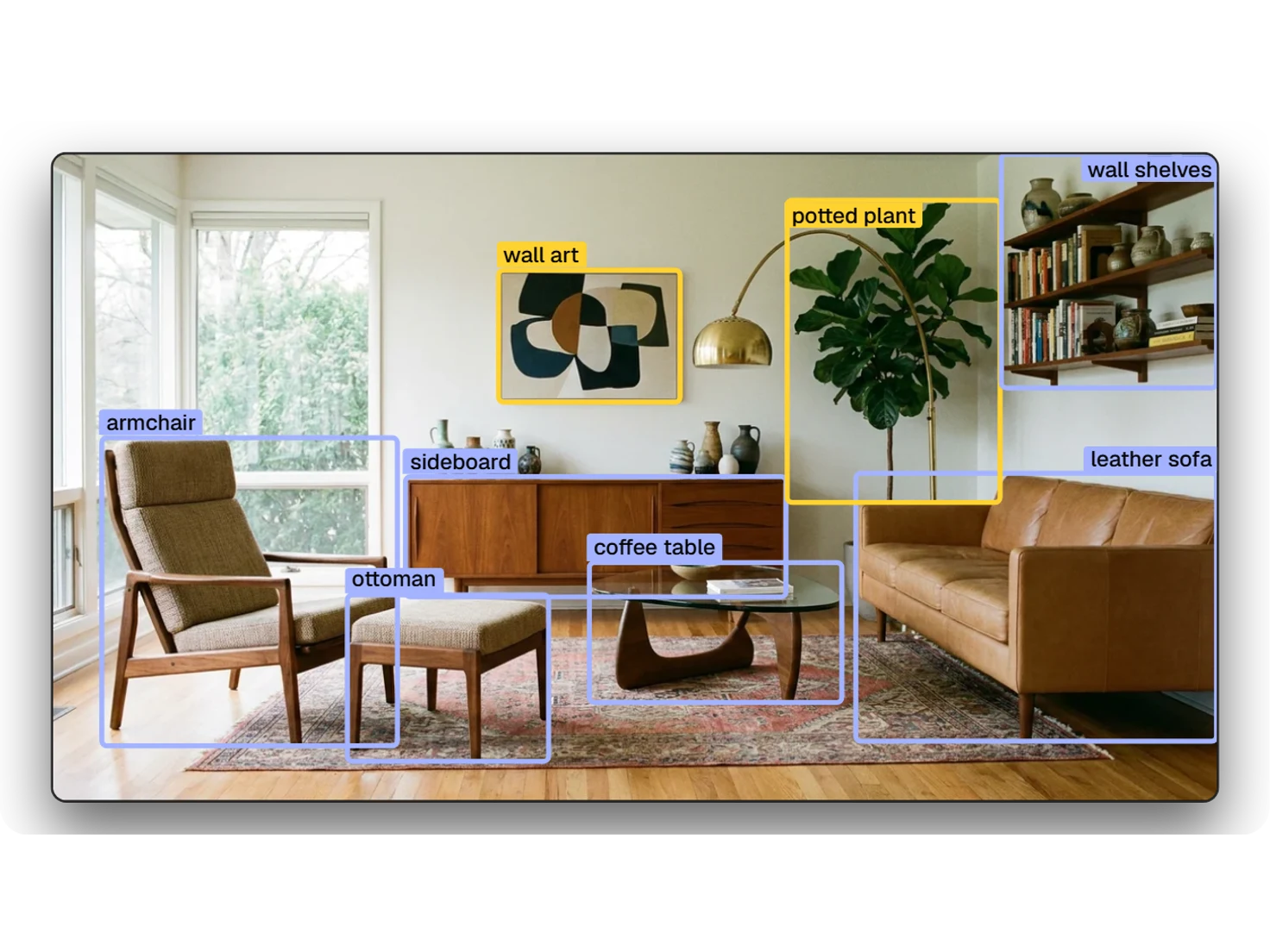
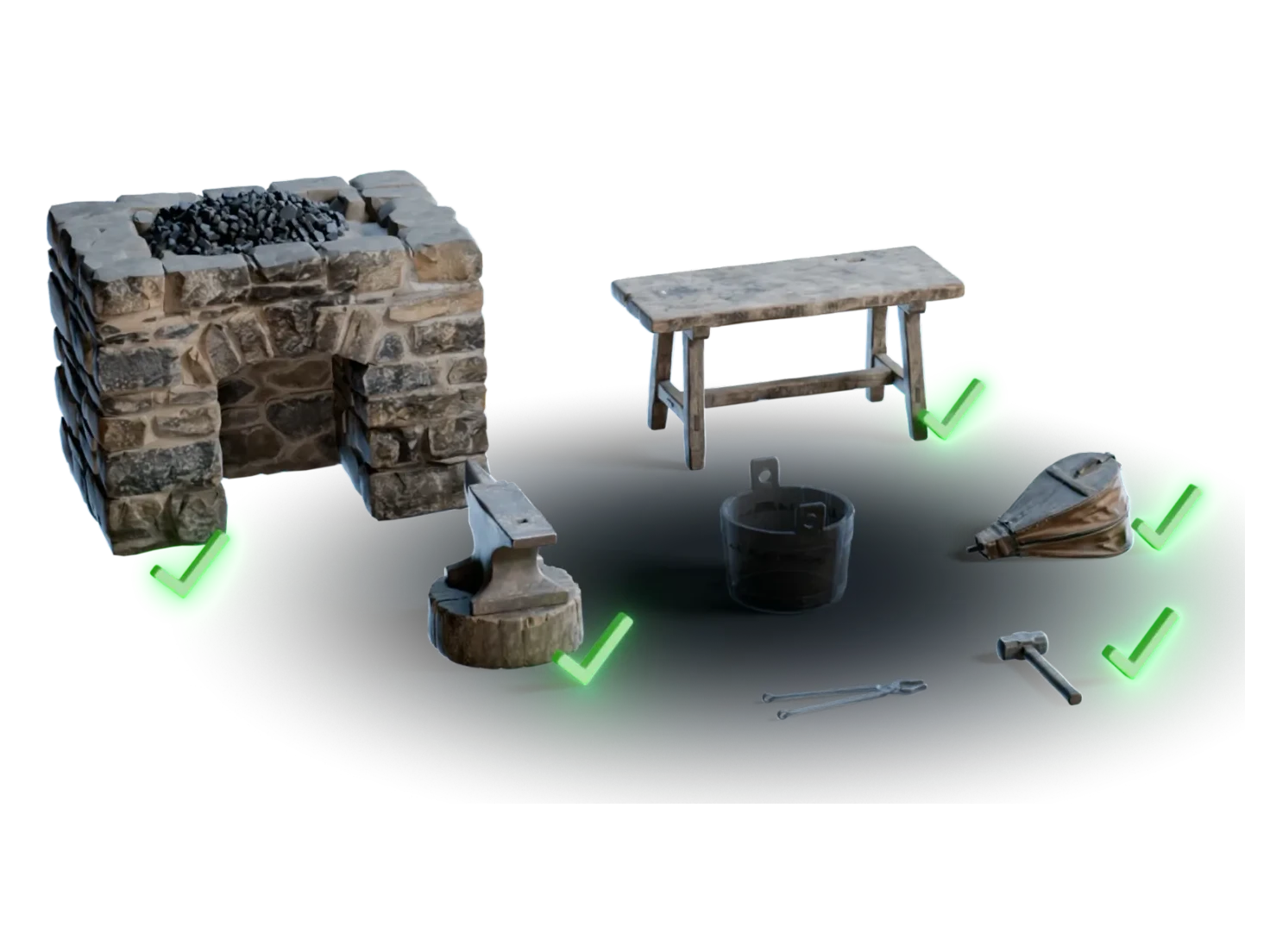
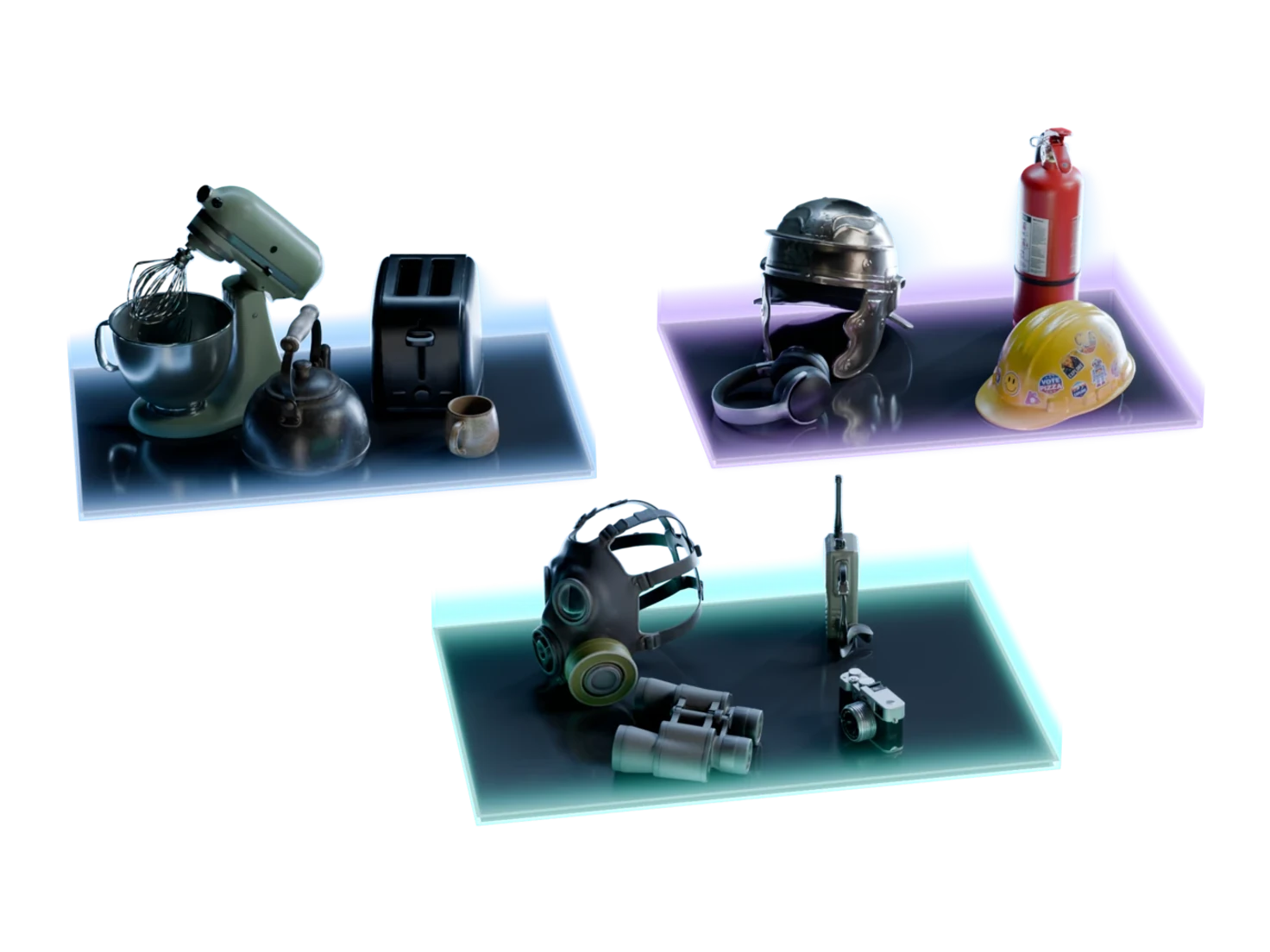
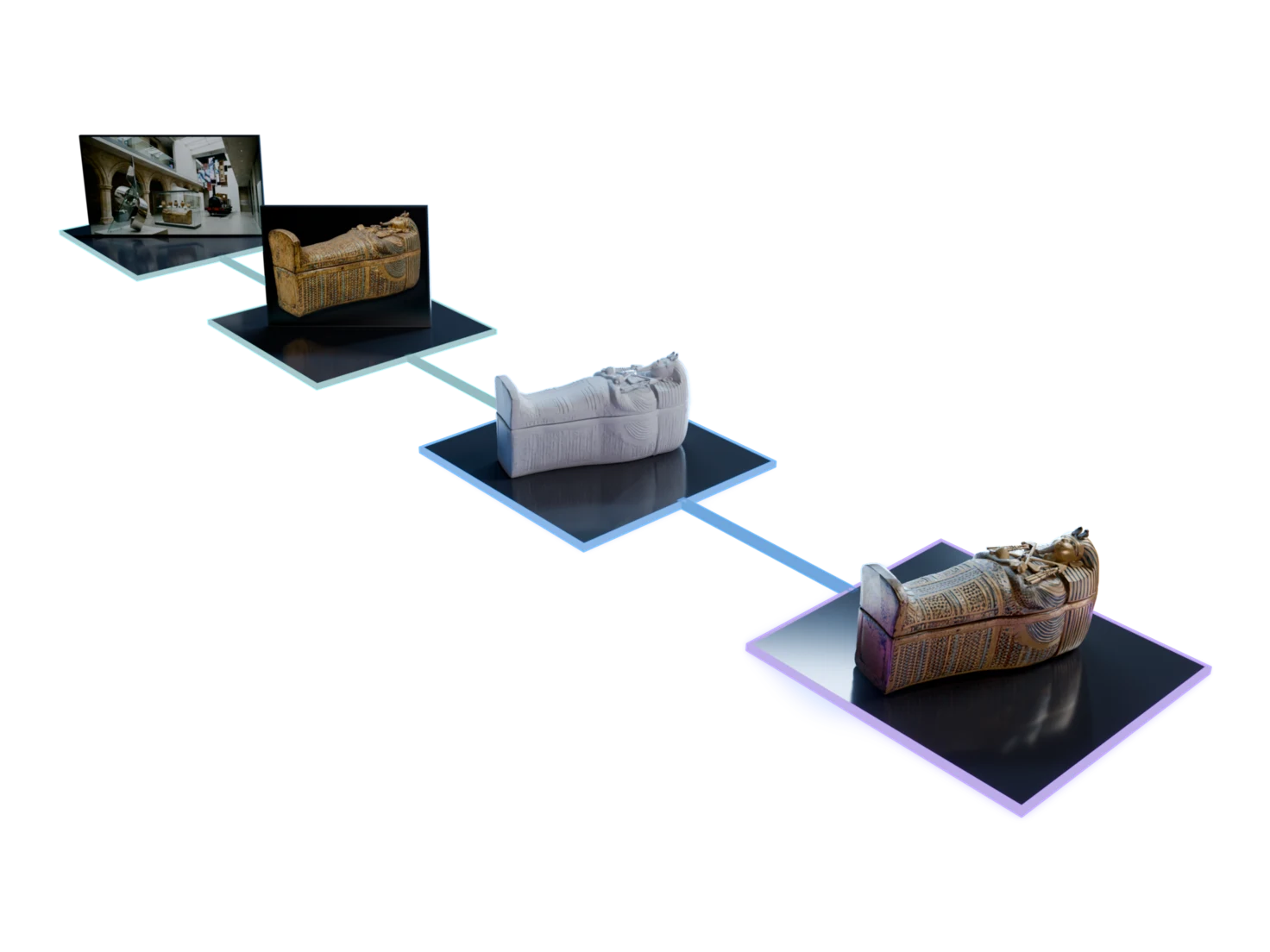
See every channel. Share it with a link.
The 3D Viewer opens any 3D asset in your browser. Step through its PBR maps, compare it with PBR off and on, and send a link that anyone can open, with no account.

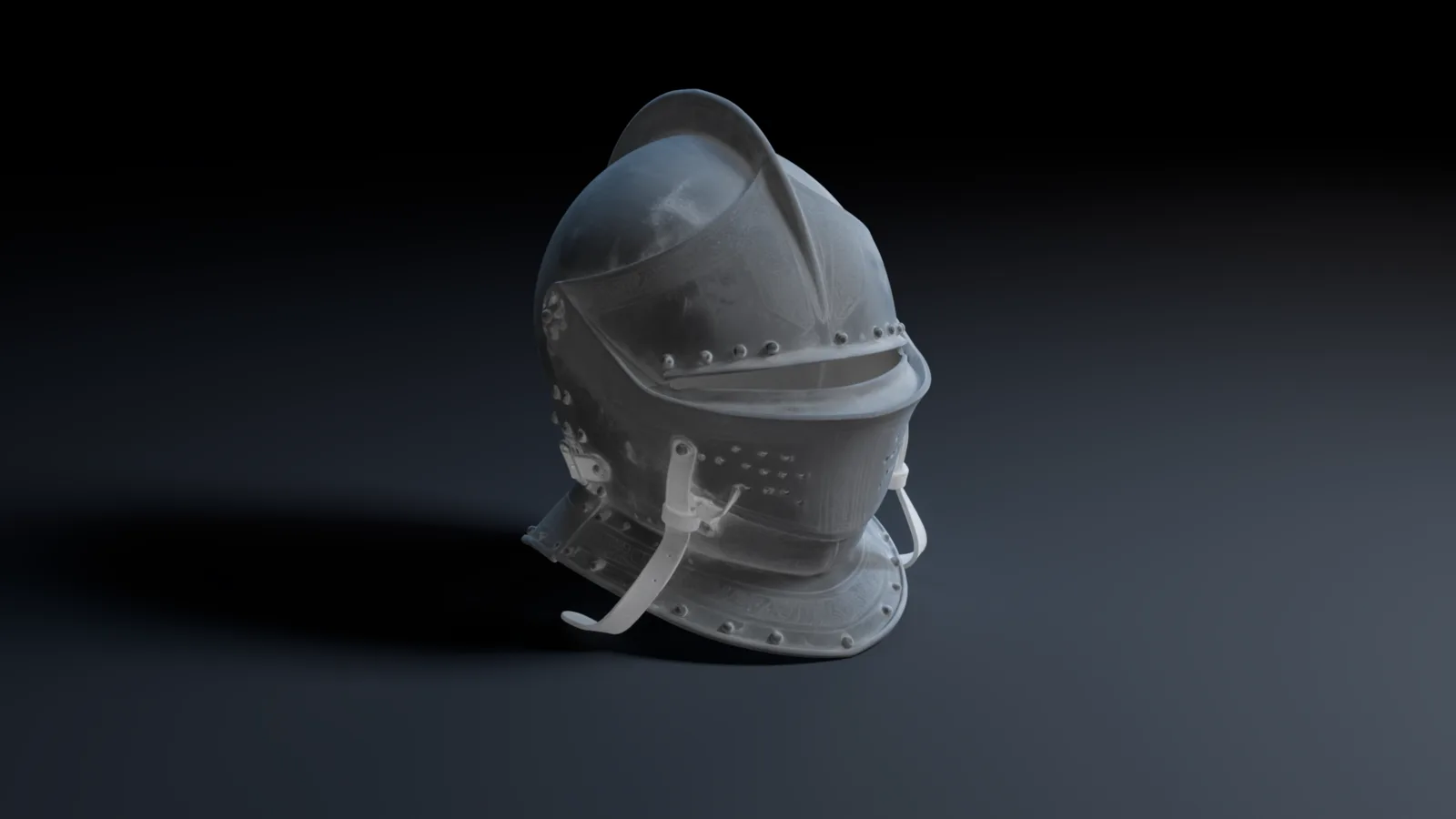
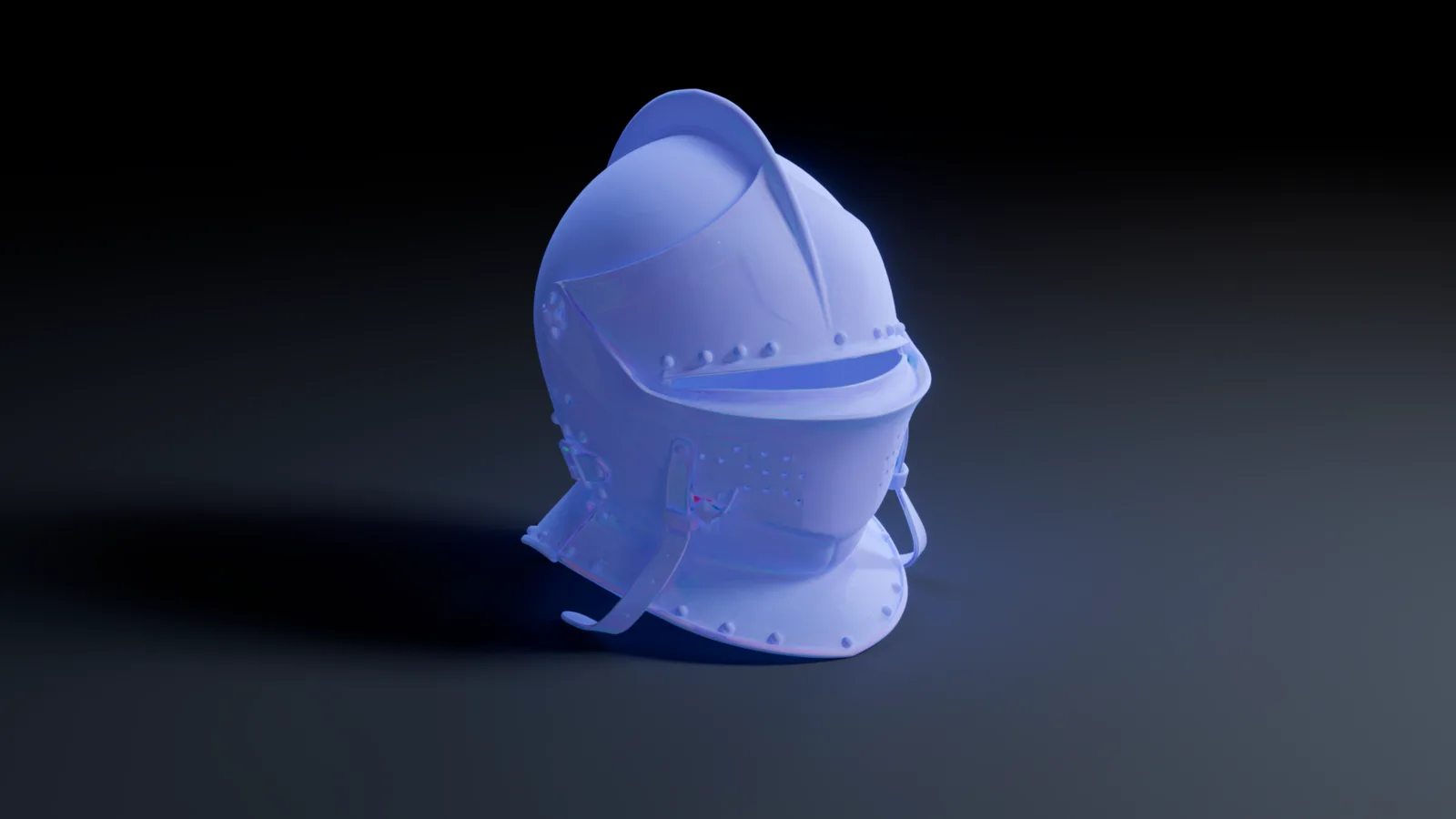
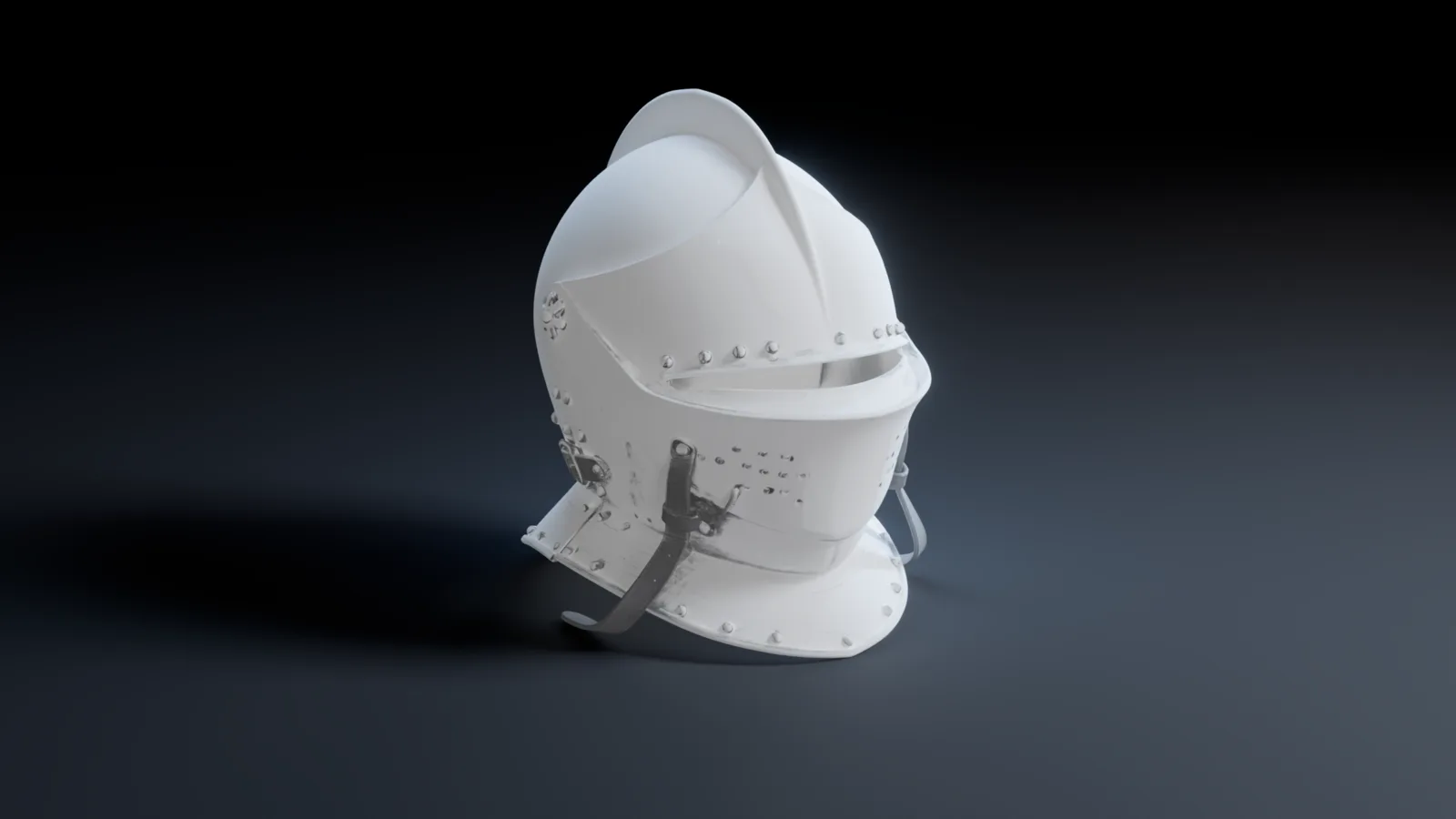
How to view and share a 3D model online
- 1
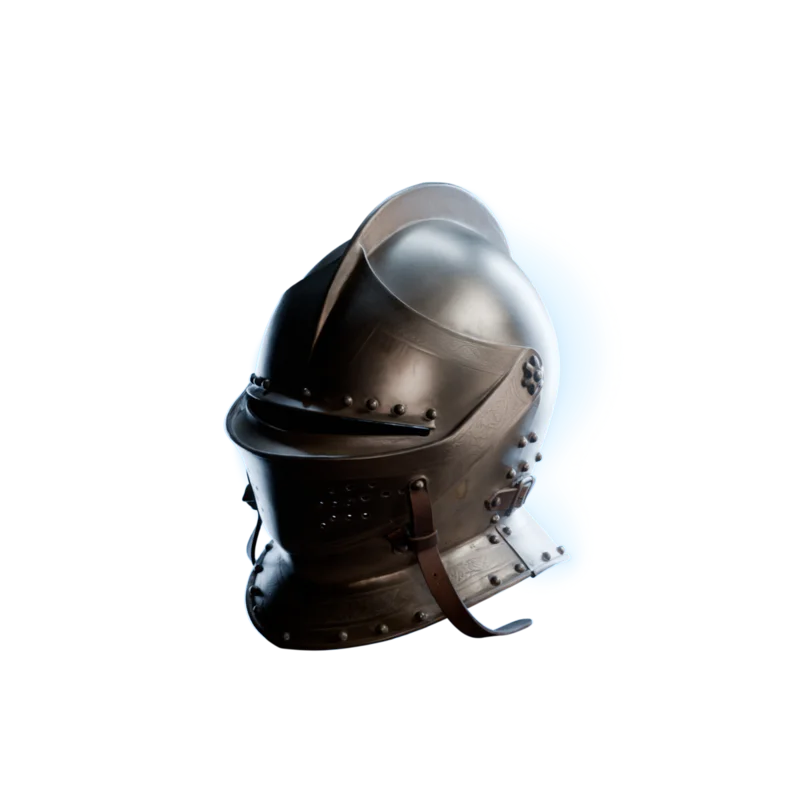 View 3D
Open an asset.
Click View 3D on an asset in your Library, or View preview on a model on the canvas.
- 2
Step through the maps.
Albedo, metallic, roughness, normal and IOR, one click each, then Beauty Mode for the full render.
- 3

Share it.
Open the Share tab, click Create share link, and send the URL.
See it in action
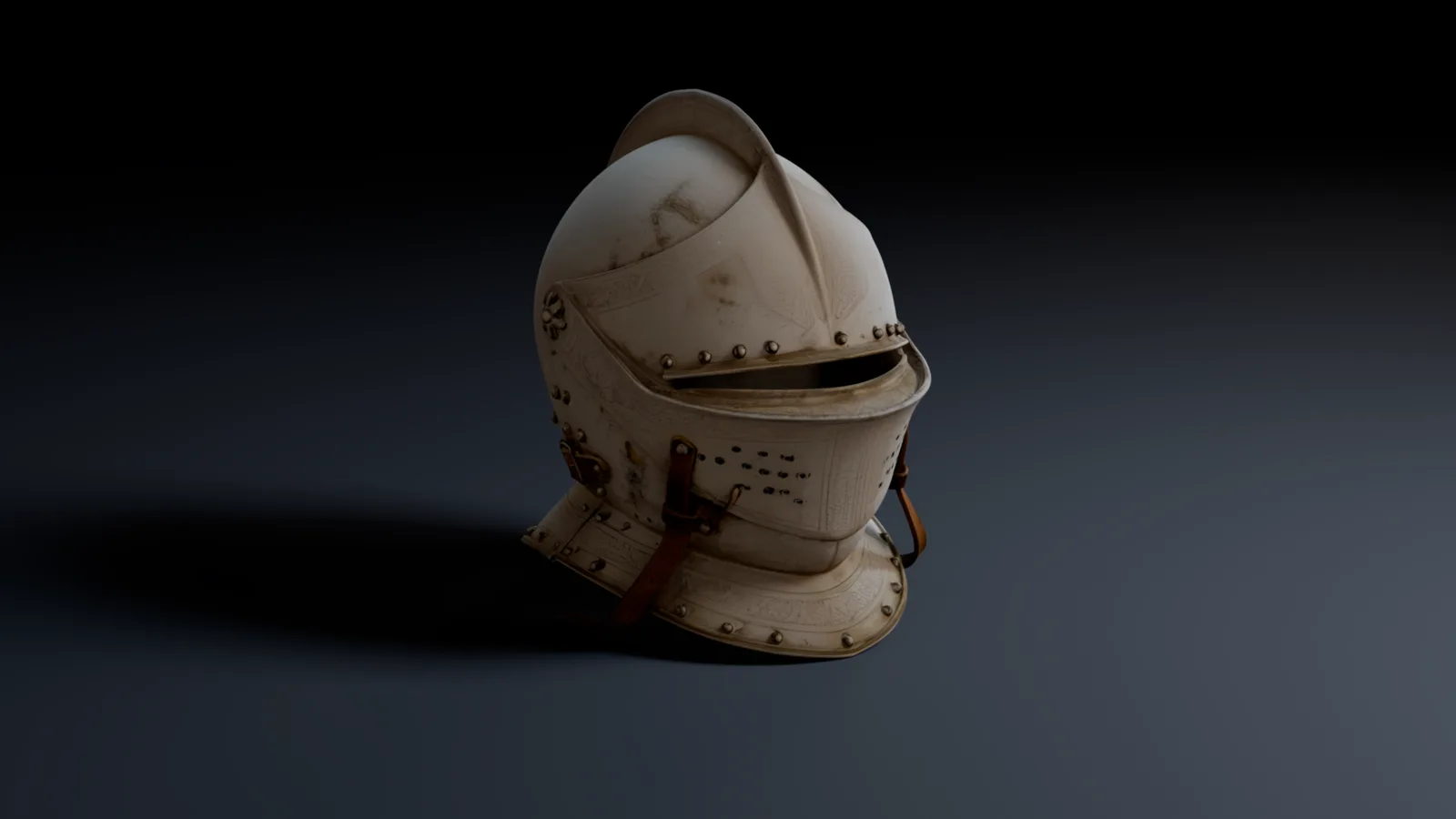
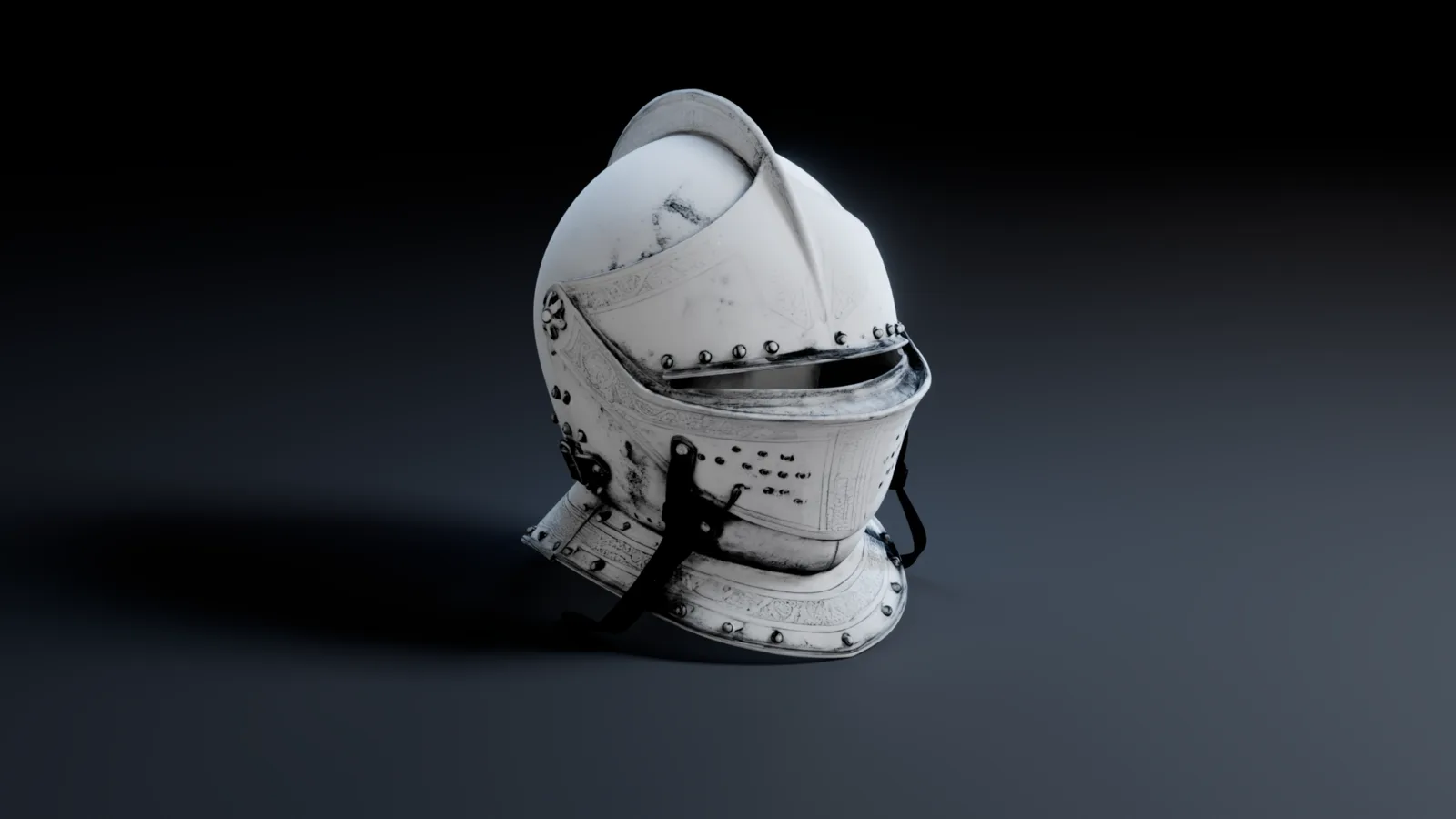
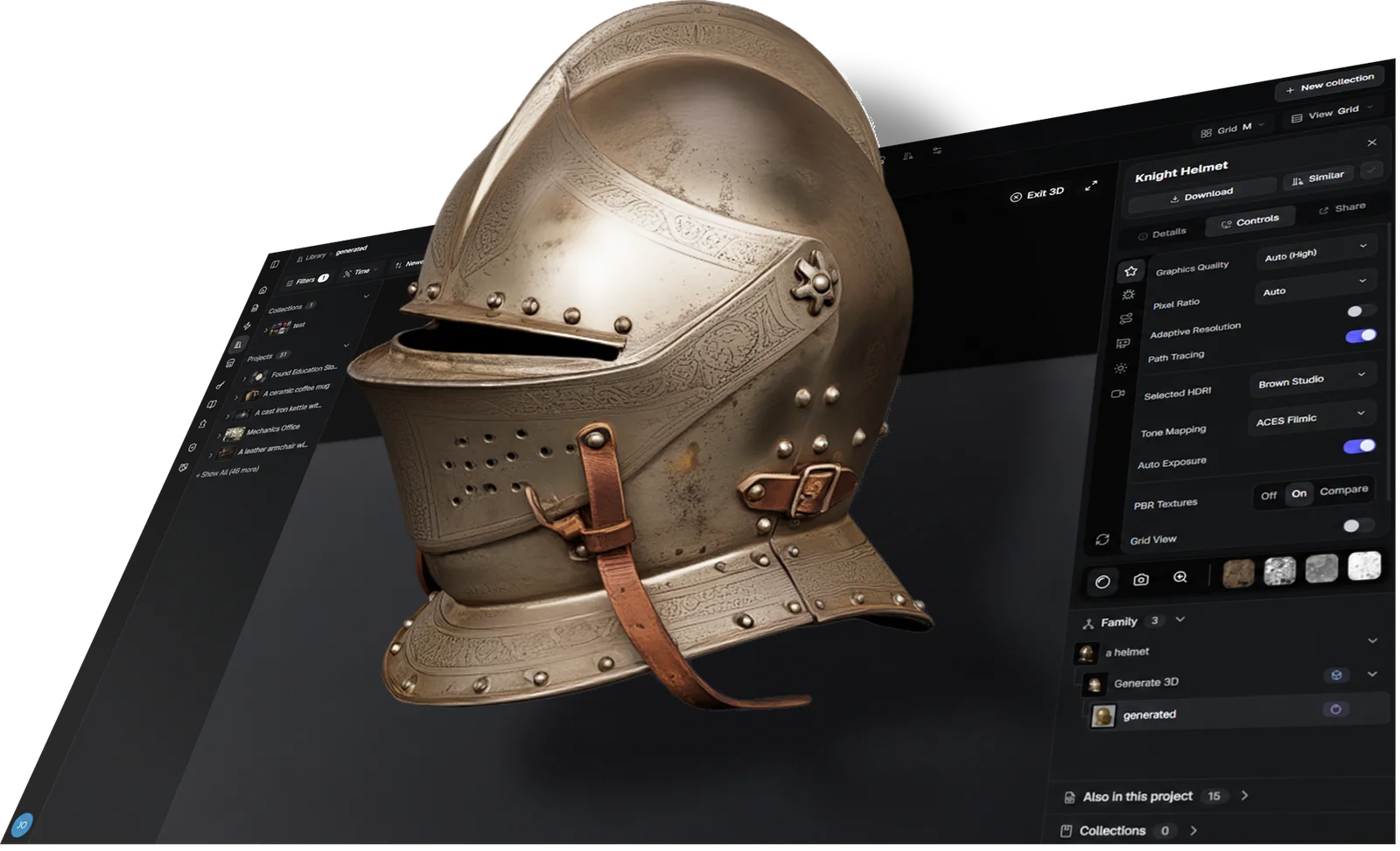
The 3D Viewer opens an asset with its PBR textures on, in the browser. Turn it, switch PBR Textures off and on, or step through each map to see what it adds.
Check it properly, then show it
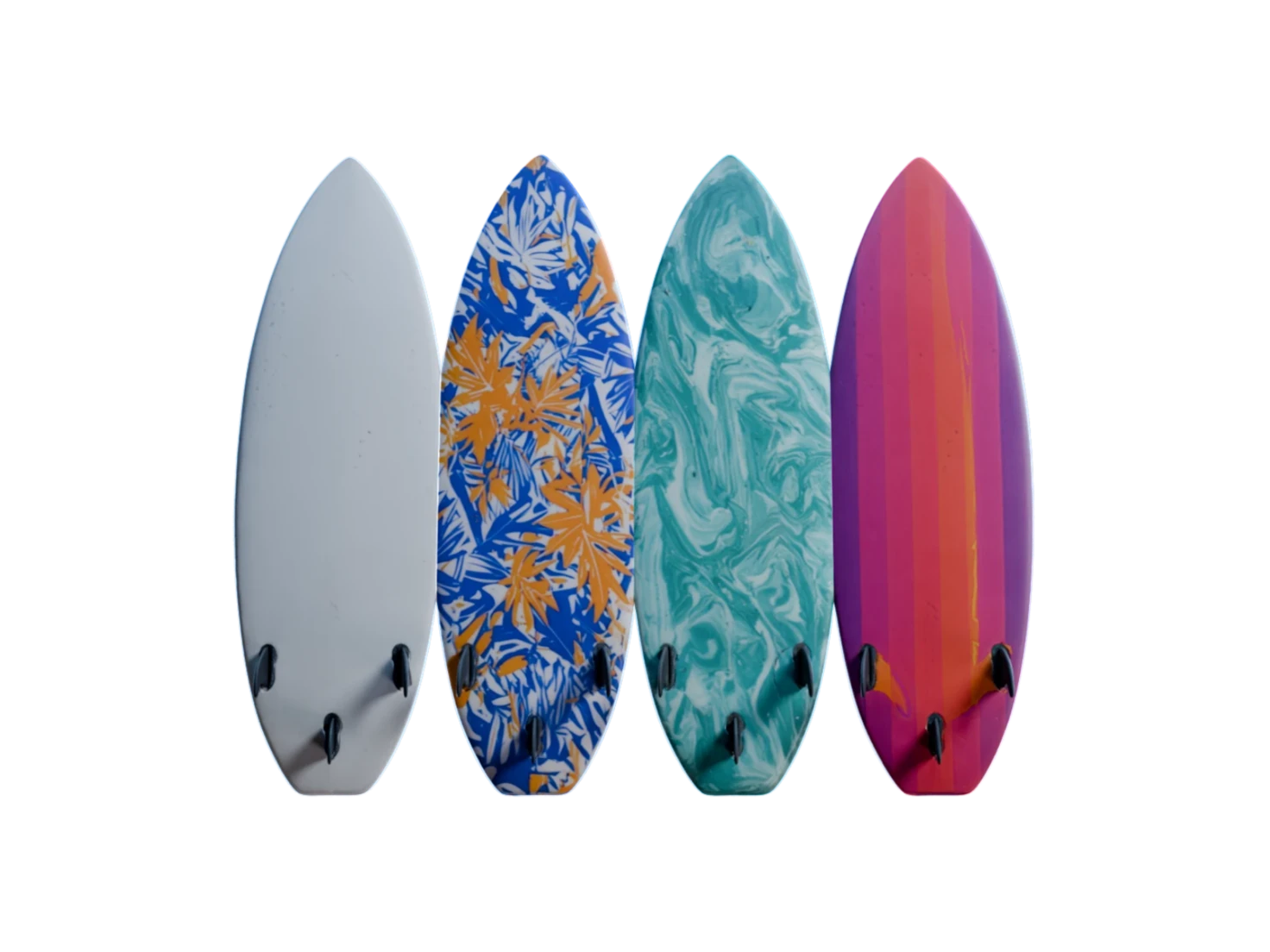
5PBR maps to check
Five maps, one click each
The 3D Viewer shows albedo, metallic, roughness, normal and IOR on the model itself, one map at a time. View layer opens the flat map. Every asset from Generate PBR Textures has all five.
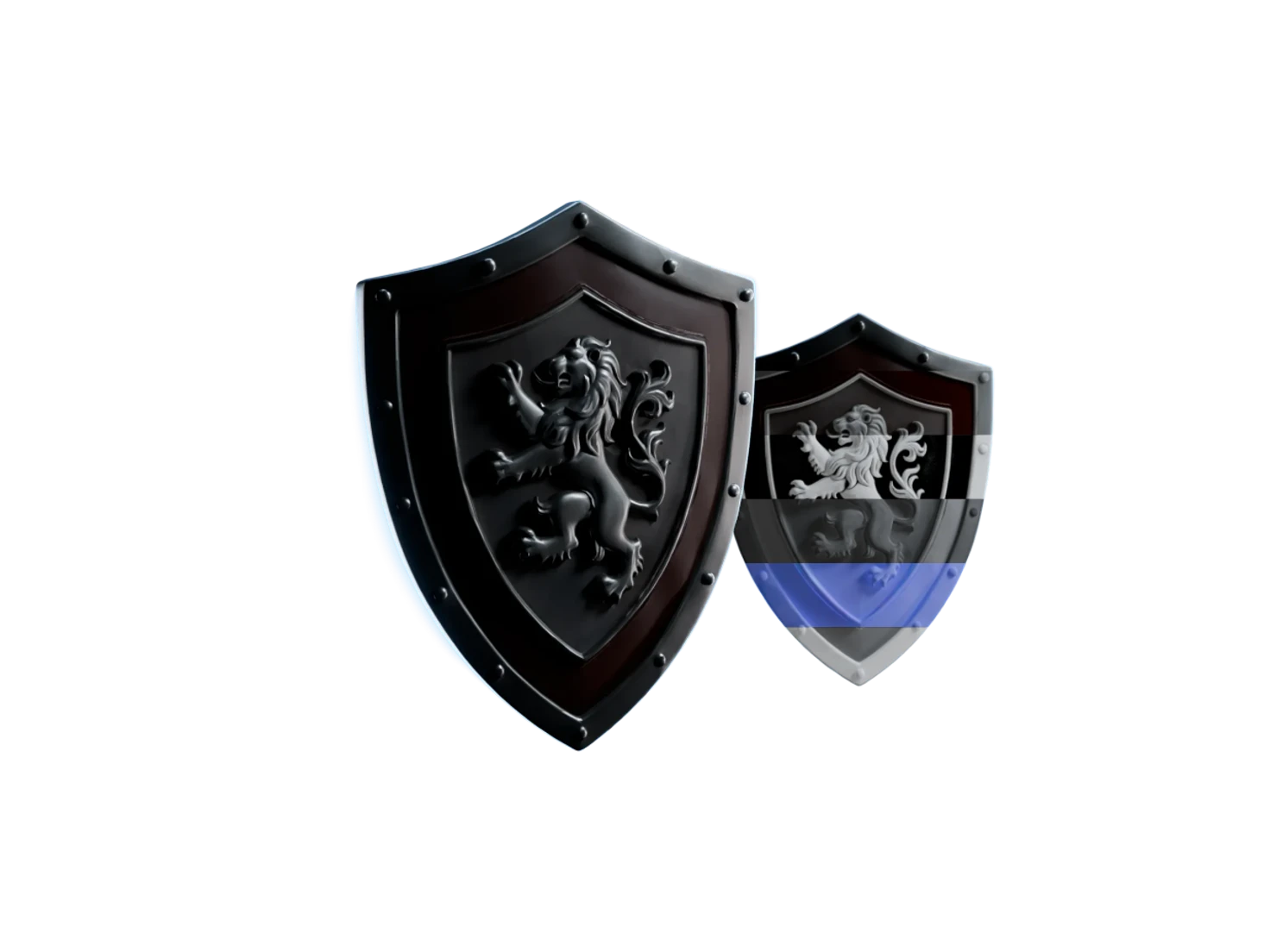
2views, without and with PBR
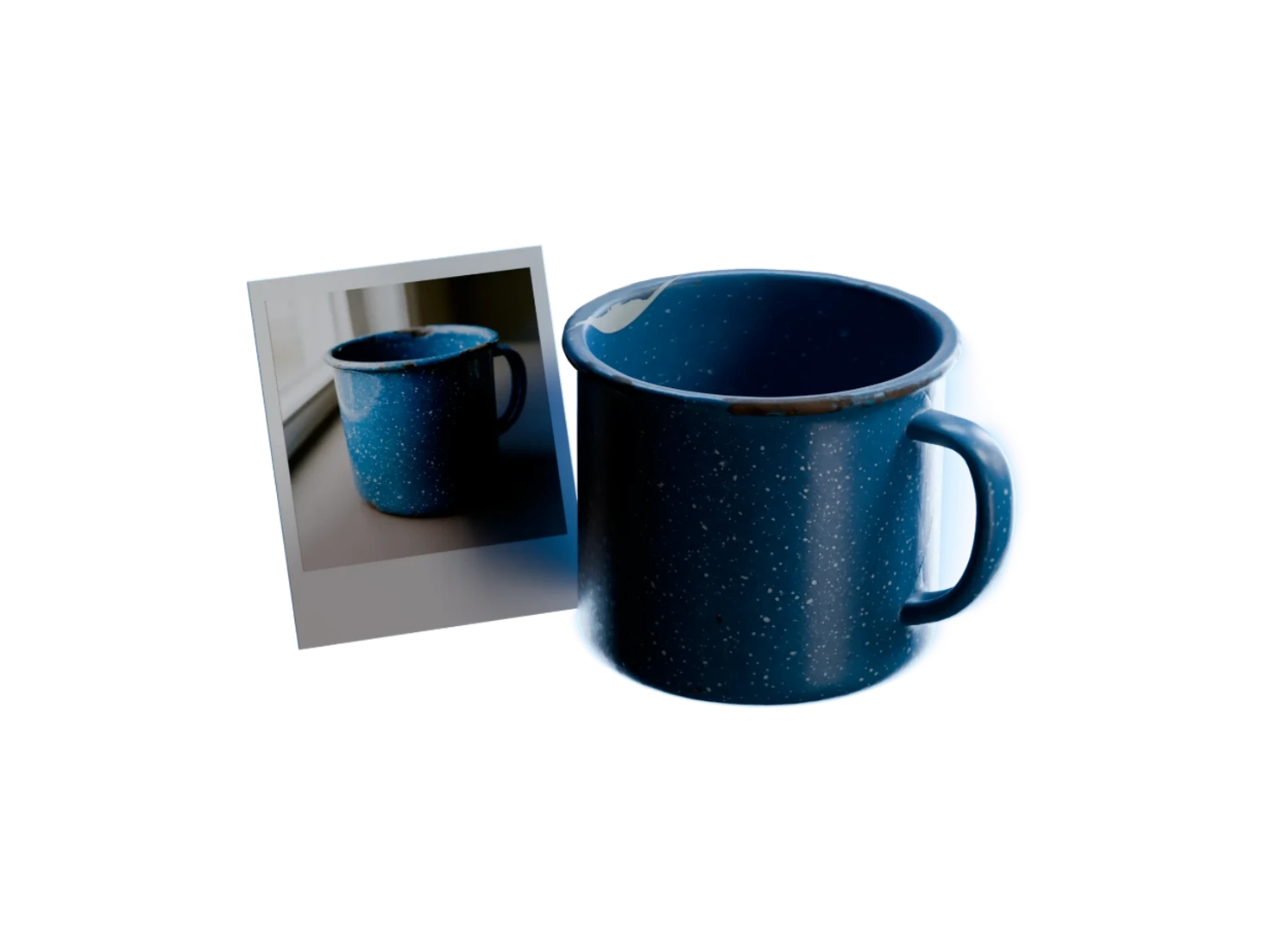
Before and after, side by side
Set PBR Textures to Compare, and the 3D Viewer shows the same model twice under the same light: Non-PBR on the left, PBR on the right.
5studio HDRIs
Move the light, see the material
A material shows what it is when the light moves. The 3D Viewer gives five studio HDRIs to turn around the model, with tone mapping, ambient occlusion and bloom in Controls.
0accounts needed to open a link
Share without sending files
A share link from the 3D Viewer opens the model in 3D in any browser. The link is view-only, thus only you can download the asset, and Stop sharing turns it off.
Questions about the 3D viewer and share links
What teams ask before they check a model in the browser or send it by link.
Open the asset in your Library, go to the Share tab and click Create share link. The 3D Viewer gives you a URL that opens the model in 3D in any browser, with no account. Stop sharing turns the link off, and if you share again, the same URL works again.
No. A link from the 3D Viewer is view-only: the shared page has no download button, thus only you can download the asset, from your Library. The people you share with can still turn the model, step through its maps and change the light.
Up to five: albedo, metallic, roughness, normal and IOR. The Marso 3D Viewer shows each map on the model, and Beauty Mode shows them all together. Render modes add Normals only, No albedo and Wireframe. An asset from Generate PBR Textures has all five maps.
No. A link from the 3D Viewer opens in the browser, with no account, no login and nothing to install. The page shows the model with the same maps, HDRIs and Controls that you have, and a Create your own button.
A low-end laptop can make the Marso 3D Viewer slow or glitchy. Open Controls and set Graphics Quality to Low or Medium. On Auto, the 3D Viewer picks a level for your device, from Low to High, and a phone always starts on Low.
The 3D Viewer opens GLB, USDZ and FBX files, and an FBX in a zip with its textures. That covers the assets that Marso Studio makes and the meshes that you upload to your Library. You can share an uploaded mesh by link too.
See every channel. Share it with a link.
Check your work properly, then show it off.