Physical properties on every asset, applied for you
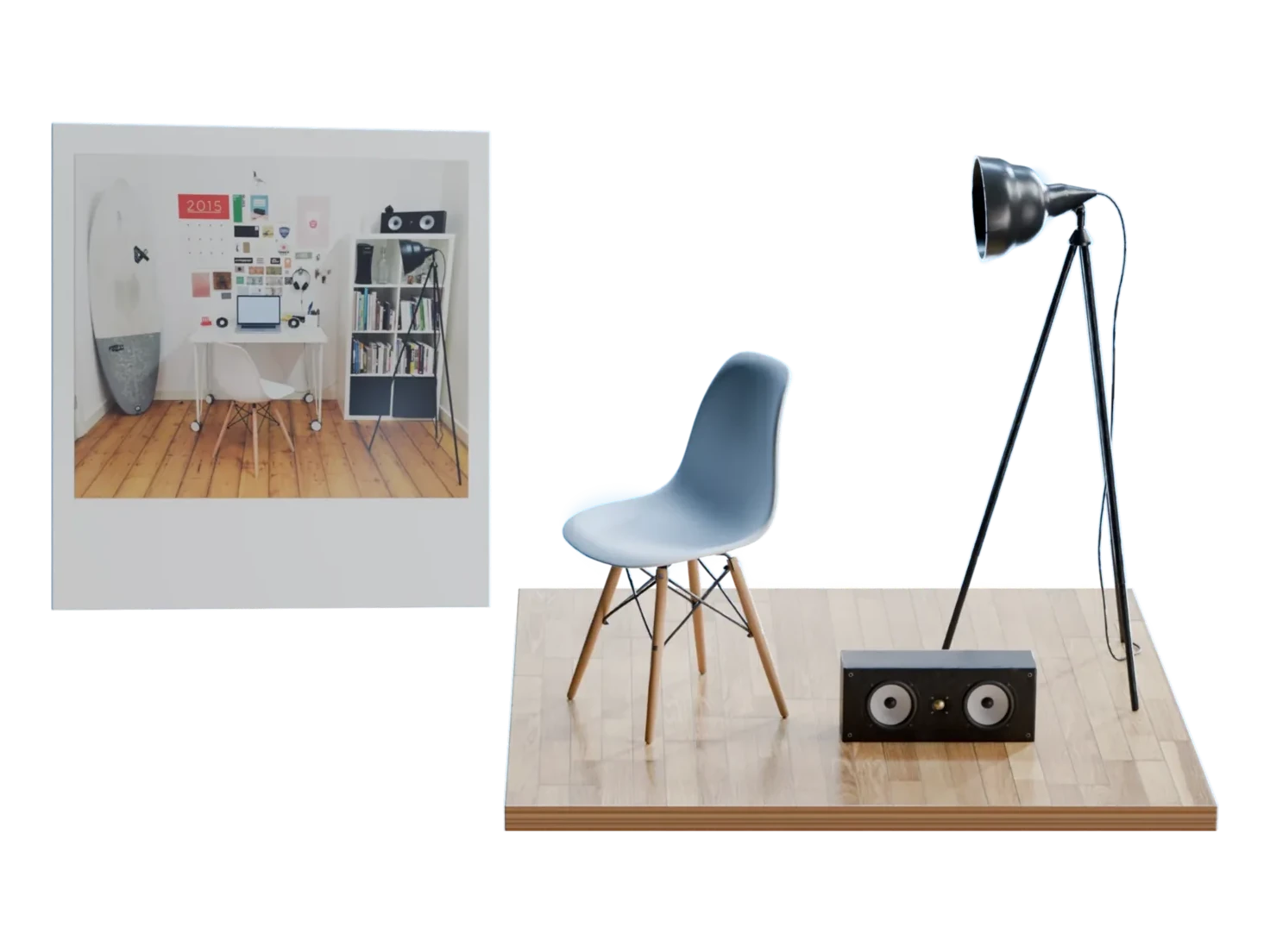
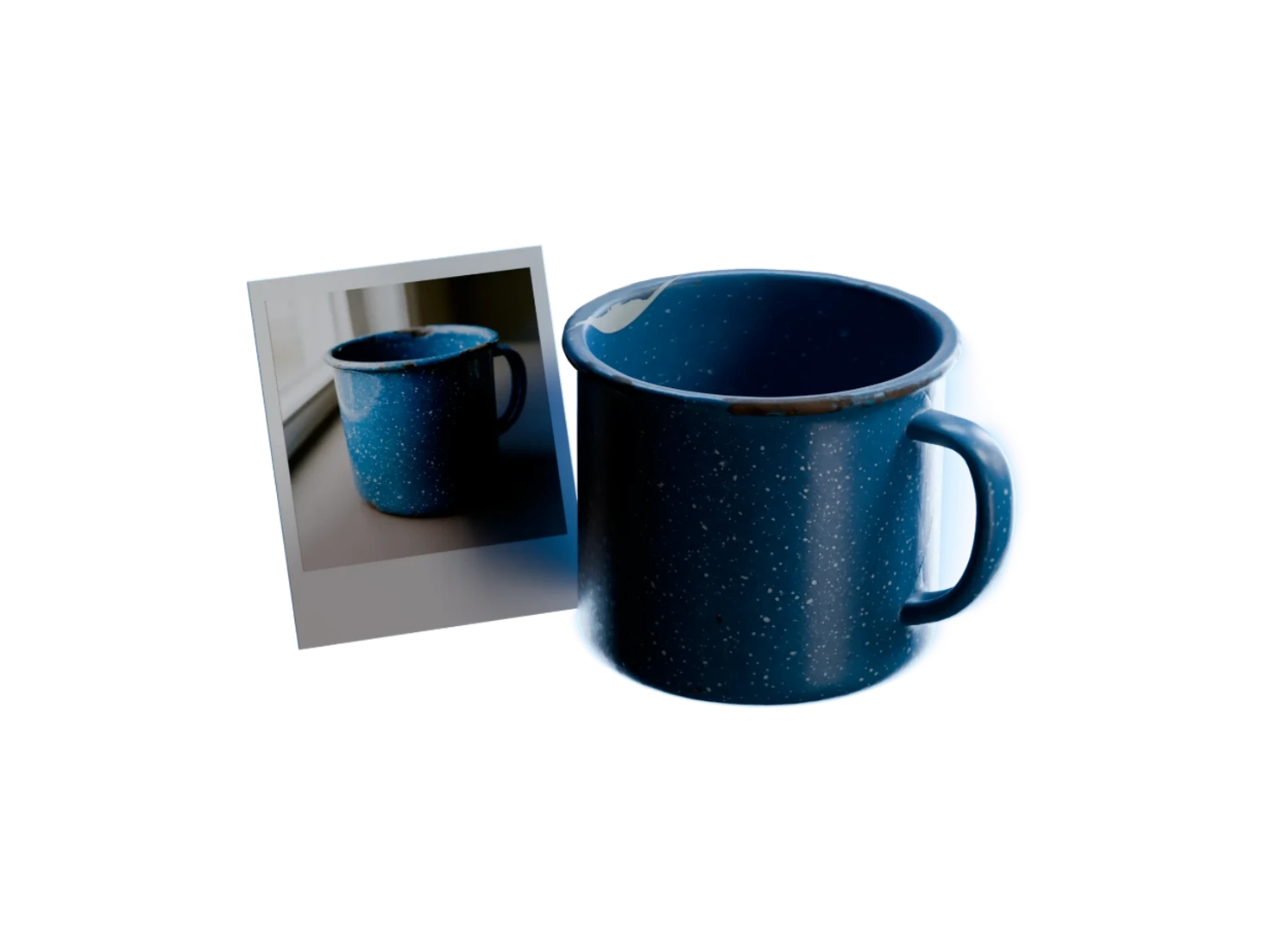
Physics in Marso Studio writes static and dynamic friction, mass, density and restitution into the USD of every asset you texture. It reads what the asset is made of, adds colliders and a rigid body, and keeps it at real-world size.
How to add physics properties to a 3D model
- 1

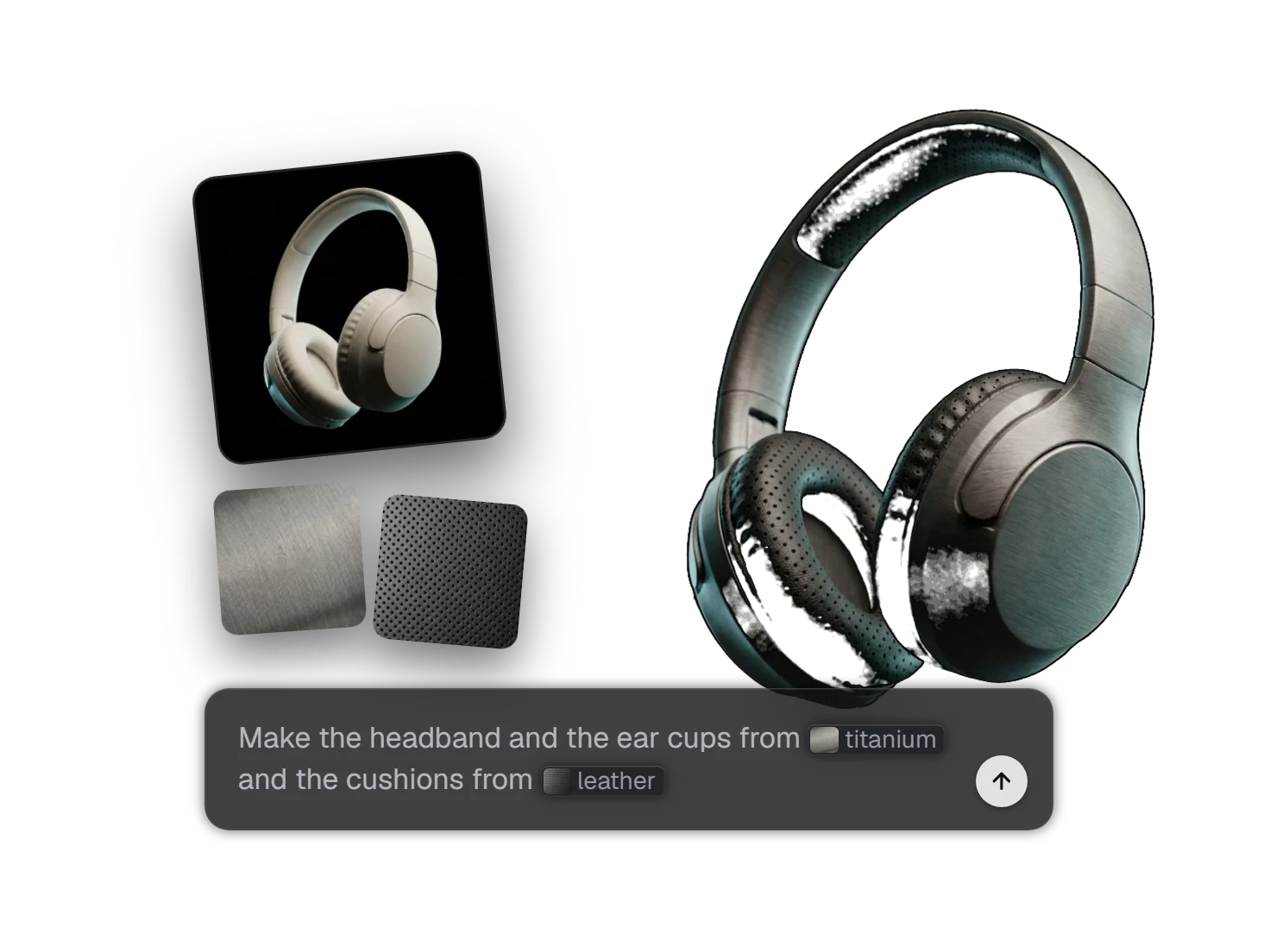
Generate PBR Textures.
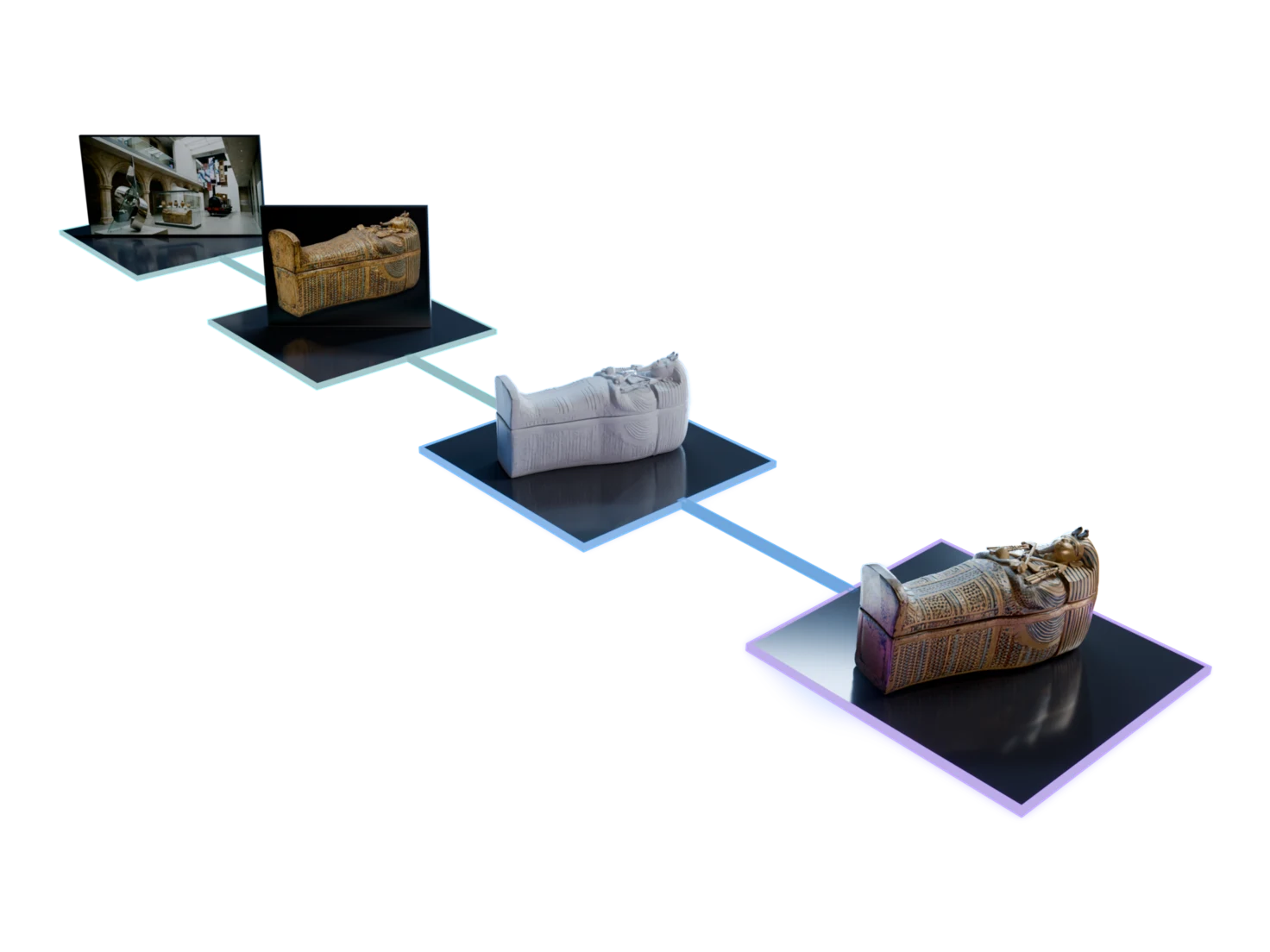
Run Generate PBR Textures on a model from 3D Generation or one you uploaded. Physics follows by itself, with nothing to set.
- 2
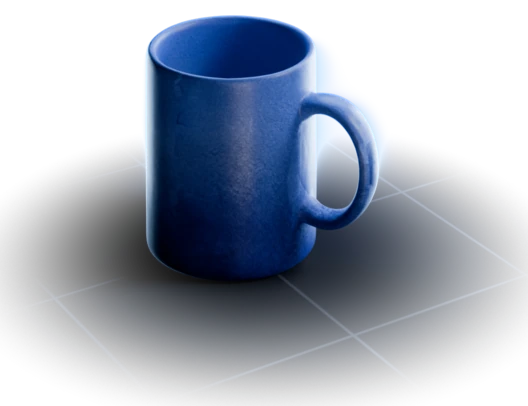
Ceramic
- Static friction
- 0.6
- Dynamic friction
- 0.4
- Restitution
- 0.4
Open the USD in Isaac Sim or Omniverse.
When the asset shows Sim-ready in your Asset Library, download its USD, or import it with the Isaac Sim add-on.
- 3






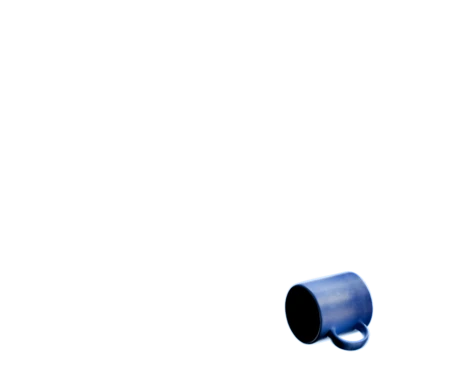
Simulate.
Press Play. The asset falls, tumbles and settles with the mass, the friction and the bounce of its material.
Physics you don't have to author
0settings to turn on
Applied to every asset
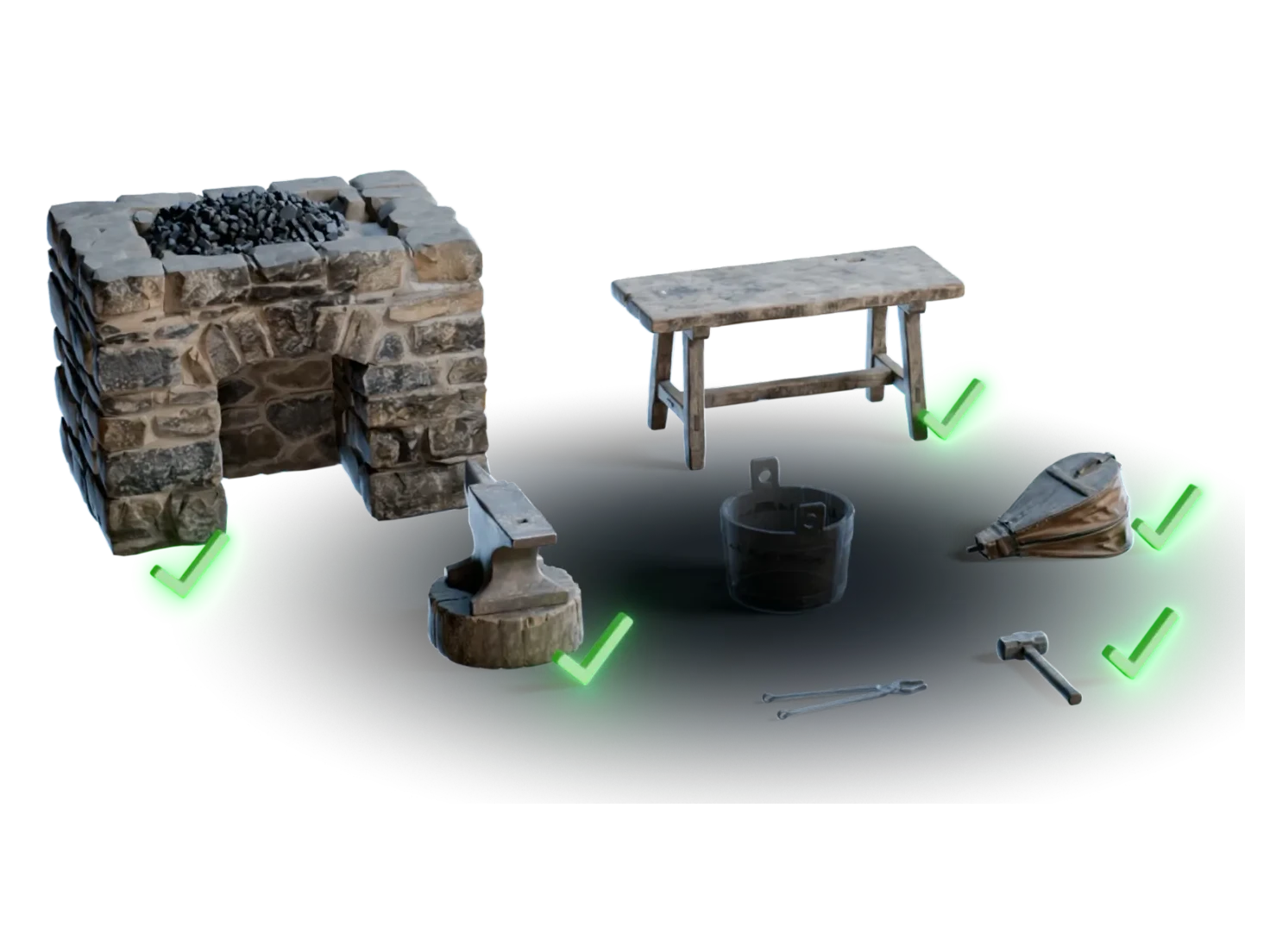
Physics runs on every model that goes through Generate PBR Textures, one asset or a whole group. The values arrive in the same USD as the materials, so no one sets up mass or colliders by hand in the simulator.
17material presets
Tuned to its material
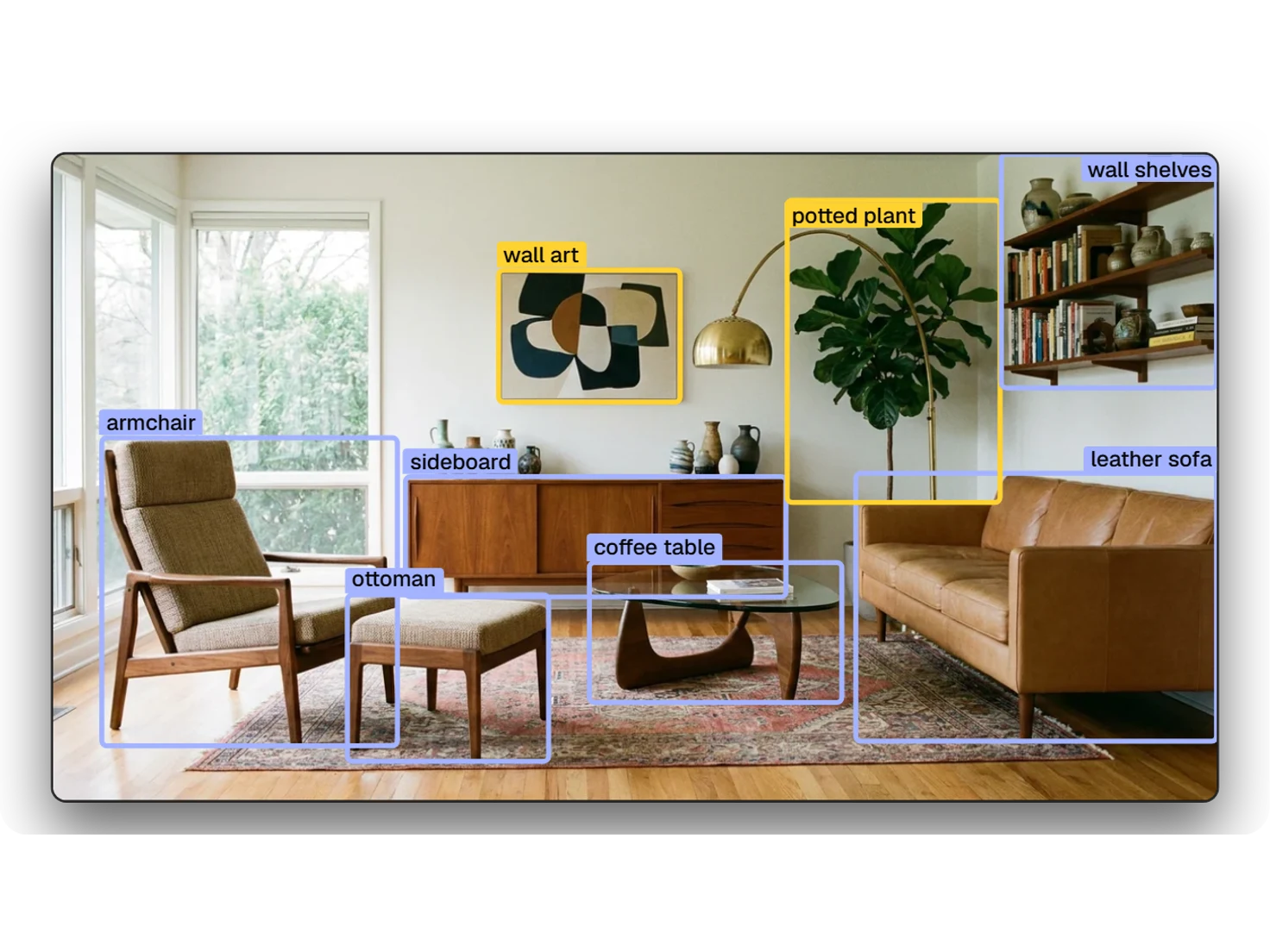
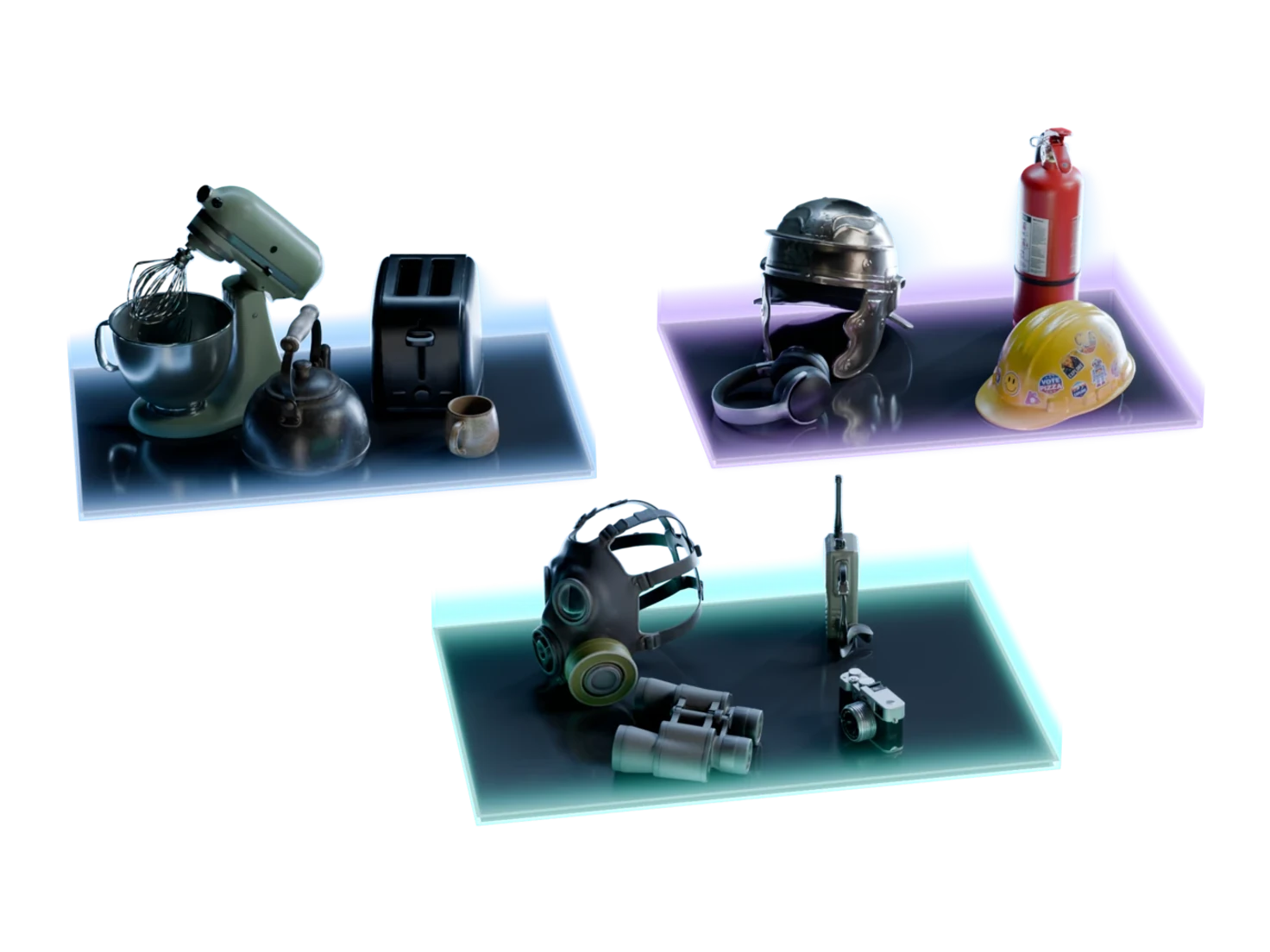
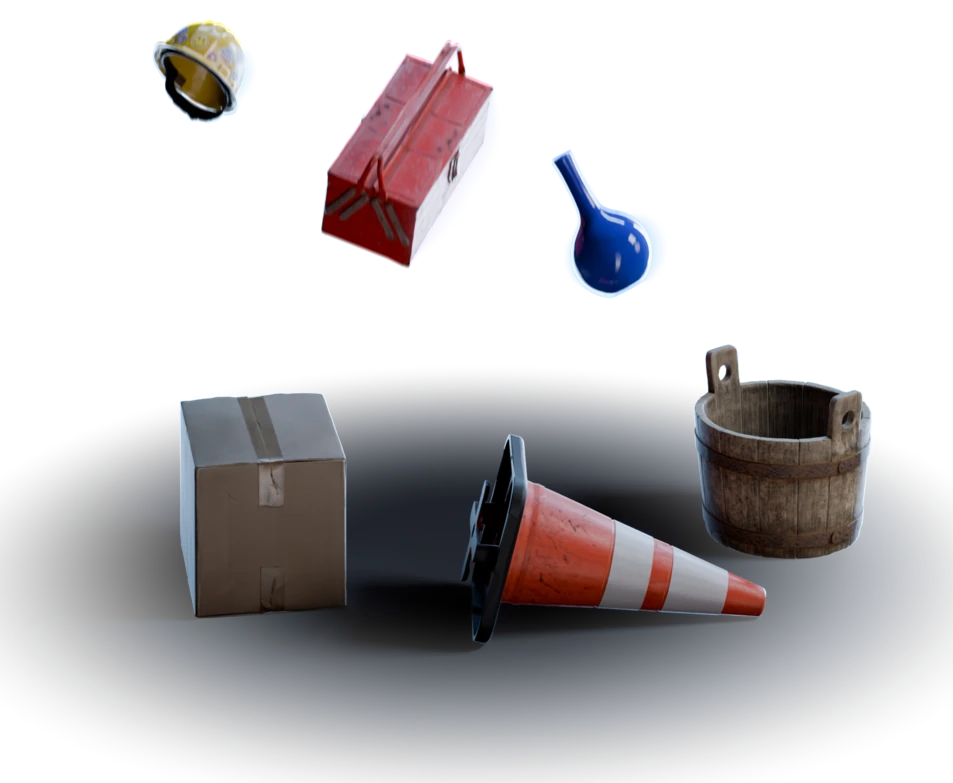
Physics names the main material of each asset from seventeen presets, from steel and hardwood to glass and rubber. The density, the friction and the restitution start from that material, so a rubber ball grips and bounces more than a glass one.
1:1real-world scale
Paired with true scale
Every asset also comes out at its real-world size, in metres. Thus its colliders match the real object, and the props of a scene sit together at the right proportions.
256SDF resolution of each collider
Colliders that follow the shape
Physics gives each mesh an SDF collider made from its own shape, not a box around it, and gives the asset a rigid body. The collider keeps the hollows of the shape, so a bowl can hold what falls into it.
Questions about Physics
What simulation and robotics engineers ask before they put a generated asset into a physics engine.
Run Generate PBR Textures on the model in Marso Studio. Physics then writes friction, mass, density, restitution and colliders into its USD by itself, with nothing to turn on. The asset shows Enriching in your library while Physics works, then Sim-ready. Download the USD, or import it with the Isaac Sim add-on.
Physics in Marso Studio gives each asset a rigid body and a mass, and gives each mesh an SDF collider and a physics material with static friction, dynamic friction, density and restitution. The asset also comes out at real-world size, in metres. Physics writes all of it with the USD Physics schemas, plus PhysX settings for Isaac Sim.
NVIDIA Isaac Sim and Omniverse read all of it. Physics writes the standard USD Physics schemas for the rigid body, the mass, the colliders and the physics material, plus PhysX settings such as the SDF collider. Another tool that reads USD Physics gets the core values, and can ignore the PhysX settings.
Physical properties on every asset, applied for you
Make it in Marso Studio and it arrives ready to simulate.