Real PBR materials, not lighting baked into a colour map
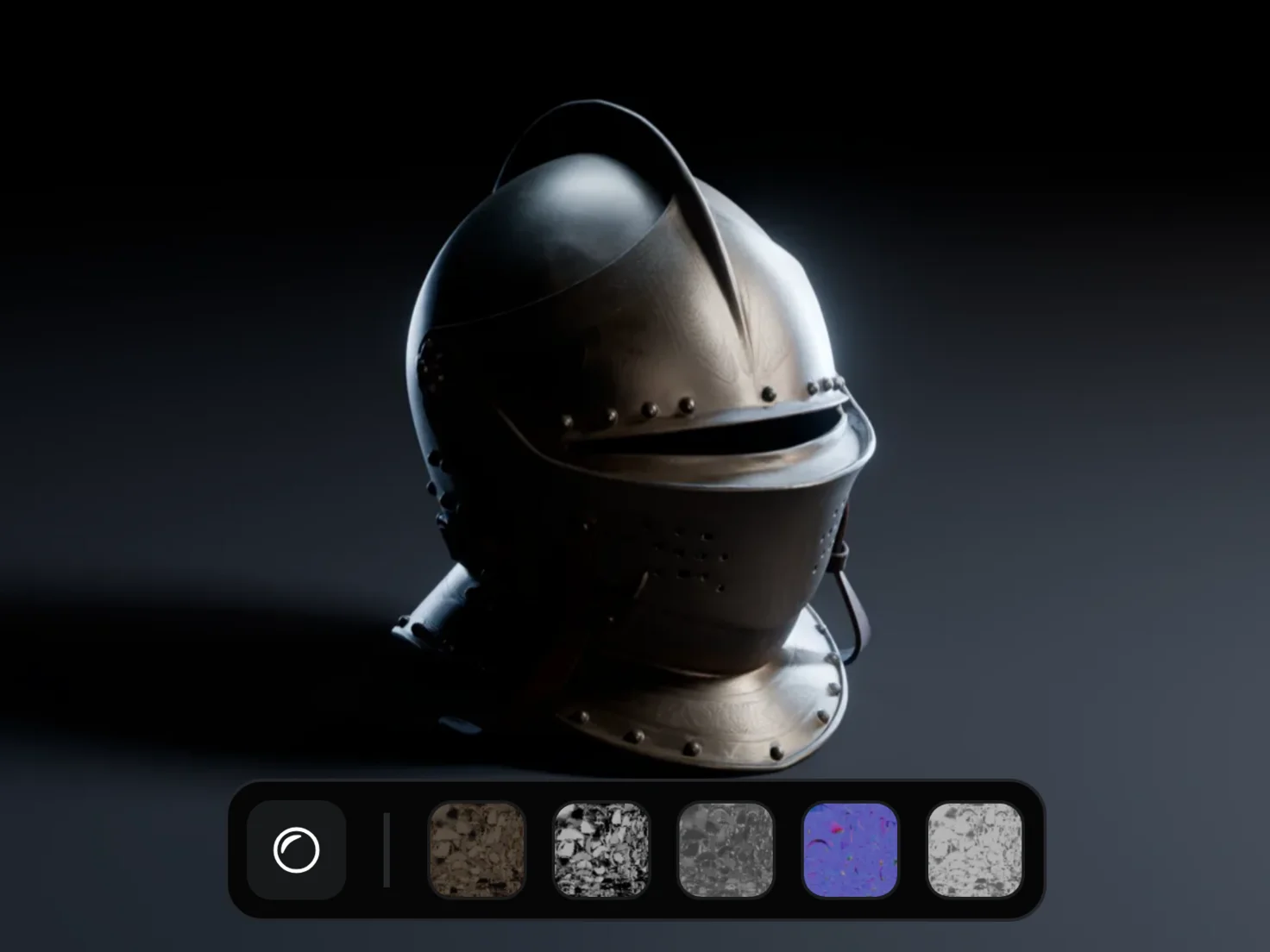
Generate PBR Textures predicts five material maps on your model's existing UVs and wires them into a USD. It's the last step of every Marso pipeline, and the asset drops into Blender, Unreal Engine, Unity and the rest of your stack.
How to add PBR textures to a 3D model
- 1
- 2
Run it once.
The same model always gives the same result.
- 3
- 4
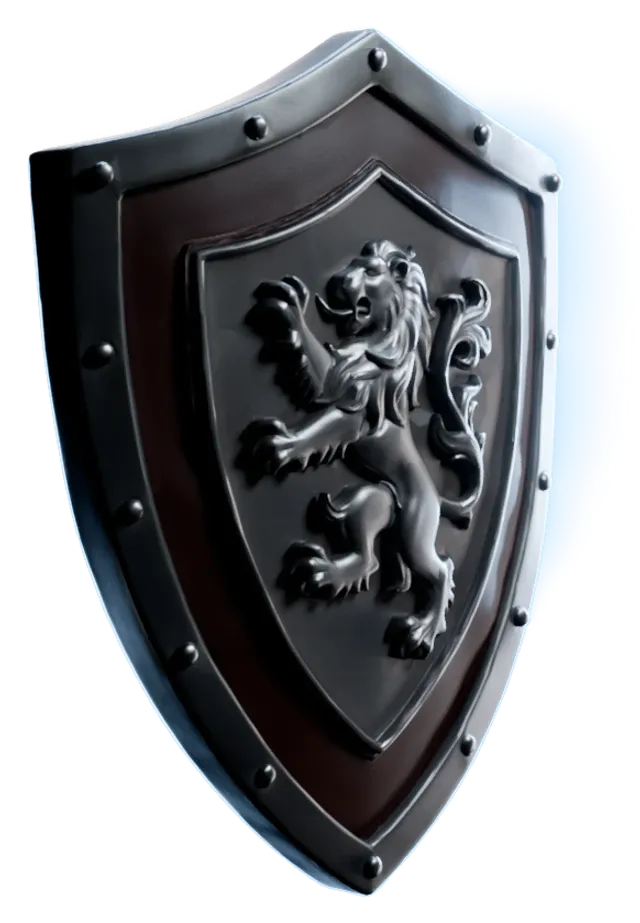
Take the USD anywhere.
Download it, or pick it up from your Library.
See it in action
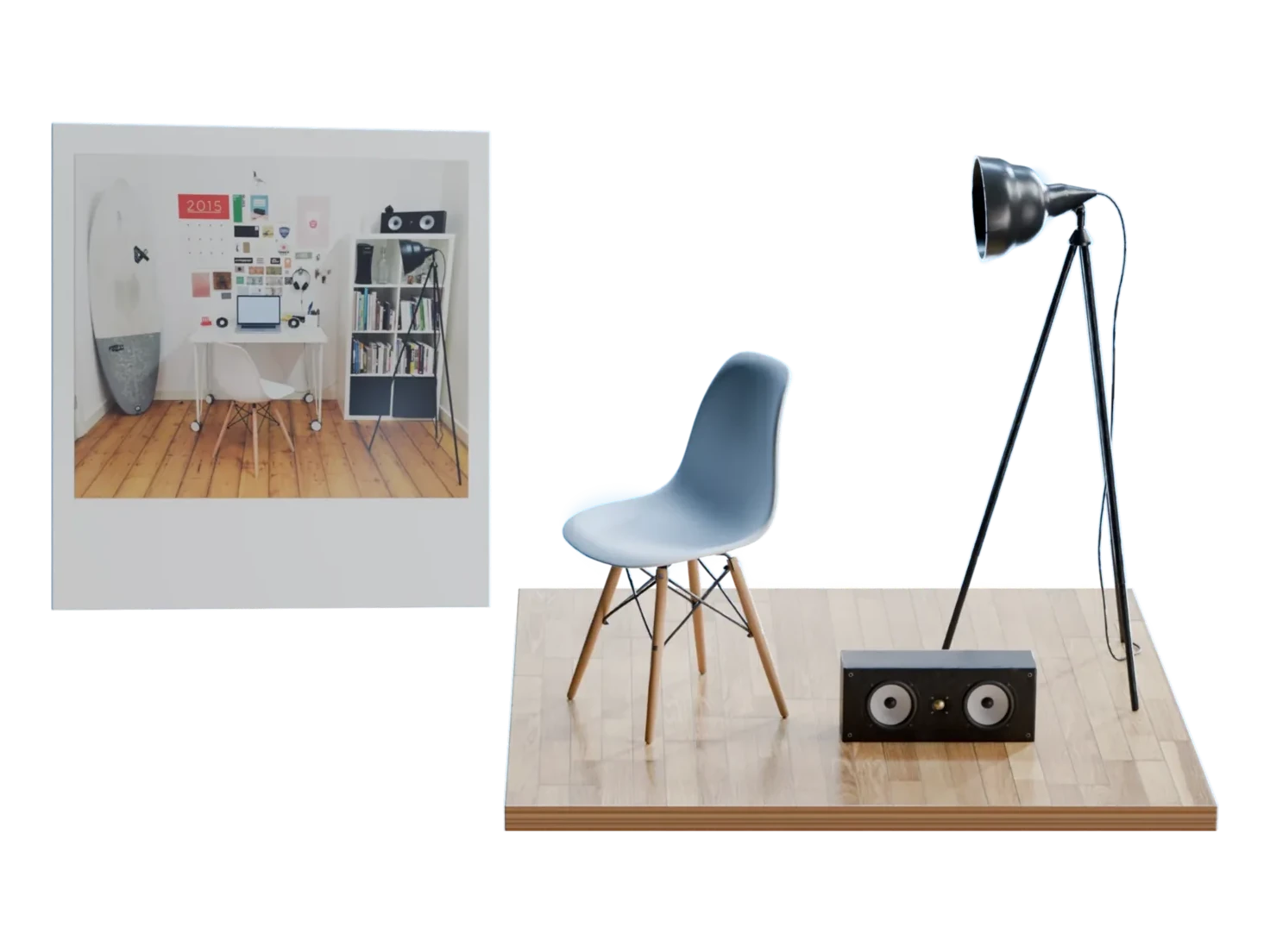
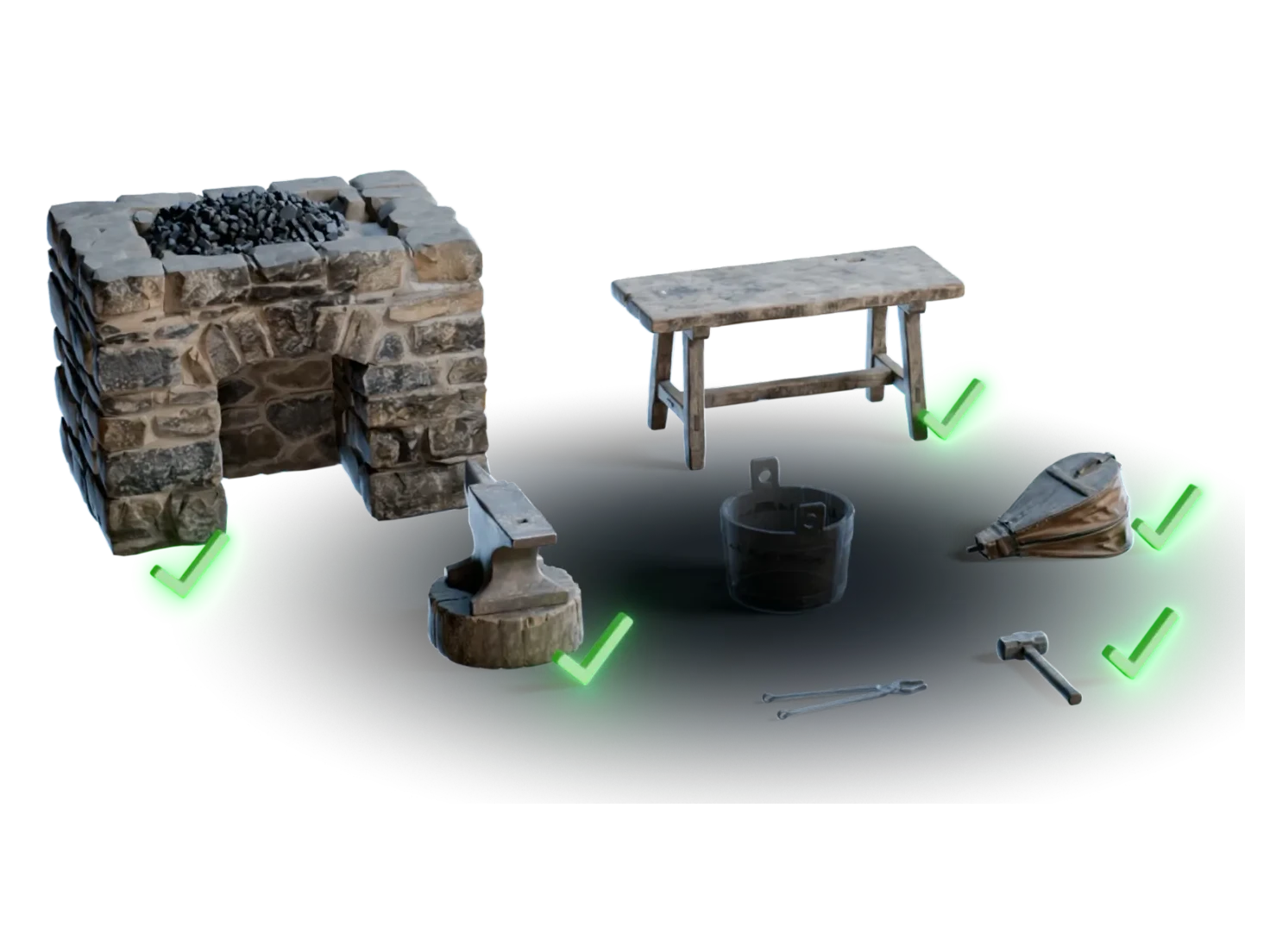
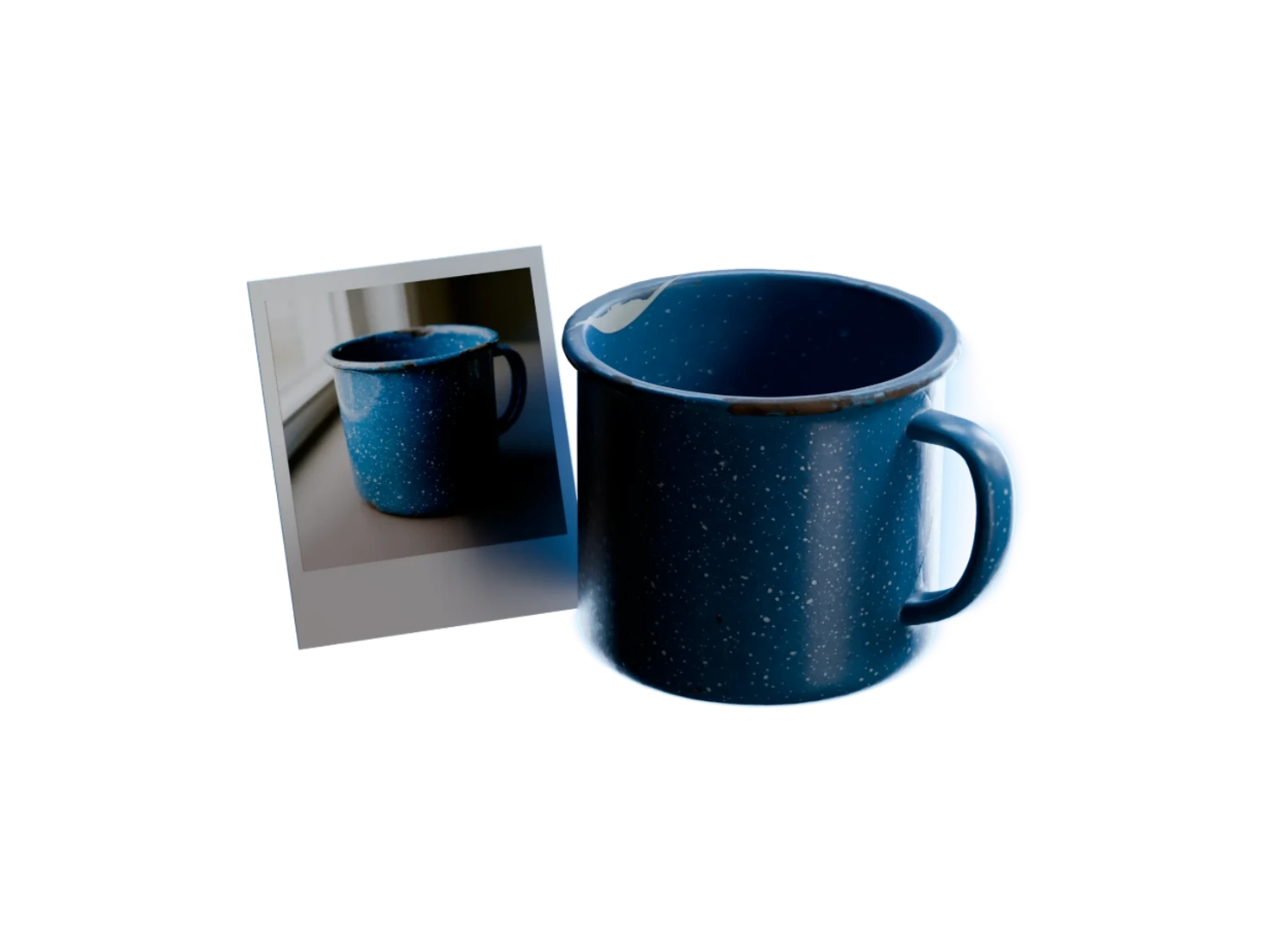
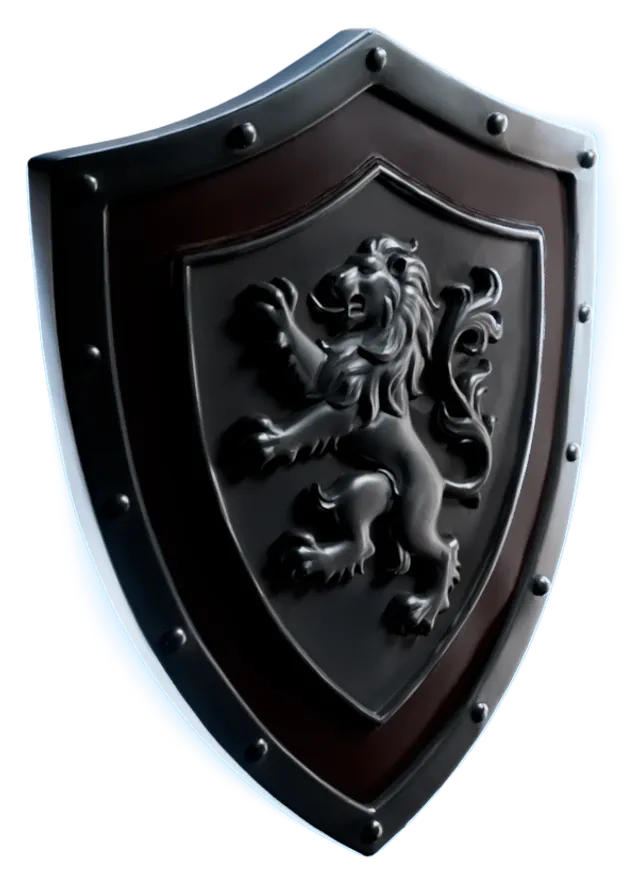
A model goes in, and a finished asset comes out: five maps on its own UVs, wired into a USD. Switch PBR Textures off and on in the 3D viewer to compare.
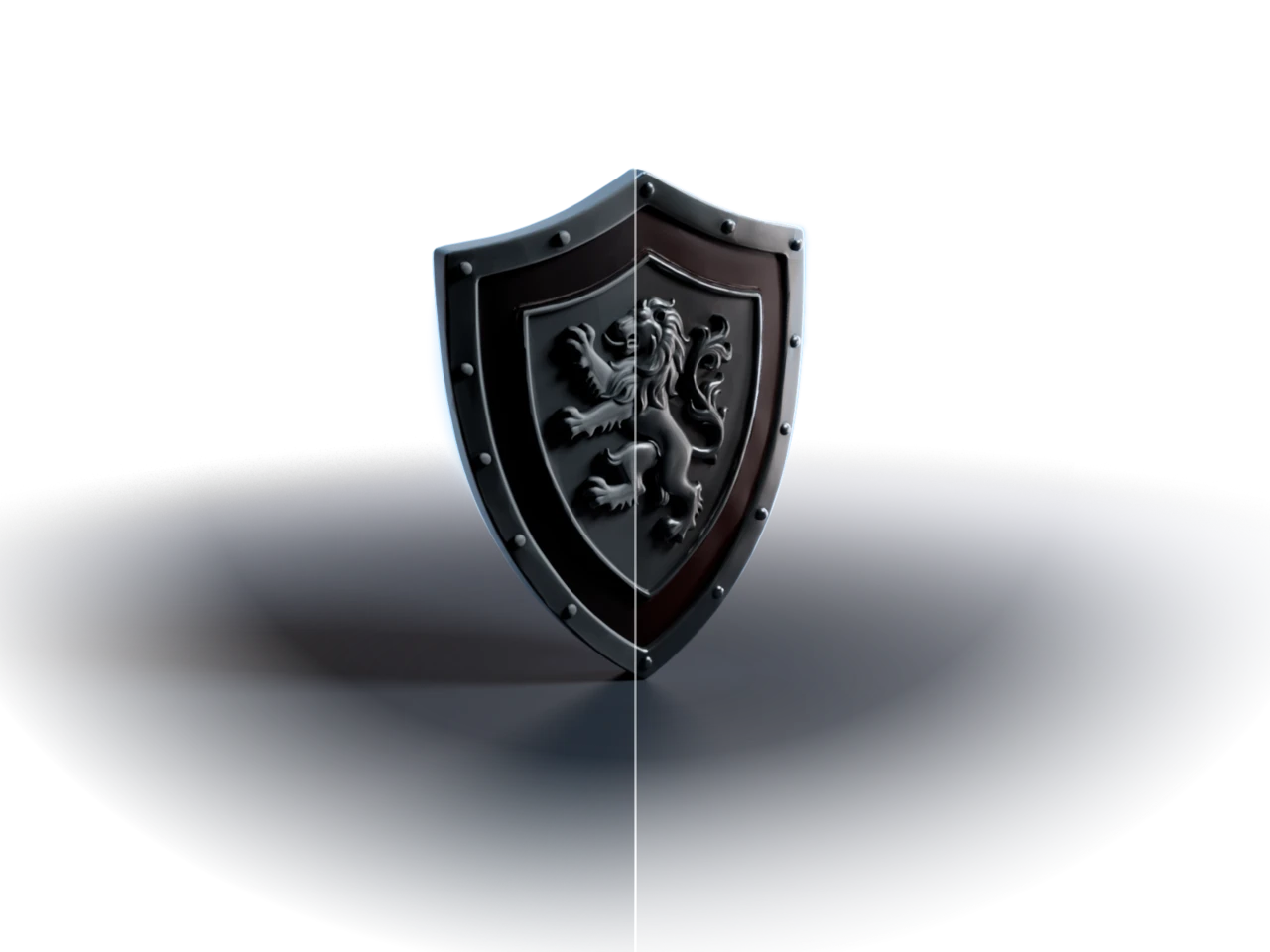
A finished asset, not just textures
5maps per asset
Your UVs stay put
The maps are predicted onto the model's existing UV unwrap, so nothing upstream gets undone.
8+tools that open it
Opens where you work
Every map is built into the USD's shader, so the asset drops into Blender, Maya, Arnold, Unity, Unreal Engine, Cinema 4D, Octane, Isaac Sim and any other tool that reads USD.
1run per asset
The same answer, every time
The process is deterministic. The same model gives the same maps every time, so there's no rerolling for a lucky result.
4semantic tags
Tagged, scaled and simulation-ready
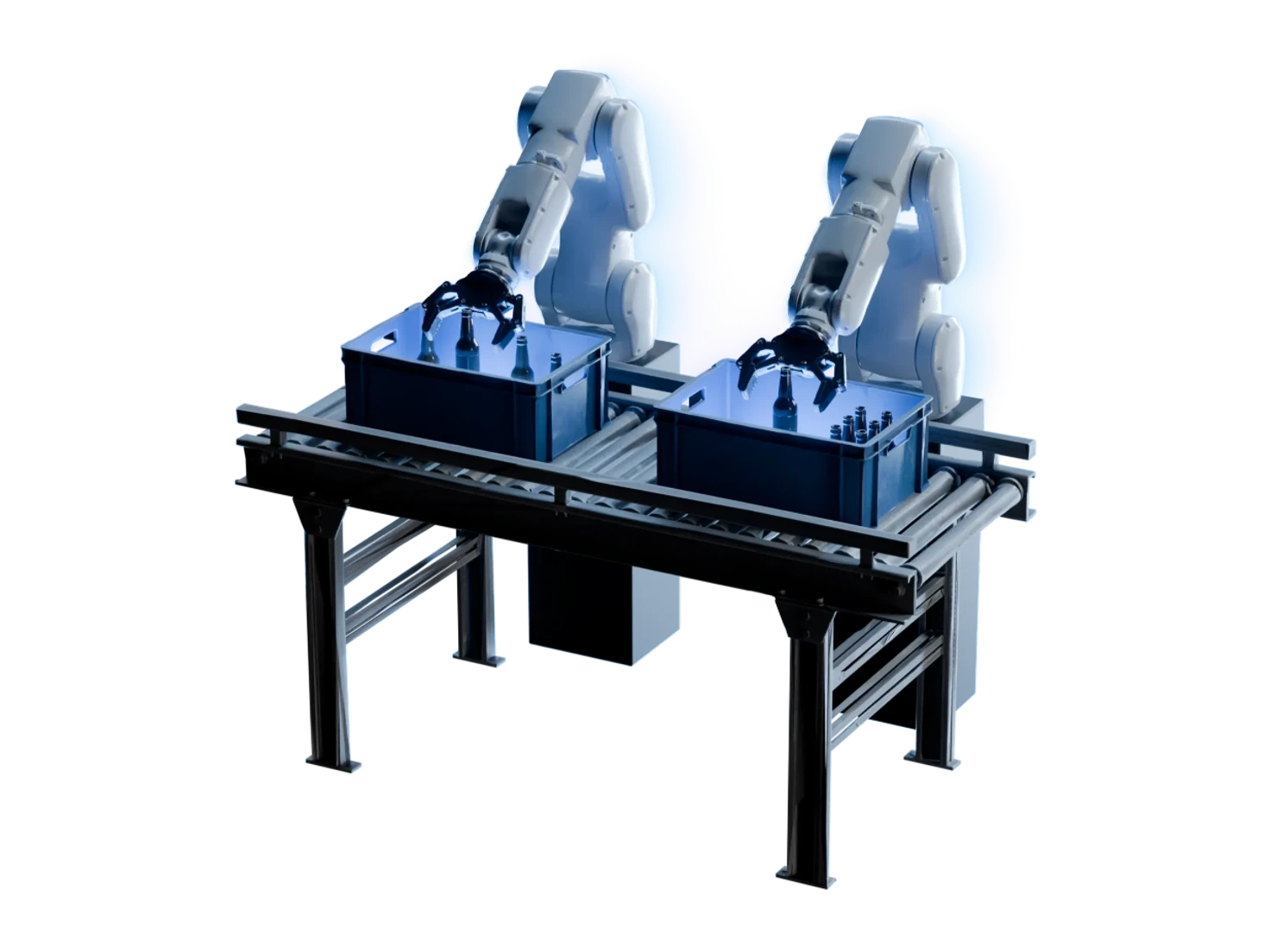
Each asset is minted with its category, material type, scale and provenance, scaled correctly, and given physics properties, so it arrives simulation-ready.
Use cases


Questions about PBR textures
What 3D artists and simulation engineers ask before they texture their first model. Still unsure? The Free plan gives you 400 credits a month, with no card required.
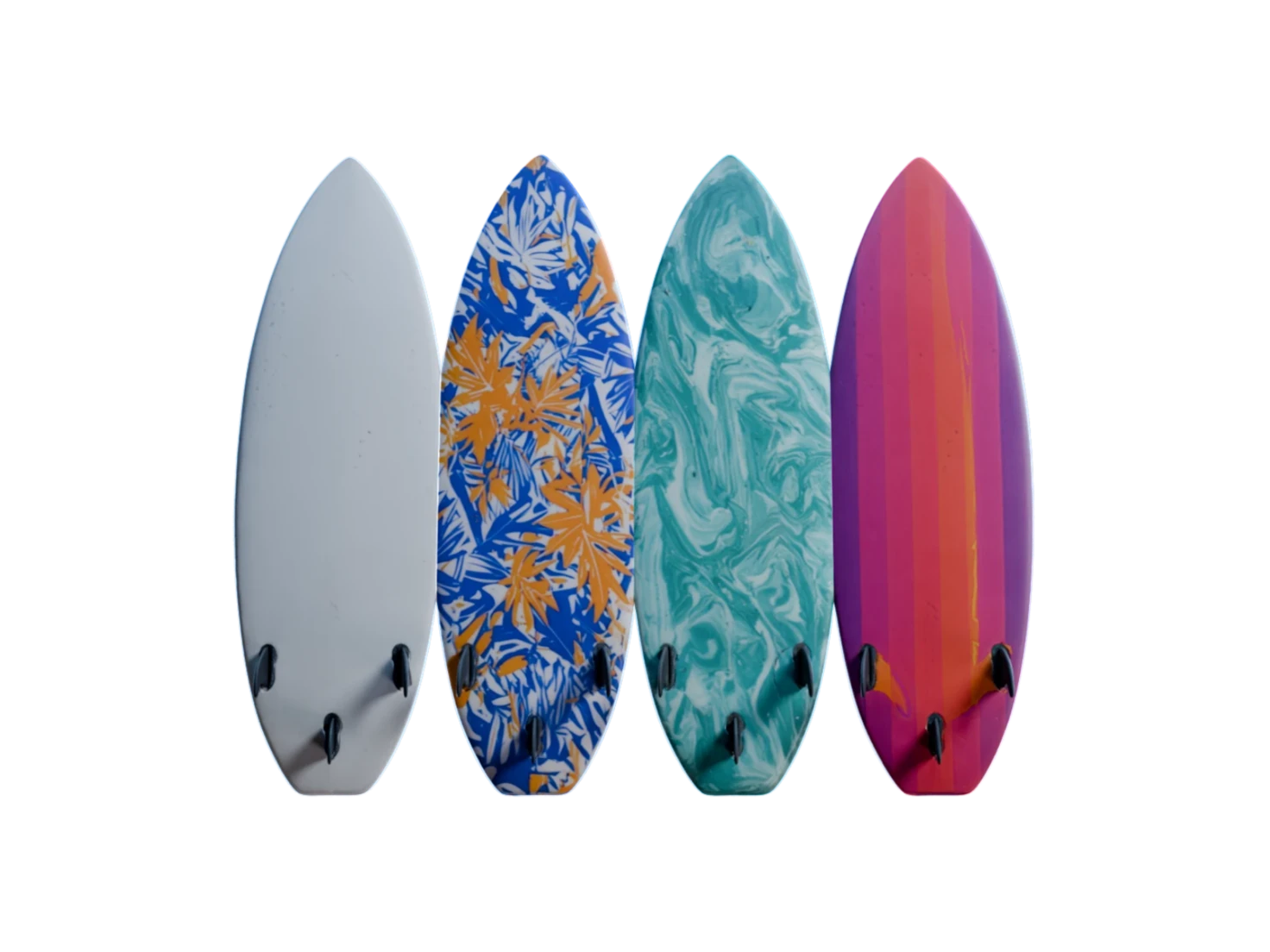
PBR (physically based rendering) textures are image maps that describe how a surface reacts to light: its colour, its roughness, its metalness and its fine surface detail. Generate PBR Textures predicts five of them for your model, so it looks right under any lighting, in any renderer.
Five maps: albedo, roughness, metallic, IOR and normal. Each one is predicted onto your model's existing UVs and wired into the shader of a USD, so there's nothing to connect by hand.
No. Generate PBR Textures predicts the maps onto the UV unwrap that your model already has, so nothing upstream is undone.
Yes. Upload your own mesh to your Library and connect it to Generate PBR Textures, as you would a model from 3D Generation or 3D Asset Edit. The maps are predicted onto the UVs it already has.
Generate PBR Textures is deterministic: the same model always gives the same maps, so there's nothing to reroll. To change the result, change the model itself in 3D Generation or 3D Asset Edit, then run it again.
A USD with every map built into its shader. It opens in Blender, Maya, Unity, Unreal Engine, Cinema 4D, Isaac Sim and any other tool that reads USD. Download one asset, or a whole scene as a zip, or import it from the Marso add-on for Blender.
Real materials, ready for your engine
Run it once and take the USD wherever you work.