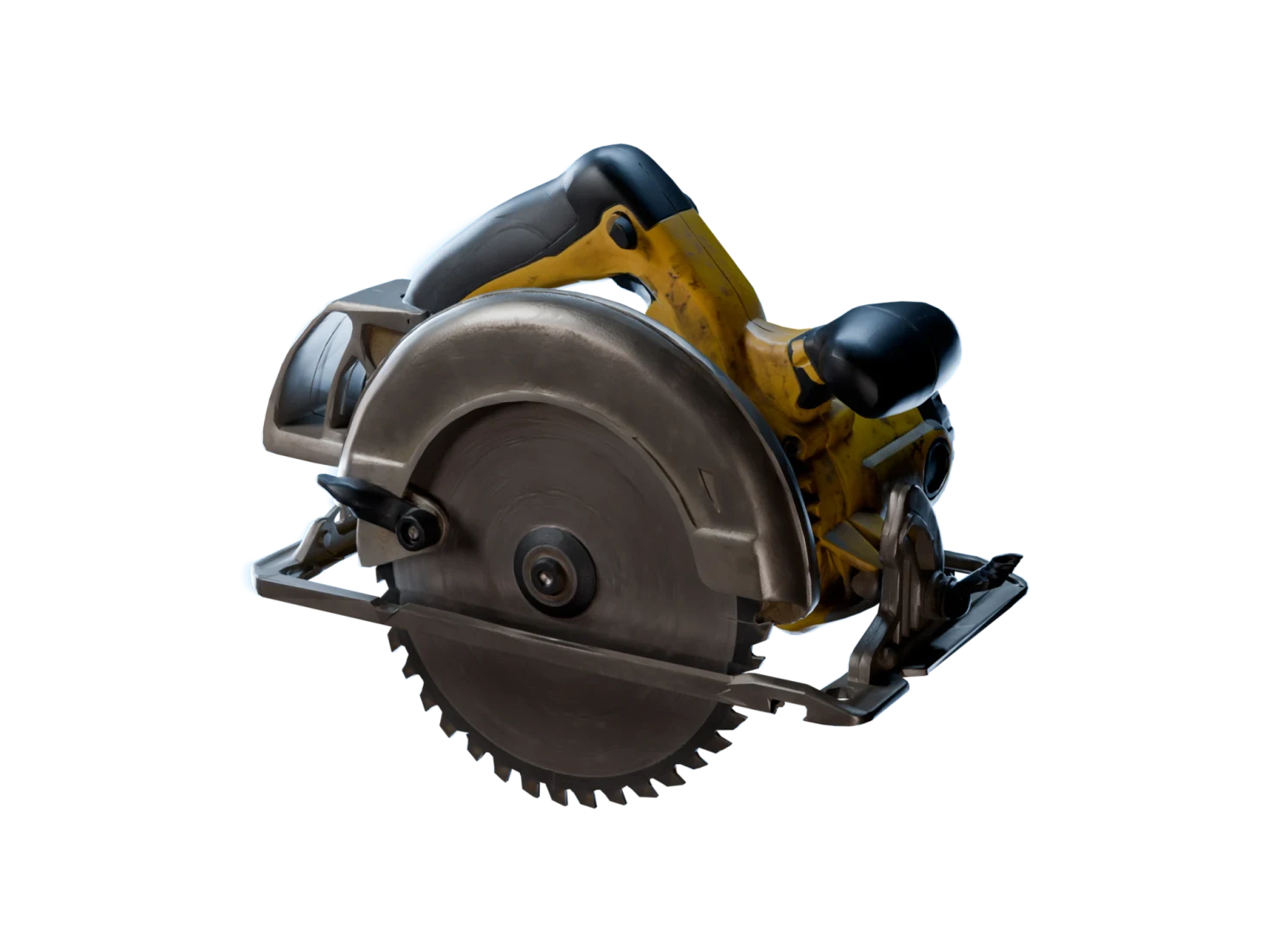
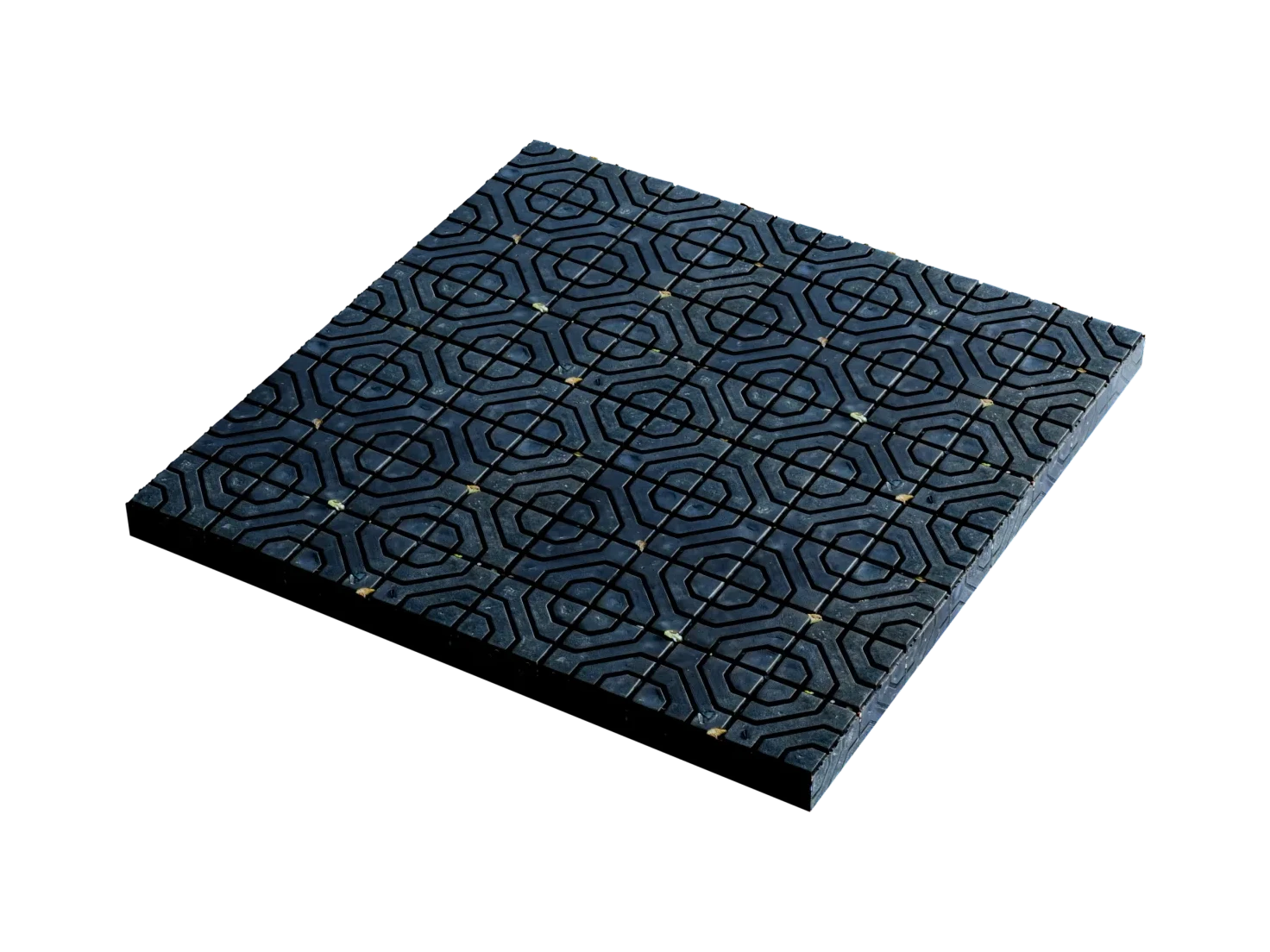
A whole scene, one 3D asset per object
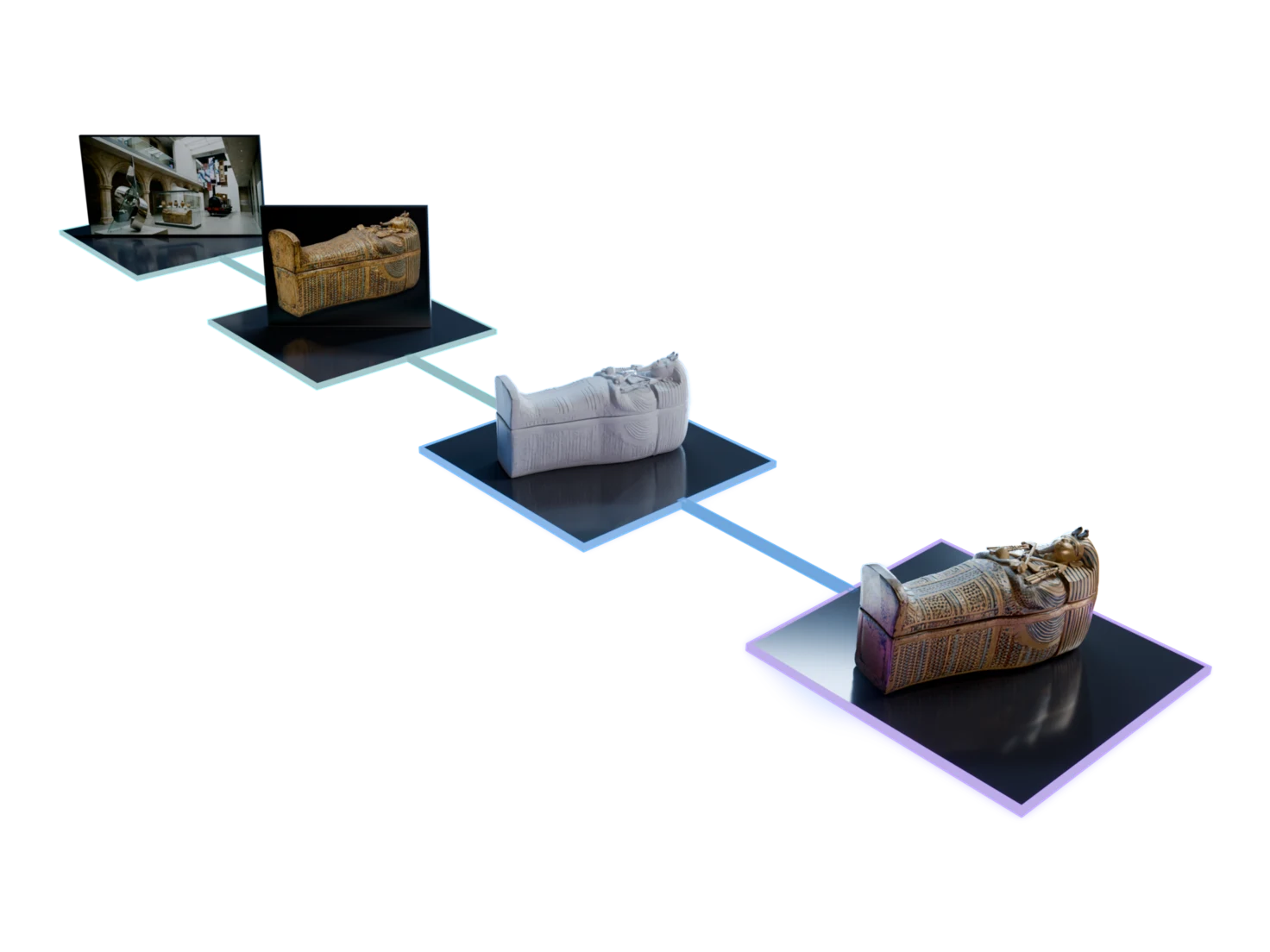
Generate Entire 3D Scenes in Marso Studio turns a prompt or a photo of a place into separate 3D assets, one for each object you keep, each with its own PBR textures.
Built for
- Environment art
- Level design
- Digital twins
- Virtual production
How to generate a 3D scene with AI
- 01
In Marso Studio
Describe a scene, or upload a photo of one
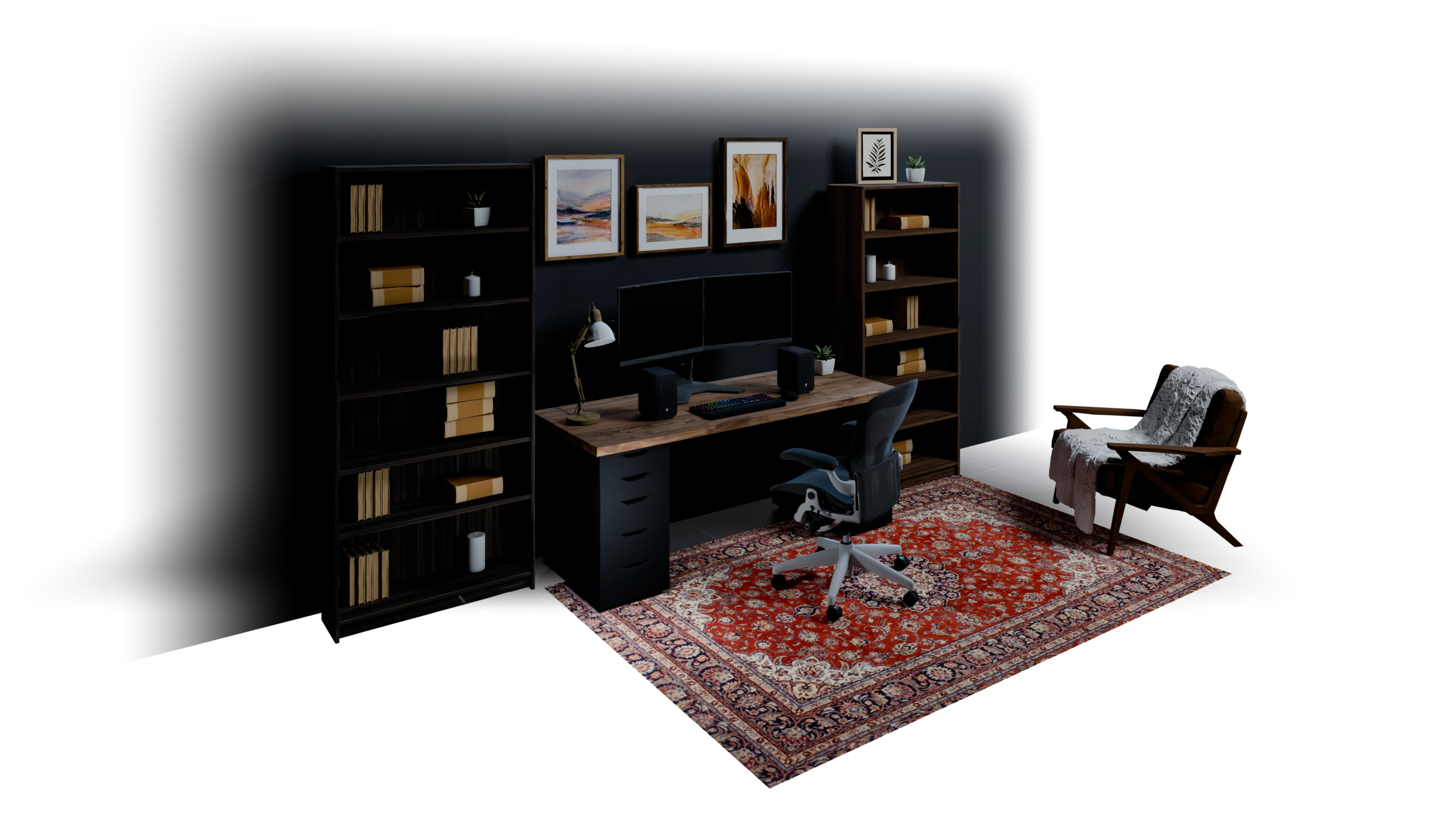
Write something like "a cozy, dark home office with a walnut desk, two monitors and tall bookshelves", and Image Generation paints the scene. A photo of a real place works too.
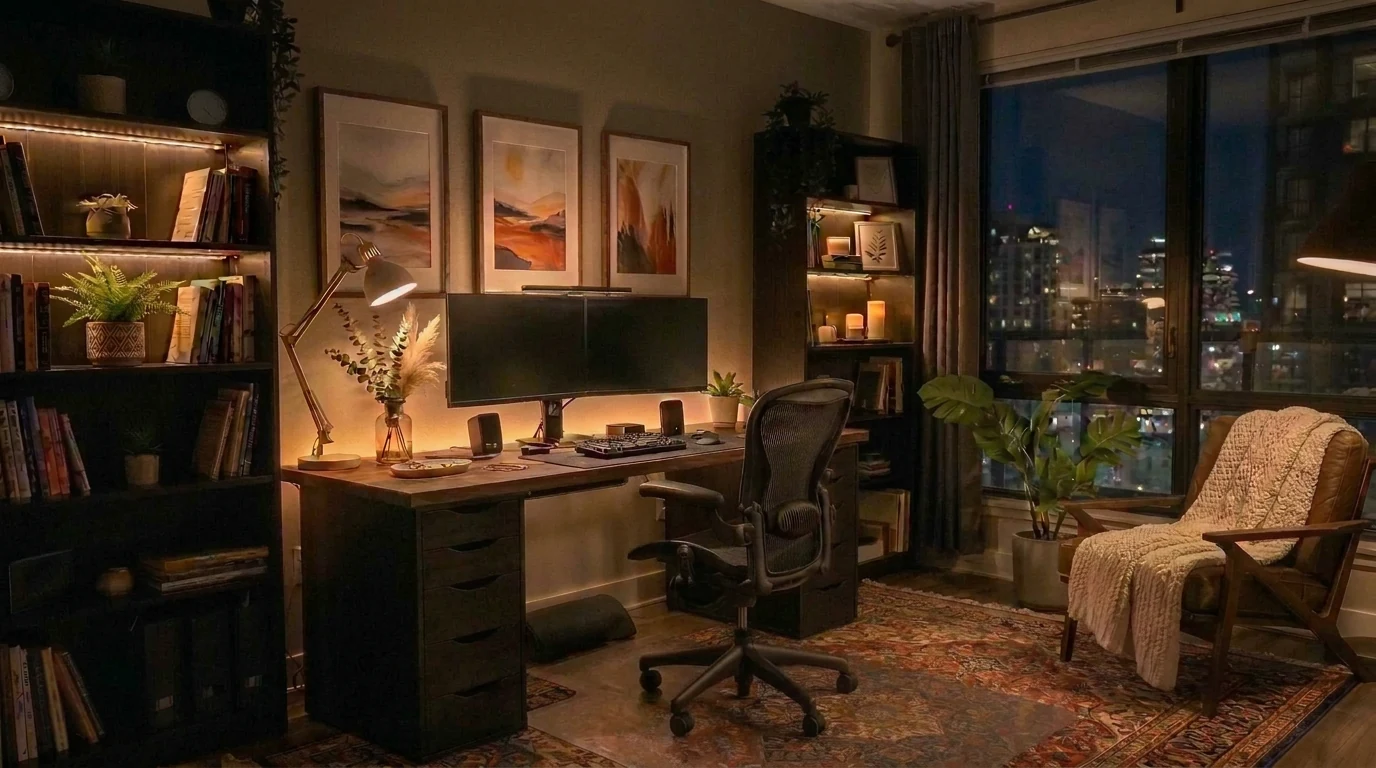
A cozy, dark home office for a software engineer: a walnut desk with 2 monitors, tall bookshelves and a Persian rug…
Sign in to try it - 02
Choose how many objects to keep
Detect Objects finds the objects in the image. The number you set in Objects decides how many go on to 3D.
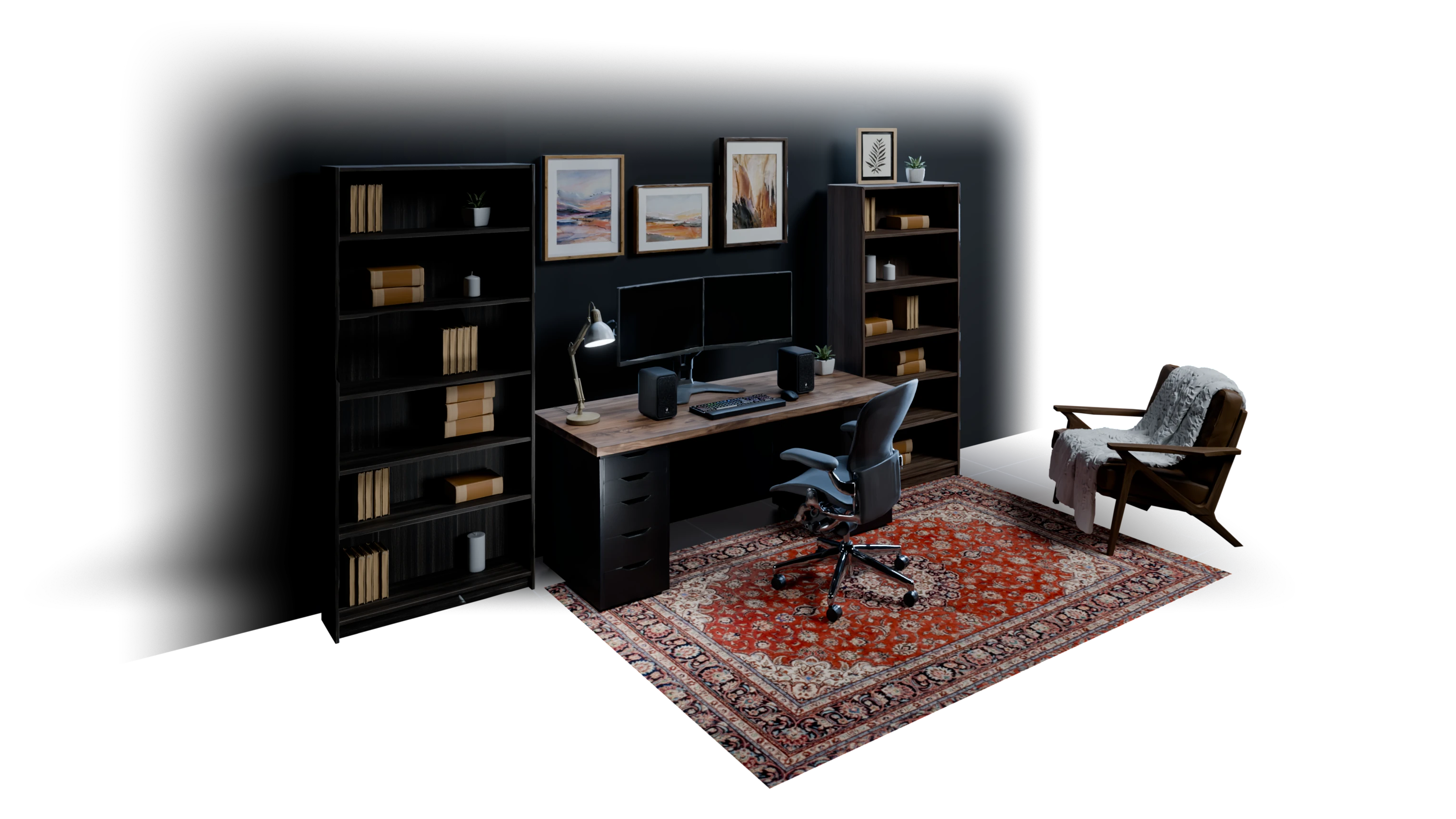
bookshelf 1deskoffice chairarmchairbookshelf 2dual monitor setupdesk lamparea rug - 03
Get a clean image of each object
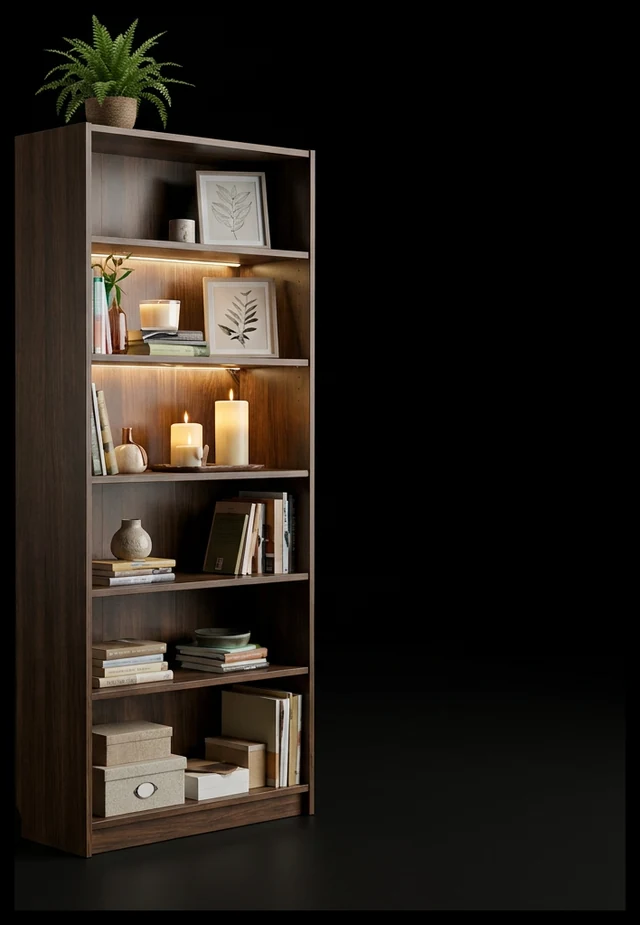
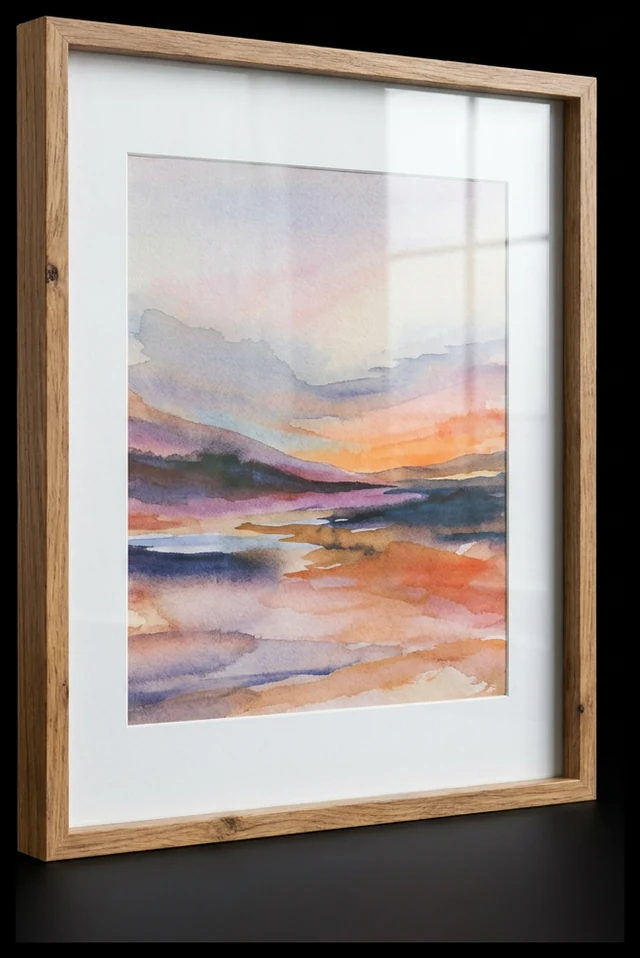
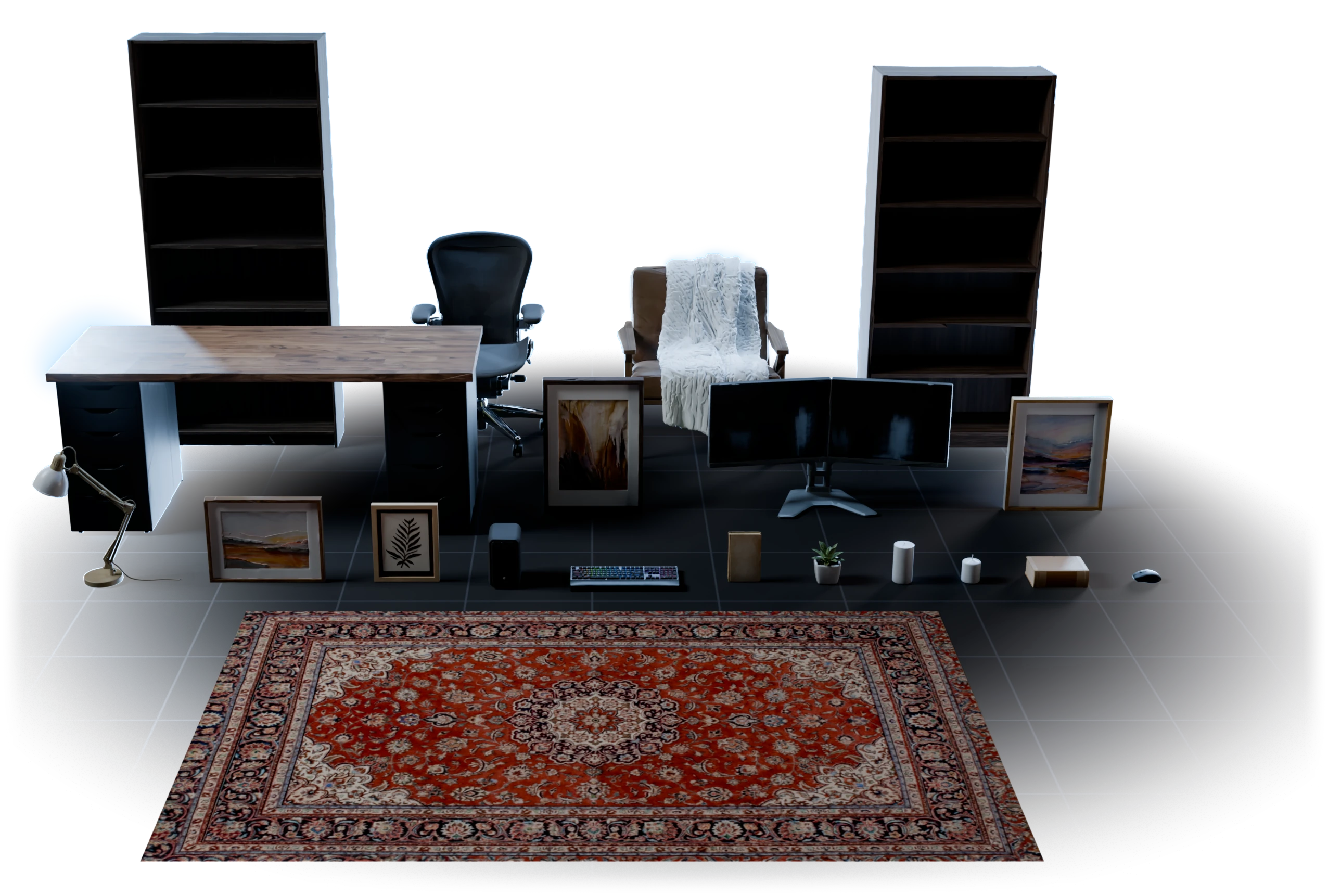
A reference image of every object you kept, on its own, so the 3D step reads one object at a time and not the whole room.
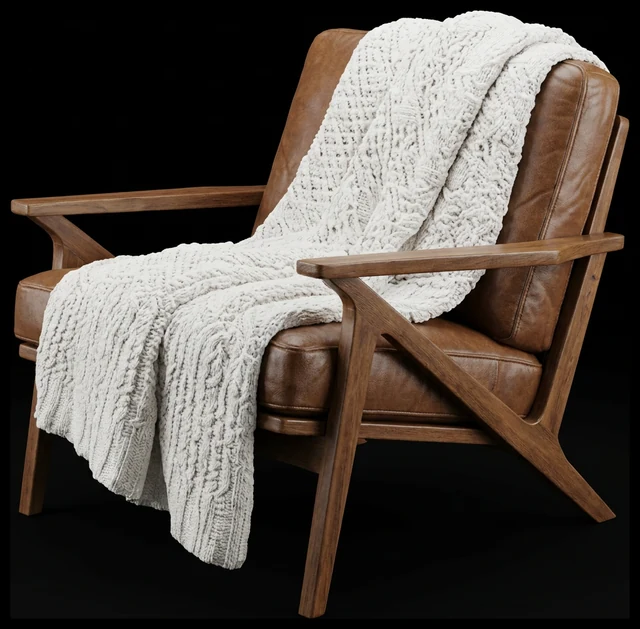
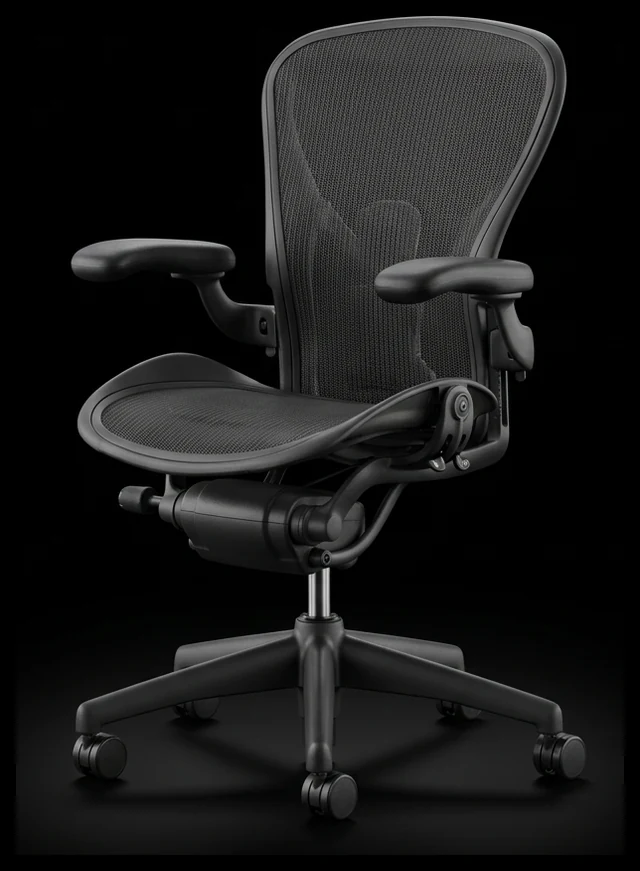
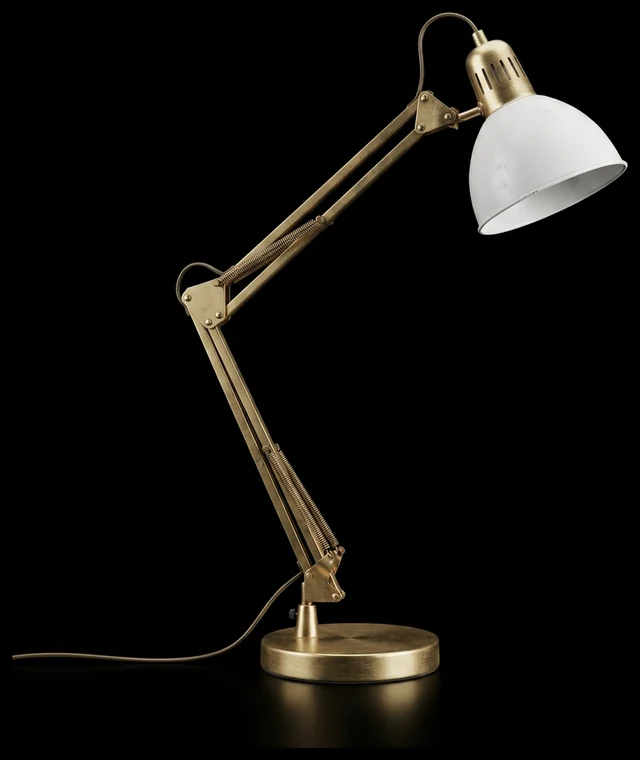
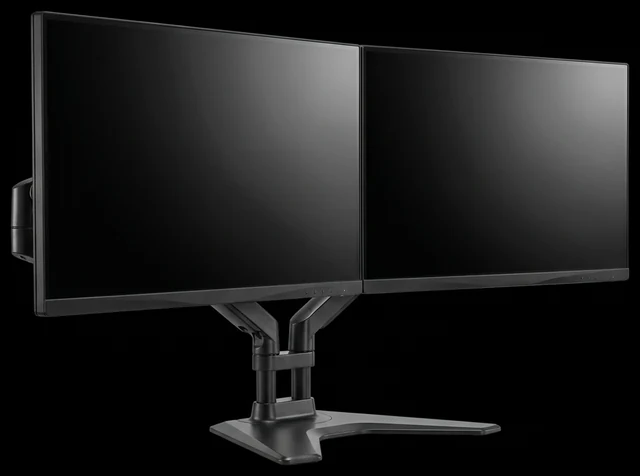
- 04
Build every model in one batch
Group Nodes run 3D Generation on all the objects together, with one model and one polygon count for the group.
- 05
Texture them all
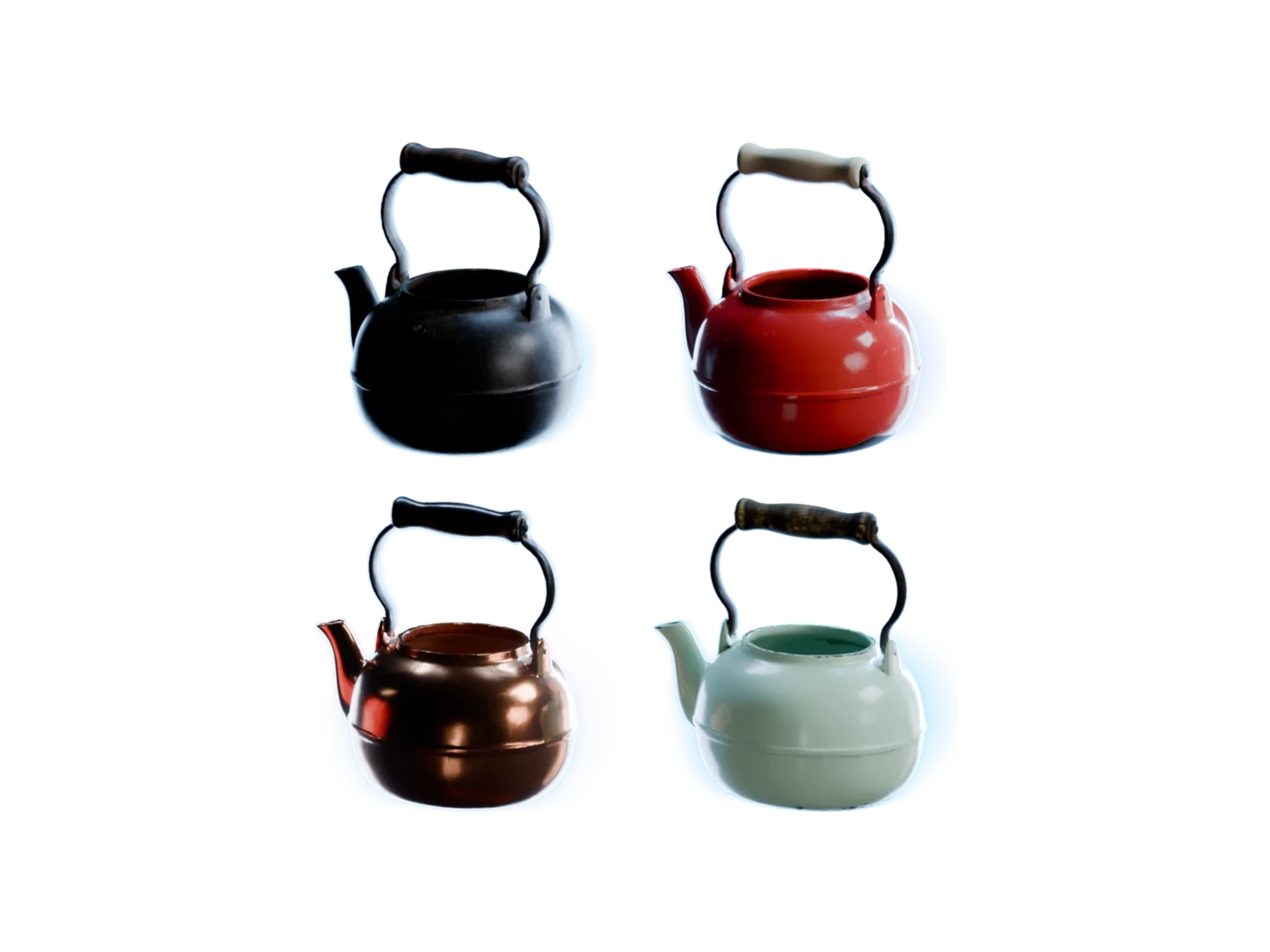
Generate PBR Textures gives each model its own maps, in one more batch.
- 06
In Your Library
Find each object in your library
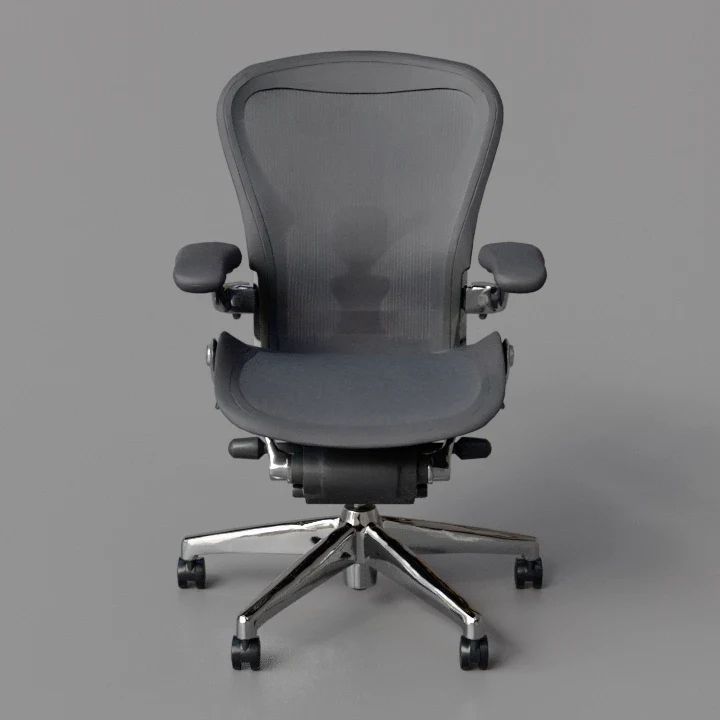
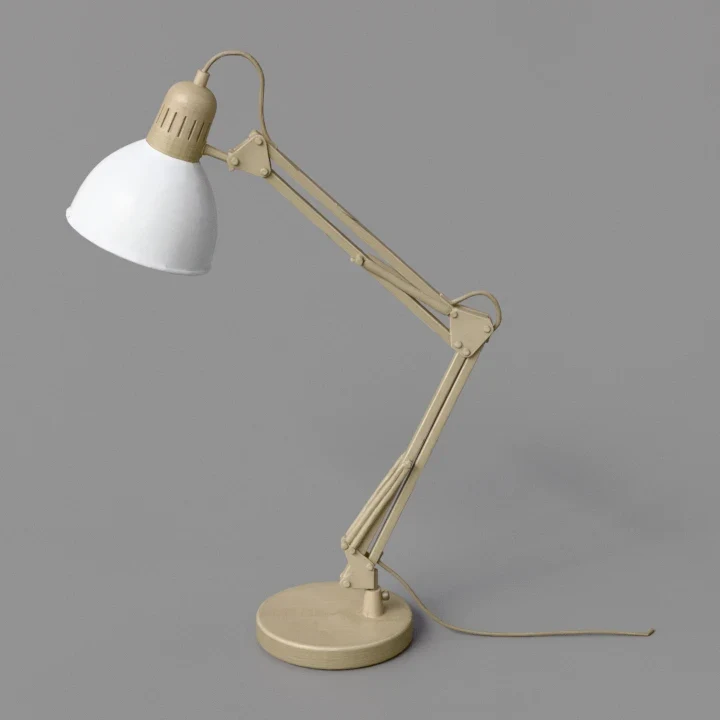
Every object lands in your Asset Library as its own asset, in the project of the scene.
Armchair with Throw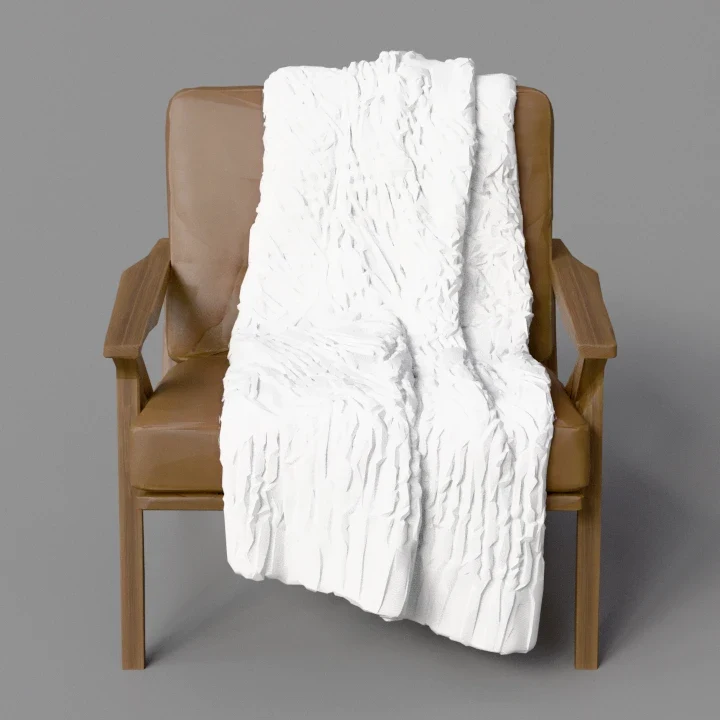 Ergonomic Office Chair
 Desk Lamp
What one scene run gives you
From the scene image to the last texture.
- Objects
- Up to 20In one run, within the cap of your plan.
- Order
- Main objects firstThe run keeps the objects that define the scene, like the desk, before small fillers.
- Batches
- 3Reference images, 3D models and PBR textures each run once for the whole scene.
- Assets
- 1 per objectEach object has its own mesh and its own 5 PBR maps, so you can move, swap or delete it.
- Download
- 1 zipA USDZ for each object, or the PNG maps in a folder for each object.
Rebuild the scene where you work
- Blender
Blender
The Blender add-on imports the full project as USD, so every object of the scene arrives in one go.
- Unreal Engine
Unreal Engine
Download the zip and import the USDZ of each object with Unreal's USD importer, materials included.
- Isaac Sim
NVIDIA Isaac Sim
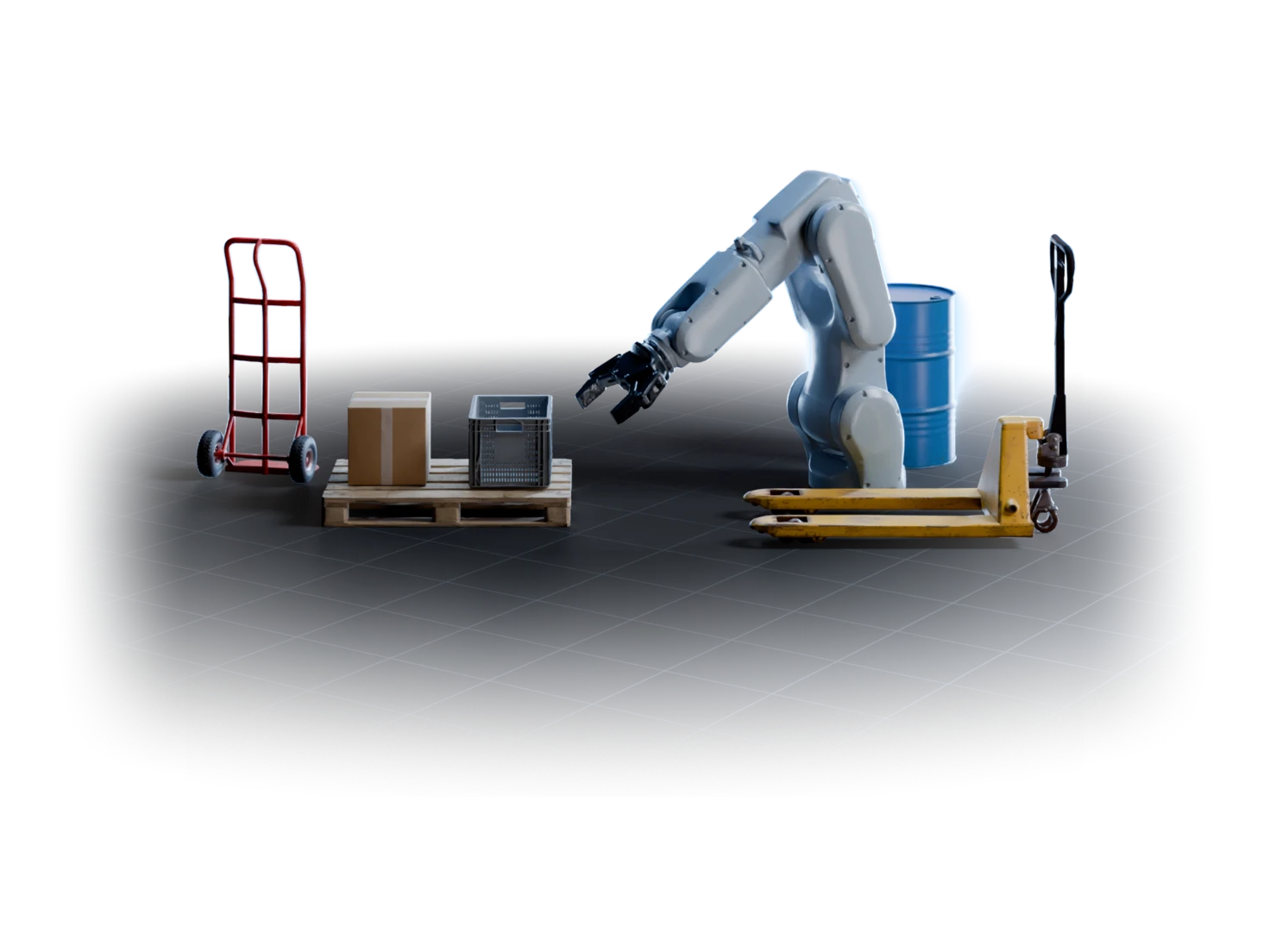
Each object also comes with real-world scale and physics. The Isaac Sim add-on puts them on the stage from your library.
Questions about Generate Entire 3D Scenes
What environment artists ask before they turn their first scene into 3D assets.
Use Generate Entire 3D Scenes in Marso Studio. Describe a scene or upload a photo of one, and choose how many objects to keep. Marso Studio finds the objects, makes a 3D model of each one in a single batch, adds PBR textures, and saves every object to your library as its own asset.
No. Generate Entire 3D Scenes gives you one asset per object, each with its own mesh and textures, so you can rearrange, swap or delete any of them. The scene image is the plan of the set, not a single fused model.
Yes. Upload a photo in place of a prompt, and Generate Entire 3D Scenes skips the scene image and goes straight to Detect Objects. Each object you keep then gets its own reference image before it becomes a 3D model.
Yes. In the app, Generate Entire 3D Scenes keeps the number of objects you set, main objects first. On the canvas you tick each object yourself in Detect Objects, and only the ticked objects go on to 3D, PBR and your credits.
Every paid plan. The Free plan has single objects only, with no scenes and no downloads. The Artist plan keeps up to 10 objects from each scene and comes with a 14-day free trial, which needs a card. Artist Pro keeps up to 20, and Studio has no cap.