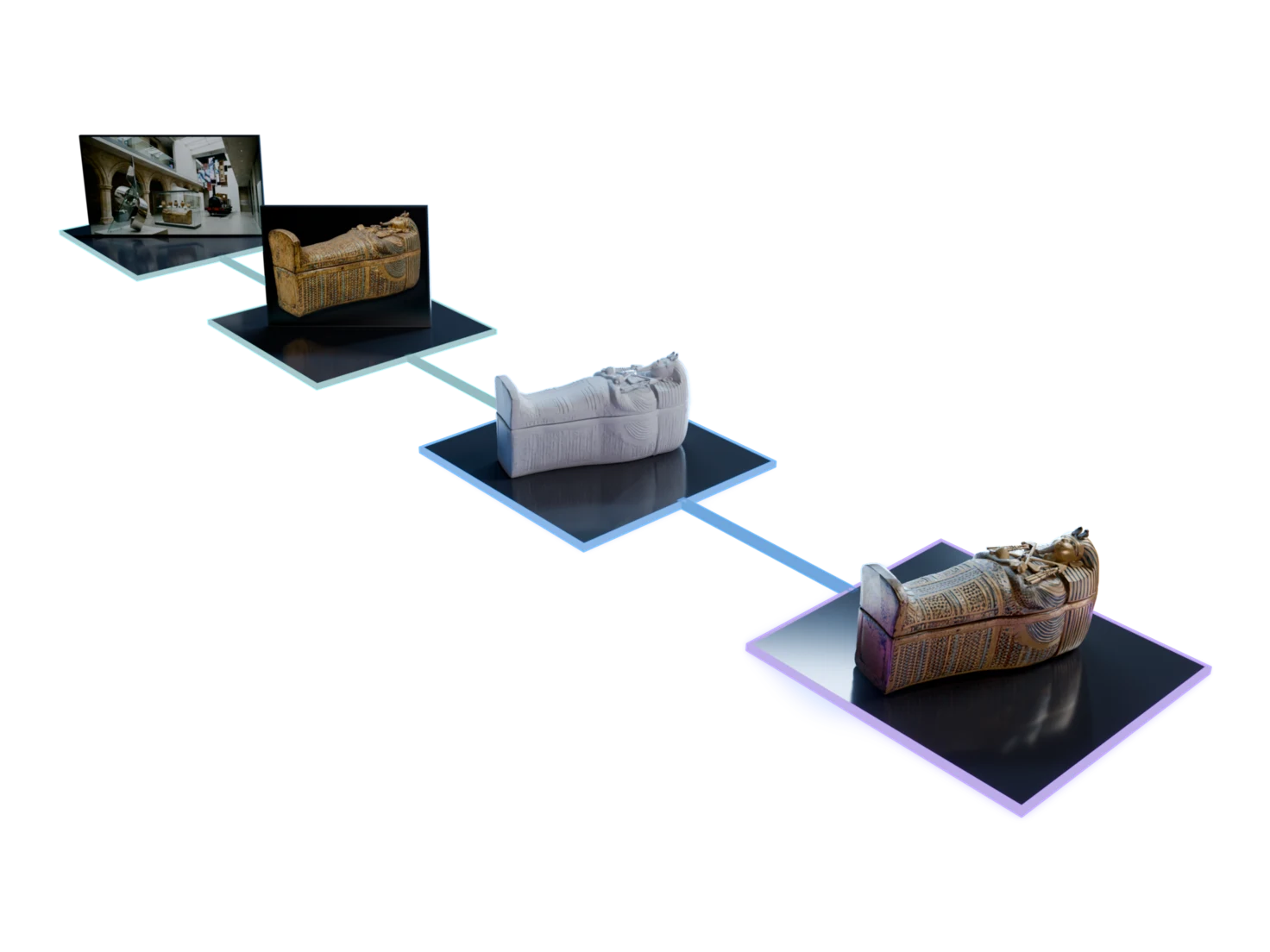
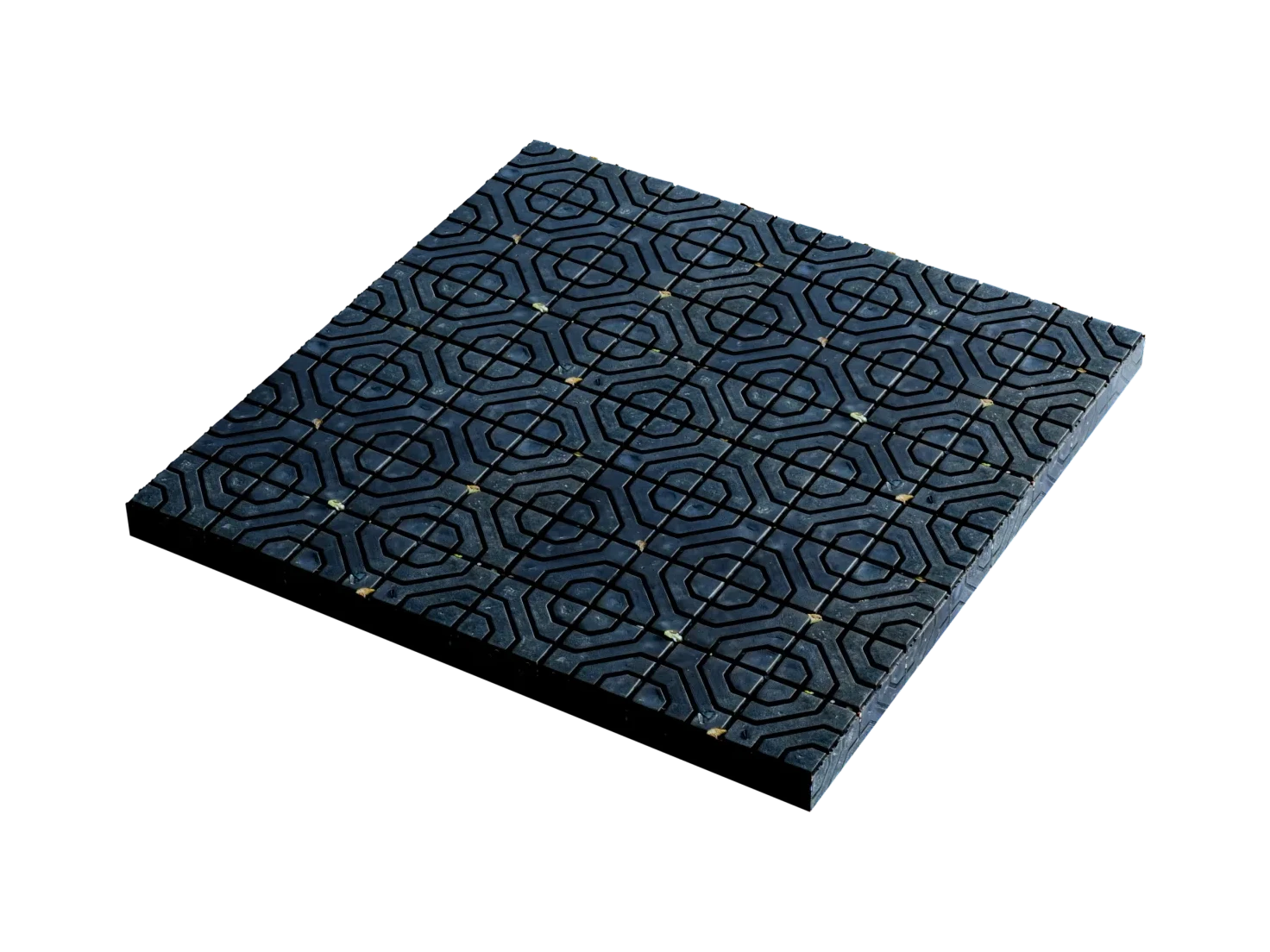
From a prompt to a physics-ready scene in your simulator
The Sim-ready workflow in Marso Studio turns a prompt, a photo or your own mesh into USD assets with real-world scale, physics and semantic tags.
Built for
- Robotics
- Synthetic data
- Digital twins
- Embodied AI
How to make 3D assets for robotics simulation
- 01
In Marso Studio
Start from a prompt, a photo or a mesh
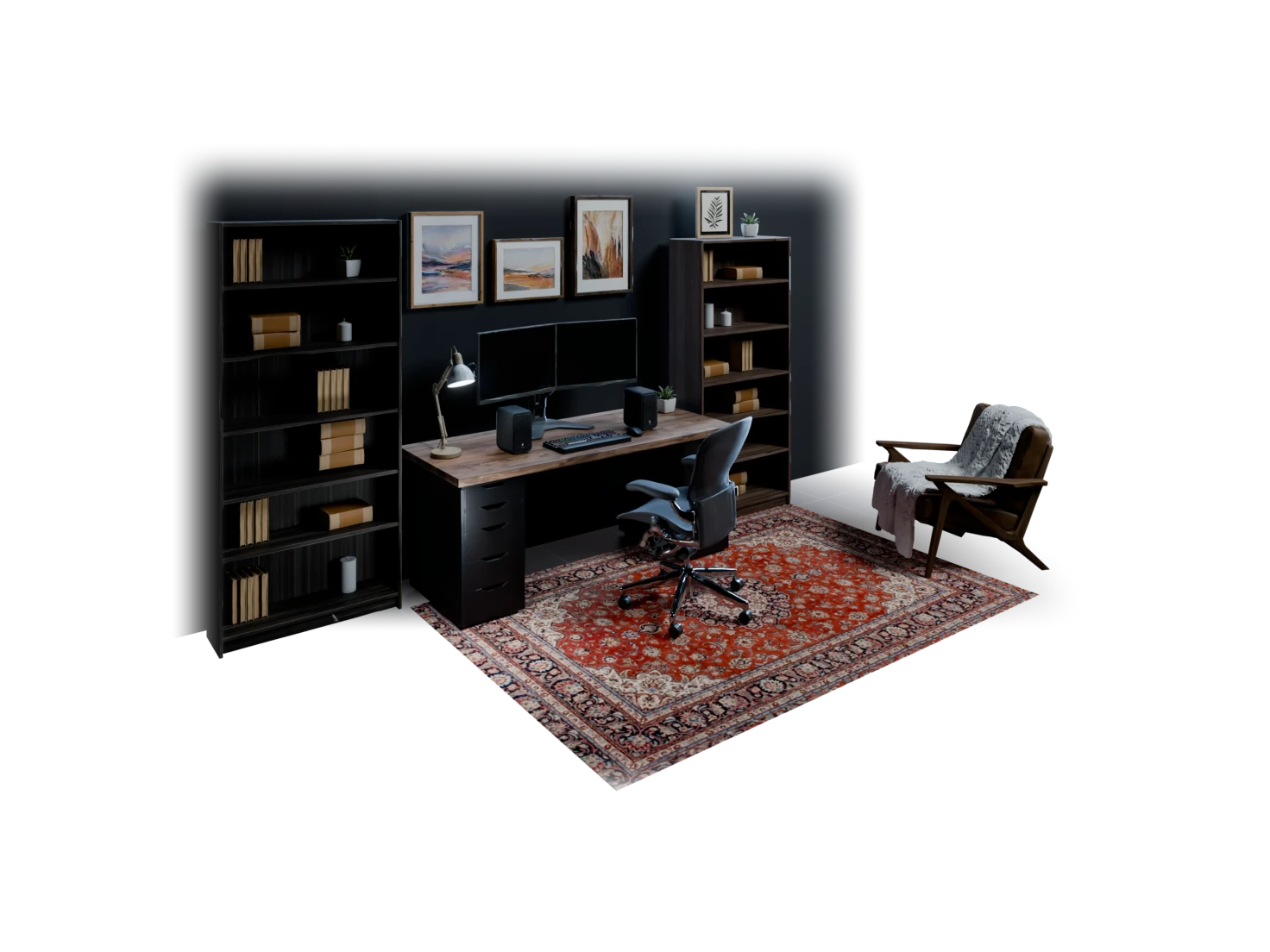
Choose Single object for one prop, or Scene for a whole room. Bring your own GLB, FBX or USDZ and you skip to step 4.

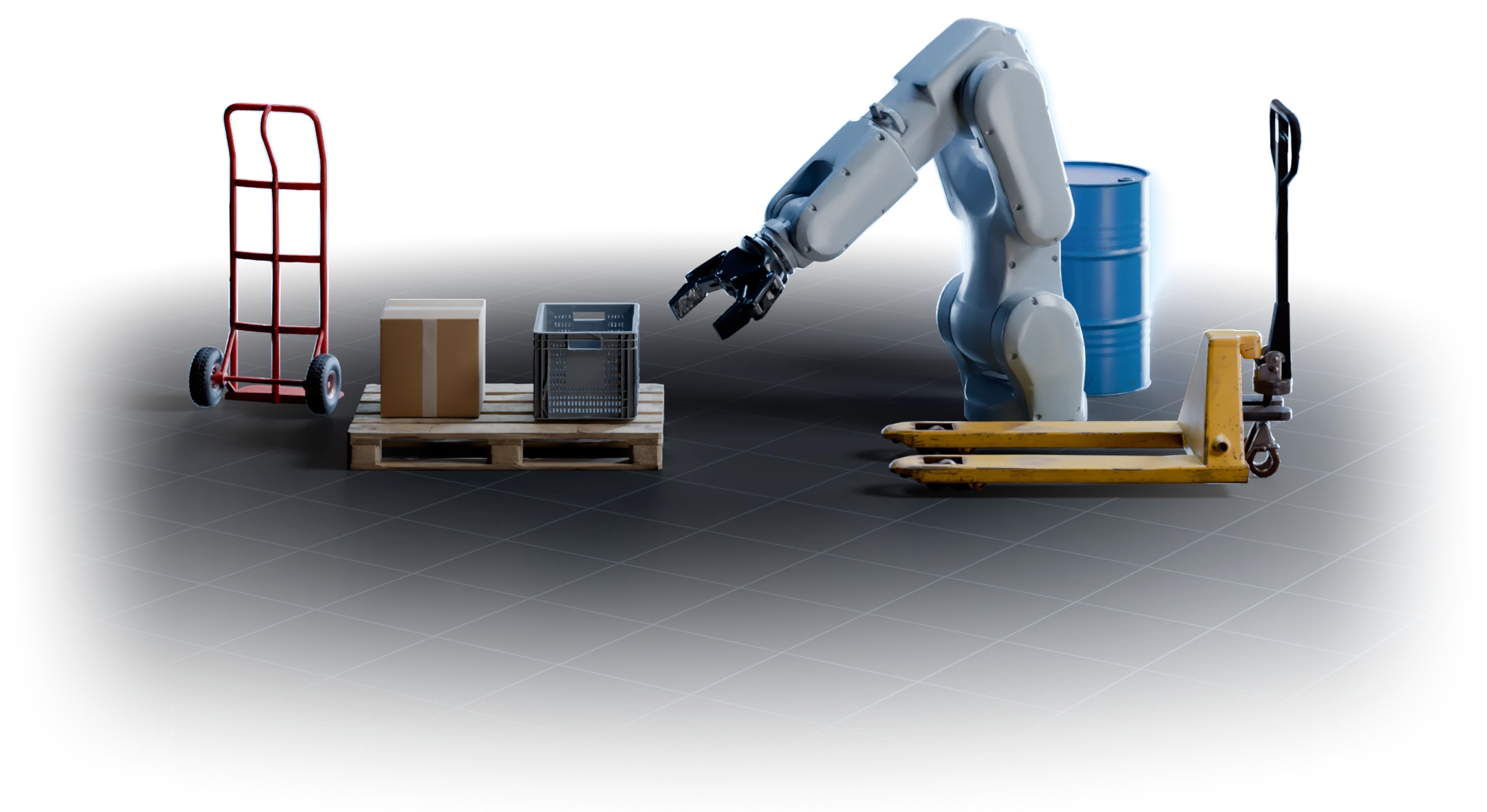
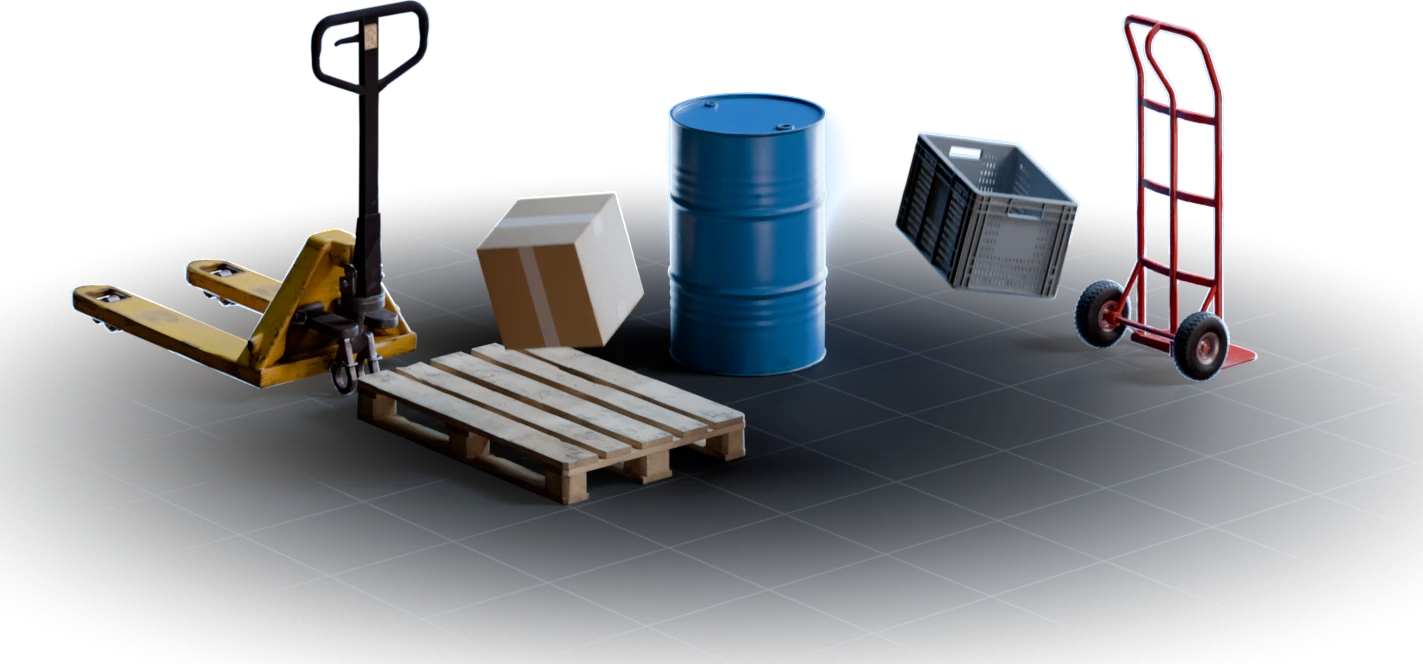
An empty factory loading bay with no people: a wooden pallet, a yellow manual pallet jack, a blue steel drum…
Sign in to try it - 02
Pick the objects to make
Detect Objects finds the objects in your scene. You choose which ones become 3D.
wooden palletpallet jackblue barrelboxplastic cratehand truck - 03
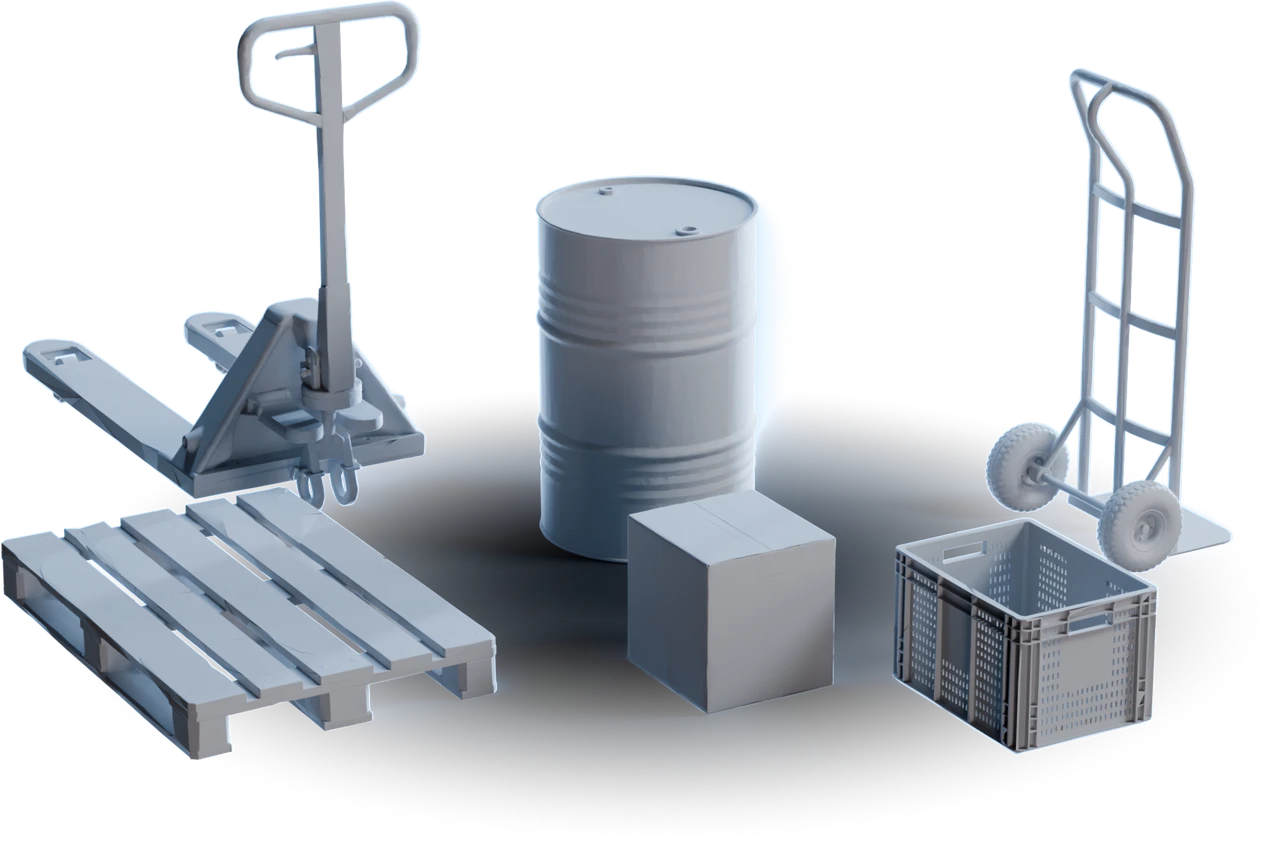
Generate the 3D models
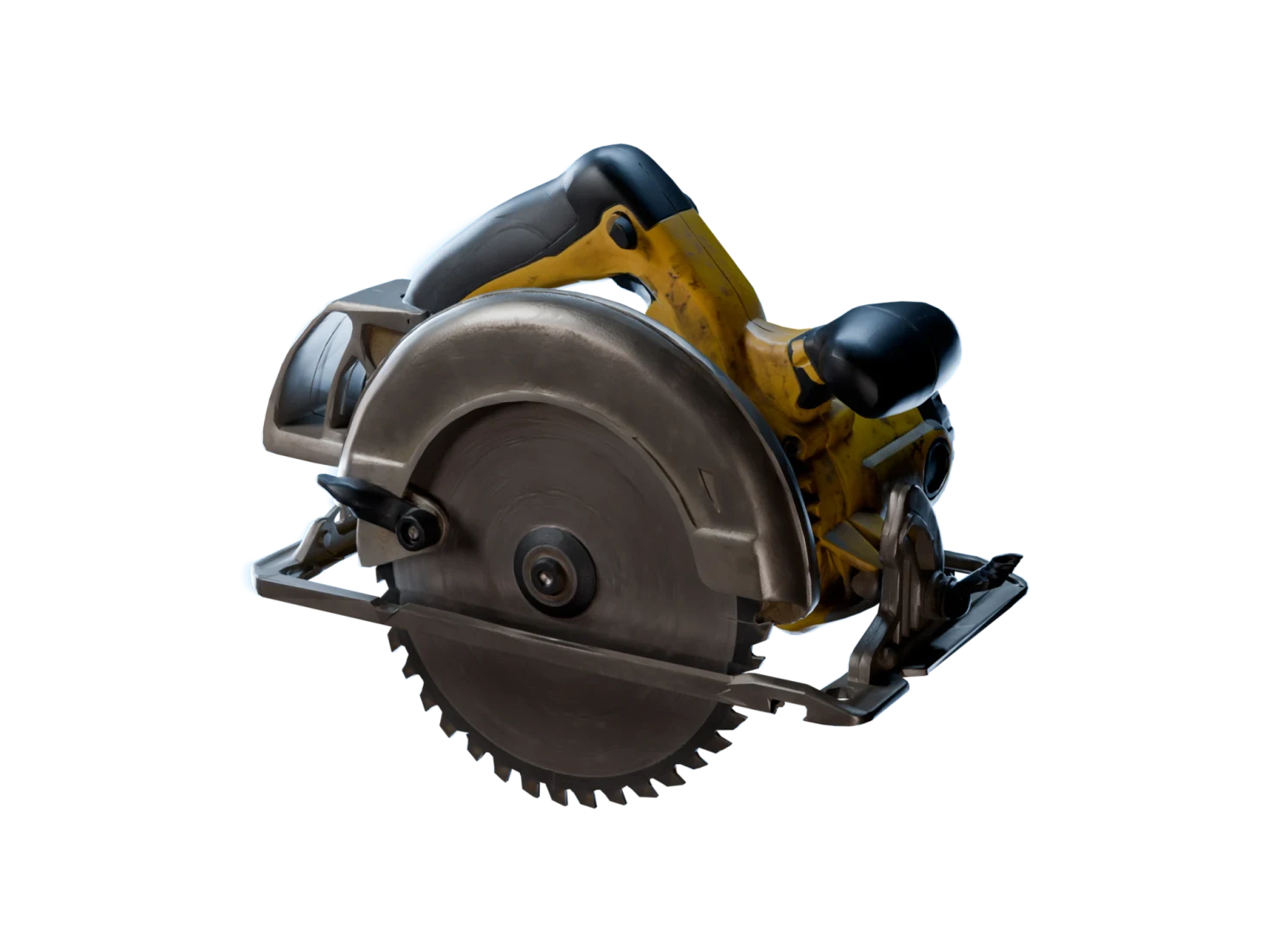
3D Generation makes a mesh for each object you picked.
- 04
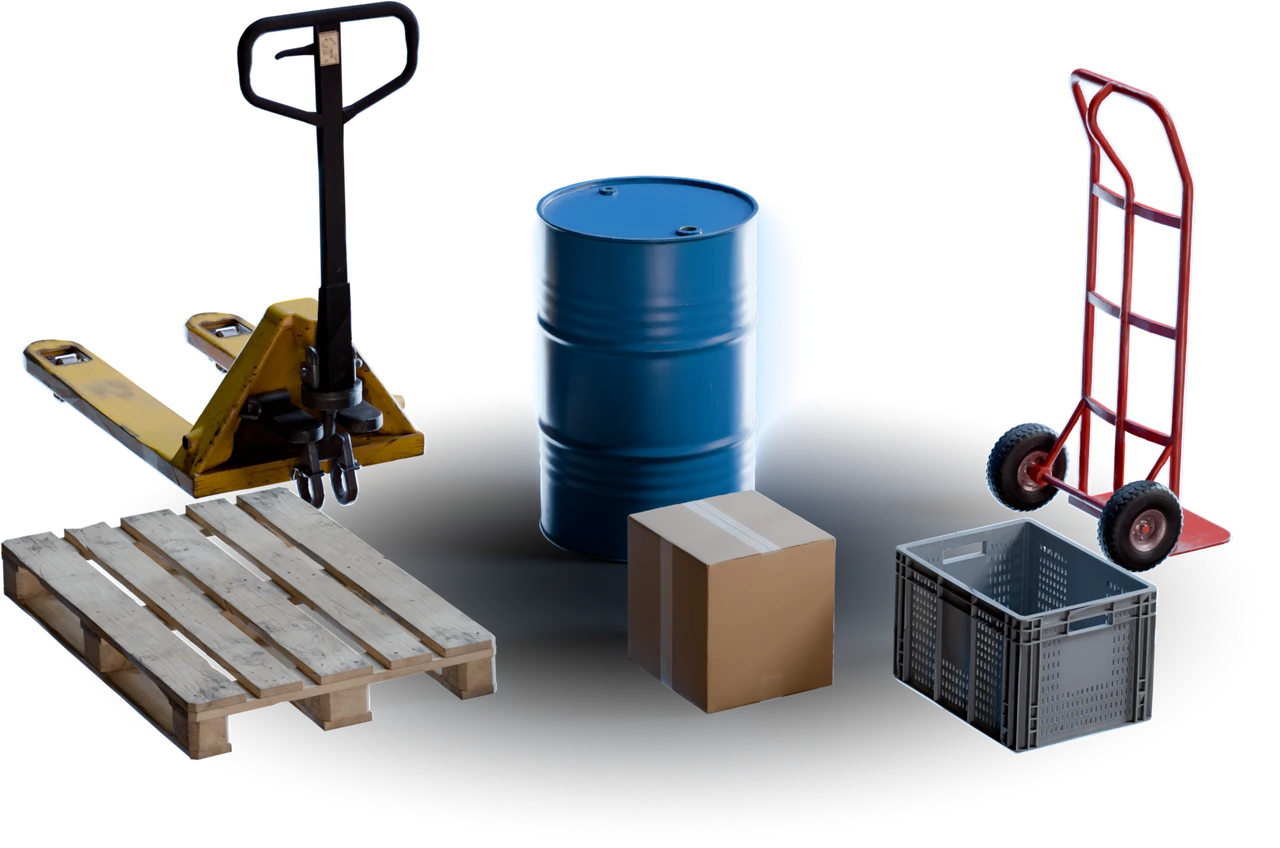
Add textures and physics
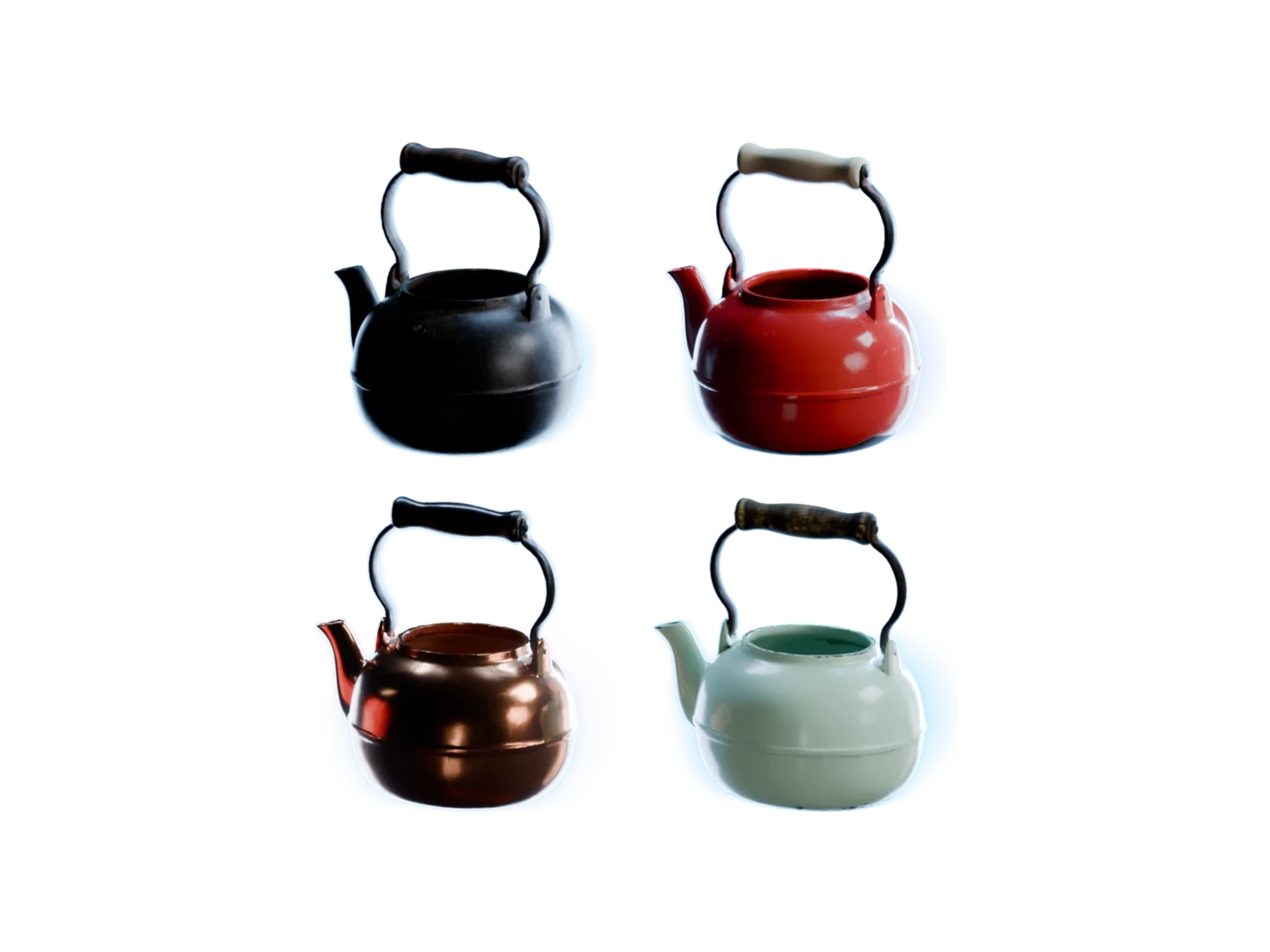
Generate PBR Textures adds the materials, and Physics gives each asset its collider and its physics material.
- 05
In Your Library
Wait for the Sim-ready badge
Each asset in your Asset Library shows Enriching, then Sim-ready. Download the USD, or leave it there for the add-on.
Pallet Jack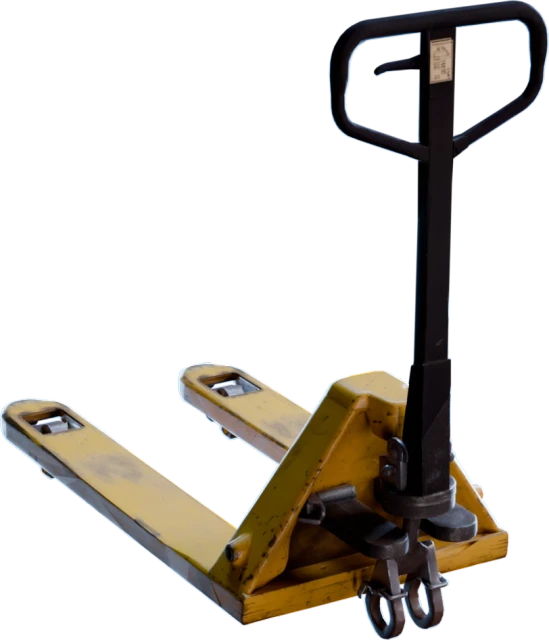 Sim-readyBlue Metal Barrel
 Sim-readyHand Truck
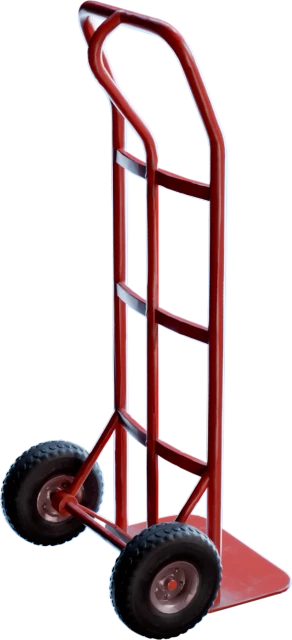 Enriching
- 06
In Isaac Sim
Add them to the stage and press Play
In the Isaac Sim add-on, click Add to Stage or drag a tile into the viewport. The objects fall, collide and settle.
What's inside each Sim-ready USD
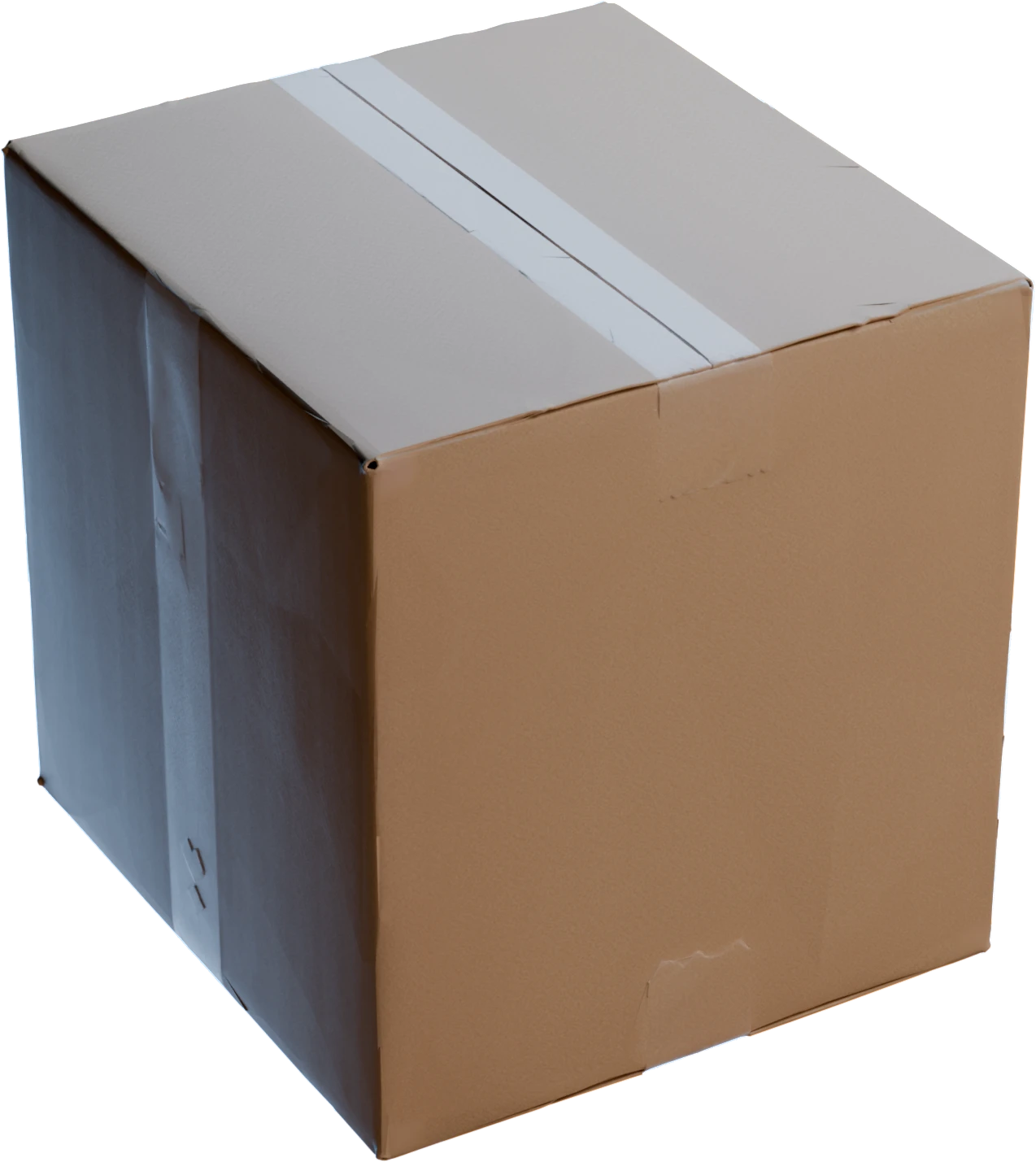
The cardboard box from this run, as your simulator reads it.
- Scale
- 39 × 36 × 39 cmReal-world size, so the box sits on the pallet at the right proportions.
- Mass
- 6.3 kgFrom its size and a density of 120 kg/m³ for cardboard.
- Collider
- SDFA signed distance field that follows the whole mesh, at a resolution of 256, on 1 rigid body.
- Friction
- 0.5Static friction of cardboard. Dynamic friction is 0.4.
- Restitution
- 0.2A small bounce when it lands.
- Labels
- Box, cardboardIts class and its material, with their Wikidata IDs.
Articulation
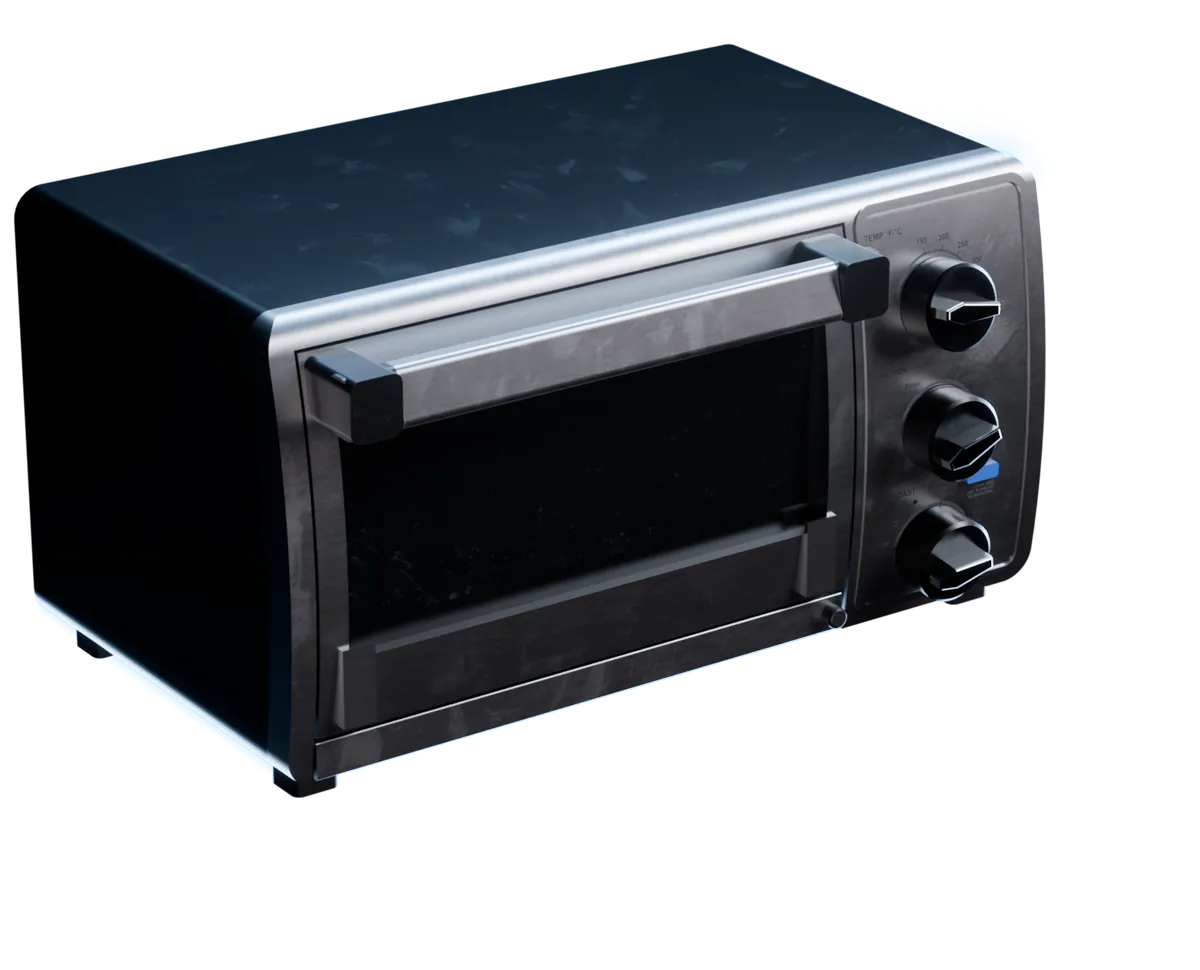
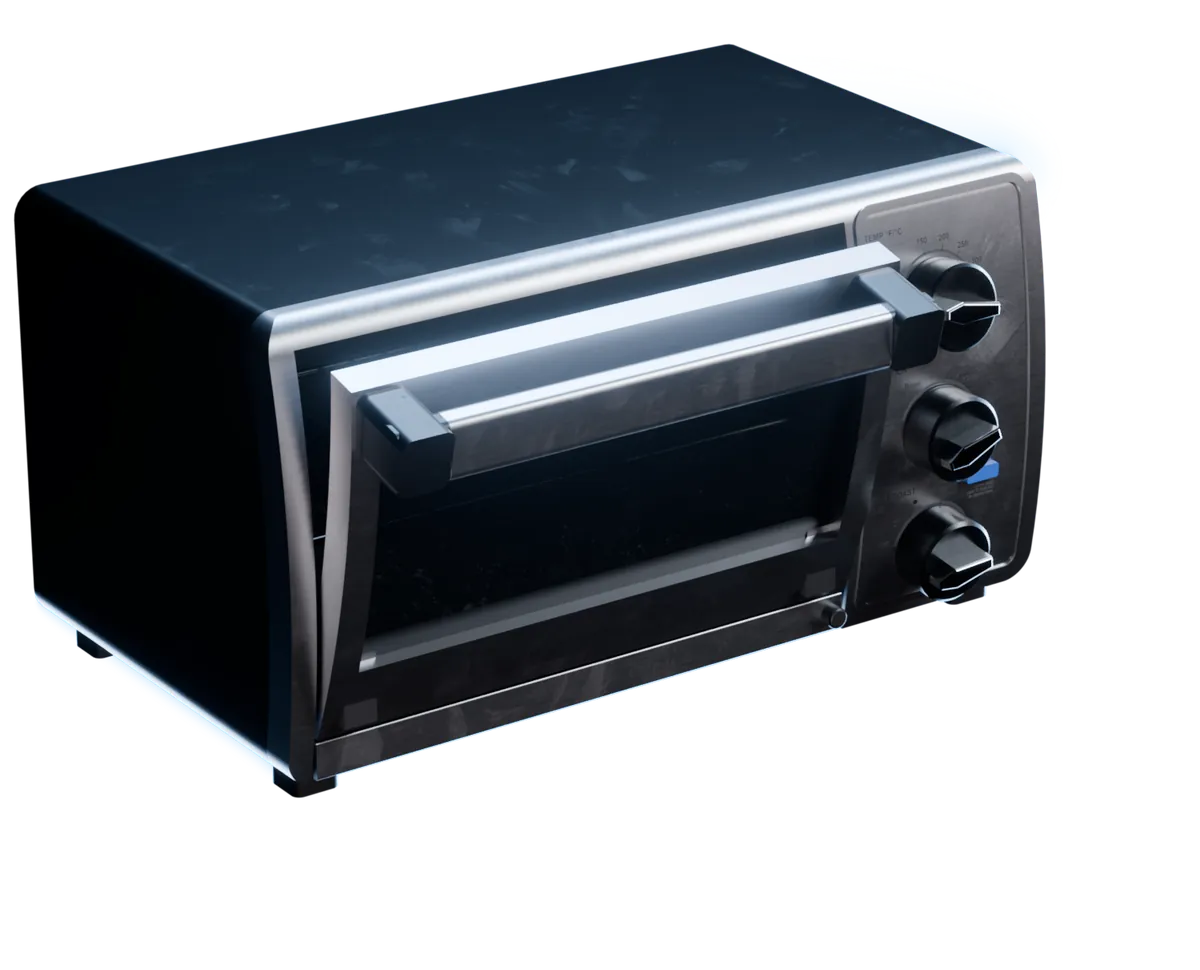
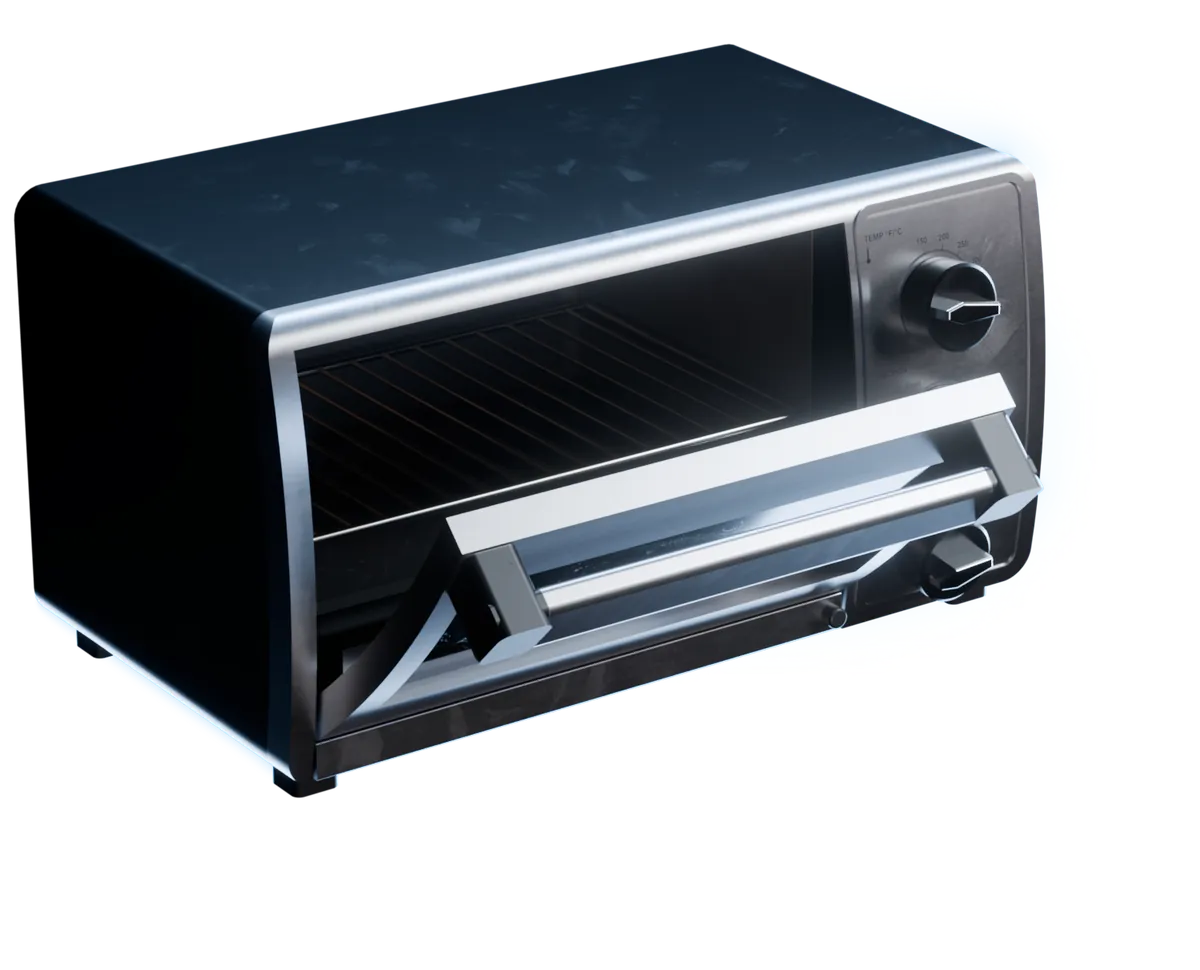
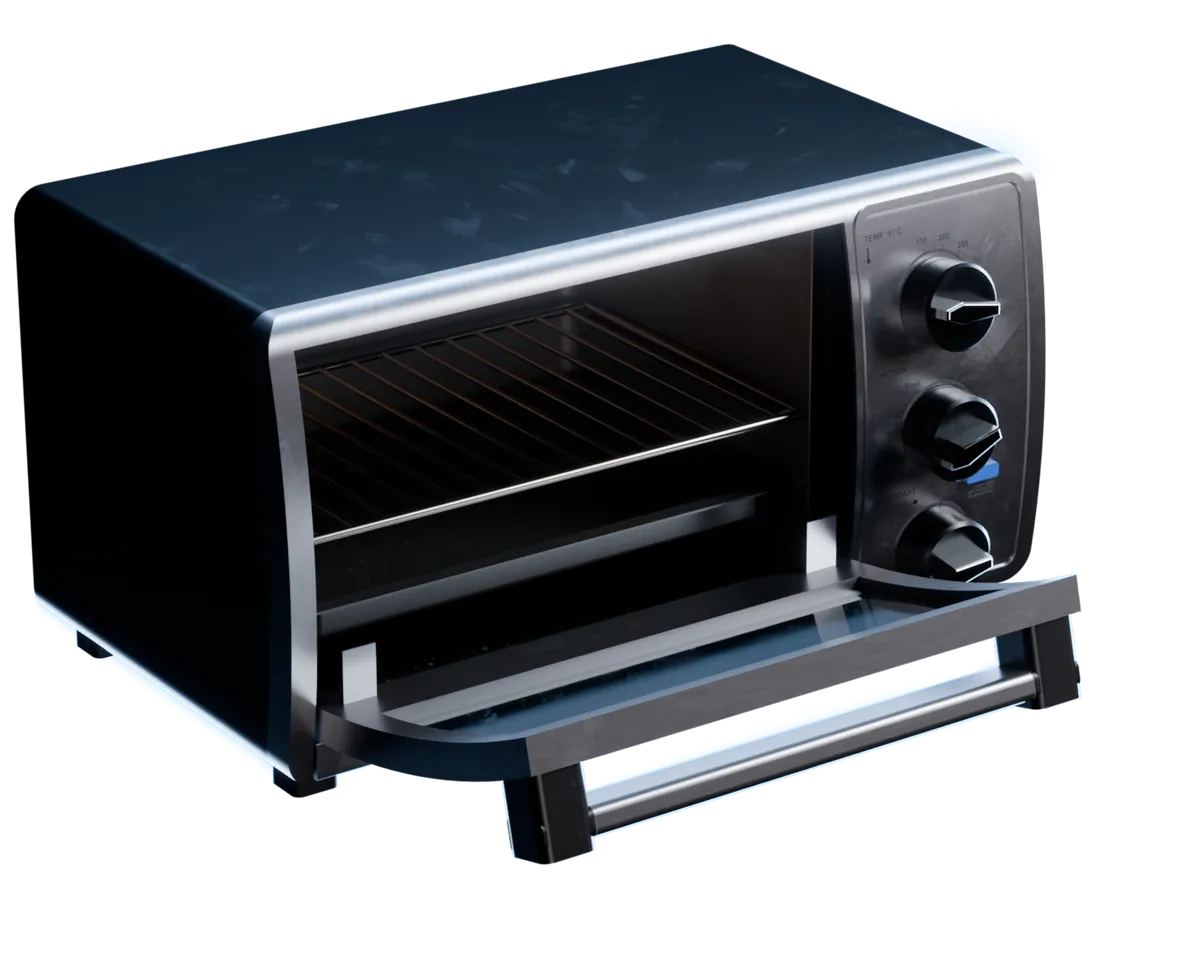
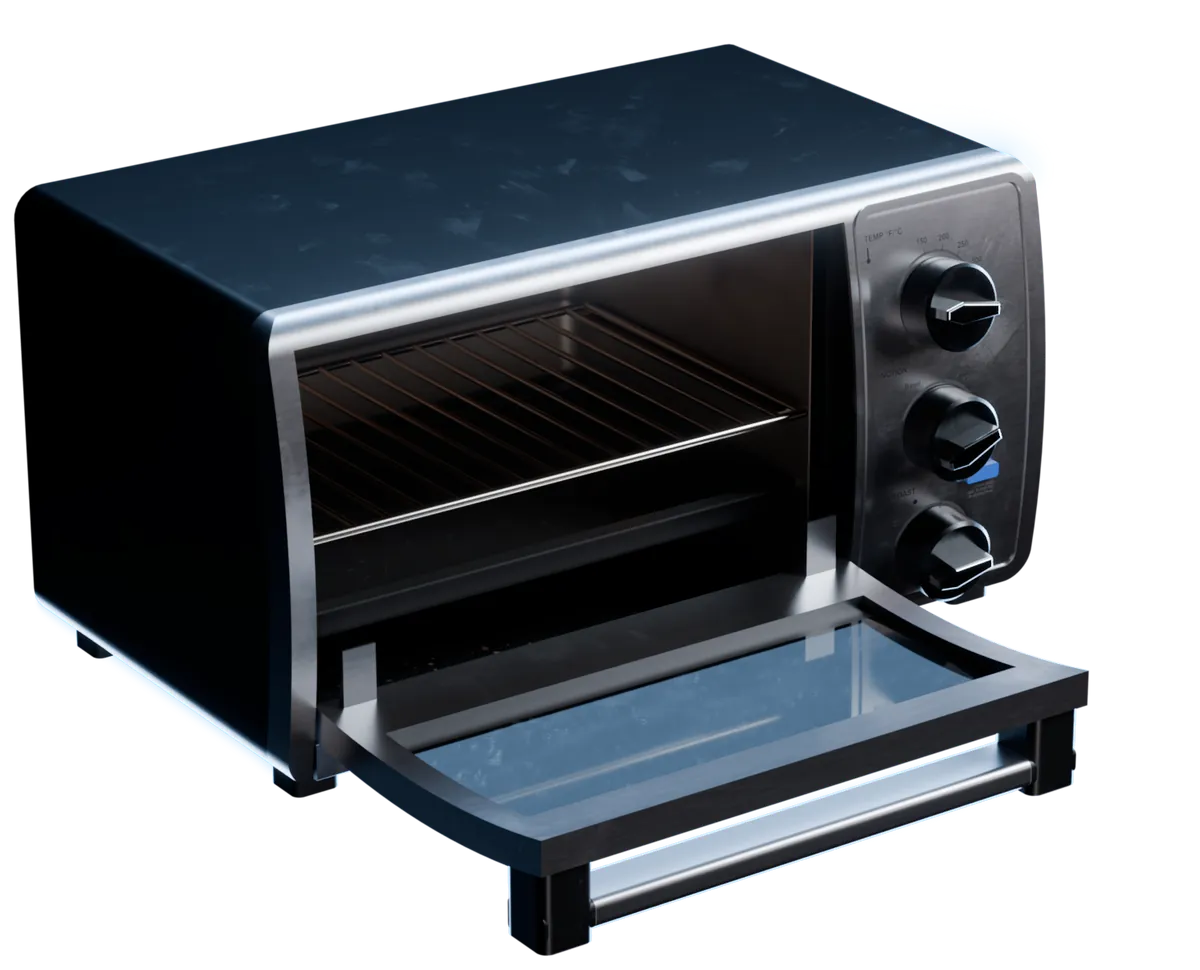
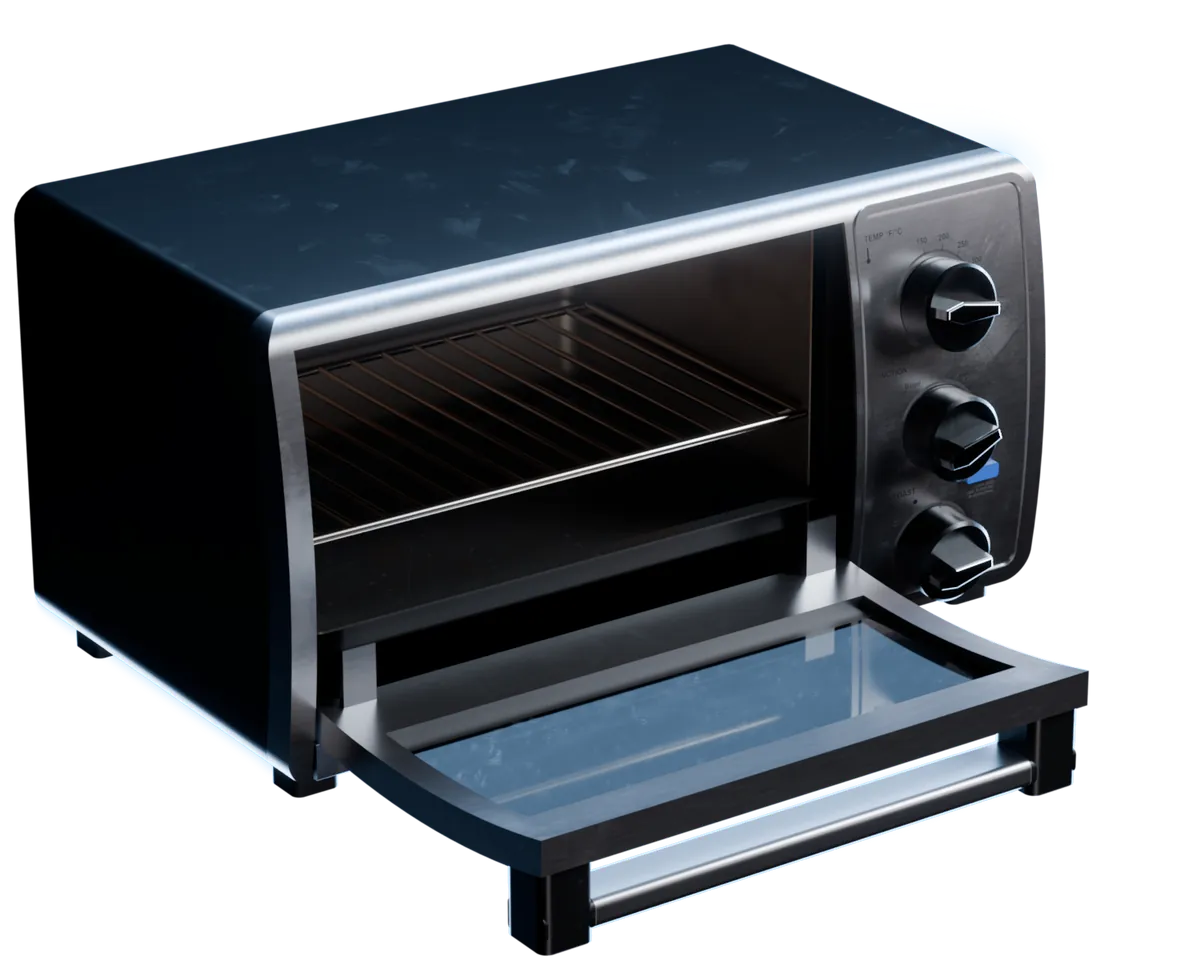
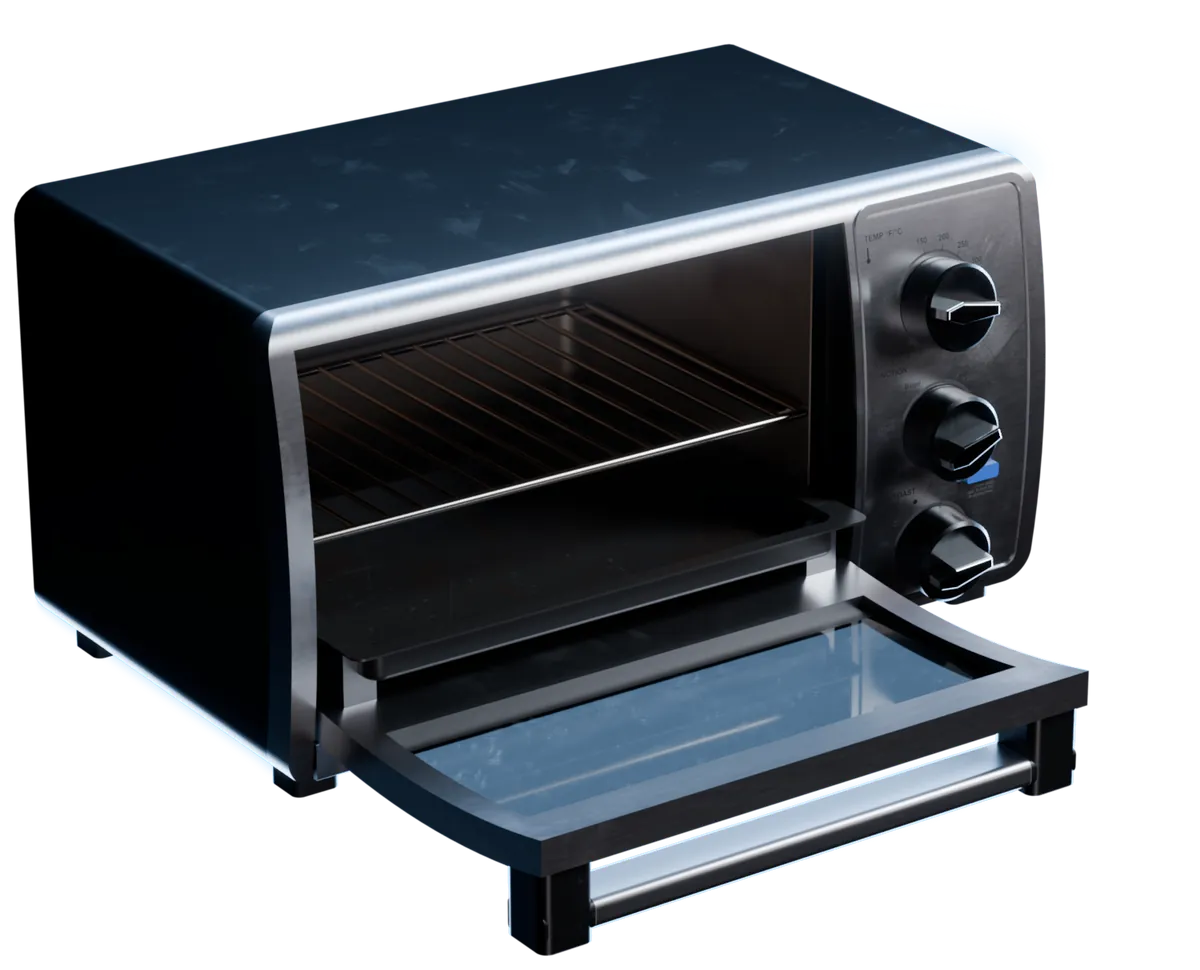
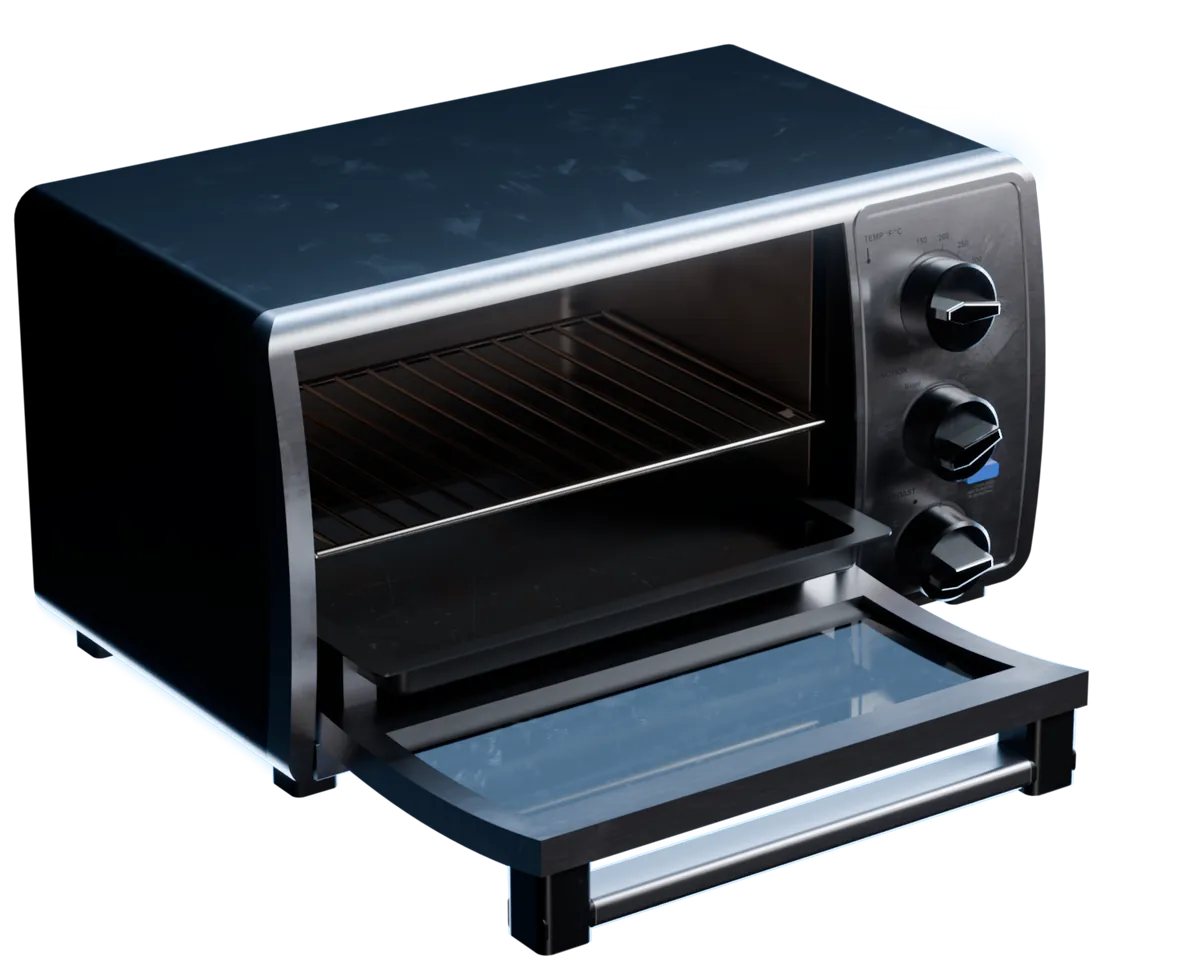
The Sim-ready workflow makes each asset 1 rigid body. When your robot needs to open a door, turn a knob or pull out a tray, talk to us about articulated assets, like this toaster oven from the marso SimReady dataset. Drag across it to open the door and pull out the trays.
- A door on a sprung hinge, from 0 to 90°
- 3 knobs that turn and stay where you leave them
- A rack, a bake pan and a crumb tray that slide out
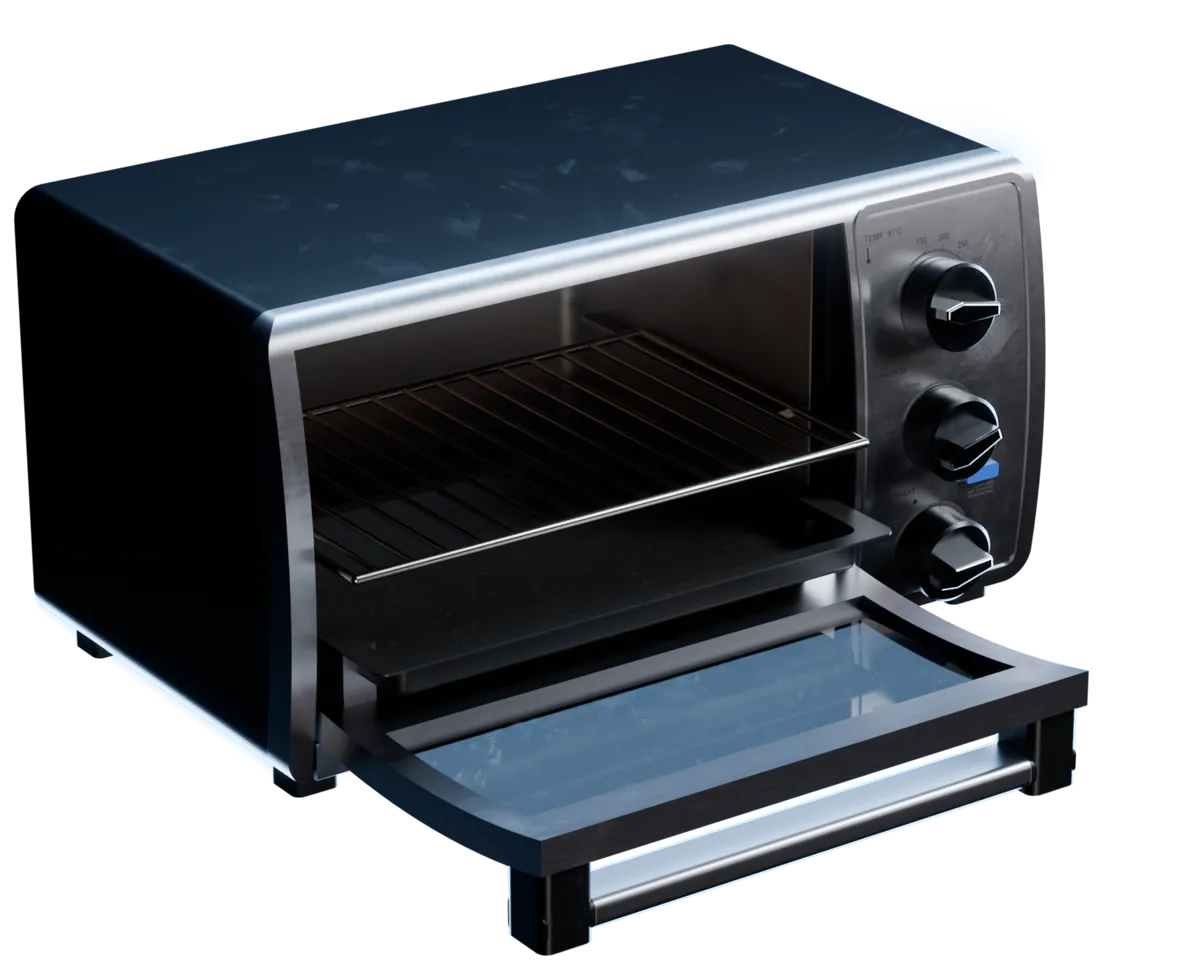
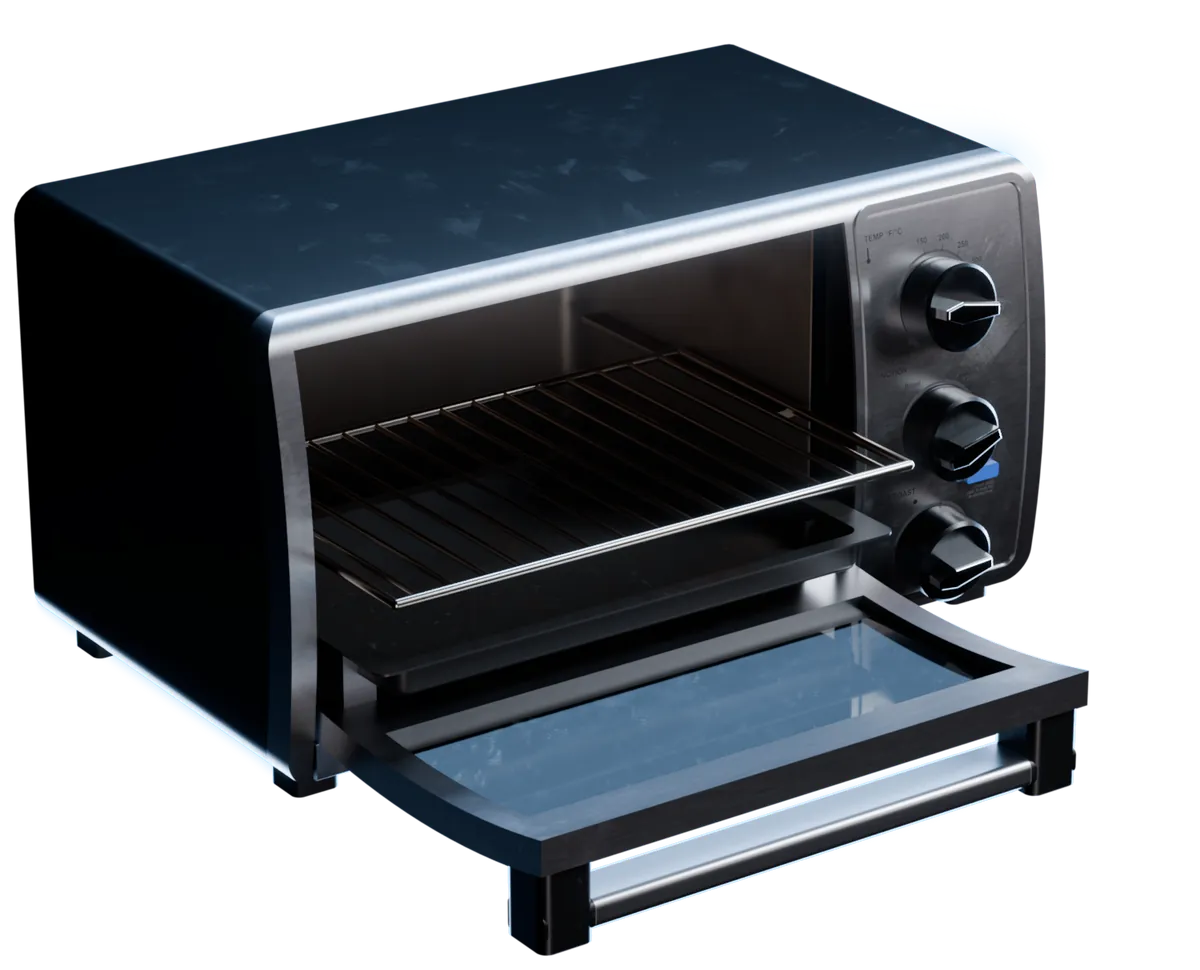
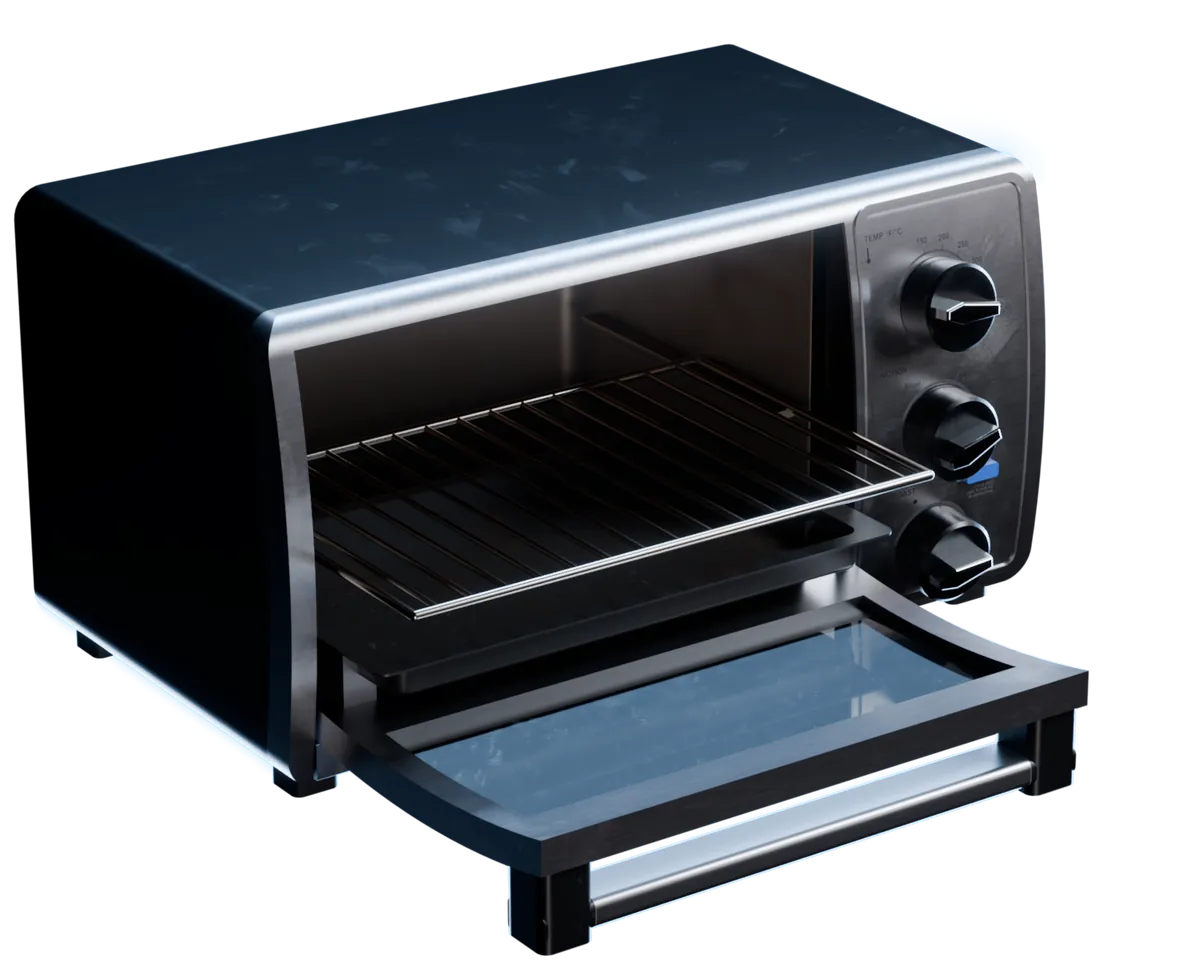
Closed
Trays out
Drag to open
Open them in your simulator
- Isaac Sim
NVIDIA Isaac Sim
The Isaac Sim add-on lists your projects beside the stage, in Isaac Sim 6.0 or later. It also films your assets in 5 physics tests and 5 robot tests.
- Omniverse
NVIDIA Omniverse
Open the USD, or reference it in your stage. Omniverse reads the materials, the scale and the physics.
- .usdz
Any tool that reads USD
Other tools get the mesh, the materials and the core physics from the USD Physics schemas, and skip the PhysX settings.
Questions about the Sim-ready workflow
What robotics and simulation engineers ask before they build their first scene with Marso Studio.
Use the Sim-ready workflow in Marso Studio. Describe the objects, upload a photo or upload your own mesh. Marso Studio generates each model and its textures, then writes real-world scale, physics and semantic tags into its USD. Once an asset shows Sim-ready in your library, add it to Isaac Sim with the add-on or download the USD.
Yes. Choose Scene in the Sim-ready workflow, then describe a room or upload a photo of one. Detect Objects finds the main objects, you pick the ones you want, and each one comes out as its own Sim-ready USD at its real size. Scenes need a paid plan.
The Sim-ready workflow exports standard USD with the USD Physics schemas and PhysX settings. NVIDIA Isaac Sim and Omniverse read all of it, and the Isaac Sim add-on adds assets to the stage straight from your library. Other USD tools get the mesh, the materials and the core physics values.
For the full Sim-ready workflow, yes. The Free plan makes single assets only, with no downloads, no scenes and no API, and the Isaac Sim add-on connects through the API. Every paid plan includes all three, and the Artist plan comes with a 14-day free trial.