Seamless PBR materials from a photo or a prompt
The Tileable textures workflow in Marso Studio turns a photo of a surface, or a few words about it, into a PBR material that repeats without seams. No 3D model needed.
Built for
- Environment art
- Archviz
- Material libraries
- Game art
How to make seamless PBR textures from a photo
- 01
In Marso Studio
Start from a photo or a prompt
Open Create Tileable PBR Textures and upload a photo of a surface. No photo? Describe it, like "a rock building side wall", and Image Generation makes the image.
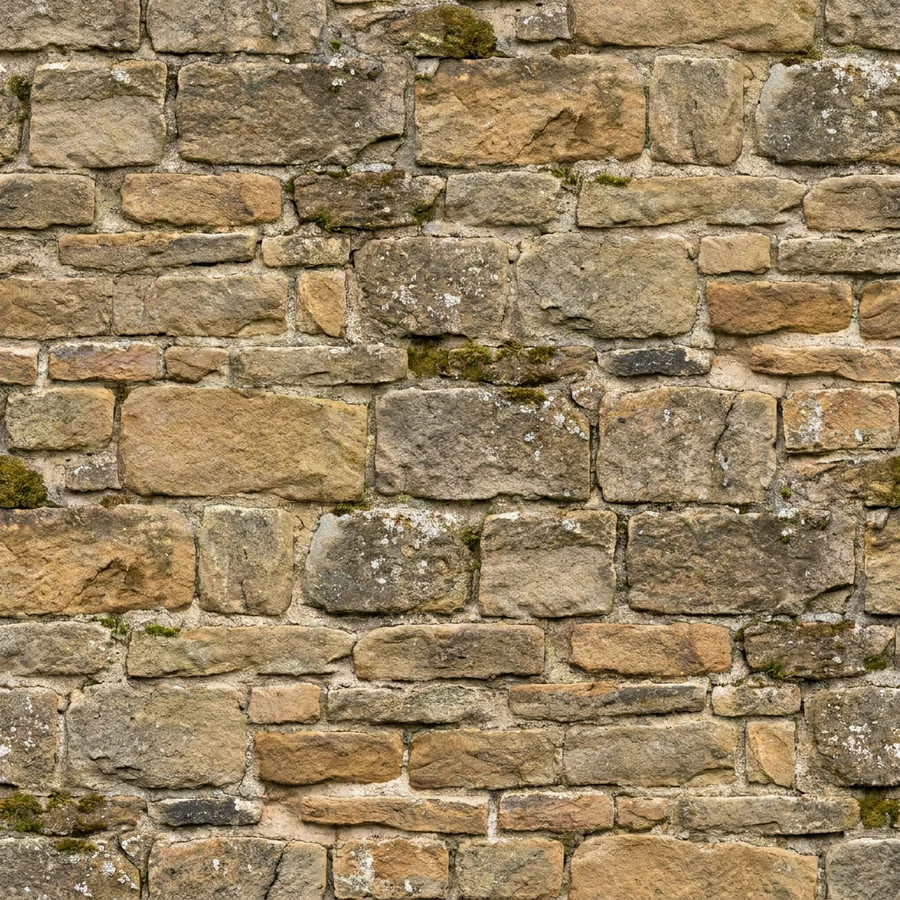
A rock building side wall texture, tileable
Sign in to try it - 02
Choose how it tiles
Make tileable reworks the edges of your image so it repeats. Already tiled keeps a pattern that repeats as it is. Not tiled is for a one-off surface.
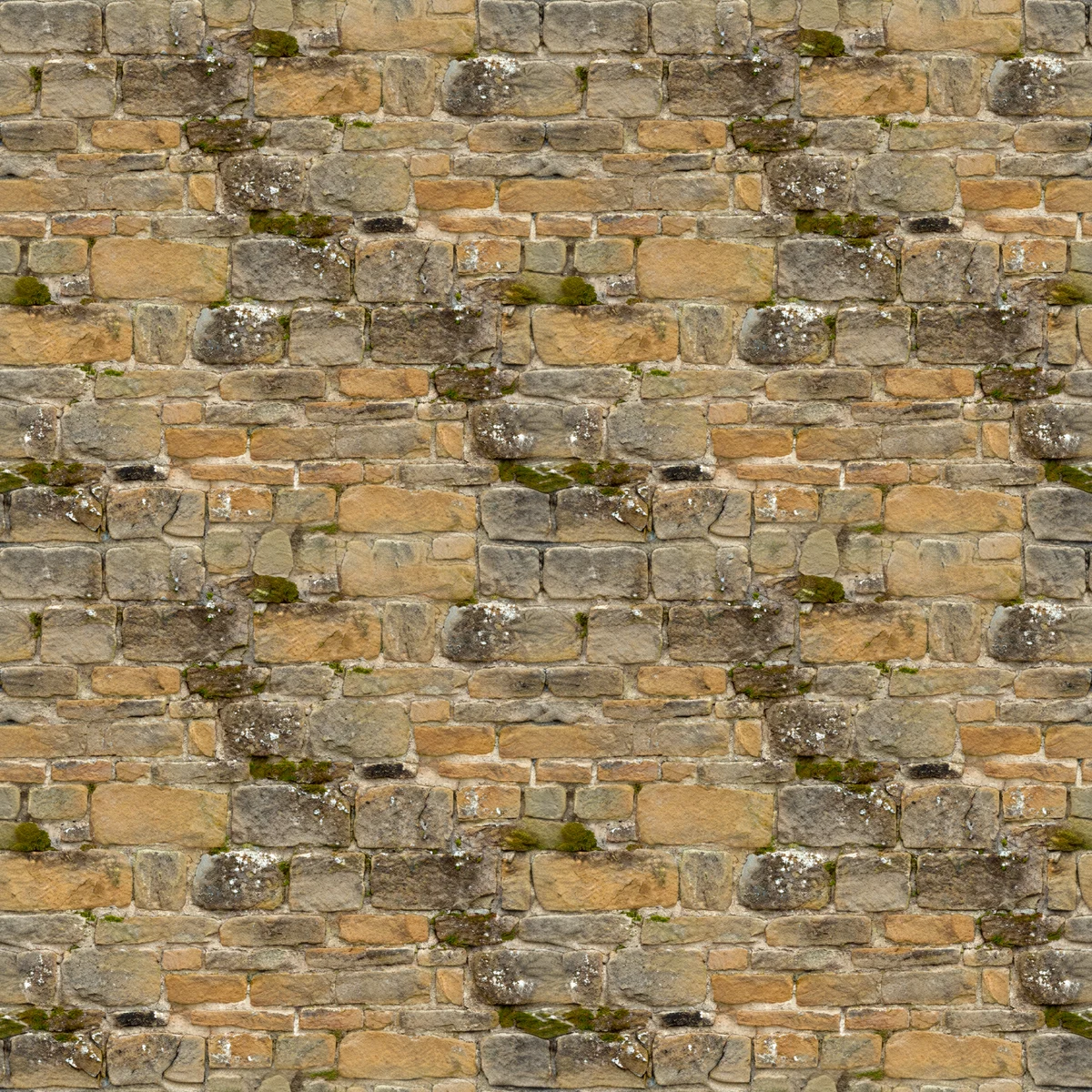 TilingMake tileable
- 03
Add depth, if you need it
Tick Displacement for a height map that lifts mortar lines, bark or cobbles off a flat surface in your renderer.
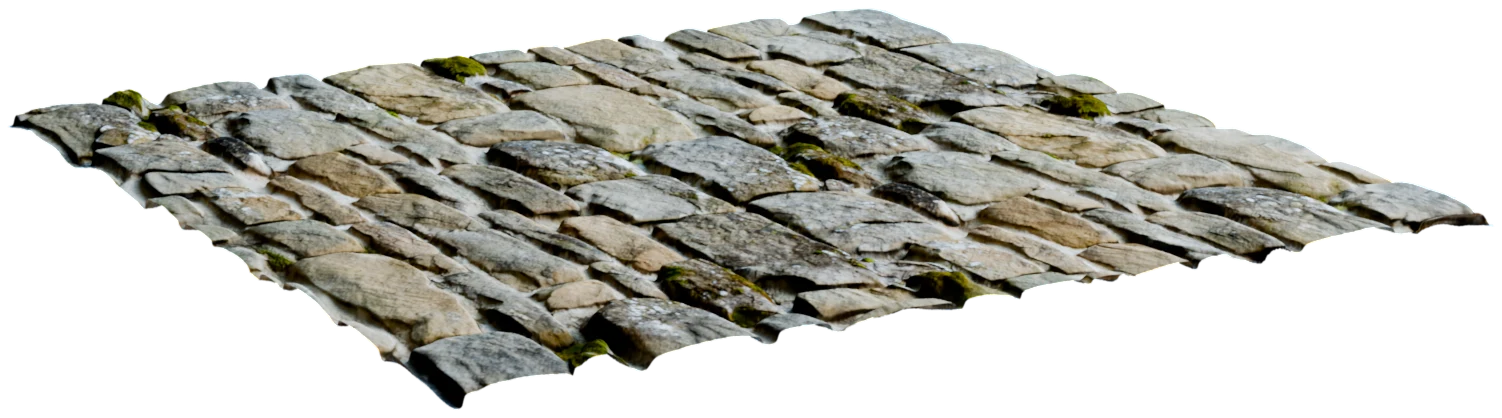 Displacement
- 04
Generate the maps
Generate PBR Textures predicts every map from the one image, so they all line up and tile together.
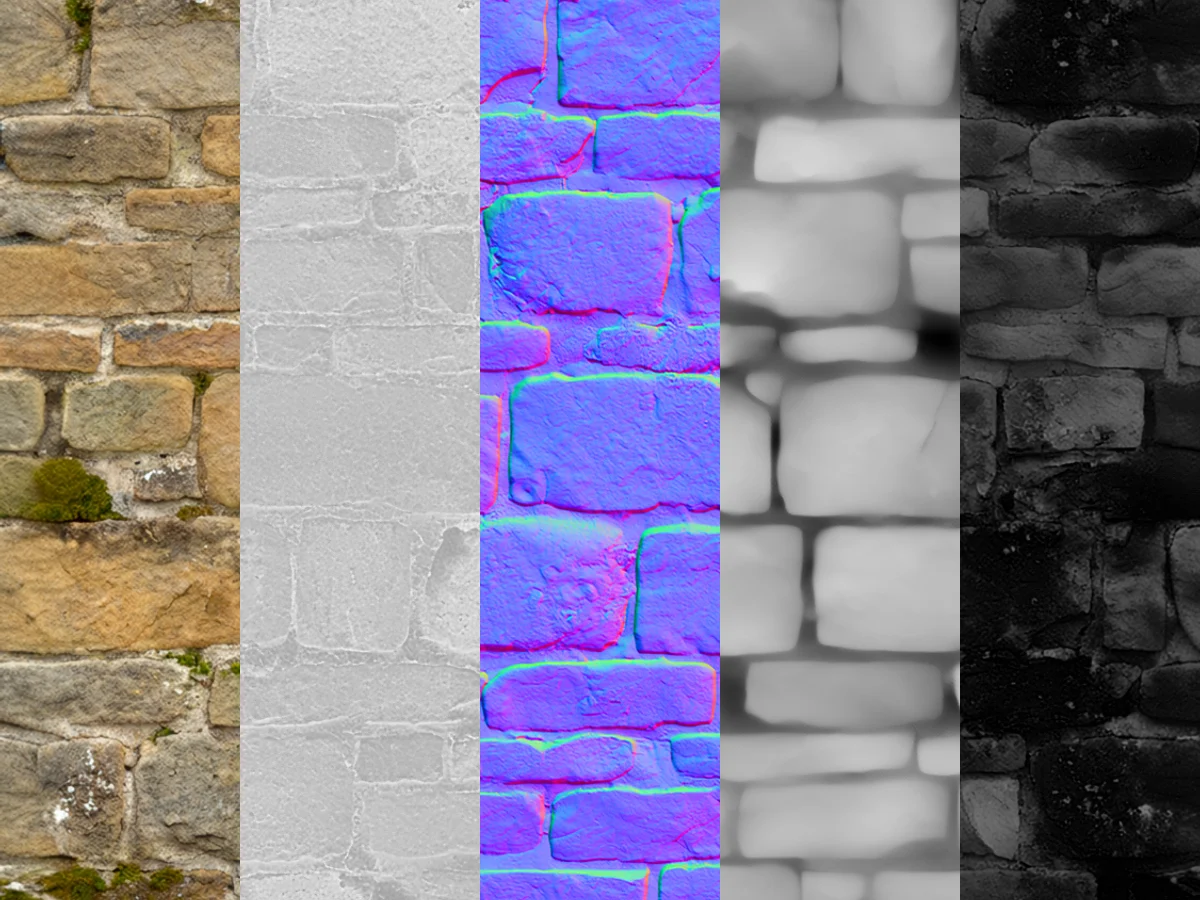 AlbedoRoughnessNormalDisplacementIOR
- 05
In Your Library
Preview it, then download
The 3D Viewer shows the material on a sphere, displacement included. Then download the maps from your Asset Library.
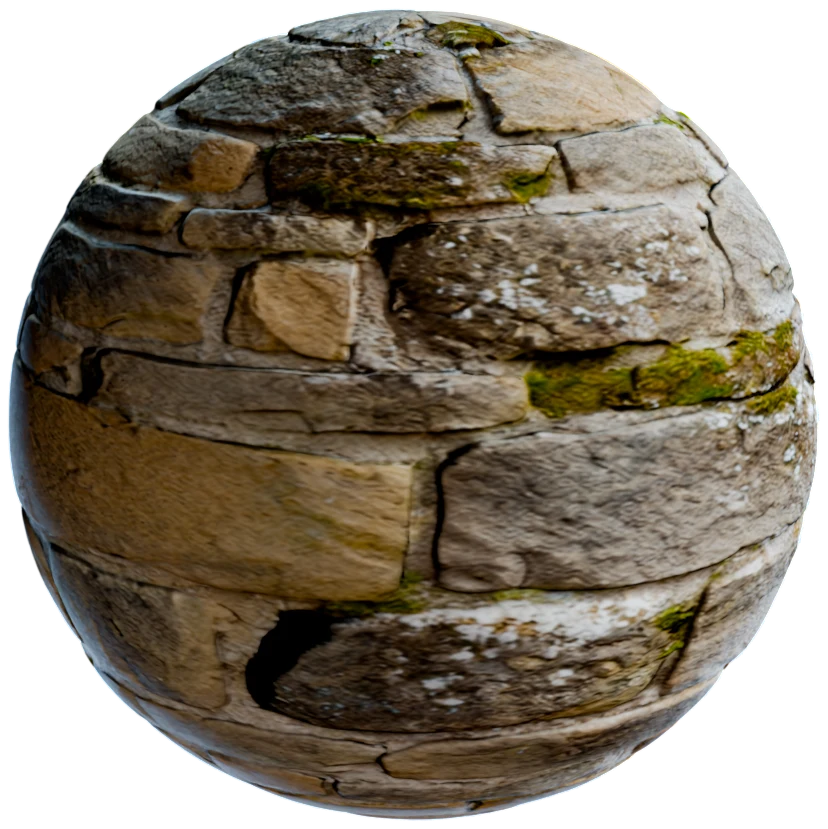
What's in each texture set
What you get back from one image.
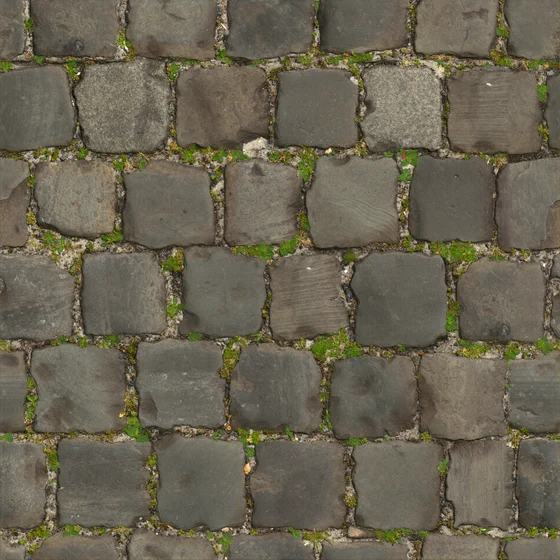 Albedo
 Metallic
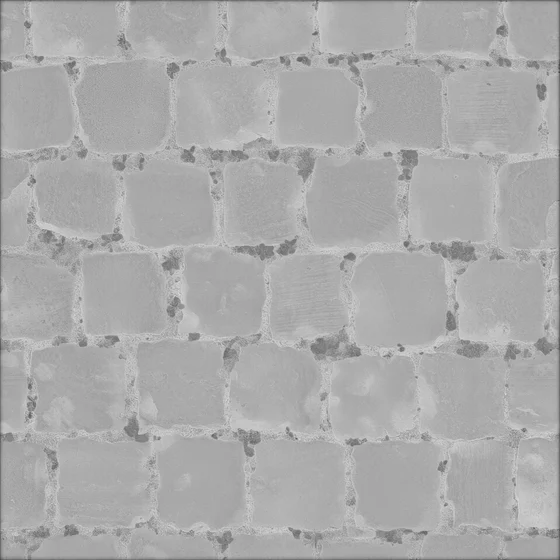 Roughness
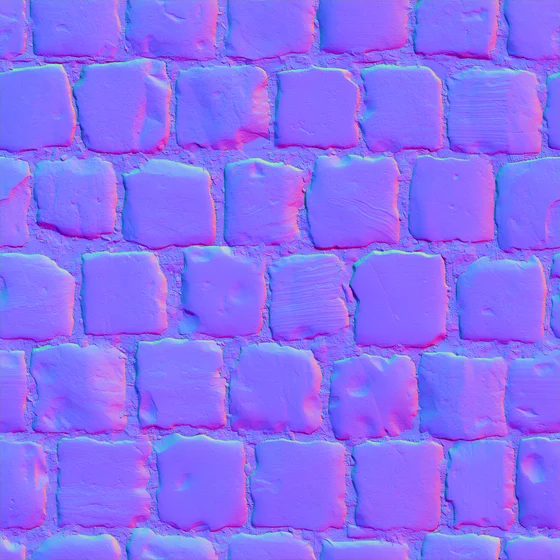 Normal
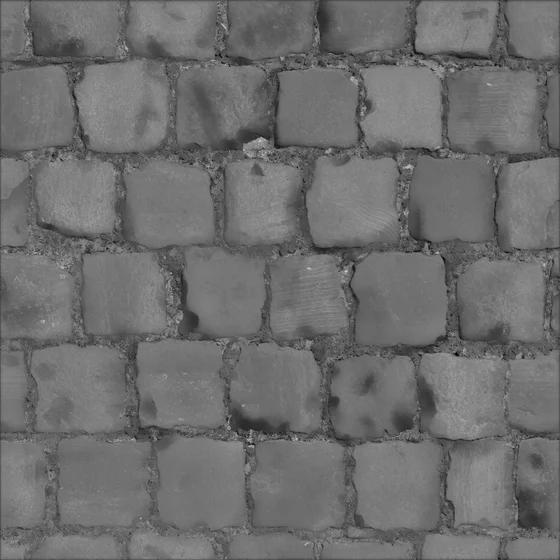 IOR
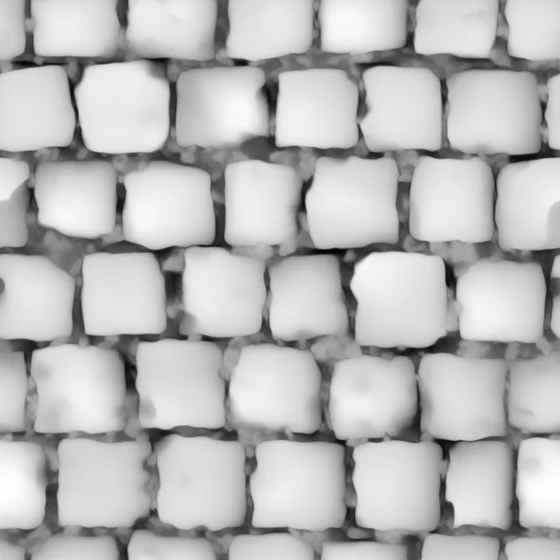 Displacement
- Maps
- 5 + 1Albedo, roughness, metallic, IOR and normal, plus displacement when you tick it.
- Seams
- NoneWith Make tileable or Already tiled, every map repeats edge to edge.
- Input
- Up to 2048 pxOn each side of the image you upload.
- Library
- 1 materialThe maps stay together as one entry, not a file for each map.
- Files
- PNGOne image per map, ready for any material editor.
Tile it across any surface
- Blender
Blender
Plug the maps into a Principled BSDF and scale the texture coordinates. The Blender add-on also turns a flat image into a material with Material from Image.
- Unreal Engine
Unreal Engine
Import the maps as textures, build one material, and repeat it across floors, walls and landscapes.
- Unity
Unity
Add the maps to a material and set its tiling to cover a whole wall or floor.
Questions about tileable textures
What material and environment artists ask before they make their first seamless texture.
Use the Tileable textures workflow in Marso Studio. Upload a photo of the surface, up to 2048 pixels on each side, choose Make tileable, and run it. Marso Studio makes the image repeat without seams, then predicts albedo, roughness, metallic, IOR and normal maps that repeat with it.
Make tileable changes your image so its edges meet when it repeats, for a photo that wasn't shot as a pattern. Already tiled leaves the image as it is, for a texture that repeats already, and makes the maps repeat with it. The Tileable textures workflow also has Not tiled, for a surface you won't repeat.
Yes. Describe the material in the Tileable textures workflow, for example "rough grey stone with fine cracks", and Image Generation makes the image first. From there, the run is the same as with a photo: choose how it tiles, add displacement if you want it, and generate the maps.
When you ask for one. Tick Displacement in the Tileable textures workflow and Marso Studio adds a grayscale height map to the set, for surfaces that need real depth in your renderer. The map goes into your download and the layer preview, and never changes the shape of the preview.
Yes, to make and preview materials. The Free plan's 400 credits a month cover the Tileable textures workflow, but downloading the maps needs a paid plan. The Artist plan comes with a 14-day free trial, which needs a card.